Stenography vs SumlyAI
Dive into the comparison of Stenography vs SumlyAI and discover which AI Summarizer tool stands out. We examine alternatives, upvotes, features, reviews, pricing, and beyond.
In a comparison between Stenography and SumlyAI, which one comes out on top?
When we compare Stenography and SumlyAI, two exceptional summarizer tools powered by artificial intelligence, and place them side by side, several key similarities and differences come to light. Neither tool takes the lead, as they both have the same upvote count. Every vote counts! Cast yours and contribute to the decision of the winner.
Think we got it wrong? Cast your vote and show us who's boss!
Stenography
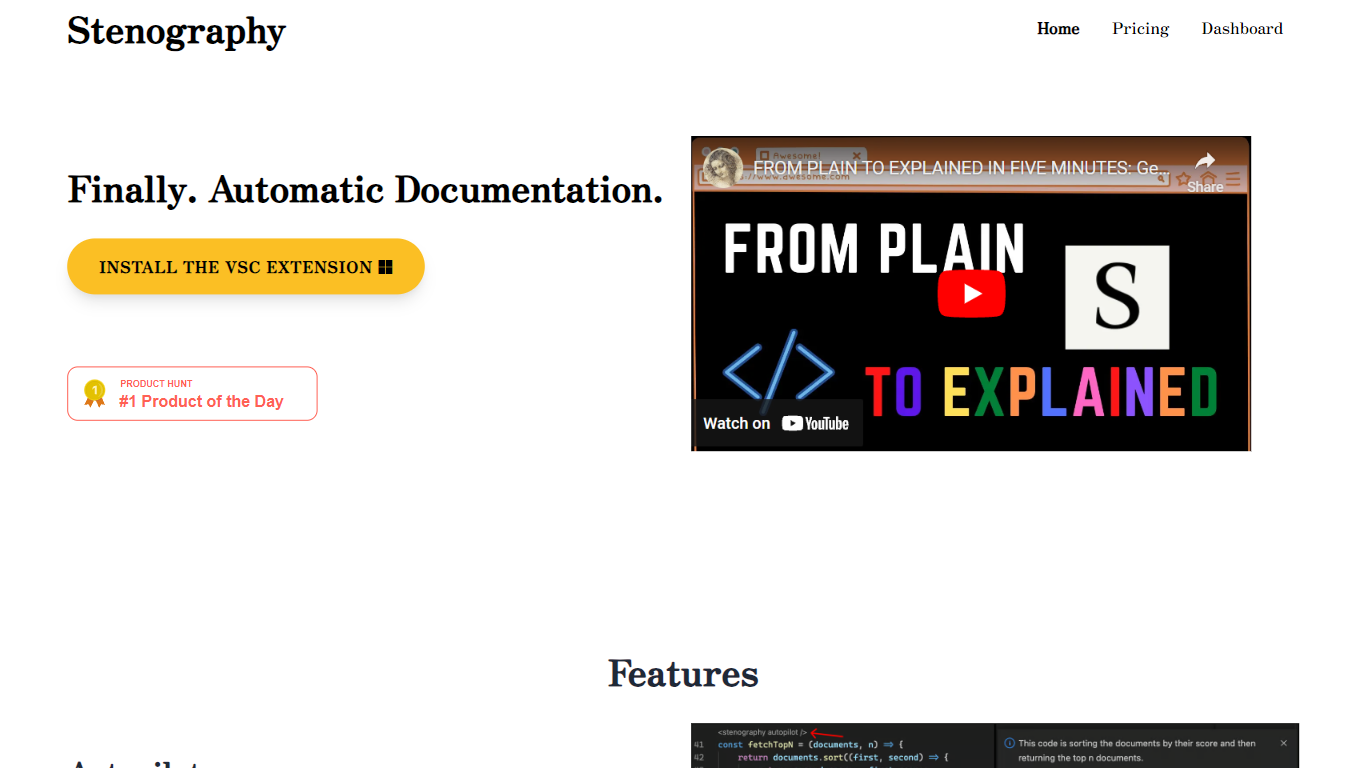

What is Stenography?
Stenography turns source code into plain-English summaries and keeps those explanations updated as you edit. Its VS Code extension runs Autopilot on every save to document entire codebases, while a separate API accepts code snippets and returns customizable explanations you can embed in your own apps or extensions.
Where generic AI chat tools treat code like any other text prompt, Stenography layers Stack Overflow suggestions and linked documentation into each response so answers cite real references instead of guessing. A passthrough API design means your code is not stored on Stenography servers, which matters when you are documenting proprietary repositories.
Developers who maintain large codebases, extension authors, and teams that want living docs without manual README upkeep are the main audience. The free tier covers 250 API calls per month, and paid plans scale invocation limits for heavier use.
SumlyAI
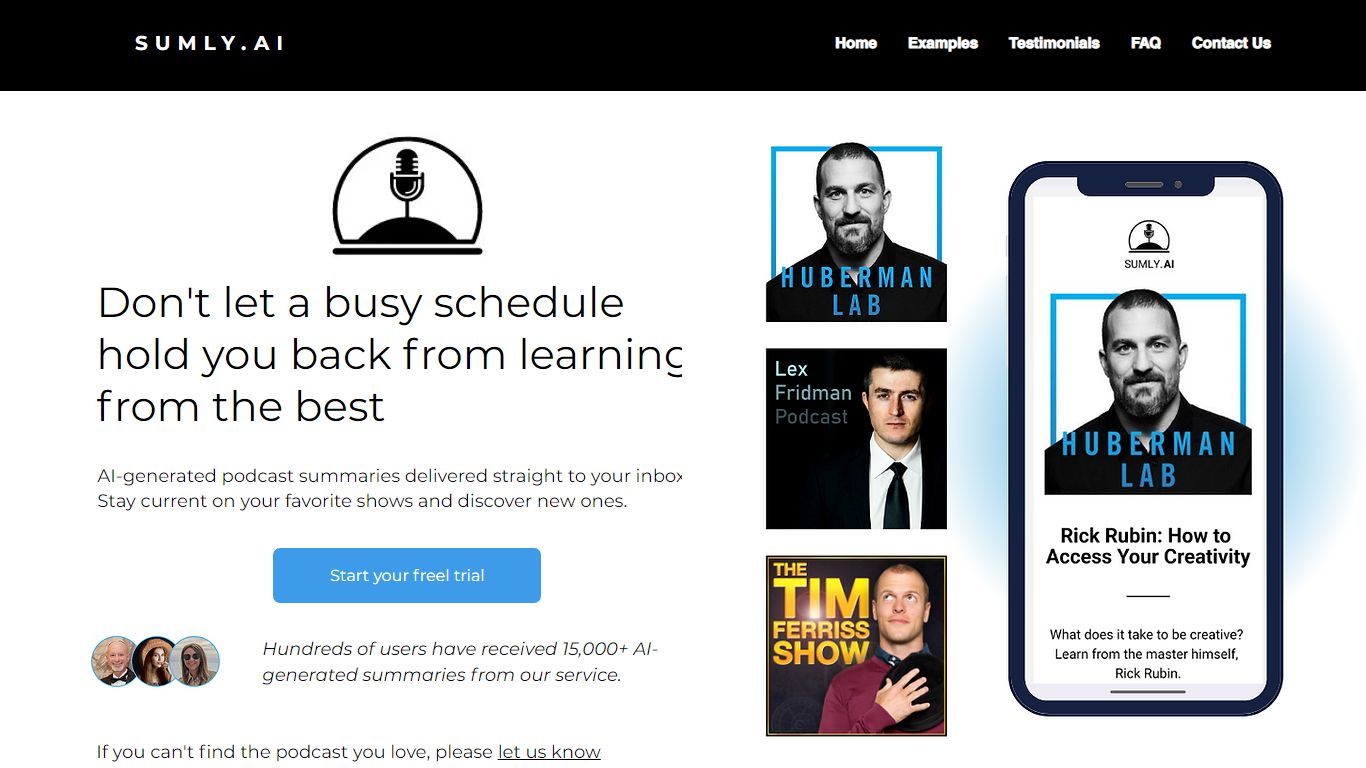
What is SumlyAI?
SumlyAI sends personalized podcast summaries to your inbox after new episodes drop. You build a profile with your interests and goals, pick shows to follow, and receive takeaways framed for your context instead of generic bullet recaps.
Most summarizers compress episodes into the same highlights for every listener. SumlyAI filters for mental models and actionable advice tied to your profile, delivers within 12 hours of release, and targets a morning briefing workflow so you can skim a 3 minute note instead of a 2 hour episode.
It fits founders, operators, and lifelong learners who subscribe to long-form shows but forget details by the next week. The homepage lists 1,017+ users, a free plan with no credit card required, and a 14 day free trial on the Premium Starter tier.
Stenography Upvotes
SumlyAI Upvotes
Stenography Top Features
Autopilot documents entire codebases on every save inside VS Code
API accepts code input and returns plain-English explanations you can customize
Responses include Stack Overflow suggestions and linked web documentation
250 free API invocations per month on VS Code or custom extensions
Passthrough API does not store submitted code on Stenography servers
Chrome extension and additional integrations listed on the Notion extensions page
SumlyAI Top Features
New episode summaries arrive in your inbox within 12 hours of release
Homepage cites a 14 day free trial on Premium with no credit card required
Free plan requires no credit card according to the pricing section
Profile setup captures interests, goals, and challenges before summarizing
Example flow references a 2 hour 15 minute episode condensed to about 3 minutes
Team plan launch pricing shows $49 per month marked coming soon on the homepage
Stenography Category
- Summarizer
SumlyAI Category
- Summarizer
Stenography Pricing Type
- Freemium
SumlyAI Pricing Type
- Freemium