AI Photo Editor | Canva vs RemoveBG
Compare AI Photo Editor | Canva vs RemoveBG and see which AI Photo Editing tool is better when we compare features, reviews, pricing, alternatives, upvotes, etc.
Which one is better? AI Photo Editor | Canva or RemoveBG?
When we compare AI Photo Editor | Canva with RemoveBG, which are both AI-powered photo editing tools, In the race for upvotes, RemoveBG takes the trophy. RemoveBG has garnered 11 upvotes, and AI Photo Editor | Canva has garnered 6 upvotes.
Don't agree with the result? Cast your vote and be a part of the decision-making process!
AI Photo Editor | Canva

What is AI Photo Editor | Canva?
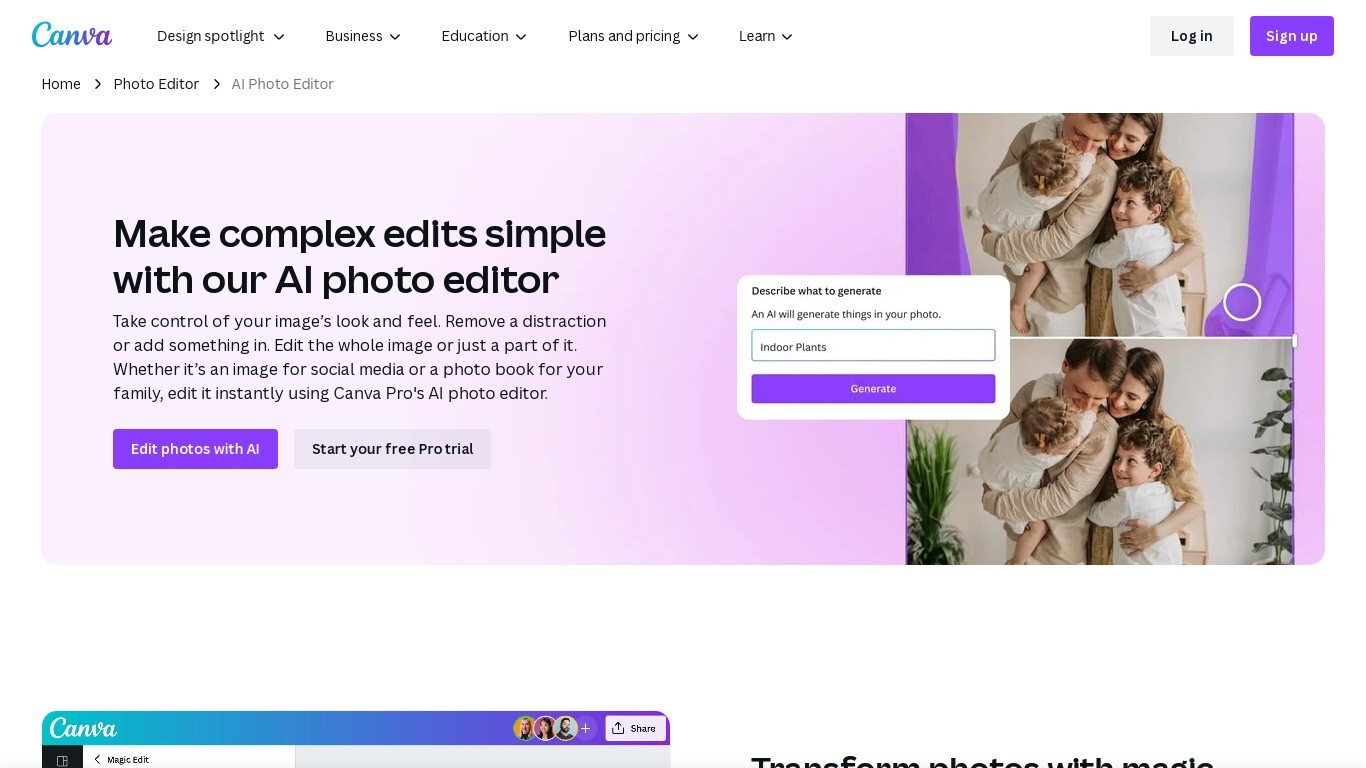
Canva AI Photo Editor is a browser-based photo editing workspace inside Canva where you upload an image and apply AI tools like Magic Edit, Magic Eraser, Background Remover, and Image Upscaler. You can erase objects, replace backgrounds from a text prompt, recolor detected subjects, and extend image borders without opening a separate desktop app.
Unlike standalone AI photo apps, these edits live inside Canva's full design editor. A cleaned product shot can drop straight into an Instagram template, presentation slide, or print layout in the same session, which is the trade-off most single-purpose editors skip.
Magic Edit runs on Google's Nano Banana model: click an element or brush an area, type what to change, and the tool adds or replaces that region. Magic Grab isolates subjects, foreground objects, and backgrounds so you can resize or reposition each piece individually, while Grab Text lets you edit words baked into a photo.
Marketers, small business owners, students, and social creators use it for quick touch-ups when they need polished visuals but not a Photoshop workflow. The base photo editor is free with no export watermark; Magic Eraser, Background Remover, and other premium AI tools require Canva Pro or higher.
RemoveBG
What is RemoveBG?
RemoveBG is a powerful and user-friendly online tool that allows you to remove image backgrounds in seconds, and the best part is, it's completely free! With advanced AI technology, RemoveBG makes background removal a breeze, saving you time and effort. Whether you need to edit images for creative projects, marketing materials, or personal use, RemoveBG has got you covered.
With RemoveBG, the process of removing image backgrounds is as easy as 1-2-3. First, choose the image you want to edit and upload it into the tool. Second, let the advanced AI technology analyze your image and automatically remove the background. Finally, download the new image and use it for any purpose you desire. Say goodbye to background woes and hello to hassle-free image editing with RemoveBG.
AI Photo Editor | Canva Upvotes
RemoveBG Upvotes
AI Photo Editor | Canva Top Features
Magic Edit uses Google's Nano Banana model to add or replace image regions from a short text prompt
One-click Background Remover exports a high-resolution PNG after detecting the photo foreground
Upload JPEG, PNG, WEBP, HEIC, SVG, or PSD files directly in the browser photo editor
Image Upscaler sharpens blurry photos in one click without leaving the Canva editor
Magic Grab isolates subjects and background layers so you can resize or reposition each separately
Free plan includes up to 200 Standard AI uses or 20 Premium AI uses per billing cycle
Edited photos flow into Canva templates for social posts, presentations, and print designs
RemoveBG Top Features
Quick and Easy Background Removal: RemoveBG makes it incredibly simple to remove image backgrounds with just a few clicks. No need for complex editing software or extensive manual work.
Free of Cost: RemoveBG offers its background removal services completely free of charge. Say goodbye to expensive editing tools and hello to cost-effective image editing.
Advanced AI Technology: Powered by advanced AI technology RemoveBG analyzes your images and accurately detects and removes the background ensuring clean and professional results.
Versatile Usage: The images edited with RemoveBG can be used for a wide range of purposes including creative projects marketing materials or personal use. The possibilities are endless.
User-Friendly Interface: RemoveBG's user-friendly interface makes it easy for anyone to use regardless of their level of expertise in image editing. No technical skills required.
AI Photo Editor | Canva Category
- Photo Editing
RemoveBG Category
- Photo Editing
AI Photo Editor | Canva Pricing Type
- Freemium
RemoveBG Pricing Type
- Free