AI Photo Editor vs InstructPix2Pix
In the face-off between AI Photo Editor vs InstructPix2Pix, which AI Photo Editing tool takes the crown? We scrutinize features, alternatives, upvotes, reviews, pricing, and more.
In a face-off between AI Photo Editor and InstructPix2Pix, which one takes the crown?
If we were to analyze AI Photo Editor and InstructPix2Pix, both of which are AI-powered photo editing tools, what would we find? With more upvotes, InstructPix2Pix is the preferred choice. InstructPix2Pix has garnered 98 upvotes, and AI Photo Editor has garnered 17 upvotes.
You don't agree with the result? Cast your vote to help us decide!
AI Photo Editor
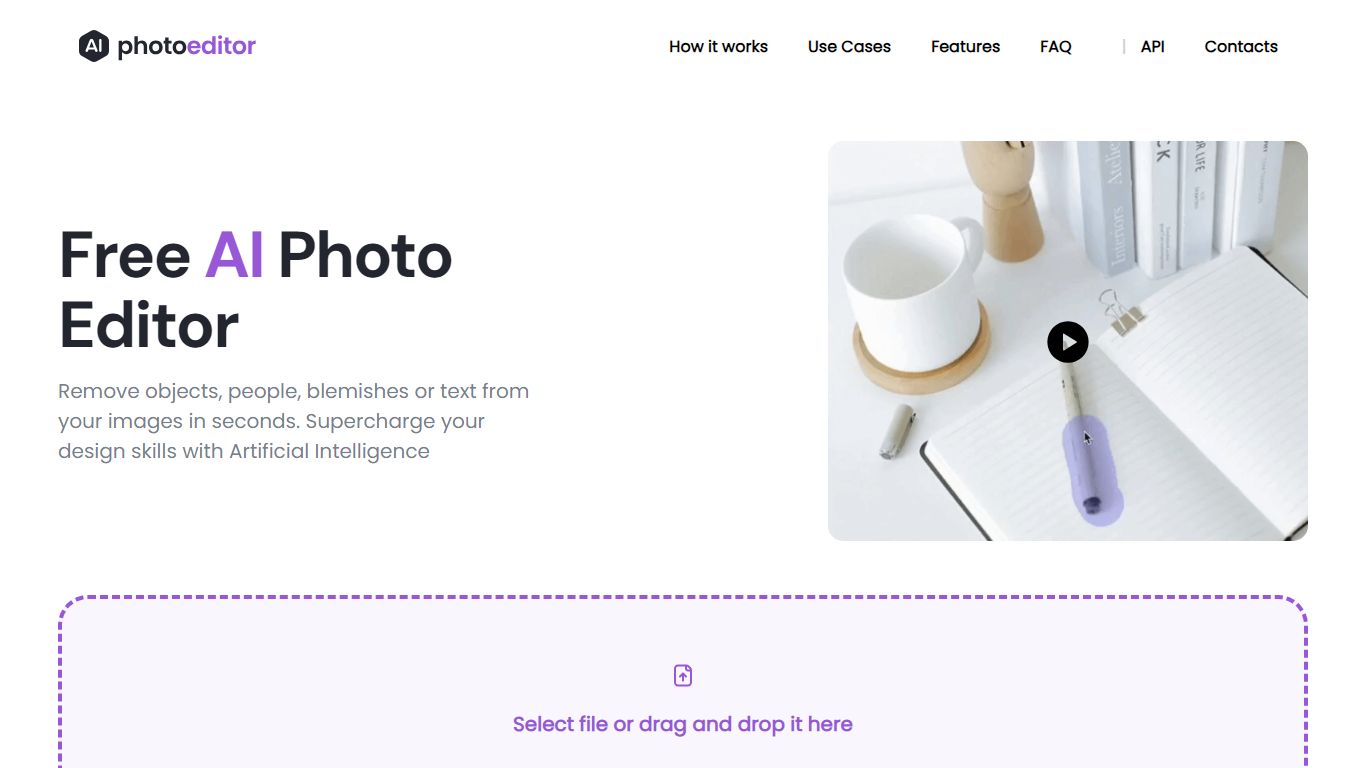

What is AI Photo Editor?
PhotoEditor.ai bundles 30+ browser-based photo editing tools for cleanup, background removal, upscaling, inpainting, and image generation. You upload a JPG, PNG, HEIC, AVIF, or WEBP file up to 15MB, pick the task-specific tool, and download the result without installing desktop software.
Instead of one general editor with every feature buried in menus, each job gets its own page and default model benchmarked for that task. That is the main difference from template-first design apps like Canva or chat-based image edits inside Gemini and ChatGPT, which lack per-tool controls and batch-friendly workflows.
The free tier covers Cleanup, Remove Background, and Enhance with 720px exports and no signup. Marketers, ecommerce sellers, photographers, and casual users who need quick retouching on desktop or mobile browsers are the core audience.
InstructPix2Pix
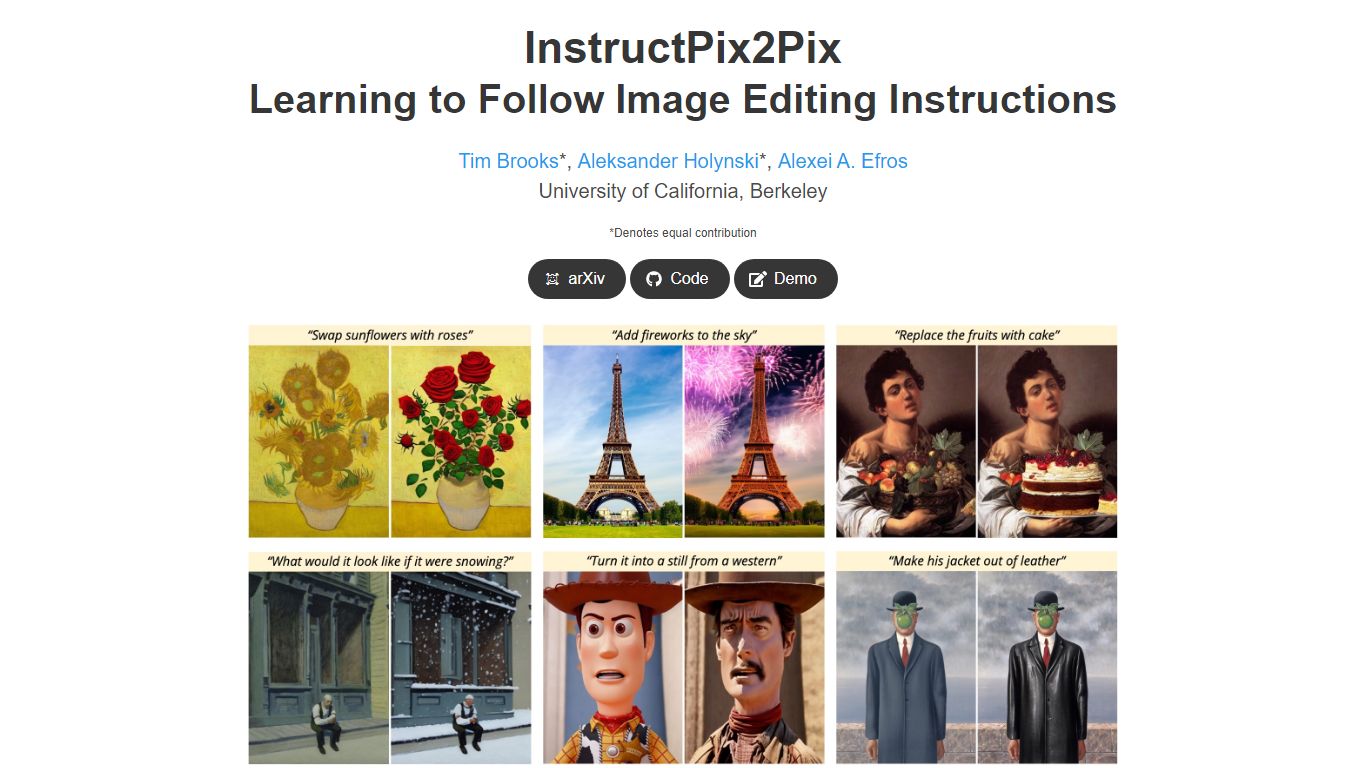
What is InstructPix2Pix?
InstructPix2Pix edits a photo from a plain-language instruction such as "make the sky sunset orange" or "turn this into a watercolor." You provide an input image and a short text command, and the model returns an edited version in seconds without training on that specific photo first. It was published as a CVPR 2023 Highlight by researchers at UC Berkeley.
Mask-based editors make you paint regions before changing anything. InstructPix2Pix runs a single forward pass from text alone, skipping per-image fine-tuning or inversion steps that slow other diffusion edit workflows. The trade-off shows up in the paper's failure cases: viewpoint changes, object swaps, and tight local edits remain weak spots.
The project ships open source code on GitHub and a Hugging Face demo space for trying edits in a browser. Training combined GPT-3 and Stable Diffusion to synthesize instruction pairs, and the released model generalizes to real photos up to about 768 pixels wide despite 256x256 training resolution.
AI Photo Editor Upvotes
InstructPix2Pix Upvotes
AI Photo Editor Top Features
30+ purpose-built tools across edit, generate, enhance, remove, and background workflows
Free Cleanup, Remove Background, and Enhance tools with no signup required
Model picker includes Nano Banana, GPT Image 2, Seedream 5.0, and PhotoEditor.ai balanced model
Most cleanup and background edits finish in under 10 seconds
Pro plan includes 600 credits per month and commercial use license
Uploads support JPG, PNG, HEIC, AVIF, and WEBP files up to 15MB
InstructPix2Pix Top Features
Edit an uploaded image from a written instruction without manual masking or per-image fine-tuning
Runs edits in a forward pass and returns results in seconds rather than minutes-long inversion workflows
Generalizes to real photos up to about 768 pixels wide despite 256x256 training resolution
Open source code on github.com/timothybrooks/instruct-pix2pix with a Hugging Face demo space
Allows chained instructions where multiple sequential edits compound on the same photo
AI Photo Editor Category
- Photo Editing
InstructPix2Pix Category
- Photo Editing
AI Photo Editor Pricing Type
- Freemium
InstructPix2Pix Pricing Type
- Free