AI Portrait in Filmora vs Peech AI
In the contest of AI Portrait in Filmora vs Peech AI, which AI Video Editing tool is the champion? We evaluate pricing, alternatives, upvotes, features, reviews, and more.
If you had to choose between AI Portrait in Filmora and Peech AI, which one would you go for?
When we examine AI Portrait in Filmora and Peech AI, both of which are AI-enabled video editing tools, what unique characteristics do we discover? The community has spoken, AI Portrait in Filmora leads with more upvotes. AI Portrait in Filmora has 6 upvotes, and Peech AI has 5 upvotes.
Think we got it wrong? Cast your vote and show us who's boss!
AI Portrait in Filmora

What is AI Portrait in Filmora?
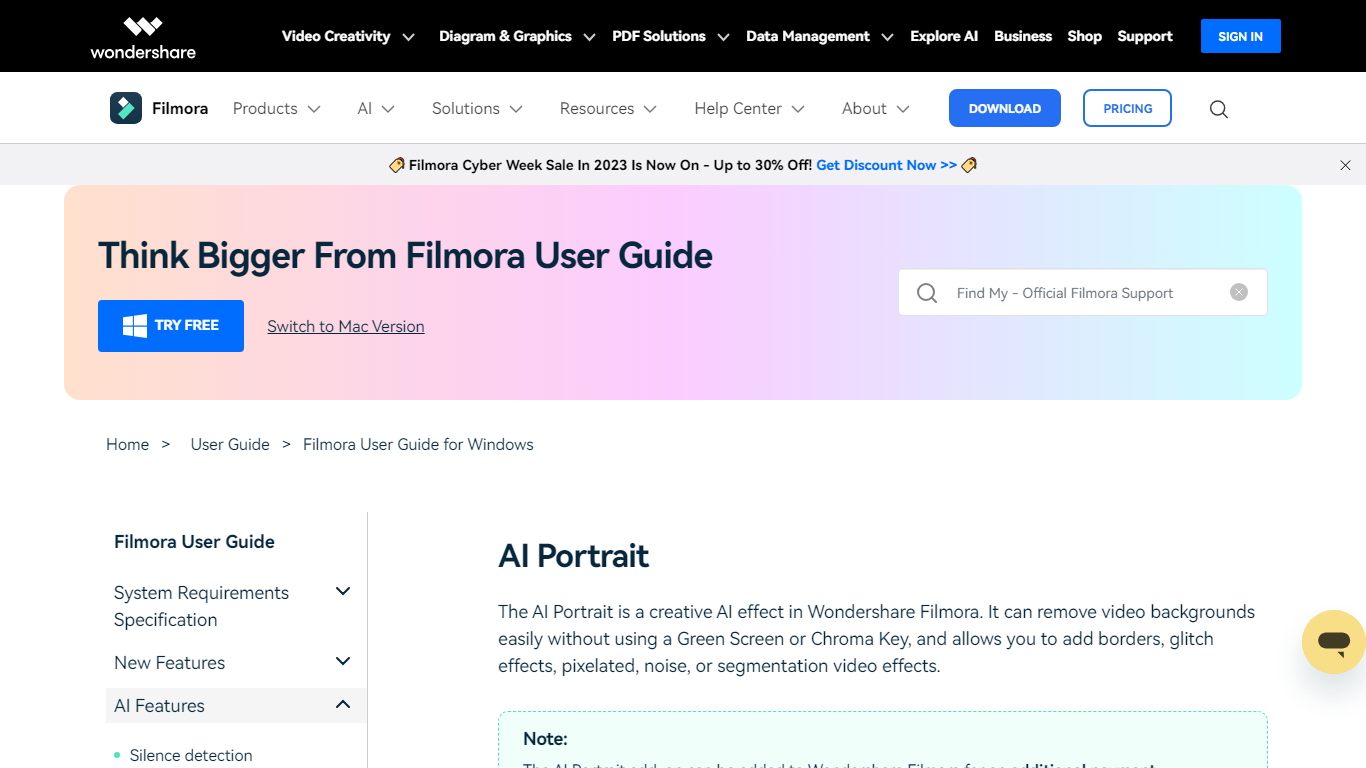
AI Portrait in Filmora is a video editing feature inside Wondershare Filmora for Windows that removes portrait backgrounds without a green screen. You stack portrait footage above a background clip, enable AI Portrait Cutout, and Filmora makes the subject transparent so you can composite the person over another scene.
Standalone background removers export a cutout file you re-import elsewhere. Filmora keeps the workflow on the timeline with Advanced and Quick cutout modes, plus 70 plus body and sticker effects you can layer directly on the subject. That makes it a fit when you already edit in Filmora and want portrait compositing beside the rest of your cuts.
It suits YouTube creators, tutorial makers, and social editors who film talking-head clips at home without chroma key gear. Editors who need a dedicated rotoscoping app or node-based compositing will outgrow what this guide-page feature offers on its own.
Peech AI

What is Peech AI?
Peech turns raw video footage into branded, platform-ready clips through automated post-production. Upload your content and the platform tags scenes, transcribes speech, applies your brand elements, and outputs resized versions for social, web, and ads. A text-to-video editor lets you trim clips and remove filler words as easily as editing a document.
Agency-style post-production usually means days of editor time for every batch of marketing videos. Peech automates transcription in 20+ languages, facial-recognition framing, aspect-ratio cropping, and highlight clip generation in one workflow. Media teams report cutting post-production time by up to 95% and design costs by over 80% compared to hiring external editors.
Marketing teams at B2B companies like Peerspot and Datarails use Peech to repurpose webinars and interviews into daily social clips. Media companies organize large footage libraries with automatic tagging and topic-based highlight recommendations. You can start free without a credit card, then scale to dozens of branded videos per month through the app at app.peech-ai.com.
AI Portrait in Filmora Upvotes
Peech AI Upvotes
AI Portrait in Filmora Top Features
AI Portrait Cutout detects people in video or images and removes the background automatically
Works without a green screen or chroma key setup according to the official guide
Offers Advanced Cutout Mode and Quick Cutout Mode for different processing speeds
Includes 70 plus body effects and sticker effects to stylize the subject
Layers portrait footage above a background clip directly on the Filmora timeline
Body effects can be added from the AI Portrait panel or the Effects toolbar
Exports finished composites through Filmora standard export workflow on Windows
Peech AI Top Features
Real-time transcription and translation into 20+ languages with subtitle export
Text-to-video editor cuts clips and removes filler words like editing a doc
Automated brand elements applied across every output with one-click execution
Frame cropper centers speakers via facial recognition across aspect ratios
Clip Generator produces ready-to-publish social videos from long-form footage
AI Portrait in Filmora Category
- Video Editing
Peech AI Category
- Video Editing
AI Portrait in Filmora Pricing Type
- Freemium
Peech AI Pricing Type
- Freemium