AI Portrait in Filmora vs WowTo
In the battle of AI Portrait in Filmora vs WowTo, which AI Video Editing tool comes out on top? We compare reviews, pricing, alternatives, upvotes, features, and more.
Between AI Portrait in Filmora and WowTo, which one is superior?
Upon comparing AI Portrait in Filmora with WowTo, which are both AI-powered video editing tools, The users have made their preference clear, WowTo leads in upvotes. WowTo has been upvoted 9 times by aitools.fyi users, and AI Portrait in Filmora has been upvoted 6 times.
Feeling rebellious? Cast your vote and shake things up!
AI Portrait in Filmora
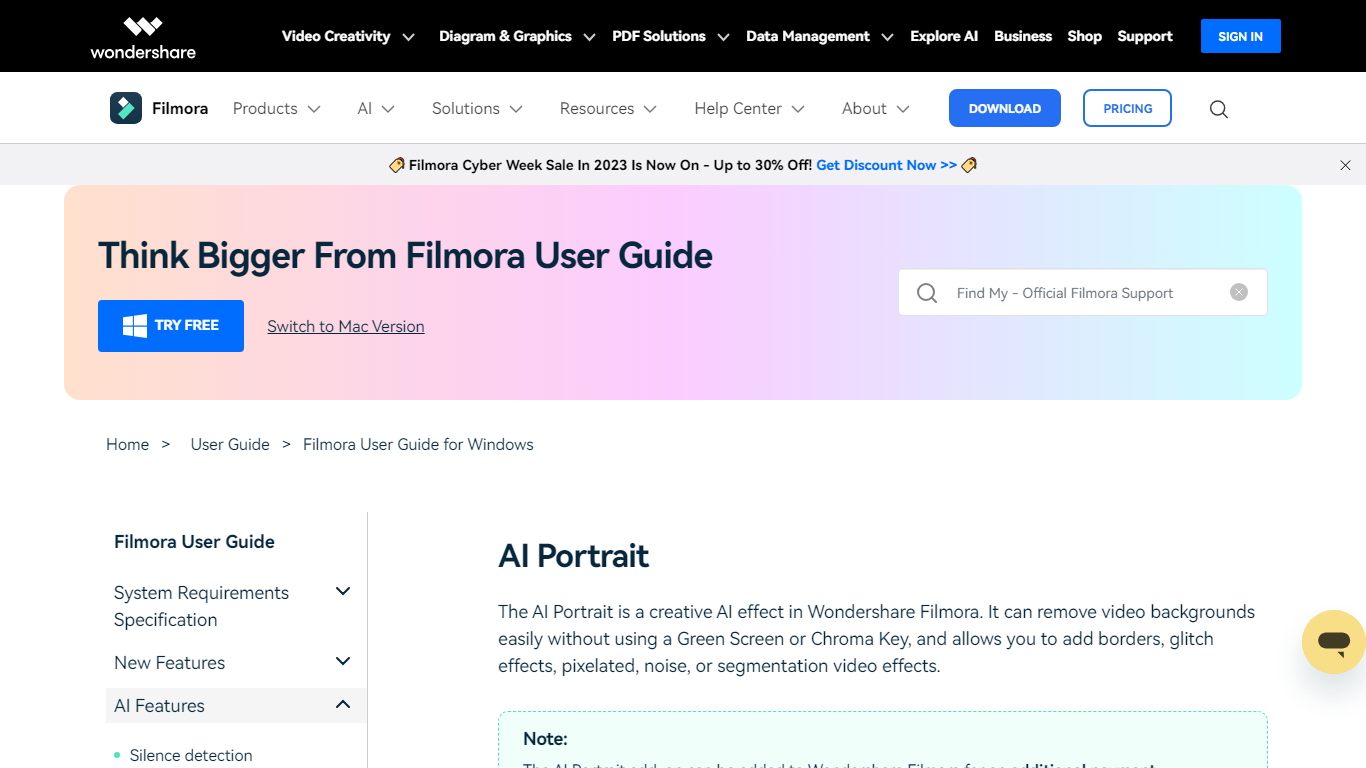

What is AI Portrait in Filmora?
AI Portrait in Filmora is a video editing feature inside Wondershare Filmora for Windows that removes portrait backgrounds without a green screen. You stack portrait footage above a background clip, enable AI Portrait Cutout, and Filmora makes the subject transparent so you can composite the person over another scene.
Standalone background removers export a cutout file you re-import elsewhere. Filmora keeps the workflow on the timeline with Advanced and Quick cutout modes, plus 70 plus body and sticker effects you can layer directly on the subject. That makes it a fit when you already edit in Filmora and want portrait compositing beside the rest of your cuts.
It suits YouTube creators, tutorial makers, and social editors who film talking-head clips at home without chroma key gear. Editors who need a dedicated rotoscoping app or node-based compositing will outgrow what this guide-page feature offers on its own.
WowTo
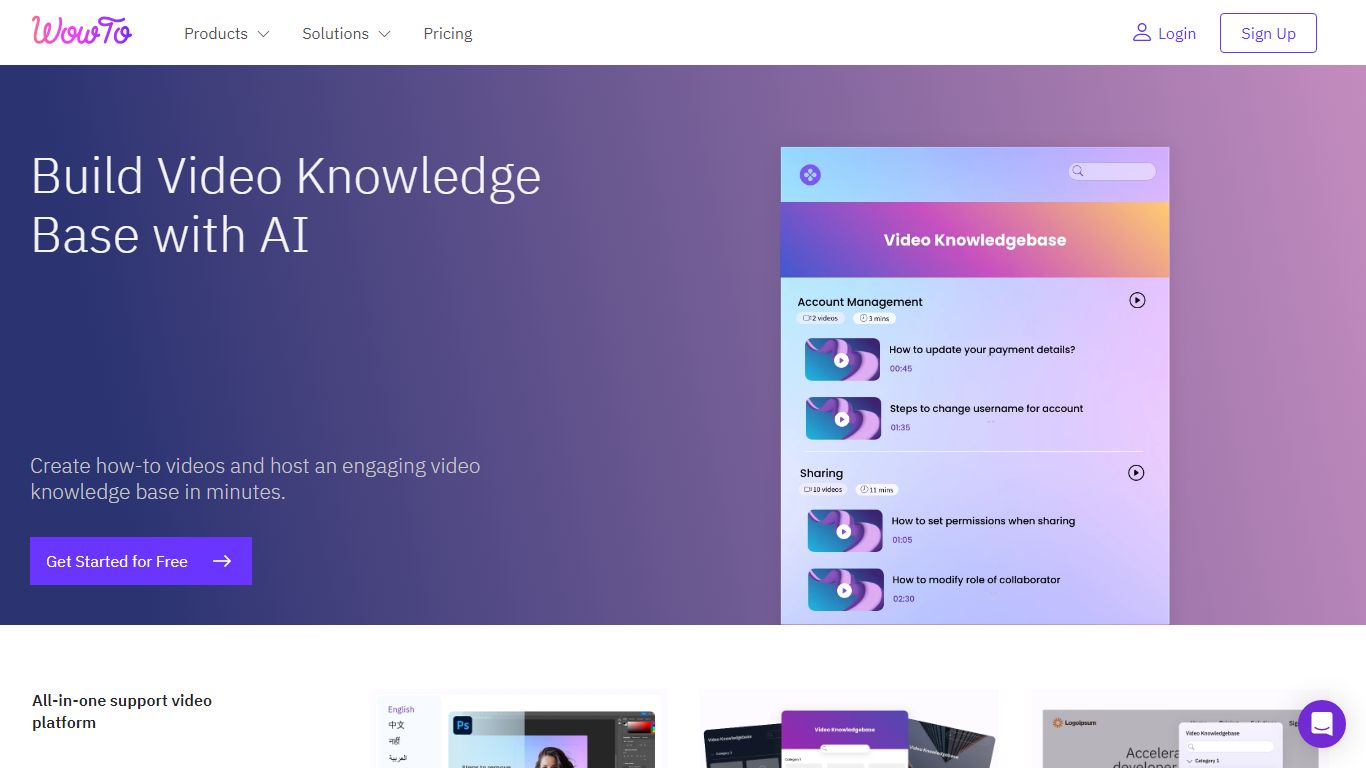
What is WowTo?
Build a professional video help center for your company, product, or service with just a few clicks.
👼 Anyone from your team with no technical or video editing knowledge can create how-to videos and video tutorials like help videos, instructional videos, customer service videos, and step-by-step videos within minutes.
🚀 Launch a no-hassle and no-code video knowledge base for your website with your customized brand colors. Choose from multiple themes and layouts.
⚡️ WowTo's chrome extension is the fastest way to create workflow videos.
▶️ Step up your customer success by bringing self-serve help for your customers within the app using the WowTo video widget.
🔗 Video sharing is made easy with a video knowledge base link, video URL, or by embedding the link. Or, you can download your WowTo videos and share them.
👩💻 Make the communication inside your existing apps like Intercom, Slack, Zendesk, Jira, and Confluence more engaging by Integrating WowTo into these apps.
AI Portrait in Filmora Upvotes
WowTo Upvotes
AI Portrait in Filmora Top Features
AI Portrait Cutout detects people in video or images and removes the background automatically
Works without a green screen or chroma key setup according to the official guide
Offers Advanced Cutout Mode and Quick Cutout Mode for different processing speeds
Includes 70 plus body effects and sticker effects to stylize the subject
Layers portrait footage above a background clip directly on the Filmora timeline
Body effects can be added from the AI Portrait panel or the Effects toolbar
Exports finished composites through Filmora standard export workflow on Windows
WowTo Top Features
No top features listedAI Portrait in Filmora Category
- Video Editing
WowTo Category
- Video Editing
AI Portrait in Filmora Pricing Type
- Freemium
WowTo Pricing Type
- Freemium