AI Rewriter - RewriterPro vs WriteSparkle
In the battle of AI Rewriter - RewriterPro vs WriteSparkle, which AI Writing Assistant tool comes out on top? We compare reviews, pricing, alternatives, upvotes, features, and more.
Between AI Rewriter - RewriterPro and WriteSparkle, which one is superior?
Upon comparing AI Rewriter - RewriterPro with WriteSparkle, which are both AI-powered writing assistant tools, With more upvotes, AI Rewriter - RewriterPro is the preferred choice. AI Rewriter - RewriterPro has 9 upvotes, and WriteSparkle has 6 upvotes.
Think we got it wrong? Cast your vote and show us who's boss!
AI Rewriter - RewriterPro
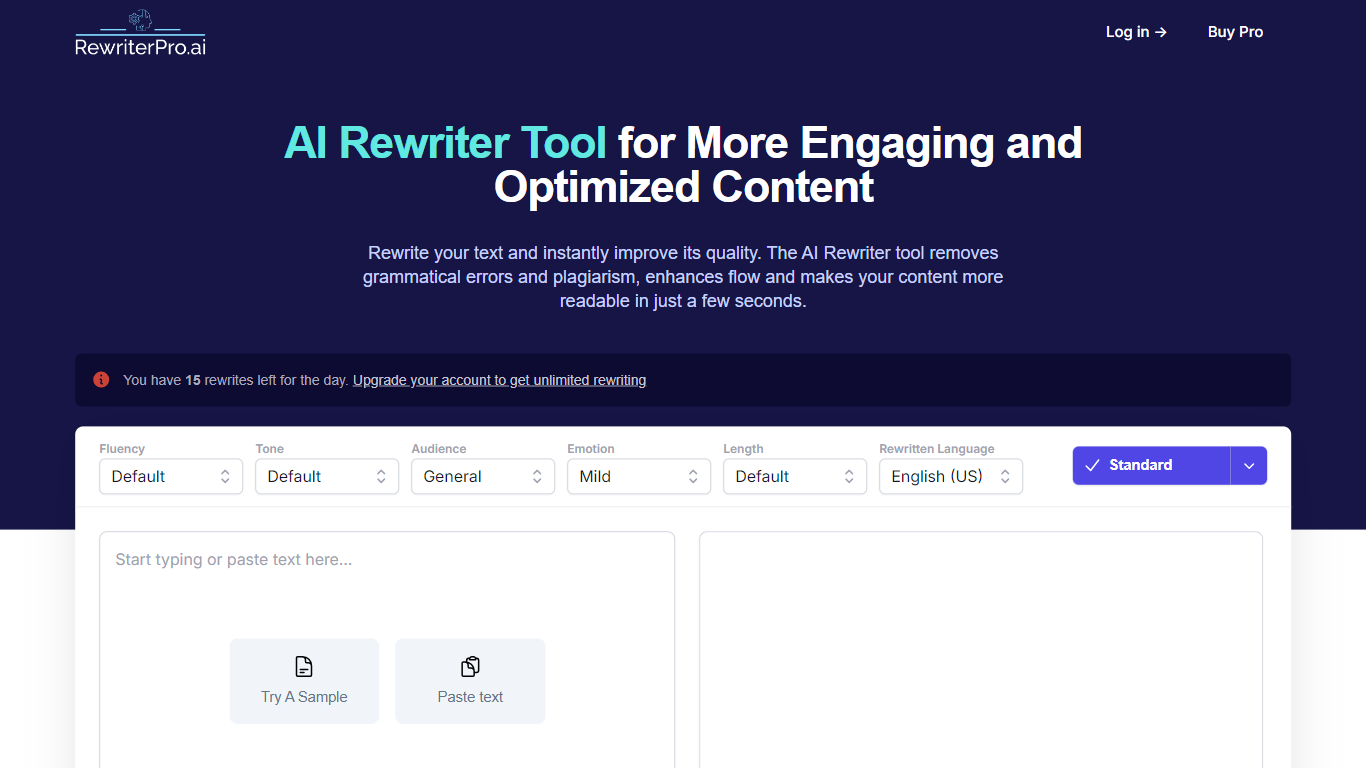

What is AI Rewriter - RewriterPro?
RewriterPro is a writing assistant for turning AI-generated drafts into text that reads more naturally. You paste copy into the editor, pick fluency, tone, audience, and language settings, then run a rewrite or switch on Humanizer mode to reshape robotic phrasing. The same site also hosts a standalone AI Humanizer and a free AI content checker, so you can rewrite, humanize, and test detection risk without leaving the product.
Many humanizer tools stop at one pass of paraphrasing. RewriterPro bundles the rewriter, Humanizer, and checker into one workflow, which matters when you need to tune fluency and tone before checking whether the output still flags on Turnitin, GPTZero, or Originality.ai. The humanizer page offers two models, Pulse 3.0 and LUMENARIS, instead of a single rewrite setting.
Students use it to rework essays and reports. Bloggers and marketers refresh blog posts, ad copy, landing pages, and product descriptions. Business professionals rewrite emails, proposals, and presentations with formal or academic tone presets.
WriteSparkle
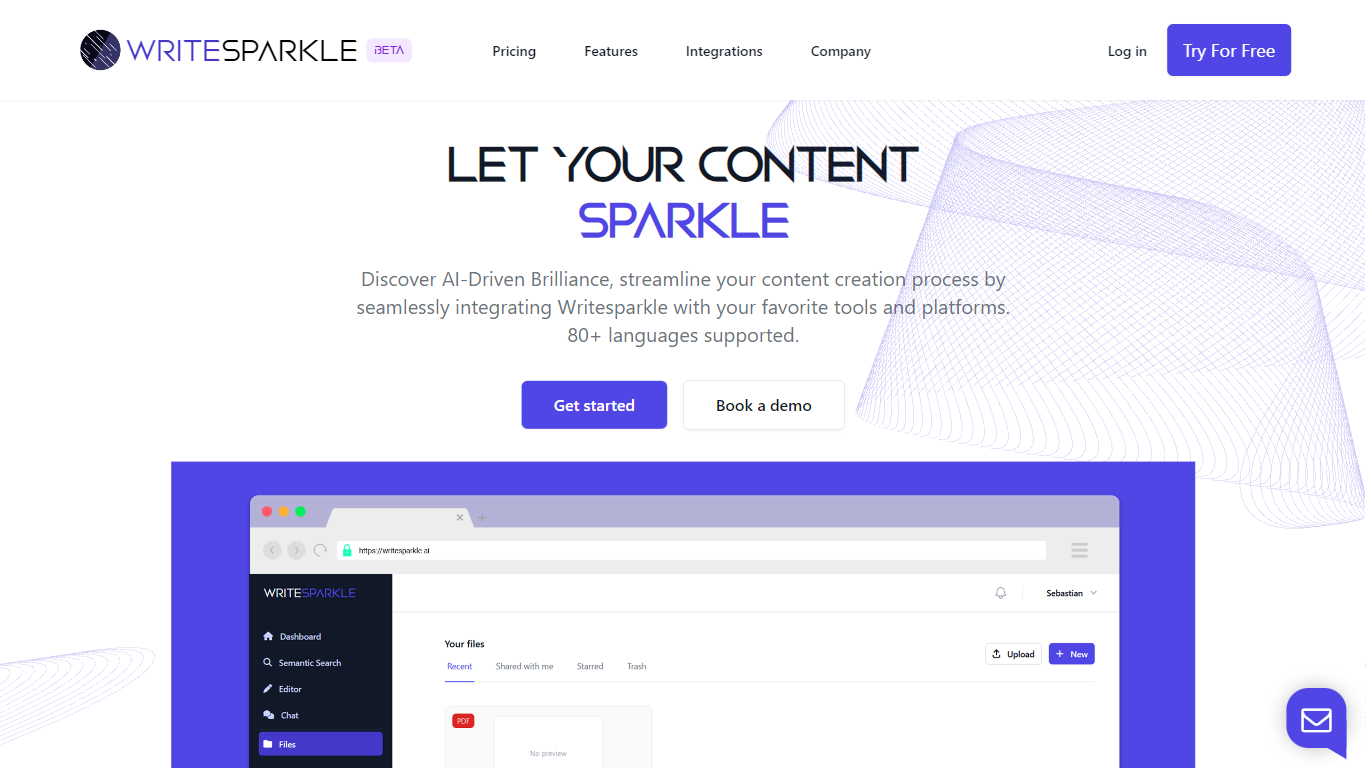
What is WriteSparkle?
WriteSparkle is a writing and document workspace that connects PDFs and other files to chat, search, and content creation inside the apps you already use. You can talk to documents to extract answers, generate blog posts or reports from source files, run semantic search across a personal knowledge base, and wire those steps into automated workflows across Slack, Gmail, Outlook, Google Docs, Word, Notion, and Salesforce.
Generic AI writing tools start from a blank prompt. WriteSparkle starts from your uploaded documents and keeps context tied to those files, which matters when your work depends on PDFs, internal docs, or client materials rather than public web summaries. The homepage also highlights 80+ supported languages and integrations with LinkedIn, Discord, Facebook, and Twitter for social publishing.
Freelance writers, content marketers, and operations teams that juggle PDFs and cross-app handoffs are the natural fit. WriteSparkle offers a free plan to test the workflow, with paid tiers listed on its pricing page for heavier document volume and automation.
AI Rewriter - RewriterPro Upvotes
WriteSparkle Upvotes
AI Rewriter - RewriterPro Top Features
10 free rewrites per day on the main rewriter editor
Built-in Humanizer with Pulse 3.0 and LUMENARIS model options
Three fluency levels: basic, intermediate, and advanced
Seven tone presets including Formal, Academic, Creative, and Story-like
Free AI checker scans up to 1,800 words per run with 5 daily checks
Outputs in English (US/UK), Spanish, French, and German
WriteSparkle Top Features
Chat with uploaded documents to extract, summarize, and create content from PDFs
Semantic search across your document library using natural language queries
Automated workflows that connect WriteSparkle to Slack, Gmail, Outlook, and MS Teams
Integrations with Google Docs, Word, Notion, Salesforce, LinkedIn, Discord, Facebook, and Twitter
Supports 80+ languages for content creation and document interaction
Free plan available with paid tiers for expanded workflow capacity on the pricing page
AI Rewriter - RewriterPro Category
- Writing Assistant
WriteSparkle Category
- Writing Assistant
AI Rewriter - RewriterPro Pricing Type
- Freemium
WriteSparkle Pricing Type
- Freemium