
Last updated 08-13-2026
Category:
Reviews:
Join thousands of AI enthusiasts in the World of AI!
WriteSparkle
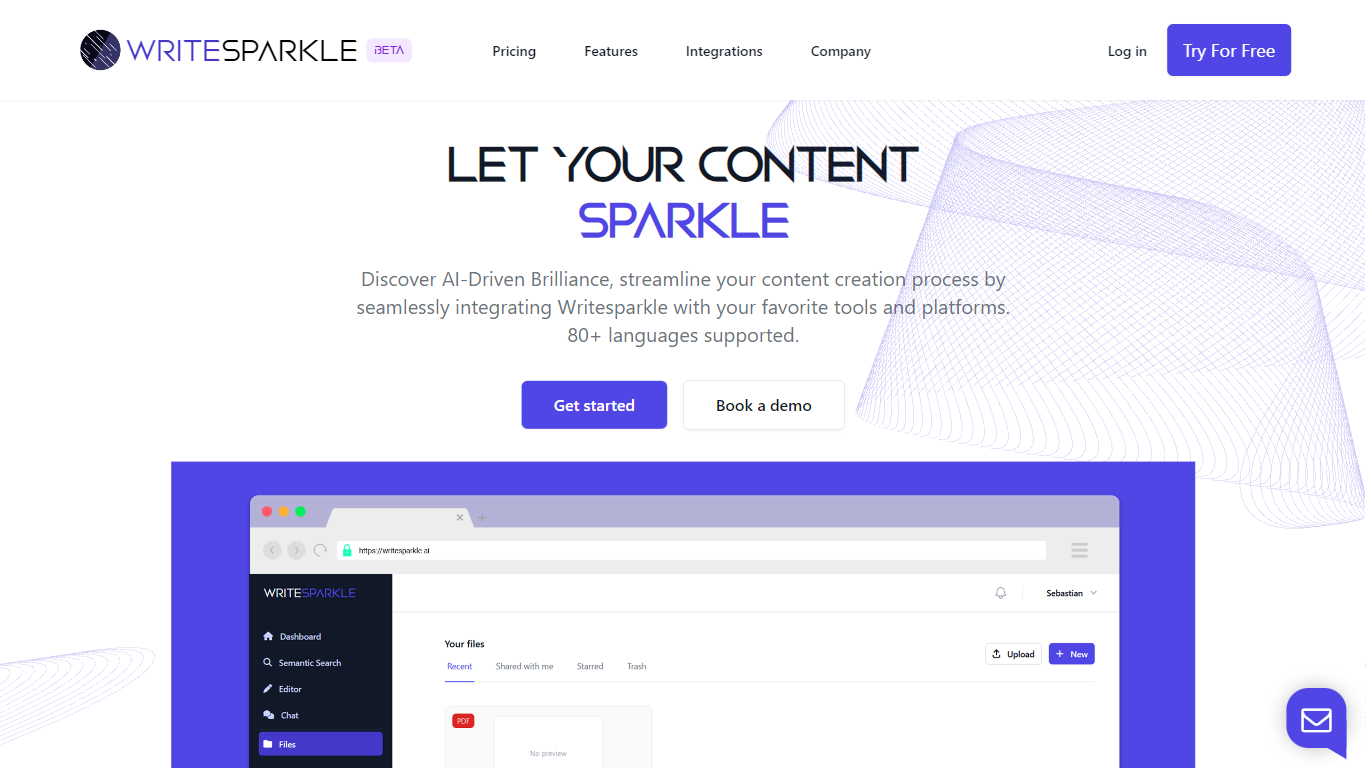
WriteSparkle is a writing and document workspace that connects PDFs and other files to chat, search, and content creation inside the apps you already use. You can talk to documents to extract answers, generate blog posts or reports from source files, run semantic search across a personal knowledge base, and wire those steps into automated workflows across Slack, Gmail, Outlook, Google Docs, Word, Notion, and Salesforce.
Generic AI writing tools start from a blank prompt. WriteSparkle starts from your uploaded documents and keeps context tied to those files, which matters when your work depends on PDFs, internal docs, or client materials rather than public web summaries. The homepage also highlights 80+ supported languages and integrations with LinkedIn, Discord, Facebook, and Twitter for social publishing.
Freelance writers, content marketers, and operations teams that juggle PDFs and cross-app handoffs are the natural fit. WriteSparkle offers a free plan to test the workflow, with paid tiers listed on its pricing page for heavier document volume and automation.
Chat with uploaded documents to extract, summarize, and create content from PDFs
Semantic search across your document library using natural language queries
Automated workflows that connect WriteSparkle to Slack, Gmail, Outlook, and MS Teams
Integrations with Google Docs, Word, Notion, Salesforce, LinkedIn, Discord, Facebook, and Twitter
Supports 80+ languages for content creation and document interaction
Free plan available with paid tiers for expanded workflow capacity on the pricing page
Combines PDF chat, semantic search, and workflow automation in one workspace.
Wide integration list spans email, docs, CRM, and social channels.
Free entry plan lets teams test document AI before committing to paid tiers.
Pricing page was unreachable during research, so specific paid plan prices are not listed on the homepage.
Thin public technical detail on which AI models power generation.
Heavy reliance on document uploads means setup time for large libraries.
What is WriteSparkle?
WriteSparkle is an AI document workspace that lets you chat with PDFs, search files semantically, create content from documents, and automate workflows across email, chat, and productivity apps.
Is WriteSparkle free to use?
Yes, WriteSparkle offers a free plan so you can test document chat, search, and workflow features before upgrading. Paid tiers with more capacity are listed on the WriteSparkle pricing page.
Which apps does WriteSparkle integrate with?
WriteSparkle integrates with Slack, Gmail, Outlook, MS Teams, Google Docs, Word, Salesforce, Notion, LinkedIn, Discord, Facebook, and Twitter, with a full integrations list on its site.
Can WriteSparkle search inside my documents?
Yes, WriteSparkle includes semantic search that lets you find documents and passages using natural language instead of exact keyword matches across your uploaded library.
What languages does WriteSparkle support?
WriteSparkle supports 80+ languages for content creation and document workflows, as stated on its homepage for teams working across multilingual document libraries.
Can I automate workflows in WriteSparkle?
Yes, WriteSparkle combines document AI with automated workflows so you can route extracted content and generated drafts into the communication and productivity apps your team already uses.