Sudowrite vs WriteSparkle
In the contest of Sudowrite vs WriteSparkle, which AI Writing Assistant tool is the champion? We evaluate pricing, alternatives, upvotes, features, reviews, and more.
If you had to choose between Sudowrite and WriteSparkle, which one would you go for?
When we examine Sudowrite and WriteSparkle, both of which are AI-enabled writing assistant tools, what unique characteristics do we discover? There's no clear winner in terms of upvotes, as both tools have received the same number. Your vote matters! Help us decide the winner among aitools.fyi users by casting your vote.
Think we got it wrong? Cast your vote and show us who's boss!
Sudowrite
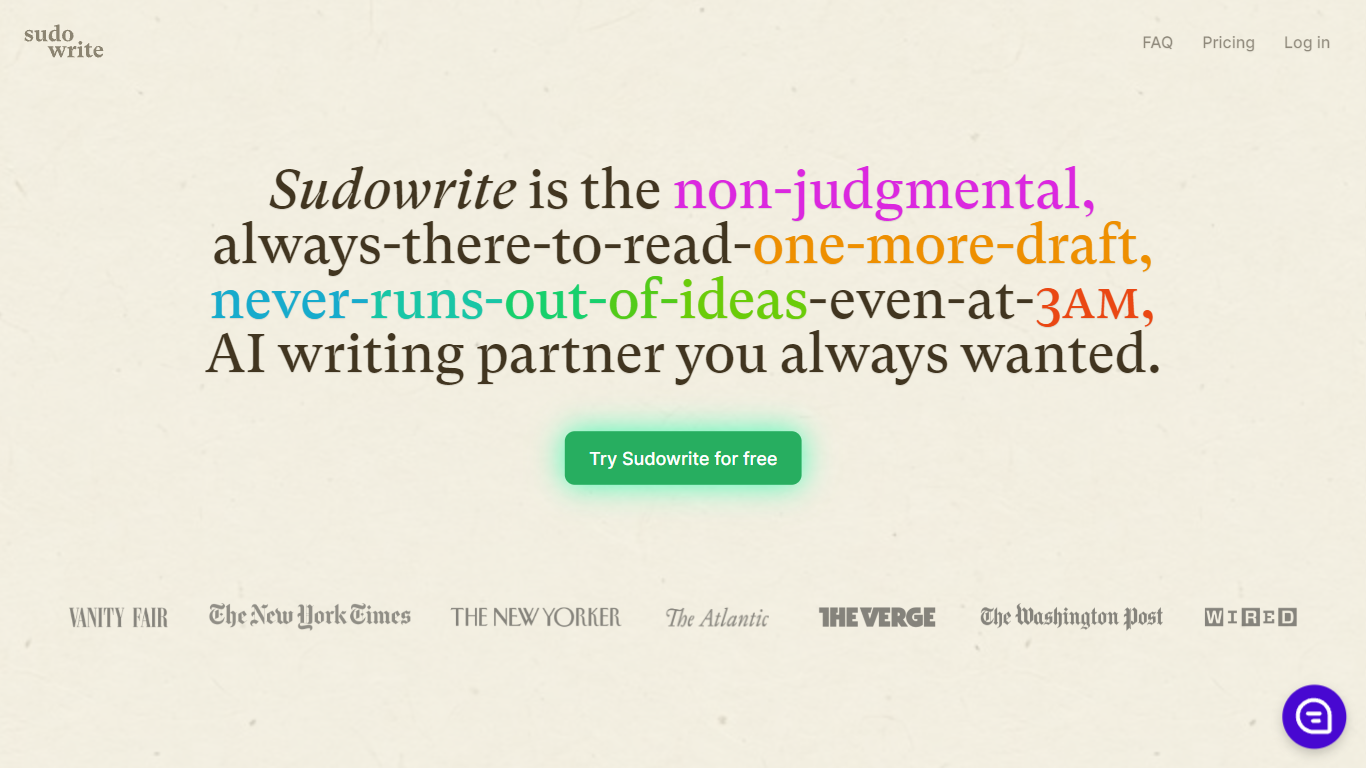

What is Sudowrite?
Sudowrite is an AI writing partner designed especially for novelists and creative writers. It helps you write faster and overcome writer's block by suggesting the next 300 words in your voice, expanding scenes, and providing vivid descriptions that bring your story to life. The tool guides you from idea to outline to full draft with features like Story Bible, Brainstorm, and Canvas, which help organize plot points, character arcs, and themes.
Sudowrite also offers revision assistance with Rewrite and actionable Feedback to improve your drafts. It supports over 30 languages and lets you visualize characters and worlds with AI-generated art. Created by writers for writers, Sudowrite aims to make storytelling more enjoyable and productive.
WriteSparkle
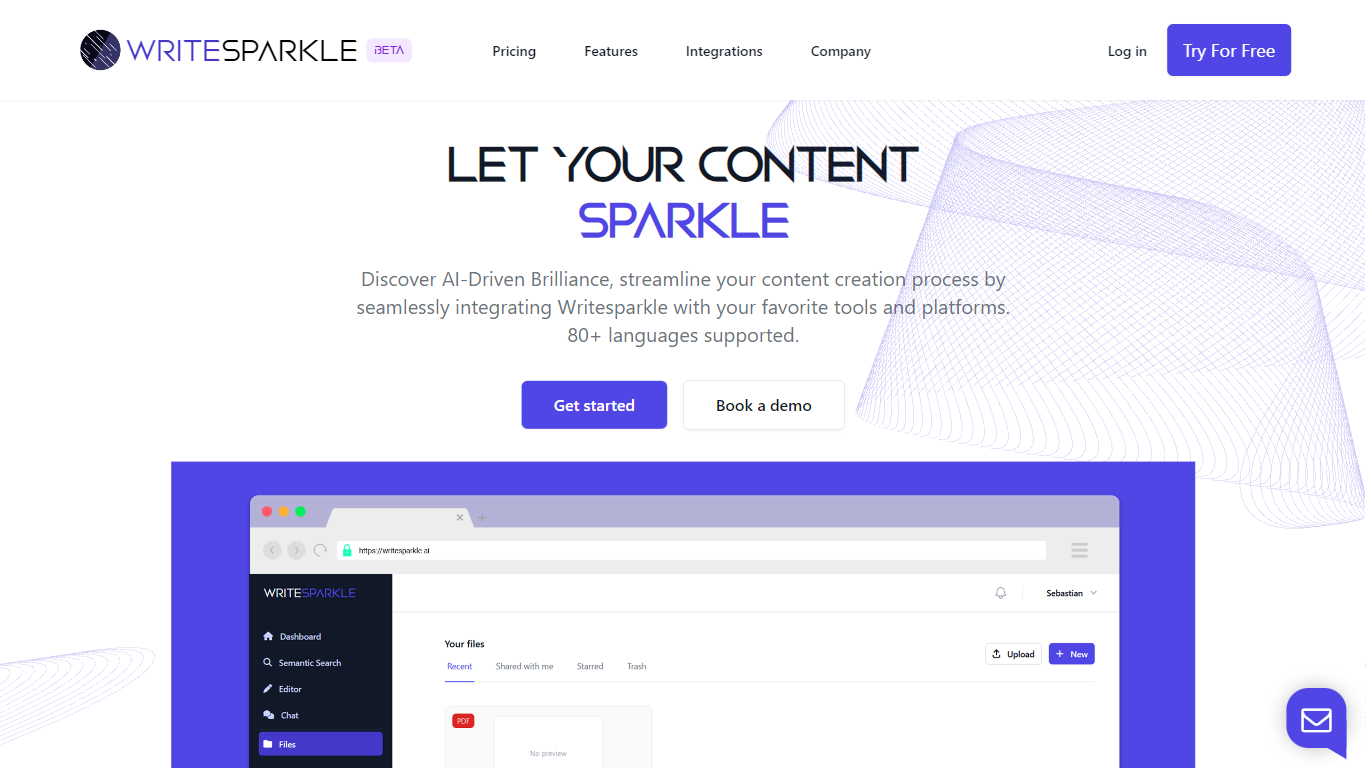
What is WriteSparkle?
WriteSparkle is a writing and document workspace that connects PDFs and other files to chat, search, and content creation inside the apps you already use. You can talk to documents to extract answers, generate blog posts or reports from source files, run semantic search across a personal knowledge base, and wire those steps into automated workflows across Slack, Gmail, Outlook, Google Docs, Word, Notion, and Salesforce.
Generic AI writing tools start from a blank prompt. WriteSparkle starts from your uploaded documents and keeps context tied to those files, which matters when your work depends on PDFs, internal docs, or client materials rather than public web summaries. The homepage also highlights 80+ supported languages and integrations with LinkedIn, Discord, Facebook, and Twitter for social publishing.
Freelance writers, content marketers, and operations teams that juggle PDFs and cross-app handoffs are the natural fit. WriteSparkle offers a free plan to test the workflow, with paid tiers listed on its pricing page for heavier document volume and automation.
Sudowrite Upvotes
WriteSparkle Upvotes
Sudowrite Top Features
📝 Write: Autocomplete that suggests the next 300 words in your style to keep your story flowing.
🌟 Expand: Build out scenes to improve pacing and add depth without losing momentum.
🎨 Visualize: Generate artwork from your character and world descriptions to bring your story to life.
🧠 Brainstorm: Infinite idea generator that learns your preferences to spark fresh plot points and character secrets.
🔄 Rewrite: Flexible revision tool that takes direction and helps you rephrase sentences effortlessly.
WriteSparkle Top Features
Chat with uploaded documents to extract, summarize, and create content from PDFs
Semantic search across your document library using natural language queries
Automated workflows that connect WriteSparkle to Slack, Gmail, Outlook, and MS Teams
Integrations with Google Docs, Word, Notion, Salesforce, LinkedIn, Discord, Facebook, and Twitter
Supports 80+ languages for content creation and document interaction
Free plan available with paid tiers for expanded workflow capacity on the pricing page
Sudowrite Category
- Writing Assistant
WriteSparkle Category
- Writing Assistant
Sudowrite Pricing Type
- Paid
WriteSparkle Pricing Type
- Freemium