AI Subtitle Generator - Maestra vs Video2Text
In the clash of AI Subtitle Generator - Maestra vs Video2Text, which AI Text Generation tool emerges victorious? We assess reviews, pricing, alternatives, features, upvotes, and more.
When we put AI Subtitle Generator - Maestra and Video2Text head to head, which one emerges as the victor?
Let's take a closer look at AI Subtitle Generator - Maestra and Video2Text, both of which are AI-driven text generation tools, and see what sets them apart. Both tools have received the same number of upvotes from aitools.fyi users. Be a part of the decision-making process. Your vote could determine the winner.
Don't agree with the result? Cast your vote and be a part of the decision-making process!
AI Subtitle Generator - Maestra

What is AI Subtitle Generator - Maestra?
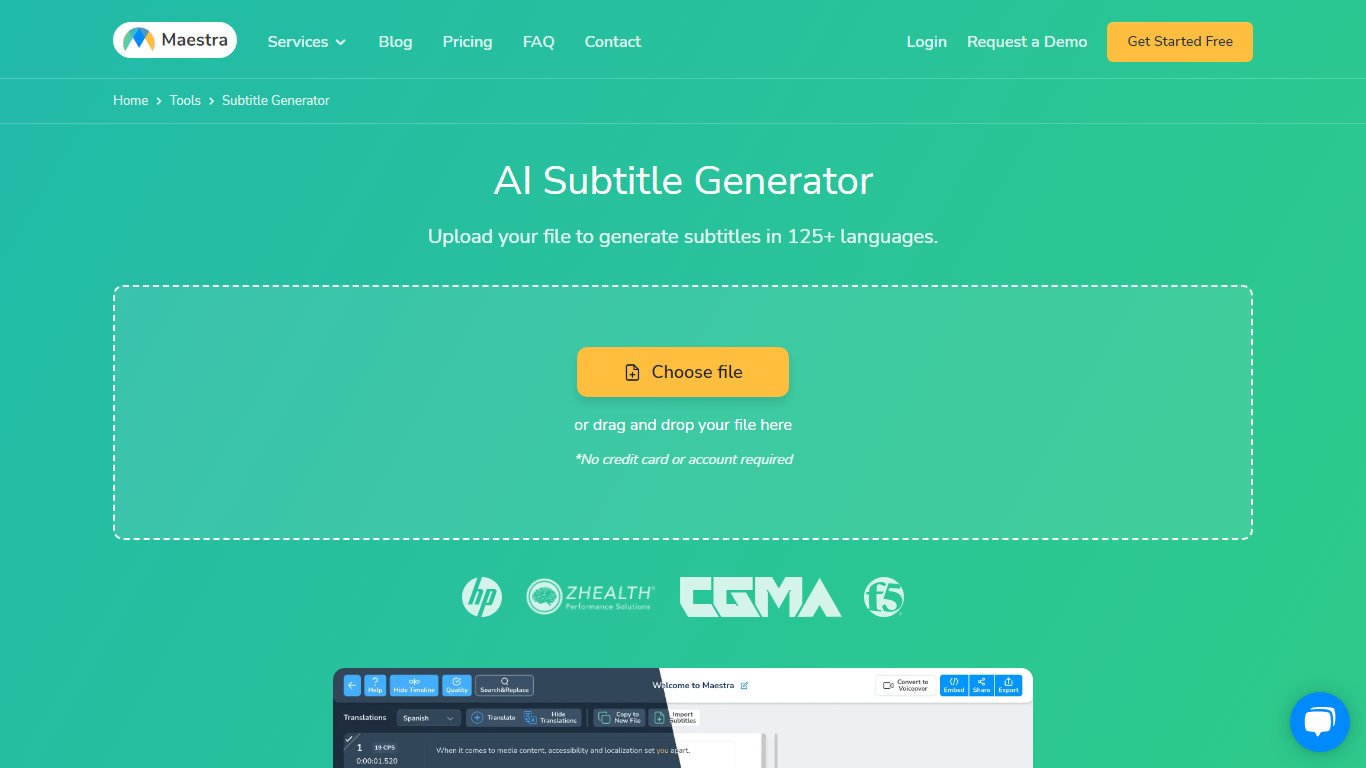
Maestra's AI Subtitle Generator turns uploaded videos, pasted YouTube links, or live microphone audio into timed subtitle files from a single browser page. You pick the spoken language, the tool transcribes with native speech models, and you export SRT, VTT, SCC, STL, TXT, TTML, or SBV without installing desktop software.
Most caption tools stop at transcription, but Maestra bundles translation into 125+ languages, a format converter, frame-level sync editor, and live caption sessions in the same product. That matters when you need burned-in styling for TikTok clips and a separate SRT for YouTube on the same source file.
Video editors, educators, marketers, and accessibility teams use it when they need fast captions across platforms. Integrations cover YouTube, OBS, Zoom, Microsoft Teams, TikTok, and Slack, so subtitles can stay inside the workflow instead of bouncing between apps.
Video2Text
What is Video2Text?
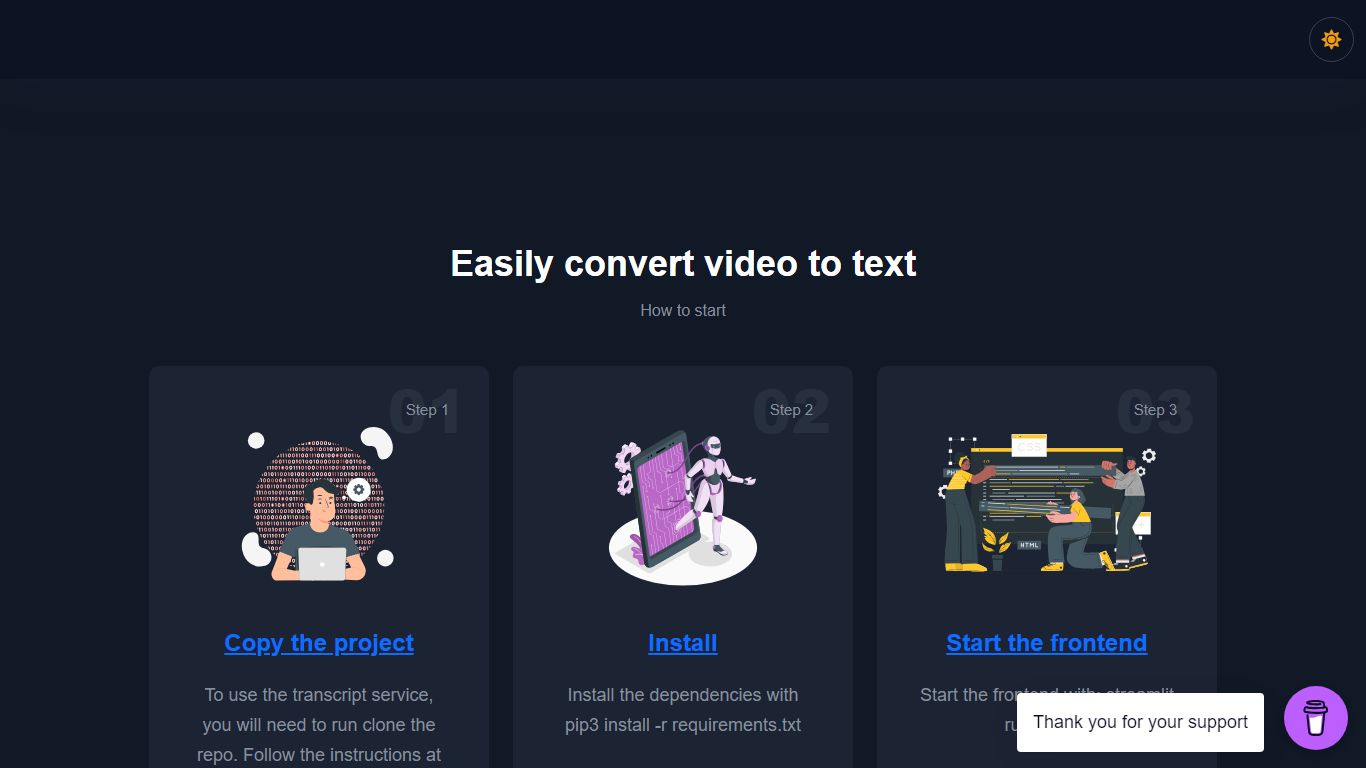
Transform your video content into accurate transcriptions with the Video2Text - Transcribe Videos service. Employing OpenAI Whisper's advanced algorithms, this converter offers a reliable way to transcribe videos into text, effortlessly. The process is simple: clone the GitHub repository, install the necessary dependencies, and start the frontend. Ideal for a diverse array of users such as researchers, educators, journalists, and content creators, this tool is available for free and is especially helpful if you're looking to streamline your workflow. The provided instructions ensure a smooth setup so you can begin converting videos with ease. Additionally, your support is welcomed with an optional donation to sustain and enhance the service. For inquiries, you can reach out to the dedicated contact email provided.
AI Subtitle Generator - Maestra Upvotes
Video2Text Upvotes
AI Subtitle Generator - Maestra Top Features
99% accuracy claim across 125+ languages with native speech recognition models
Export subtitles in SRT, VTT, SCC, STL, CAP, TXT, TTML, and SBV formats
Free trial with 1-minute processing before signup; no credit card required to start
Live caption mode transcribes and translates spoken audio in real time
Built-in integrations for YouTube, OBS, Zoom, Teams, TikTok, and Slack
Subtitle Basic plan includes 360 minutes of subtitles per month at $39 monthly
Video2Text Top Features
Ease of Use: Clone the repo install dependencies and start converting videos with a straightforward process.
OpenAI Whisper Technology: Leverages cutting-edge algorithms to deliver accurate video-to-text conversion.
Free Access: No cost involved to use the state-of-the-art transcription technology.
Support Available: For questions or concerns a dedicated contact is provided for assistance.
Supportive Community: Option to donate and support the developer's work in creating and maintaining this valuable tool.
AI Subtitle Generator - Maestra Category
- Text Generation
Video2Text Category
- Text Generation
AI Subtitle Generator - Maestra Pricing Type
- Freemium
Video2Text Pricing Type
- Freemium