
Last updated 08-10-2026
Category:
Reviews:
Join thousands of AI enthusiasts in the World of AI!
AI Subtitle Generator - Maestra
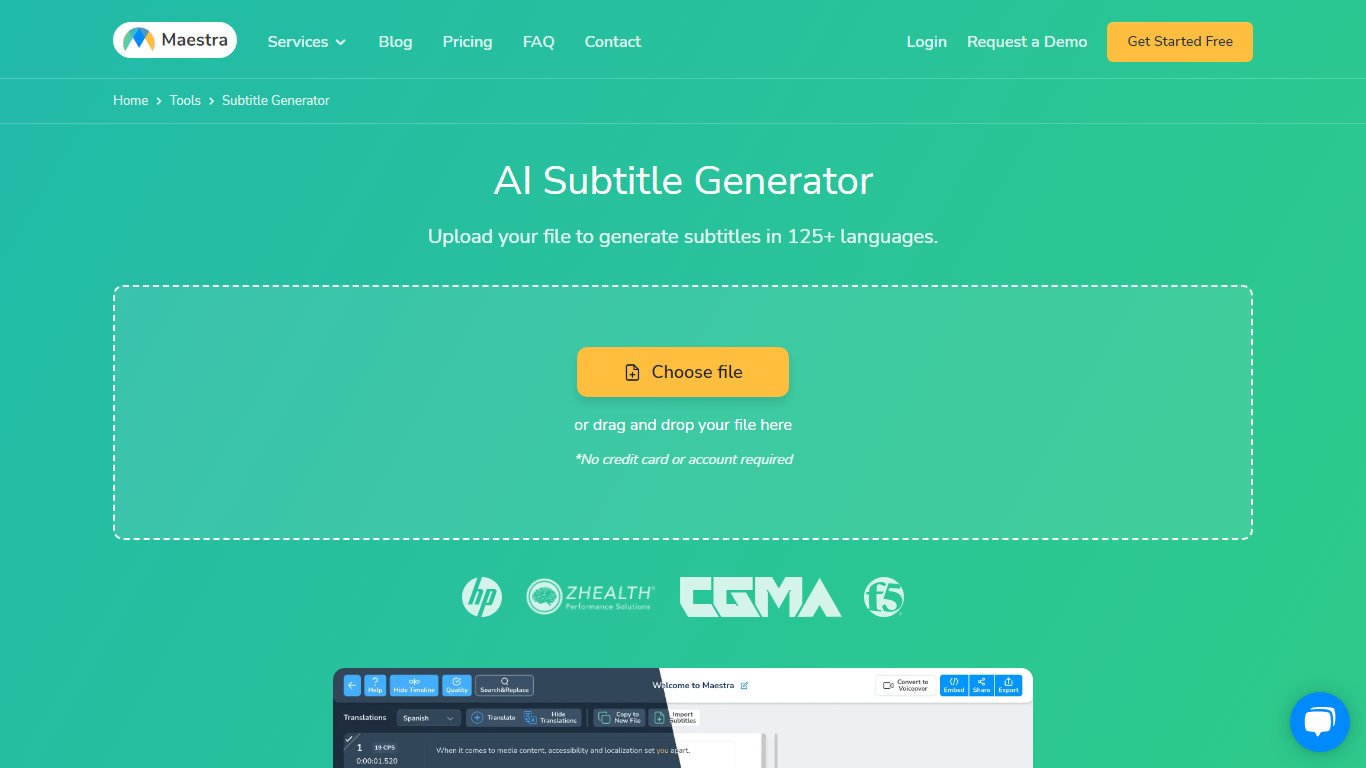
Maestra's AI Subtitle Generator turns uploaded videos, pasted YouTube links, or live microphone audio into timed subtitle files from a single browser page. You pick the spoken language, the tool transcribes with native speech models, and you export SRT, VTT, SCC, STL, TXT, TTML, or SBV without installing desktop software.
Most caption tools stop at transcription, but Maestra bundles translation into 125+ languages, a format converter, frame-level sync editor, and live caption sessions in the same product. That matters when you need burned-in styling for TikTok clips and a separate SRT for YouTube on the same source file.
Video editors, educators, marketers, and accessibility teams use it when they need fast captions across platforms. Integrations cover YouTube, OBS, Zoom, Microsoft Teams, TikTok, and Slack, so subtitles can stay inside the workflow instead of bouncing between apps.
99% accuracy claim across 125+ languages with native speech recognition models
Export subtitles in SRT, VTT, SCC, STL, CAP, TXT, TTML, and SBV formats
Free trial with 1-minute processing before signup; no credit card required to start
Live caption mode transcribes and translates spoken audio in real time
Built-in integrations for YouTube, OBS, Zoom, Teams, TikTok, and Slack
Subtitle Basic plan includes 360 minutes of subtitles per month at $39 monthly
125+ languages for generation and translation from one editor
Eight subtitle export formats plus a built-in format converter
Free trial with no credit card required to test the workflow
Platform integrations for YouTube, OBS, Zoom, Teams, TikTok, and Slack
Live caption and real-time translation modes for streams and meetings
Free trial limits processing to about 1 minute before export requires signup
Subtitle Basic at $39 per month caps usage at 360 minutes monthly
Screenshot and burned-in styling require the full Maestra editor, not a one-click download
Enterprise live event captioning and custom MSA require contacting sales
Is Maestra's subtitle generator free?
AI Subtitle Generator - Maestra is free to try with full editor and export access. The on-page trial covers about 1 minute of video before signup is required for longer exports.
How accurate is Maestra subtitle generation?
AI Subtitle Generator - Maestra claims 99% transcription accuracy across 125+ languages using native speech recognition. You can edit phrases, timestamps, and speaker tags in the browser editor before export.
What subtitle formats does Maestra export?
AI Subtitle Generator - Maestra exports SRT, VTT, SCC, STL, CAP, TXT, TTML, and SBV subtitle files. Each export includes timestamps, speaker tags, and language metadata for players and broadcast workflows.
How much does Maestra subtitle pricing cost?
AI Subtitle Generator - Maestra Subtitle Basic is $39 per month for 360 subtitle minutes. Premium is $79 per month for 900 minutes, and Business is $159 per month for 1,800 minutes on Maestra.
Can Maestra add subtitles to YouTube videos?
Yes. AI Subtitle Generator - Maestra accepts pasted YouTube links, creates subtitles in seconds, and manages YouTube captions through a built-in integration without leaving the editor.
Does Maestra detect multiple speakers?
AI Subtitle Generator - Maestra automatically detects and tags multiple speakers in interviews and panels. Speaker labels appear in the editor and export with each subtitle file from Maestra.