AI Subtitle Generator - Maestra vs Lightkey
In the contest of AI Subtitle Generator - Maestra vs Lightkey, which AI Text Generation tool is the champion? We evaluate pricing, alternatives, upvotes, features, reviews, and more.
If you had to choose between AI Subtitle Generator - Maestra and Lightkey, which one would you go for?
When we examine AI Subtitle Generator - Maestra and Lightkey, both of which are AI-enabled text generation tools, what unique characteristics do we discover? Both tools have received the same number of upvotes from aitools.fyi users. Join the aitools.fyi users in deciding the winner by casting your vote.
Disagree with the result? Upvote your favorite tool and help it win!
AI Subtitle Generator - Maestra

What is AI Subtitle Generator - Maestra?
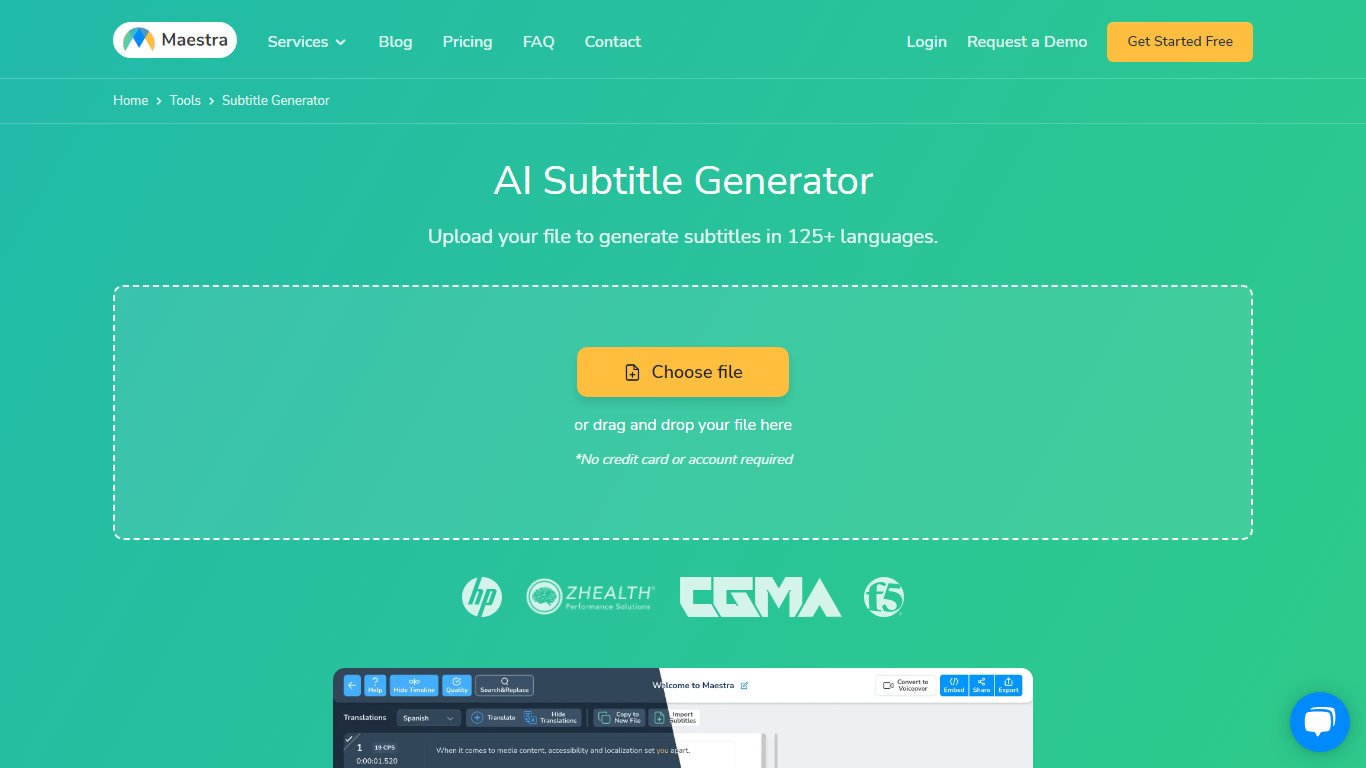
Maestra's AI Subtitle Generator turns uploaded videos, pasted YouTube links, or live microphone audio into timed subtitle files from a single browser page. You pick the spoken language, the tool transcribes with native speech models, and you export SRT, VTT, SCC, STL, TXT, TTML, or SBV without installing desktop software.
Most caption tools stop at transcription, but Maestra bundles translation into 125+ languages, a format converter, frame-level sync editor, and live caption sessions in the same product. That matters when you need burned-in styling for TikTok clips and a separate SRT for YouTube on the same source file.
Video editors, educators, marketers, and accessibility teams use it when they need fast captions across platforms. Integrations cover YouTube, OBS, Zoom, Microsoft Teams, TikTok, and Slack, so subtitles can stay inside the workflow instead of bouncing between apps.
Lightkey
What is Lightkey?
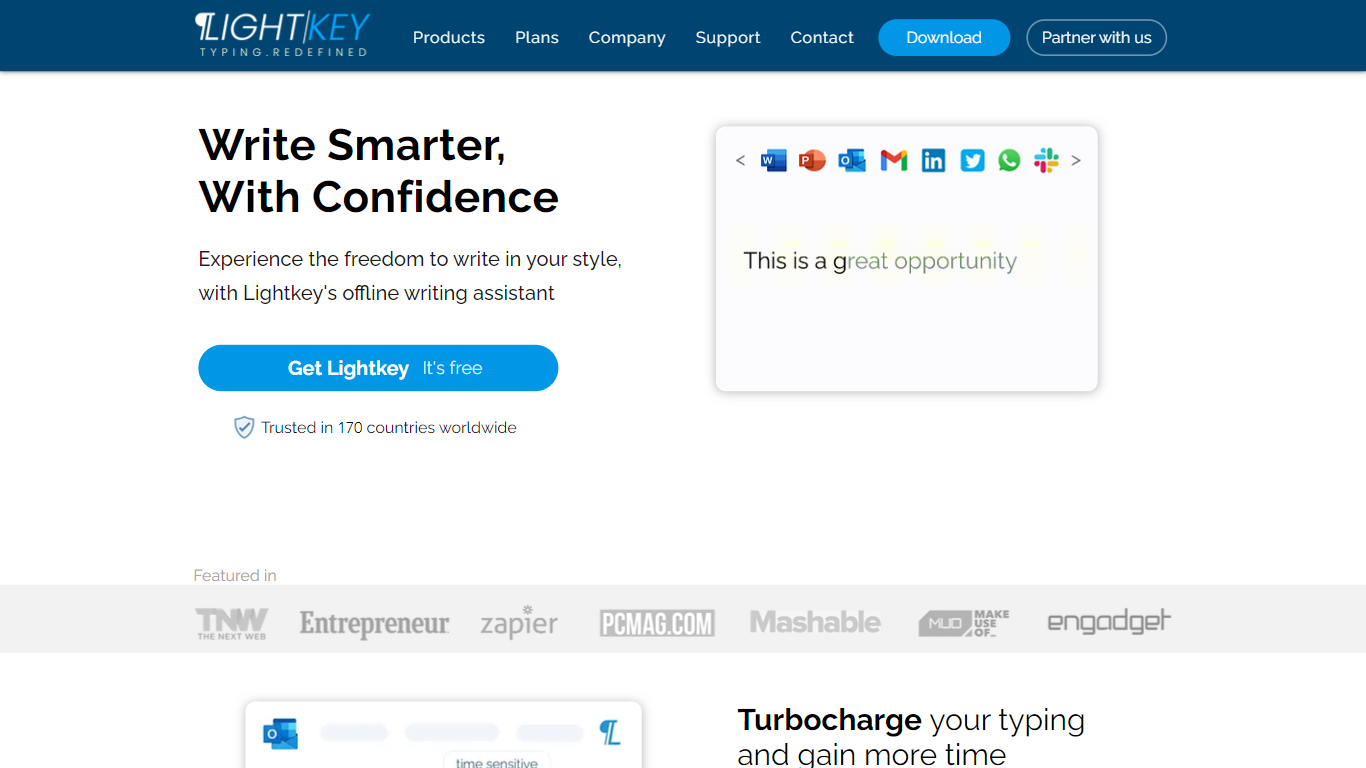
Lightkey learns how you type on Windows and suggests the next words while you write in Office apps or the browser. Accept a prediction with Tab and keep drafting emails, documents, and chat replies without stopping to fix typos.
Cloud writing assistants send keystrokes to remote servers, which is a non-starter for legal, healthcare, and enterprise drafts. Lightkey keeps prediction on your machine, supports 60-plus industry content domains, and offers a business tier with team terminology, which is the trade-off worth knowing if privacy matters more than cross-device sync.
Writers, support reps, and office teams use it in Word, Outlook, Gmail, Slack, Notion, and ChatGPT on the web. A free tier handles basic prediction, while Lightkey Pro unlocks unlimited suggestions and productivity metrics.
AI Subtitle Generator - Maestra Upvotes
Lightkey Upvotes
AI Subtitle Generator - Maestra Top Features
99% accuracy claim across 125+ languages with native speech recognition models
Export subtitles in SRT, VTT, SCC, STL, CAP, TXT, TTML, and SBV formats
Free trial with 1-minute processing before signup; no credit card required to start
Live caption mode transcribes and translates spoken audio in real time
Built-in integrations for YouTube, OBS, Zoom, Teams, TikTok, and Slack
Subtitle Basic plan includes 360 minutes of subtitles per month at $39 monthly
Lightkey Top Features
Predicts up to 18 words ahead, including punctuation, from local typing patterns
Runs offline without sending your content to the cloud
Supports Microsoft Office 2010 through 2024 plus Office 365 natively
Chrome and Edge extensions cover Gmail, Slack, Notion, LinkedIn, and ChatGPT on the web
Offers 60-plus industry content domains such as technology, academia, and legal
Lightkey Pro adds unlimited predictions, productivity metrics, and corpus file training
AI Subtitle Generator - Maestra Category
- Text Generation
Lightkey Category
- Text Generation
AI Subtitle Generator - Maestra Pricing Type
- Freemium
Lightkey Pricing Type
- Freemium