
Last updated 08-21-2026
Category:
Reviews:
Join thousands of AI enthusiasts in the World of AI!
Lightkey
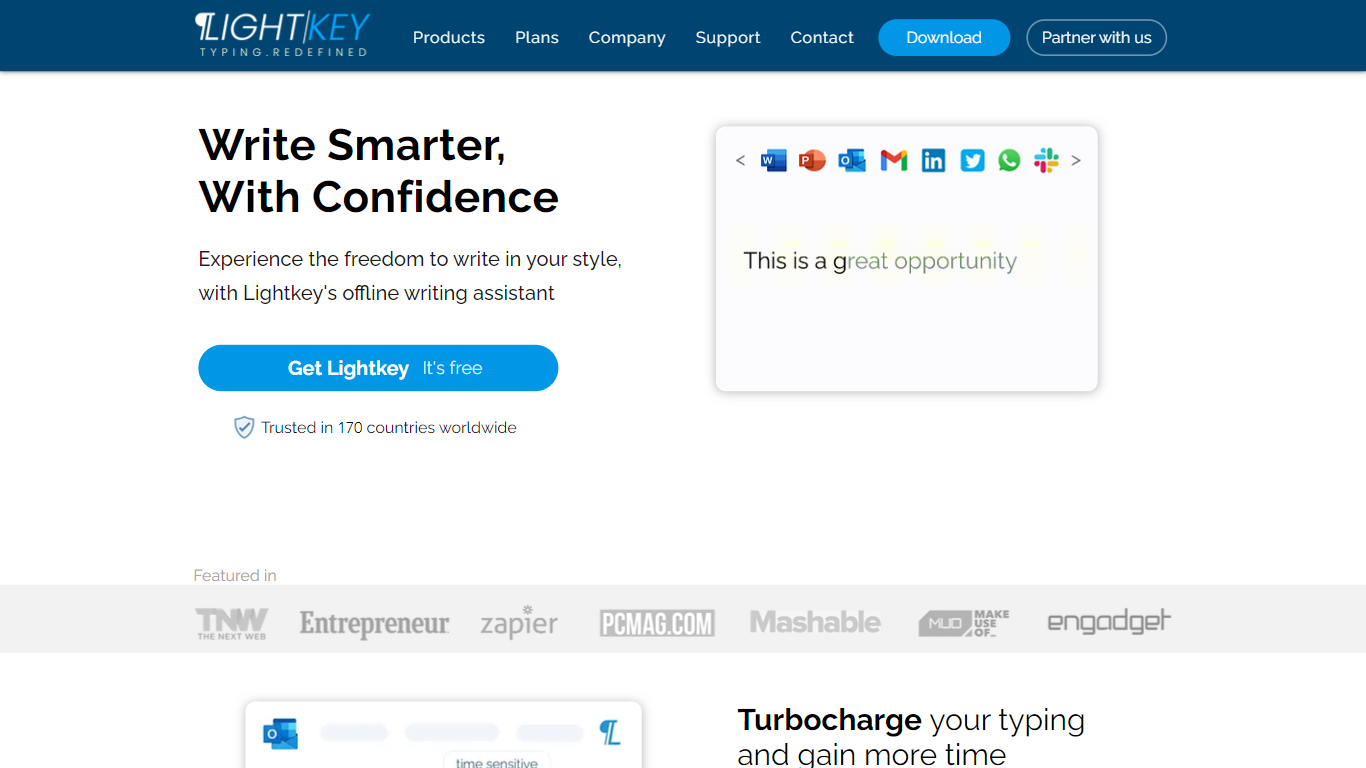
Lightkey learns how you type on Windows and suggests the next words while you write in Office apps or the browser. Accept a prediction with Tab and keep drafting emails, documents, and chat replies without stopping to fix typos.
Cloud writing assistants send keystrokes to remote servers, which is a non-starter for legal, healthcare, and enterprise drafts. Lightkey keeps prediction on your machine, supports 60-plus industry content domains, and offers a business tier with team terminology, which is the trade-off worth knowing if privacy matters more than cross-device sync.
Writers, support reps, and office teams use it in Word, Outlook, Gmail, Slack, Notion, and ChatGPT on the web. A free tier handles basic prediction, while Lightkey Pro unlocks unlimited suggestions and productivity metrics.
Predicts up to 18 words ahead, including punctuation, from local typing patterns
Runs offline without sending your content to the cloud
Supports Microsoft Office 2010 through 2024 plus Office 365 natively
Chrome and Edge extensions cover Gmail, Slack, Notion, LinkedIn, and ChatGPT on the web
Offers 60-plus industry content domains such as technology, academia, and legal
Lightkey Pro adds unlimited predictions, productivity metrics, and corpus file training
Keeps prediction offline, which suits regulated or confidential drafting workflows.
Deep Office integration plus browser extensions cover email, docs, and chat in one tool.
Industry-specific content domains adapt suggestions to legal, academic, and tech vocabulary.
Windows-only support leaves Mac and Linux users without an official client.
Pro plan prices are not listed publicly on the marketing pages reviewed here.
Marketing copy still references Office 2010-2019 in places while also listing Office 2024 support.
Is Lightkey safe for confidential writing?
Lightkey states it never submits your content to the cloud and runs prediction offline on your Windows PC. The company also cites Fortune 500 customers and industry security practices on its site.
Which apps does Lightkey support?
Lightkey natively supports Microsoft Word, PowerPoint, and Outlook across Office 2010 through 2024 and Office 365. Its Chrome and Edge extensions add predictions to web apps such as Gmail, Slack, Notion, and ChatGPT.
What does Lightkey Pro add?
Lightkey Pro unlocks unlimited predictions plus productivity metrics such as time saved and typing speed. Pro users can also drag files into the prediction engine to train Lightkey on personal writing samples.
Does Lightkey work on Mac?
Lightkey is built for Windows. The FAQ lists Mac as unsupported, so Mac users would need another text prediction tool instead of Lightkey.
Can teams deploy Lightkey centrally?
Lightkey for Business supports silent deployment through SCCM or similar tools, team terminology prediction, and on-premise offline operation. The business page targets organizations that need shared vocabulary without cloud processing.
Is there a free version of Lightkey?
Lightkey offers a free tier with basic prediction capabilities. Upgrading to Lightkey Pro removes prediction limits and adds advanced productivity features described on the Pro page.