Video2Text vs Lightkey
In the face-off between Video2Text vs Lightkey, which AI Text Generation tool takes the crown? We scrutinize features, alternatives, upvotes, reviews, pricing, and more.
When we put Video2Text and Lightkey head to head, which one emerges as the victor?
If we were to analyze Video2Text and Lightkey, both of which are AI-powered text generation tools, what would we find? The upvote count is neck and neck for both Video2Text and Lightkey. Be a part of the decision-making process. Your vote could determine the winner.
You don't agree with the result? Cast your vote to help us decide!
Video2Text

What is Video2Text?
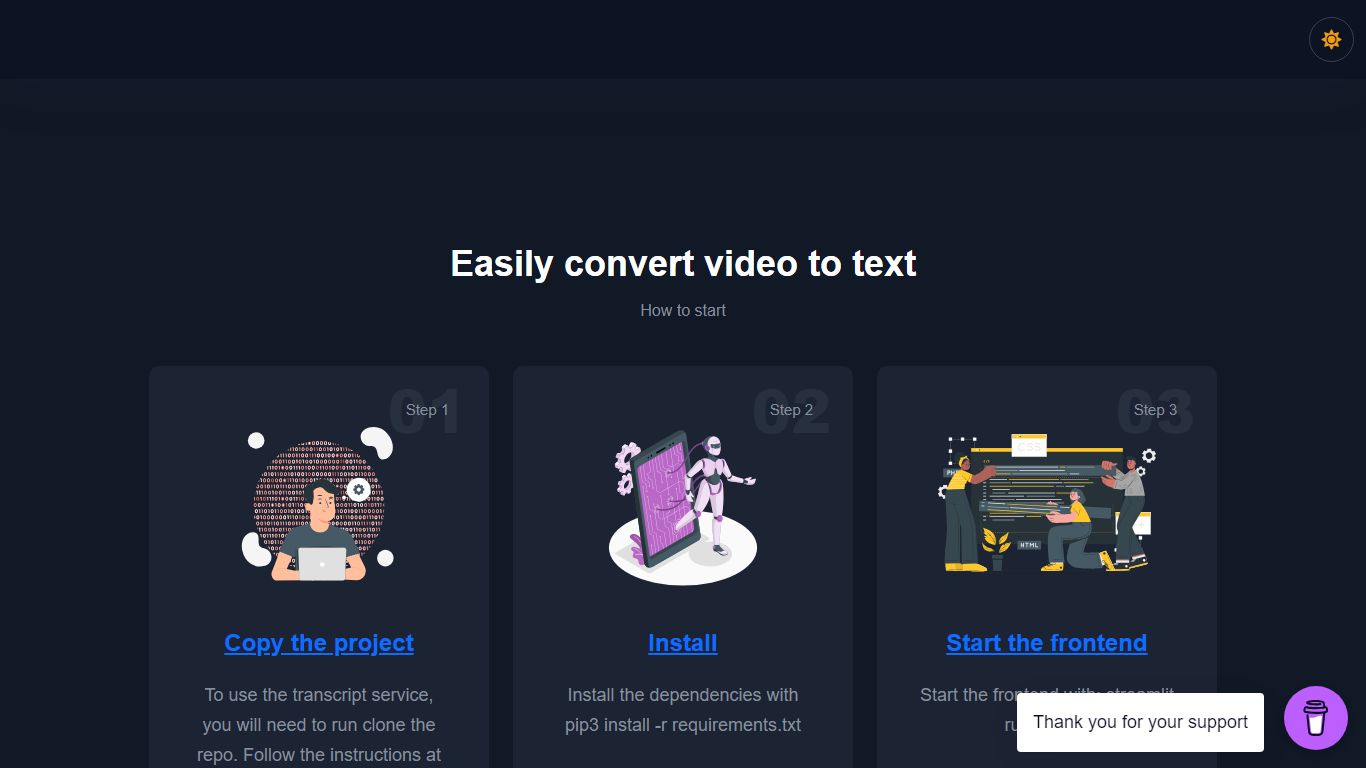
Transform your video content into accurate transcriptions with the Video2Text - Transcribe Videos service. Employing OpenAI Whisper's advanced algorithms, this converter offers a reliable way to transcribe videos into text, effortlessly. The process is simple: clone the GitHub repository, install the necessary dependencies, and start the frontend. Ideal for a diverse array of users such as researchers, educators, journalists, and content creators, this tool is available for free and is especially helpful if you're looking to streamline your workflow. The provided instructions ensure a smooth setup so you can begin converting videos with ease. Additionally, your support is welcomed with an optional donation to sustain and enhance the service. For inquiries, you can reach out to the dedicated contact email provided.
Lightkey
What is Lightkey?
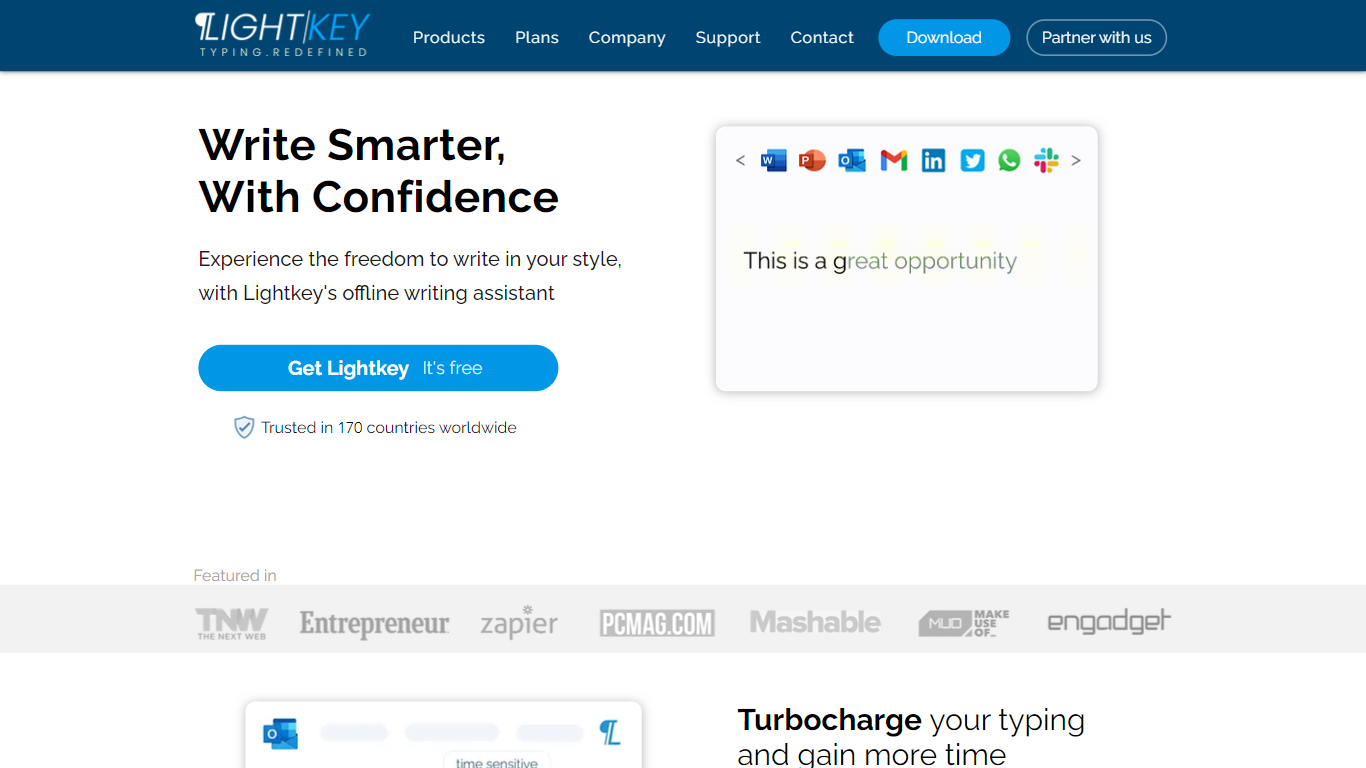
Lightkey learns how you type on Windows and suggests the next words while you write in Office apps or the browser. Accept a prediction with Tab and keep drafting emails, documents, and chat replies without stopping to fix typos.
Cloud writing assistants send keystrokes to remote servers, which is a non-starter for legal, healthcare, and enterprise drafts. Lightkey keeps prediction on your machine, supports 60-plus industry content domains, and offers a business tier with team terminology, which is the trade-off worth knowing if privacy matters more than cross-device sync.
Writers, support reps, and office teams use it in Word, Outlook, Gmail, Slack, Notion, and ChatGPT on the web. A free tier handles basic prediction, while Lightkey Pro unlocks unlimited suggestions and productivity metrics.
Video2Text Upvotes
Lightkey Upvotes
Video2Text Top Features
Ease of Use: Clone the repo install dependencies and start converting videos with a straightforward process.
OpenAI Whisper Technology: Leverages cutting-edge algorithms to deliver accurate video-to-text conversion.
Free Access: No cost involved to use the state-of-the-art transcription technology.
Support Available: For questions or concerns a dedicated contact is provided for assistance.
Supportive Community: Option to donate and support the developer's work in creating and maintaining this valuable tool.
Lightkey Top Features
Predicts up to 18 words ahead, including punctuation, from local typing patterns
Runs offline without sending your content to the cloud
Supports Microsoft Office 2010 through 2024 plus Office 365 natively
Chrome and Edge extensions cover Gmail, Slack, Notion, LinkedIn, and ChatGPT on the web
Offers 60-plus industry content domains such as technology, academia, and legal
Lightkey Pro adds unlimited predictions, productivity metrics, and corpus file training
Video2Text Category
- Text Generation
Lightkey Category
- Text Generation
Video2Text Pricing Type
- Freemium
Lightkey Pricing Type
- Freemium