Lightkey vs Supertranslate
In the face-off between Lightkey vs Supertranslate, which AI Text Generation tool takes the crown? We scrutinize features, alternatives, upvotes, reviews, pricing, and more.
In a face-off between Lightkey and Supertranslate, which one takes the crown?
If we were to analyze Lightkey and Supertranslate, both of which are AI-powered text generation tools, what would we find? With more upvotes, Lightkey is the preferred choice. The upvote count for Lightkey is 6, and for Supertranslate it's 4.
Not your cup of tea? Upvote your preferred tool and stir things up!
Lightkey
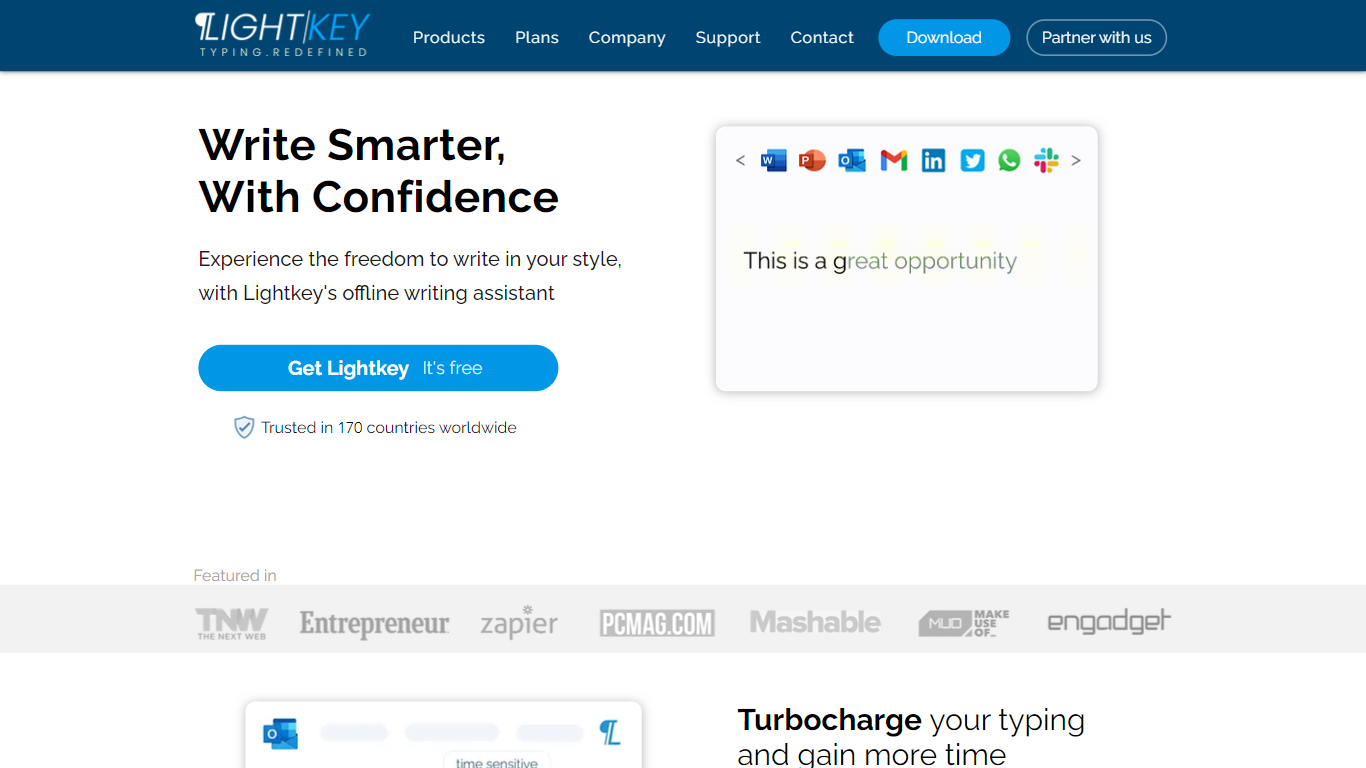

What is Lightkey?
Lightkey learns how you type on Windows and suggests the next words while you write in Office apps or the browser. Accept a prediction with Tab and keep drafting emails, documents, and chat replies without stopping to fix typos.
Cloud writing assistants send keystrokes to remote servers, which is a non-starter for legal, healthcare, and enterprise drafts. Lightkey keeps prediction on your machine, supports 60-plus industry content domains, and offers a business tier with team terminology, which is the trade-off worth knowing if privacy matters more than cross-device sync.
Writers, support reps, and office teams use it in Word, Outlook, Gmail, Slack, Notion, and ChatGPT on the web. A free tier handles basic prediction, while Lightkey Pro unlocks unlimited suggestions and productivity metrics.
Supertranslate
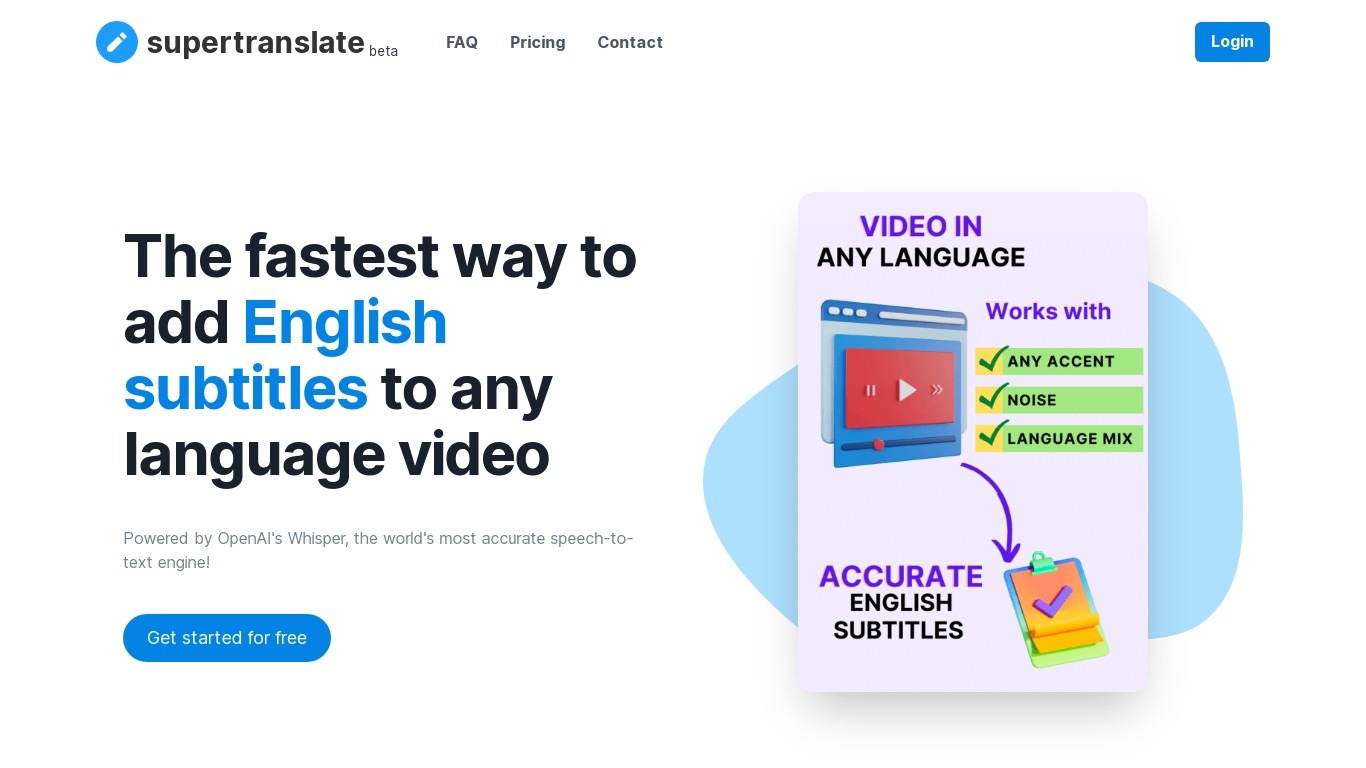
What is Supertranslate?
Supertranslate turns uploaded audio and video into editable text transcripts and subtitle files in 125+ languages. You upload media up to 10GB, get speech-to-text powered by OpenAI Whisper, then export SRT, VTT, or XML for YouTube and other platforms. Media teams, educators, and creators use it when they need fast captions without manual typing.
Compared with general transcription SaaS, Supertranslate bundles translation into the same workflow and supports custom dictionaries for proper nouns and industry terms. It also offers speaker identification, team collaboration on shared projects, and integrations with Google Drive and cloud storage for automatic file intake. Batch processing and role-based access show up on paid tiers aimed at production teams.
Freelance editors, localization vendors, and podcast producers use Supertranslate to localize video libraries. The free tier includes 200MB of processing per month; paid plans scale from 20 hours on Pro at $20 per month up to enterprise contracts with unlimited processing.
Lightkey Upvotes
Supertranslate Upvotes
Lightkey Top Features
Predicts up to 18 words ahead, including punctuation, from local typing patterns
Runs offline without sending your content to the cloud
Supports Microsoft Office 2010 through 2024 plus Office 365 natively
Chrome and Edge extensions cover Gmail, Slack, Notion, LinkedIn, and ChatGPT on the web
Offers 60-plus industry content domains such as technology, academia, and legal
Lightkey Pro adds unlimited predictions, productivity metrics, and corpus file training
Supertranslate Top Features
Transcribe audio and video in 125+ languages with OpenAI Whisper
Export subtitles as SRT, VTT, or XML for publishing workflows
Upload files up to 10GB or connect Google Drive and cloud storage
Build custom dictionaries to improve accuracy on names and technical terms
Identify speakers with diarization and segment-level timing controls
Translate transcripts into 36+ languages from the same editor
Lightkey Category
- Text Generation
Supertranslate Category
- Text Generation
Lightkey Pricing Type
- Freemium
Supertranslate Pricing Type
- Freemium