POE Prompt Generator vs Lightkey
Explore the showdown between POE Prompt Generator vs Lightkey and find out which AI Text Generation tool wins. We analyze upvotes, features, reviews, pricing, alternatives, and more.
In a face-off between POE Prompt Generator and Lightkey, which one takes the crown?
When we contrast POE Prompt Generator with Lightkey, both of which are exceptional AI-operated text generation tools, and place them side by side, we can spot several crucial similarities and divergences. There's no clear winner in terms of upvotes, as both tools have received the same number. Since other aitools.fyi users could decide the winner, the ball is in your court now to cast your vote and help us determine the winner.
Does the result make you go "hmm"? Cast your vote and turn that frown upside down!
POE Prompt Generator

What is POE Prompt Generator?
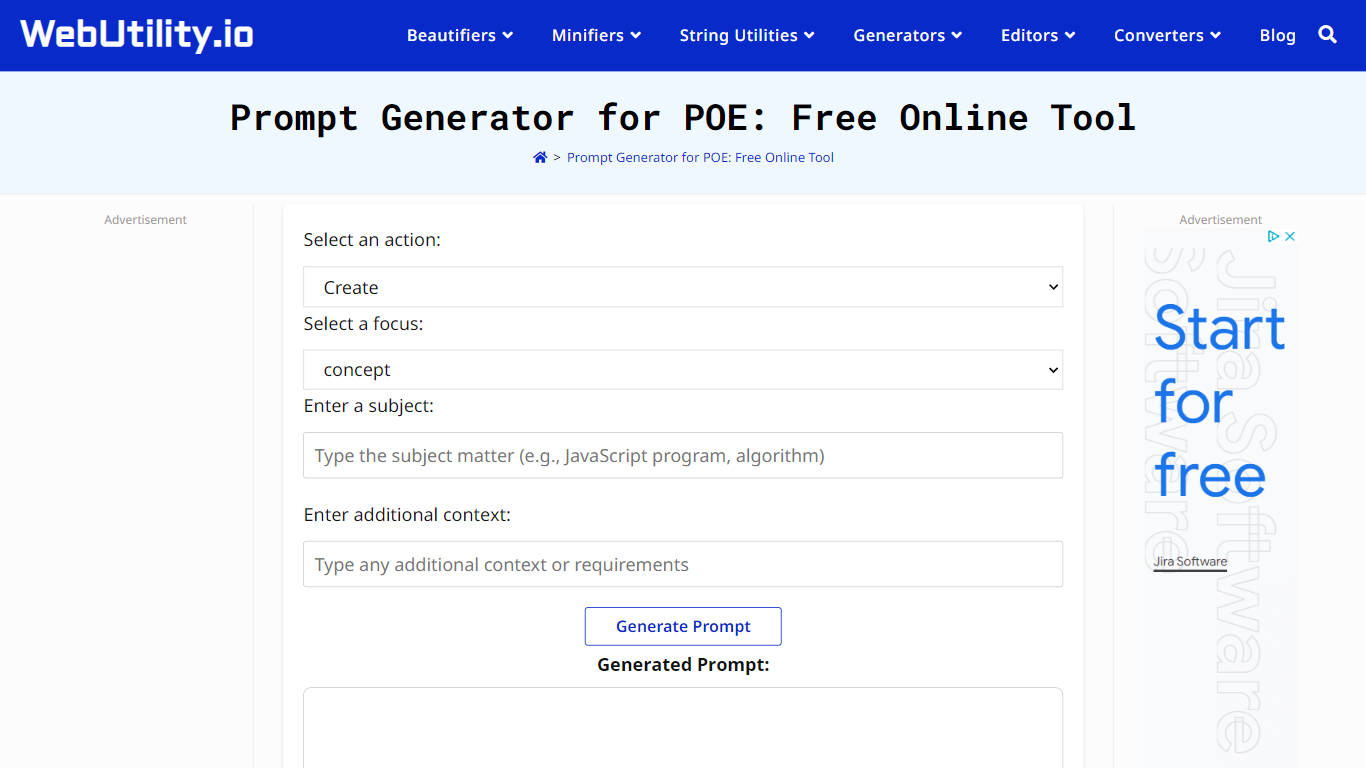
POE Prompt Generator is a free text-generation helper that builds structured prompts for Poe AI chats. You pick an action like Create, Explain, Analyze, or Write, choose a matching focus, enter a subject, and add optional context. The tool assembles a ready-to-paste prompt you copy into Poe at poe.com.
Hand-writing Poe prompts from scratch takes trial and error. This generator maps your goal to a predefined action and focus pair, so the output follows a consistent instruction format instead of a vague one-liner. WebUtility.io hosts the same pattern for ChatGPT and general AI prompts, but this version targets Poe specifically.
Writers, students, and researchers use POE Prompt Generator to draft essay questions, brainstorming prompts, and analysis tasks before opening a Poe bot. The tool runs in the browser with no signup and no cost.
Lightkey
What is Lightkey?
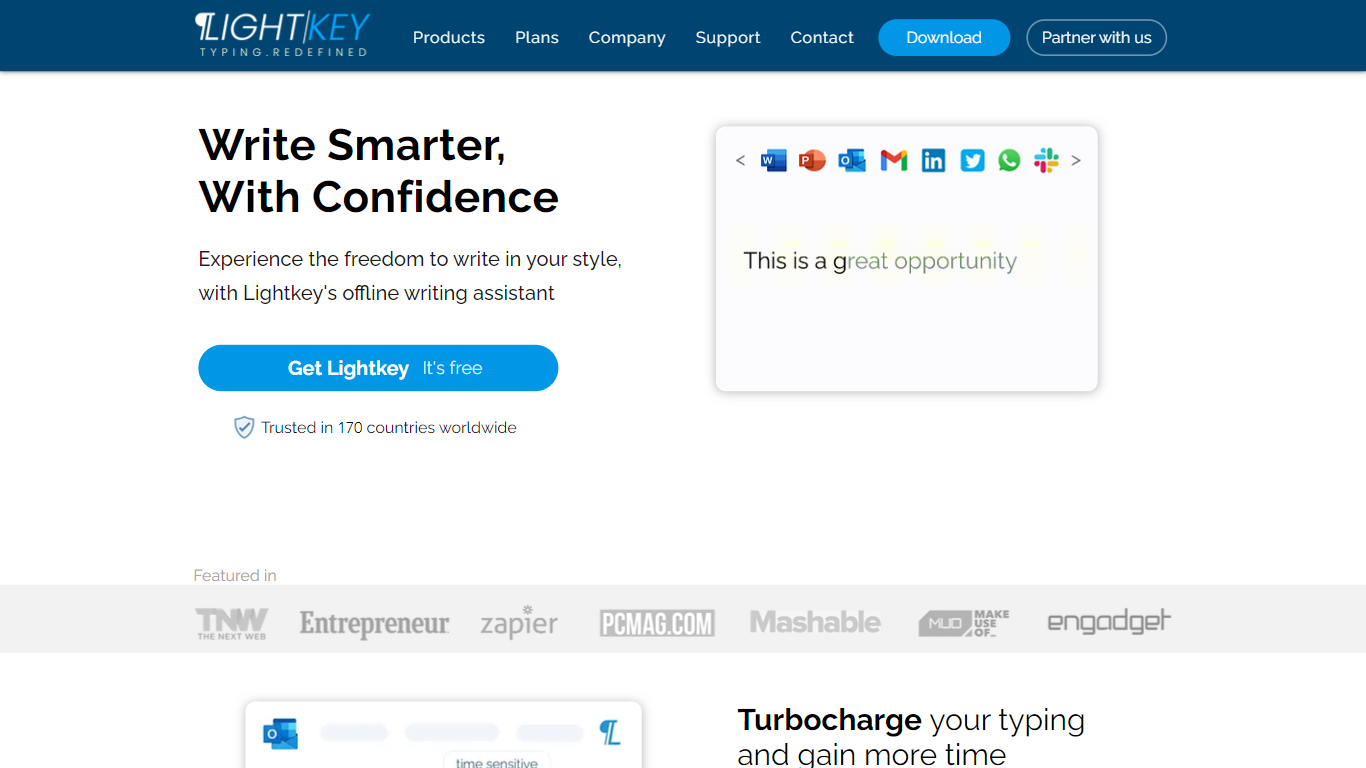
Lightkey learns how you type on Windows and suggests the next words while you write in Office apps or the browser. Accept a prediction with Tab and keep drafting emails, documents, and chat replies without stopping to fix typos.
Cloud writing assistants send keystrokes to remote servers, which is a non-starter for legal, healthcare, and enterprise drafts. Lightkey keeps prediction on your machine, supports 60-plus industry content domains, and offers a business tier with team terminology, which is the trade-off worth knowing if privacy matters more than cross-device sync.
Writers, support reps, and office teams use it in Word, Outlook, Gmail, Slack, Notion, and ChatGPT on the web. A free tier handles basic prediction, while Lightkey Pro unlocks unlimited suggestions and productivity metrics.
POE Prompt Generator Upvotes
Lightkey Upvotes
POE Prompt Generator Top Features
Nine action types: Create, Explain, Analyze, Compare, Evaluate, Predict, Recommend, Debate, Write
Focus dropdown updates dynamically based on the selected action
Subject and additional context fields for customized prompt output
One-click copy button sends the generated prompt to your clipboard
Runs free in the browser on WebUtility.io with no account required
Sibling tools include a ChatGPT Prompt Generator on the same site
Lightkey Top Features
Predicts up to 18 words ahead, including punctuation, from local typing patterns
Runs offline without sending your content to the cloud
Supports Microsoft Office 2010 through 2024 plus Office 365 natively
Chrome and Edge extensions cover Gmail, Slack, Notion, LinkedIn, and ChatGPT on the web
Offers 60-plus industry content domains such as technology, academia, and legal
Lightkey Pro adds unlimited predictions, productivity metrics, and corpus file training
POE Prompt Generator Category
- Text Generation
Lightkey Category
- Text Generation
POE Prompt Generator Pricing Type
- Free
Lightkey Pricing Type
- Freemium