Lightkey vs Whisper Memos
Dive into the comparison of Lightkey vs Whisper Memos and discover which AI Text Generation tool stands out. We examine alternatives, upvotes, features, reviews, pricing, and beyond.
When comparing Lightkey and Whisper Memos, which one rises above the other?
When we compare Lightkey and Whisper Memos, two exceptional text generation tools powered by artificial intelligence, and place them side by side, several key similarities and differences come to light. The upvote count shows a clear preference for Whisper Memos. The number of upvotes for Whisper Memos stands at 37, and for Lightkey it's 6.
You don't agree with the result? Cast your vote to help us decide!
Lightkey

What is Lightkey?
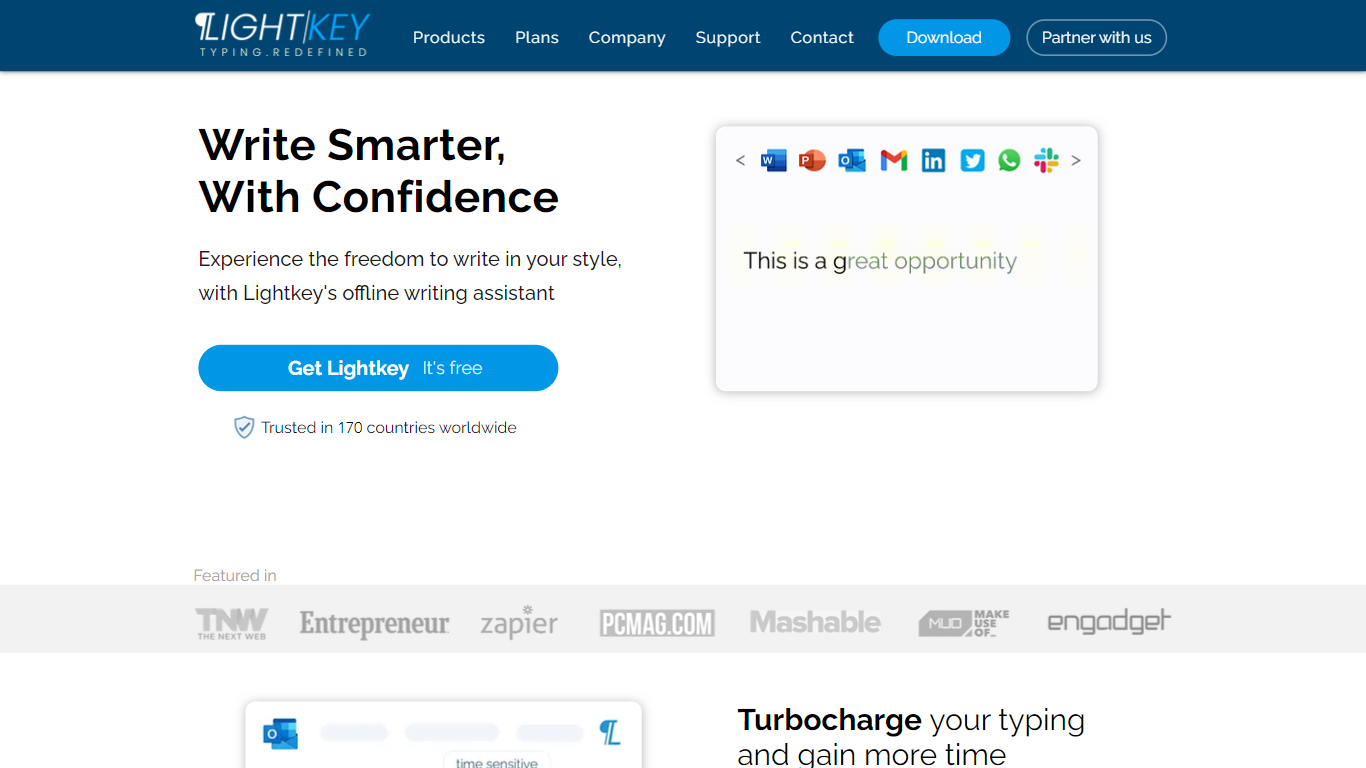
Lightkey learns how you type on Windows and suggests the next words while you write in Office apps or the browser. Accept a prediction with Tab and keep drafting emails, documents, and chat replies without stopping to fix typos.
Cloud writing assistants send keystrokes to remote servers, which is a non-starter for legal, healthcare, and enterprise drafts. Lightkey keeps prediction on your machine, supports 60-plus industry content domains, and offers a business tier with team terminology, which is the trade-off worth knowing if privacy matters more than cross-device sync.
Writers, support reps, and office teams use it in Word, Outlook, Gmail, Slack, Notion, and ChatGPT on the web. A free tier handles basic prediction, while Lightkey Pro unlocks unlimited suggestions and productivity metrics.
Whisper Memos
What is Whisper Memos?
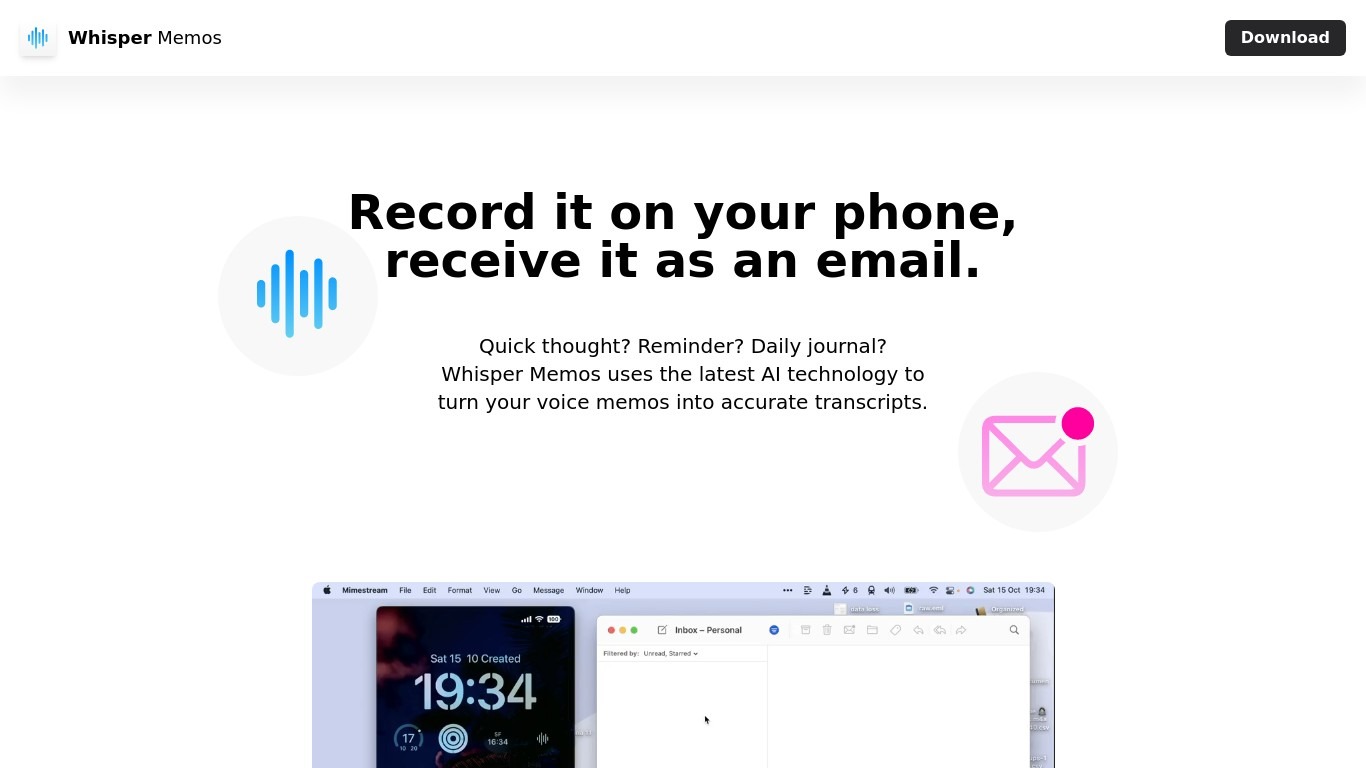
Whisper Memos records voice on your iPhone or Apple Watch and emails back a formatted transcript with an optional AI summary. You tap once on your phone, watch complication, or Action Button, speak your thought, and seconds later get readable paragraphs in your inbox. It targets people who capture ideas while walking, driving, or between meetings rather than sitting down to type.
Meeting recorders like Otter or Granola center on live calls and shared workspaces. Whisper Memos routes every memo to your inbox by default, adds custom summary prompts, and lets you name Agents that send different recordings to email, Notion, Trello, or Zapier workflows. The Apple Watch app, lock screen widget, and Siri shortcuts are first-class, which matters when your hands are busy.
Freelancers, founders, and ADHD users rely on it for brain dumps, errands, and journal entries they would never write out. Students record lectures on their phone and get searchable notes back. Anyone deep in Apple's ecosystem who wants voice-to-text without cleaning up a rough transcript themselves is the core audience.
Lightkey Upvotes
Whisper Memos Upvotes
Lightkey Top Features
Predicts up to 18 words ahead, including punctuation, from local typing patterns
Runs offline without sending your content to the cloud
Supports Microsoft Office 2010 through 2024 plus Office 365 natively
Chrome and Edge extensions cover Gmail, Slack, Notion, LinkedIn, and ChatGPT on the web
Offers 60-plus industry content domains such as technology, academia, and legal
Lightkey Pro adds unlimited predictions, productivity metrics, and corpus file training
Whisper Memos Top Features
Unlimited voice memos with recordings up to 90 minutes each on paid plans
Choose OpenAI Whisper, ElevenLabs Scribe, or Cohere Transcribe for speech-to-text
Import MP3, M4A, WAV, AAC, or FLAC files up to 100 MB for transcription
Apple Watch complication and iPhone Action Button shortcuts start recording in one tap
Agents route memos to email, Notion, Trello, Todoist, or Zapier by spoken name
Custom summary prompts turn transcripts into bullet lists, todos, or meeting notes
Lightkey Category
- Text Generation
Whisper Memos Category
- Text Generation
Lightkey Pricing Type
- Freemium
Whisper Memos Pricing Type
- Freemium