AI Subtitle Generator - Maestra vs Whisper Memos
When comparing AI Subtitle Generator - Maestra vs Whisper Memos, which AI Text Generation tool shines brighter? We look at pricing, alternatives, upvotes, features, reviews, and more.
In a comparison between AI Subtitle Generator - Maestra and Whisper Memos, which one comes out on top?
When we put AI Subtitle Generator - Maestra and Whisper Memos side by side, both being AI-powered text generation tools, In the race for upvotes, Whisper Memos takes the trophy. The upvote count for Whisper Memos is 37, and for AI Subtitle Generator - Maestra it's 6.
Not your cup of tea? Upvote your preferred tool and stir things up!
AI Subtitle Generator - Maestra
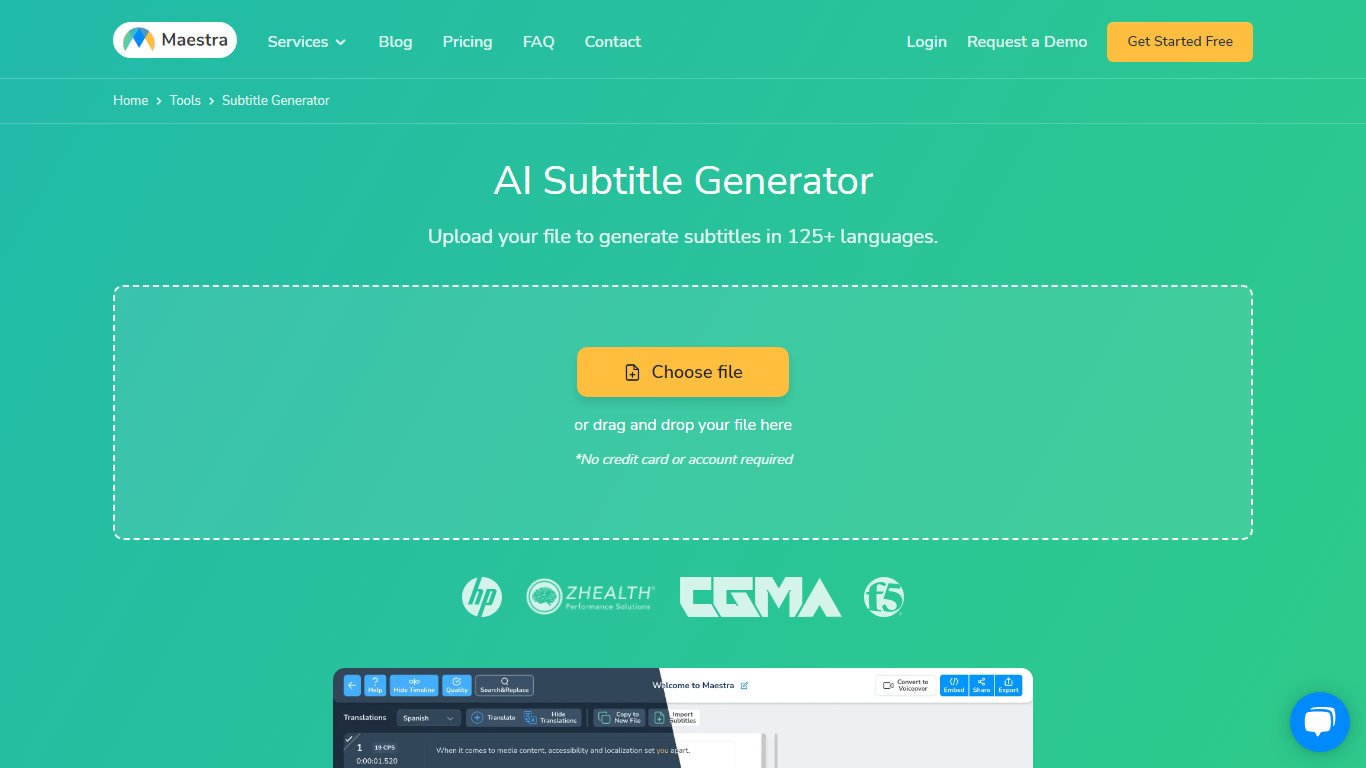

What is AI Subtitle Generator - Maestra?
Maestra's AI Subtitle Generator turns uploaded videos, pasted YouTube links, or live microphone audio into timed subtitle files from a single browser page. You pick the spoken language, the tool transcribes with native speech models, and you export SRT, VTT, SCC, STL, TXT, TTML, or SBV without installing desktop software.
Most caption tools stop at transcription, but Maestra bundles translation into 125+ languages, a format converter, frame-level sync editor, and live caption sessions in the same product. That matters when you need burned-in styling for TikTok clips and a separate SRT for YouTube on the same source file.
Video editors, educators, marketers, and accessibility teams use it when they need fast captions across platforms. Integrations cover YouTube, OBS, Zoom, Microsoft Teams, TikTok, and Slack, so subtitles can stay inside the workflow instead of bouncing between apps.
Whisper Memos
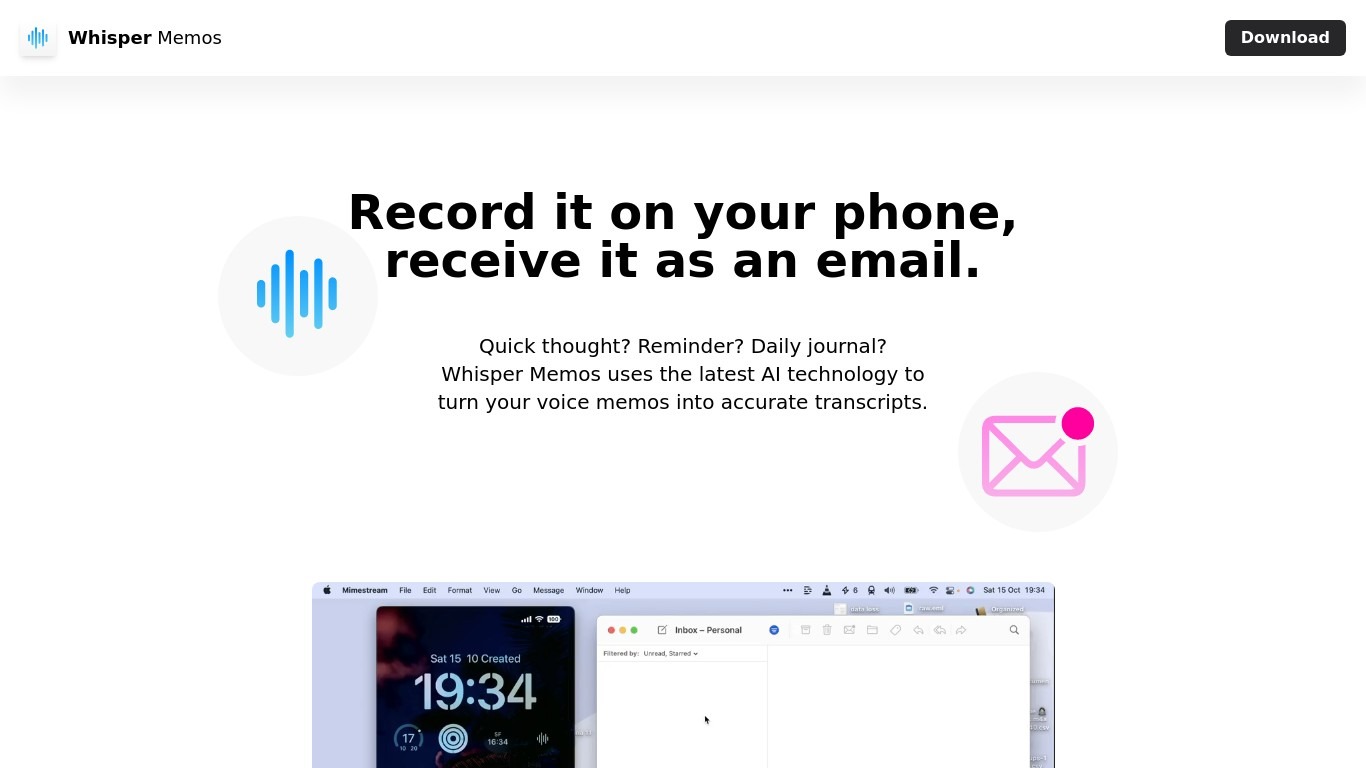
What is Whisper Memos?
Whisper Memos records voice on your iPhone or Apple Watch and emails back a formatted transcript with an optional AI summary. You tap once on your phone, watch complication, or Action Button, speak your thought, and seconds later get readable paragraphs in your inbox. It targets people who capture ideas while walking, driving, or between meetings rather than sitting down to type.
Meeting recorders like Otter or Granola center on live calls and shared workspaces. Whisper Memos routes every memo to your inbox by default, adds custom summary prompts, and lets you name Agents that send different recordings to email, Notion, Trello, or Zapier workflows. The Apple Watch app, lock screen widget, and Siri shortcuts are first-class, which matters when your hands are busy.
Freelancers, founders, and ADHD users rely on it for brain dumps, errands, and journal entries they would never write out. Students record lectures on their phone and get searchable notes back. Anyone deep in Apple's ecosystem who wants voice-to-text without cleaning up a rough transcript themselves is the core audience.
AI Subtitle Generator - Maestra Upvotes
Whisper Memos Upvotes
AI Subtitle Generator - Maestra Top Features
99% accuracy claim across 125+ languages with native speech recognition models
Export subtitles in SRT, VTT, SCC, STL, CAP, TXT, TTML, and SBV formats
Free trial with 1-minute processing before signup; no credit card required to start
Live caption mode transcribes and translates spoken audio in real time
Built-in integrations for YouTube, OBS, Zoom, Teams, TikTok, and Slack
Subtitle Basic plan includes 360 minutes of subtitles per month at $39 monthly
Whisper Memos Top Features
Unlimited voice memos with recordings up to 90 minutes each on paid plans
Choose OpenAI Whisper, ElevenLabs Scribe, or Cohere Transcribe for speech-to-text
Import MP3, M4A, WAV, AAC, or FLAC files up to 100 MB for transcription
Apple Watch complication and iPhone Action Button shortcuts start recording in one tap
Agents route memos to email, Notion, Trello, Todoist, or Zapier by spoken name
Custom summary prompts turn transcripts into bullet lists, todos, or meeting notes
AI Subtitle Generator - Maestra Category
- Text Generation
Whisper Memos Category
- Text Generation
AI Subtitle Generator - Maestra Pricing Type
- Freemium
Whisper Memos Pricing Type
- Freemium