AI Text-To-Video - Filmora vs Synthesia
When comparing AI Text-To-Video - Filmora vs Synthesia, which AI Video Generation tool shines brighter? We look at pricing, alternatives, upvotes, features, reviews, and more.
In a comparison between AI Text-To-Video - Filmora and Synthesia, which one comes out on top?
When we put AI Text-To-Video - Filmora and Synthesia side by side, both being AI-powered video generation tools, The community has spoken, Synthesia leads with more upvotes. The upvote count for Synthesia is 9, and for AI Text-To-Video - Filmora it's 6.
Want to flip the script? Upvote your favorite tool and change the game!
AI Text-To-Video - Filmora
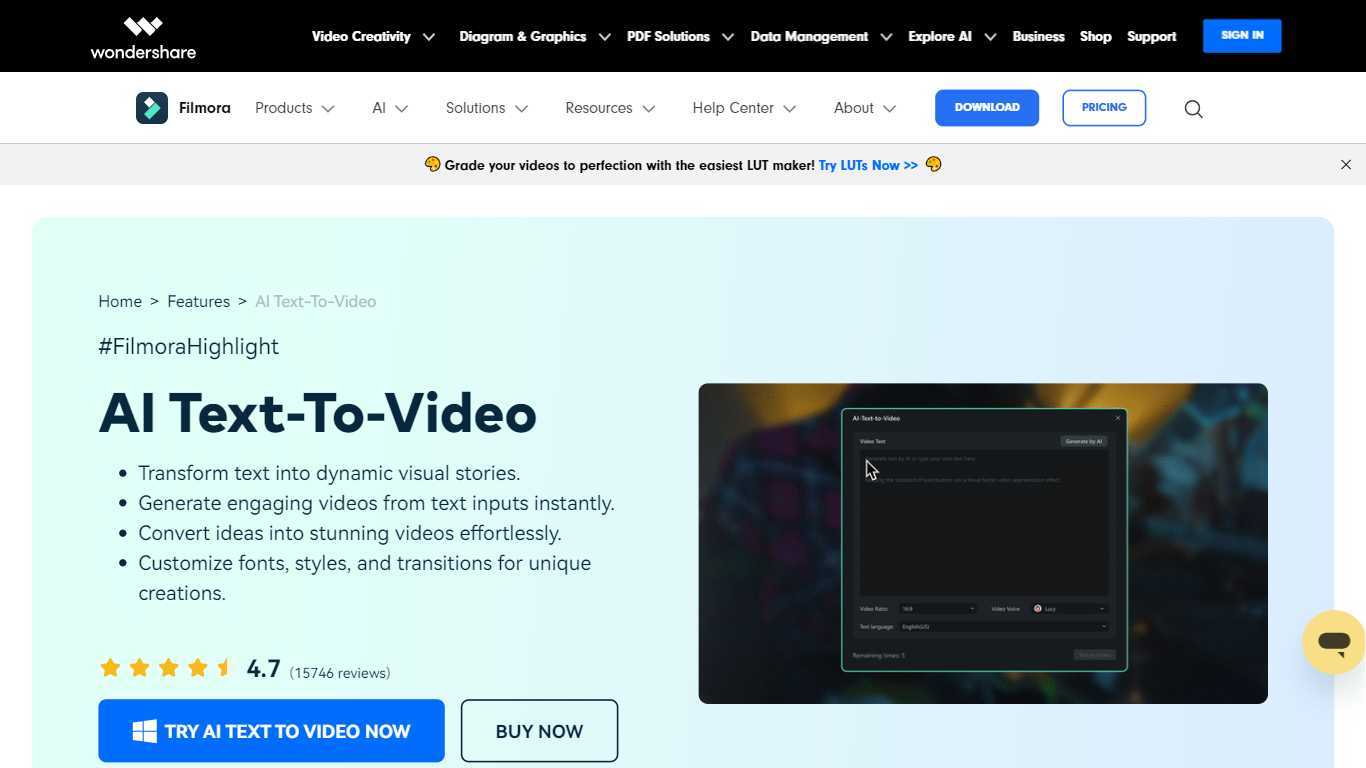

What is AI Text-To-Video - Filmora?
Filmora's AI Text to Video turns written input into finished video clips inside the broader Filmora editor. You can start with a single prompt, a short idea, or a full script, then generate scenes with matching visuals, voiceover, music, and subtitles. The feature lives inside Wondershare's Filmora desktop and mobile apps, aimed at creators who want video output without filming from scratch.
What sets it apart is three separate generation workflows. Text to Video by AI Models routes prompts through Seedance 2.0, Sora 2, or Google Veo 3.1 for short cinematic clips (8 to 15 seconds). AI Script to Video expands keywords into a script, matches stock visuals, and assembles a timeline-ready edit up to about one minute. AI Idea to Video builds storyboard scenes with custom characters and reference images, then drops them into Filmora's timeline for further editing.
The tool fits content creators, marketers, educators, and scriptwriters who need social clips, explainers, or narrative shorts fast. Generated videos open directly in Filmora's editor, so you can trim clips, swap audio, add effects, and export for YouTube, TikTok, Instagram, or LinkedIn.
Synthesia
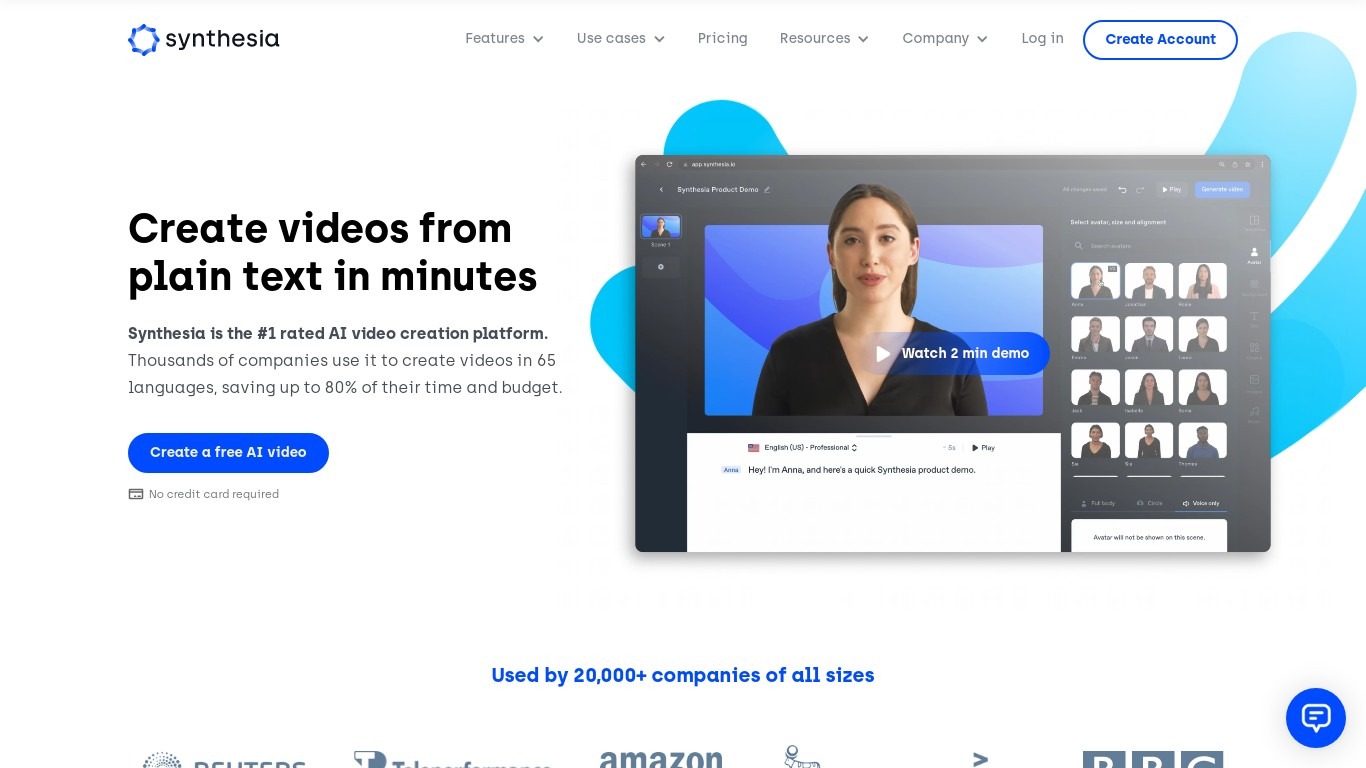
What is Synthesia?
Synthesia turns scripts into presenter-led videos using 240+ stock avatars, cloned voices, and lip-synced dubbing across 160+ languages. You write text, pick an avatar, and export MP4 or SCORM without cameras, studios, or voice actors. The Basic plan includes 10 minutes of generated video per month with 9 stock avatars.
Where most avatar video tools stop at export, Synthesia runs create, localize, collaborate, and publish in one workspace. Embedded videos auto-update when you edit the source, SCORM packages ship with translated versions, and Enterprise teams get Brand Kits plus SAML/SSO. Roleplay Sessions add a newer angle: practice sales or support conversations with interactive avatars that score your responses.
L&D teams use it for compliance and onboarding at scale. Sales enablement groups ship pitch refreshes in minutes instead of booking shoots. Marketing and internal comms teams localize one master video into dozens of languages with one-click translation. Over 50,000 companies use it, including a large share of the Fortune 100.
AI Text-To-Video - Filmora Upvotes
Synthesia Upvotes
AI Text-To-Video - Filmora Top Features
Pick Seedance 2.0, Sora 2, or Veo 3.1 and get clips from a single text prompt with audio baked in
Paste a script or keywords and Filmora builds a full video with subtitles and stock footage in about a minute
Turn loose ideas into storyboard scenes with custom characters and reference image inputs
ChatGPT-backed prompt enhancer helps refine vague descriptions into stronger generation prompts
Edit every generated clip on Filmora's timeline with transitions, effects, and voiceover changes
Synthesia Top Features
🎥 AI Avatars: Choose from 240+ avatars or create your own personal avatar to deliver your message naturally.
🌍 Multilingual Support: Translate videos into 80+ languages with one click and use AI dubbing for perfect lip-sync.
🤝 Live Collaboration: Work with your team in real time to edit videos and gather feedback efficiently.
🗣️ Voice Cloning: Clone your voice to create personalized videos with your digital twin speaking in 30+ languages.
🧑💼 Roleplay Sessions: Practice real conversations with interactive AI avatars, get live coaching, and track skill progress.
AI Text-To-Video - Filmora Category
- Video Generation
Synthesia Category
- Video Generation
AI Text-To-Video - Filmora Pricing Type
- Freemium
Synthesia Pricing Type
- Freemium