
Last updated 07-24-2026
Category:
Reviews:
Join thousands of AI enthusiasts in the World of AI!
AI Text-To-Video - Filmora
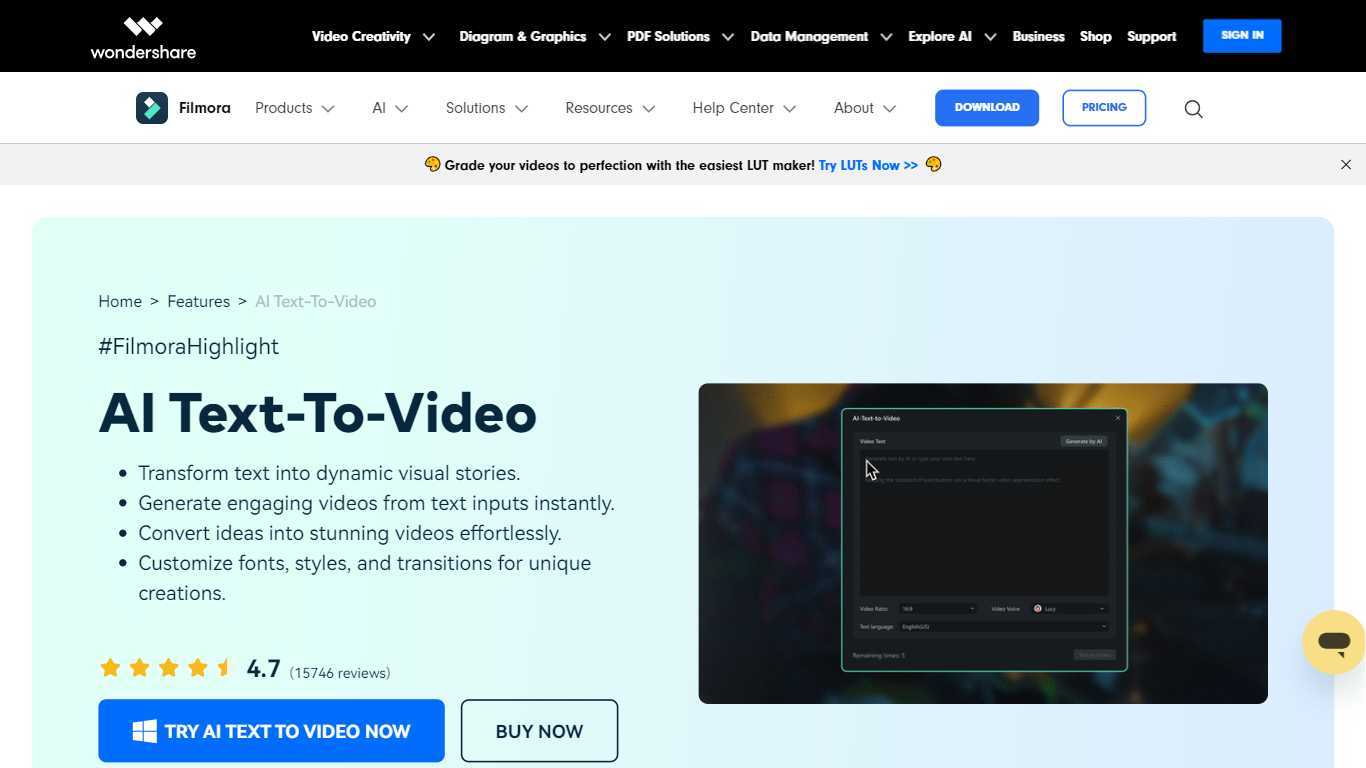
Filmora's AI Text to Video turns written input into finished video clips inside the broader Filmora editor. You can start with a single prompt, a short idea, or a full script, then generate scenes with matching visuals, voiceover, music, and subtitles. The feature lives inside Wondershare's Filmora desktop and mobile apps, aimed at creators who want video output without filming from scratch.
What sets it apart is three separate generation workflows. Text to Video by AI Models routes prompts through Seedance 2.0, Sora 2, or Google Veo 3.1 for short cinematic clips (8 to 15 seconds). AI Script to Video expands keywords into a script, matches stock visuals, and assembles a timeline-ready edit up to about one minute. AI Idea to Video builds storyboard scenes with custom characters and reference images, then drops them into Filmora's timeline for further editing.
The tool fits content creators, marketers, educators, and scriptwriters who need social clips, explainers, or narrative shorts fast. Generated videos open directly in Filmora's editor, so you can trim clips, swap audio, add effects, and export for YouTube, TikTok, Instagram, or LinkedIn.
Pick Seedance 2.0, Sora 2, or Veo 3.1 and get clips from a single text prompt with audio baked in
Paste a script or keywords and Filmora builds a full video with subtitles and stock footage in about a minute
Turn loose ideas into storyboard scenes with custom characters and reference image inputs
ChatGPT-backed prompt enhancer helps refine vague descriptions into stronger generation prompts
Edit every generated clip on Filmora's timeline with transitions, effects, and voiceover changes
Three distinct text-to-video workflows cover prompts, scripts, and loose ideas in one editor.
Multi-model support lets you choose Seedance 2.0, Sora 2, or Veo 3.1 based on clip length and style needs.
Generated videos drop into Filmora's full timeline for post-production edits without exporting to another app.
Cross-platform access on Windows, Mac, iOS, and Android.
AI Script to Video assembles stock visuals, subtitles, and background music automatically from written input.
AI text-to-video generation requires paid AI credits and is not included in the free edition.
Model-based clips top out at 15 seconds, so longer content needs multiple generations or the script workflow.
Free exports include watermarks until you upgrade to a paid Filmora plan.
Windows and Mac licenses are separate and cannot be transferred between platforms.
What AI models does Filmora's text-to-video feature use?
Filmora's Text to Video by AI Models supports Seedance 2.0, Sora 2, and Google Veo 3.1. Video length varies by model: Veo 3.1 outputs 8-second clips, Sora 2 outputs 12 seconds, and Seedance 2.0 outputs up to 15 seconds. All three support audio generation with the clip.
What is the difference between AI Idea to Video and AI Script to Video in Filmora?
AI Idea to Video turns simple concepts or keywords into storyboard-based scenes, typically 10 to 30 seconds, with four preset style options. AI Script to Video accepts a written script or prompt, matches visuals from Filmora's stock library, and produces a timeline-ready video up to about one minute with subtitles and background music.
Is Filmora's AI text-to-video feature free?
Filmora offers a free edition with basic editing, but exports include watermarks. AI text-to-video generation requires AI credits, which are included with paid plans or sold separately. The AI Script to Video feature is not available on the free tier.
Can I use Filmora text-to-video on mobile and desktop?
Yes. Text to Video by AI Models, AI Script to Video, and AI Idea to Video are available on both Filmora desktop (Windows and Mac) and the Filmora mobile app. Supported models and version availability may vary by platform.
How long does Filmora take to generate a video from text?
Generation time depends on the workflow. Text to Video by AI Models typically takes 1 to 10 minutes. AI Script to Video finishes in about one minute. AI Idea to Video takes roughly five minutes because it builds storyboard materials scene by scene.
Can I edit AI-generated videos after creation in Filmora?
Yes. Every generated video lands on Filmora's timeline editor where you can trim scenes, change music, adjust subtitles, add effects, and regenerate individual clips without restarting the whole project.