
Last updated 08-22-2026
Category:
Reviews:
Join thousands of AI enthusiasts in the World of AI!
Vidu
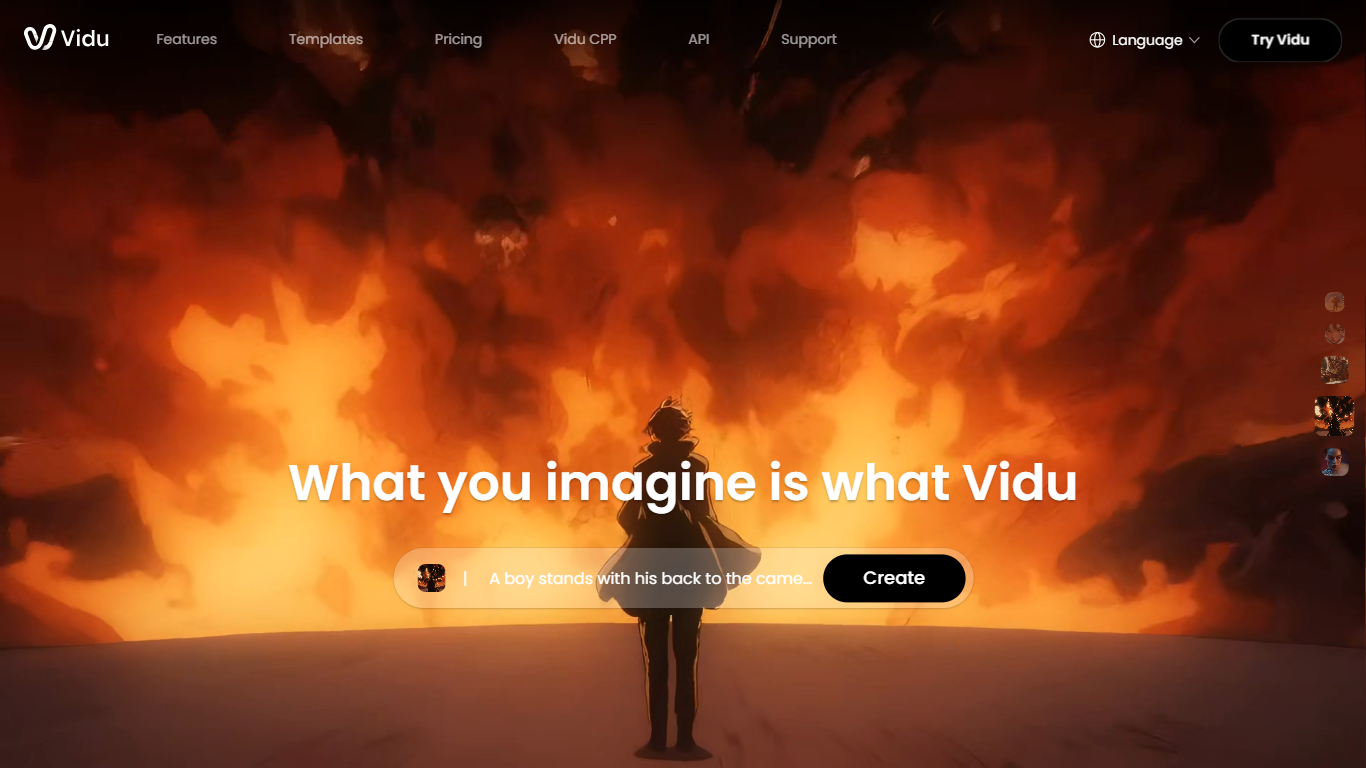
Vidu turns text prompts, still images, and reference photos into finished video clips up to 1080p. Independent creators and production teams use it to skip a traditional post pipeline and go from idea to export in the browser. The core modes are text-to-video, image-to-video, and reference-to-video.
Reference-to-video is where Vidu stands out. Upload up to seven images to keep characters, objects, and scenes consistent across a clip, or save assets in My References for reuse on later projects. The Vidu Q3 model adds native audio in the same generation pass, so dialogue, voiceover, sound effects, and music land with the picture instead of in a separate editing step.
Creators working in anime, advertising, social content, and short-form film use Vidu for everything from template-based viral clips to 16-second narrative shots with frame-level camera control. Studios and marketers also use image-to-video to animate product shots or swap ad backgrounds while keeping subjects on-model.
New accounts receive starter credits, with more available through daily logins, subscriptions, and platform events.
Generates a full video in about 10 seconds flat
Upload up to 7 reference images and the output stays consistent across all of them
Set the first and last frame, and Vidu fills in the motion between them
Vidu Q3 bakes dialogue, sound effects, and music directly into the video in one pass
Unlimited free video generation in Off-Peak Mode with no credits required
First-and-last-frame control gives creators real precision over motion without needing a timeline editor
Reference-to-video keeps up to seven images consistent across a clip.
Vidu Q3 generates video with synced dialogue, SFX, and music in one pass.
The pricing page describes credit types but does not list public dollar amounts for plans.
No dedicated mobile app is highlighted on the homepage; access is primarily through the web platform.
Max 16-second clips force stitching for anything longer
Is Vidu free to use?
Yes. Vidu gives all users free credits to generate videos at no cost. New users also receive trial credits on signup, and daily logins can earn additional credits.
What is the difference between Reference to Video and Image to Video on Vidu?
Image to Video on Vidu animates a single still image into motion, with optional first and last frame control for smooth transitions. Reference to Video lets you upload three or more images of characters, objects, or scenes and combine them into one video from a prompt, with support for up to seven references to maintain consistency.
What is Vidu Q3?
Vidu Q3 is Vidu's newer model that generates video with native audio in one pass, including dialogue, voiceover, sound effects, and music. It supports videos up to 16 seconds per generation, frame-level camera control, and multilingual output in English, Japanese, and Chinese.
How do Vidu credits work?
Vidu uses credits for video generation. Subscription credits from paid plans are valid for 30 days, purchased credits last two years, and bonus credits from events or the Artist Program also last two years. Credits can be earned through signup bonuses, daily logins, subscriptions, and official events.
Does Vidu have an API?
Yes. Vidu offers an API Platform for enterprise and developer integrations, available at platform.vidu.com. The main consumer product at vidu.com also lists API Platform under its enterprise section.
How can I get support for Vidu?
Vidu support is available at [email protected]. You can also join the Vidu Discord community at discord.gg/3pDU8fmQ8Y or visit the Help Center at vidu.com/help-center for documentation and answers.