
Last updated 08-15-2026
Category:
Reviews:
Join thousands of AI enthusiasts in the World of AI!
Fliki
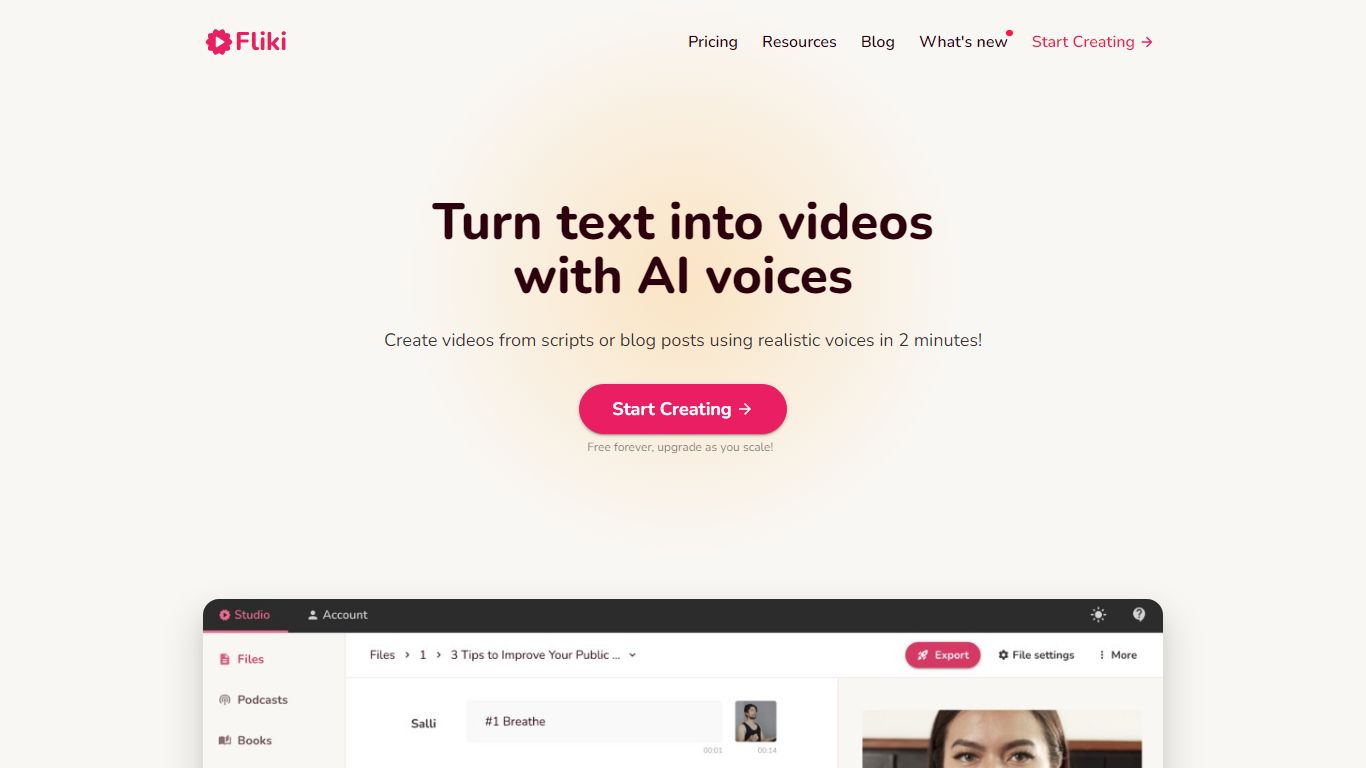
Fliki turns text into publish-ready videos with AI voiceovers, stock or generated visuals, music, and subtitles. You paste a script, blog post, or one-line prompt, and the editor drafts narration, picks media, and exports a finished clip with consistent characters in minutes.
Compared with separate voice and video tools, Fliki bundles text-to-video, text-to-speech, series planning, and a digital twin that clones your face and voice for presenter-style clips. The platform lists 2,000+ voices across 80+ languages, plus workflows for idea-to-video, PPT-to-video, and translation.
Fliki reports 100 million videos created and 12 million users. The free plan includes 3 monthly credits and 720p exports with a watermark, while Standard and Premium add 1080p output, longer runtimes up to 40 minutes, voice cloning, and API access on the top tier.
Text-to-video workflow writes scripts, picks visuals, and adds voiceover plus subtitles from pasted text
2,000+ AI voices across 80+ languages with ultra-realistic tiers on paid plans
Series mode plans topics, writes scripts, and queues episodes for TikTok, YouTube, and Shorts
Digital Twin clones your face and voice for presenter videos in 80+ languages after one recording
Free plan includes 3 credits per month and 720p exports with a Fliki watermark
Premium plan supports videos up to 40 minutes, API access, and 7,200 annual credits
Combines scripting, visuals, voiceover, music, and captions in one text-to-video flow.
Large voice library with cloning, translation, and digital twin presenter options.
Series planning helps creators queue TikTok, YouTube, and Shorts content on a schedule.
Free tier lets you test workflows before upgrading for watermark-free commercial exports.
Free exports carry a Fliki watermark and only 3 monthly credits.
Dollar prices for Standard and Premium were not listed on the public pricing page during enrichment.
Credit usage grows quickly on longer 1080p videos with AI avatars and generated clips enabled.
What does Fliki's text-to-video tool do?
Fliki converts scripts, blog posts, or short prompts into videos with AI voiceover, stock or generated visuals, music, and subtitles. Fliki handles scripting, media selection, and export inside one browser editor.
How many languages does Fliki support?
Fliki supports 80+ languages and dialects with 2,000+ AI voices on the platform. Paid plans unlock larger ultra-realistic voice libraries and translation workflows.
Does Fliki include a free tier?
Fliki includes a free tier with 3 monthly credits, 300 voices, and 720p exports. You can start without a credit card, though published free-tier videos carry a Fliki watermark.
What are Fliki credits used for?
Fliki deducts credits based on exported video or generated audio duration. Editing scripts, voices, or pauses regenerates audio and spends additional credits according to Fliki's pricing FAQ.
Does Fliki offer voice cloning?
Fliki supports voice cloning and digital twin avatars on paid tiers. Standard includes limited stock avatars and one voice clone, while Premium expands to multiple clones and photo avatars.
Can teams use Fliki commercially?
Fliki grants commercial rights on paid subscriptions, allowing YouTube and social publishing when your source text is original. The free tier is meant for trials and includes a watermark.