Top 10 AI Instagram Reels Creator tools in 2026
Are you ready to tap into the exploding popularity of Instagram Reels and boost your visibility or business? As the second most popular short video platform, next only to TikTok, mastering Instagram Reels can significantly enhance your personal or brand recognition. Becoming an Instagram influencer is now more accessible than ever, thanks to the power of AI Reel Makers.
In this article, we'll introduce you to the best AI Instagram Reels creators that can automate and simplify the video creation process. These tools not only enable you to convert longer videos into engaging Reels but also offer capabilities to generate extensive content for platforms like TikTok, YouTube Shorts, and Snapchat. Let's dive into the details of these AI solutions, so you can find the perfect tool to streamline your content creation and elevate your social media game!
Elai
Why use Elai?
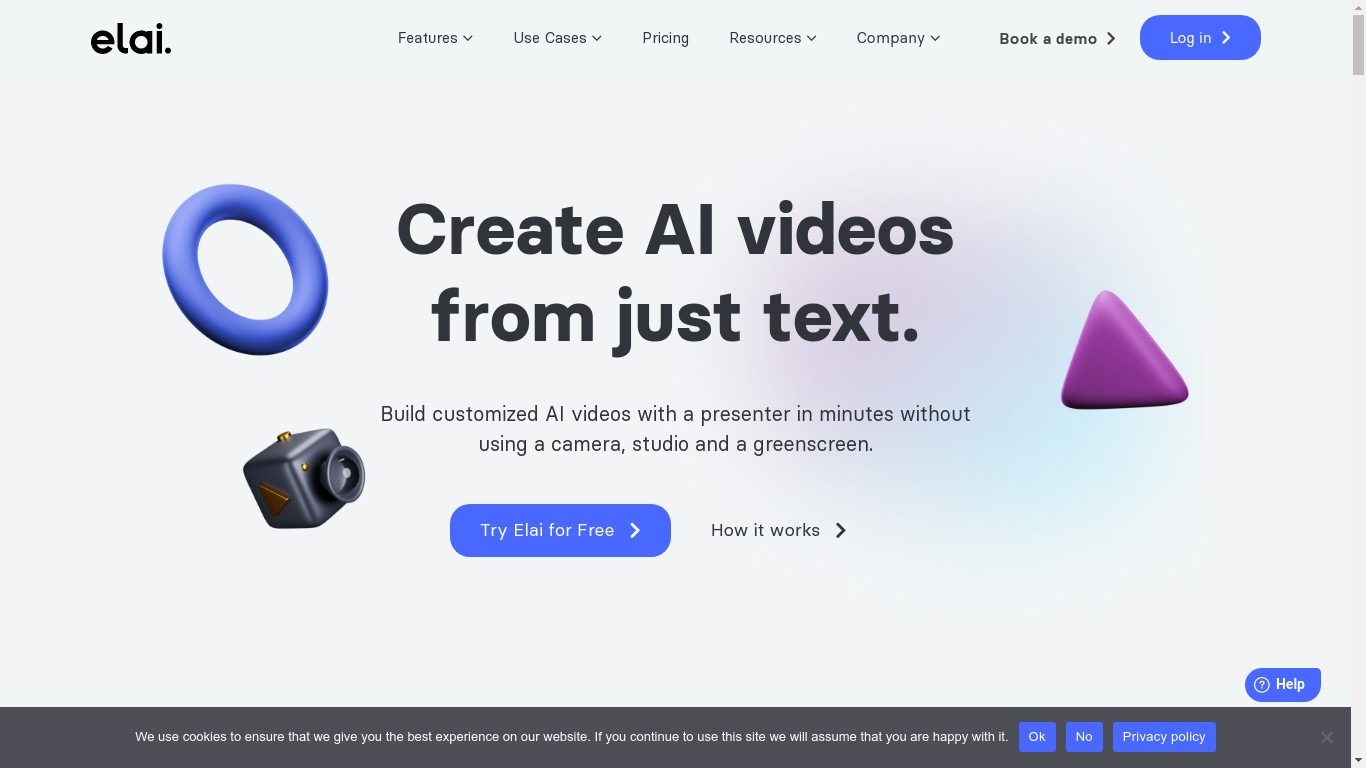
Elai turns scripts, PowerPoint decks, URLs, and prompts into presenter-led videos from a browser studio. You pick one of 80+ AI avatars, write or import text, and render Full HD clips with captions, stock media, and optional interactivity like buttons, hotspots, and branching paths. The homepage positions it for learning and development teams that need training content without outsourcing full video production.
Where many avatar tools stop at a talking head over slides, Elai bundles localization, voice cloning in 28 languages, URL-to-video generation, and SCORM export on higher tiers. It is now part of Panopto, which signals enterprise learning distribution behind the editor. Team plans add 4K output, brand kits, premium voices, and included selfie avatar plus voice clone slots.
L&D managers, HR onboarding teams, marketers, and sales enablement leads are the stated audience on pricing and use-case pages. Free accounts get one rendered minute to test the workflow, while Creator and Team subscriptions trade monthly minute pools starting at 15 and 50 minutes respectively.
80+ stock AI avatars plus custom selfie, studio, photo, and mascot avatar options
75+ languages and 450+ voice accents with one-click automatic translation
Creator plan includes 15 rendered minutes per month at $29 monthly or $23 monthly billed annually
Team plan adds 50 minutes monthly, 4K Ultra HD export, and 3 editor seats at $125 per month
Voice cloning available in 28 languages; Team annual includes 1 selfie avatar and 1 voice clone
Turn PowerPoint decks, URLs, or AI storyboard prompts into avatar-led video slides
Interactive branching, buttons, hotspots, and quizzes for training engagement
Eklipse
What does Eklipse do?
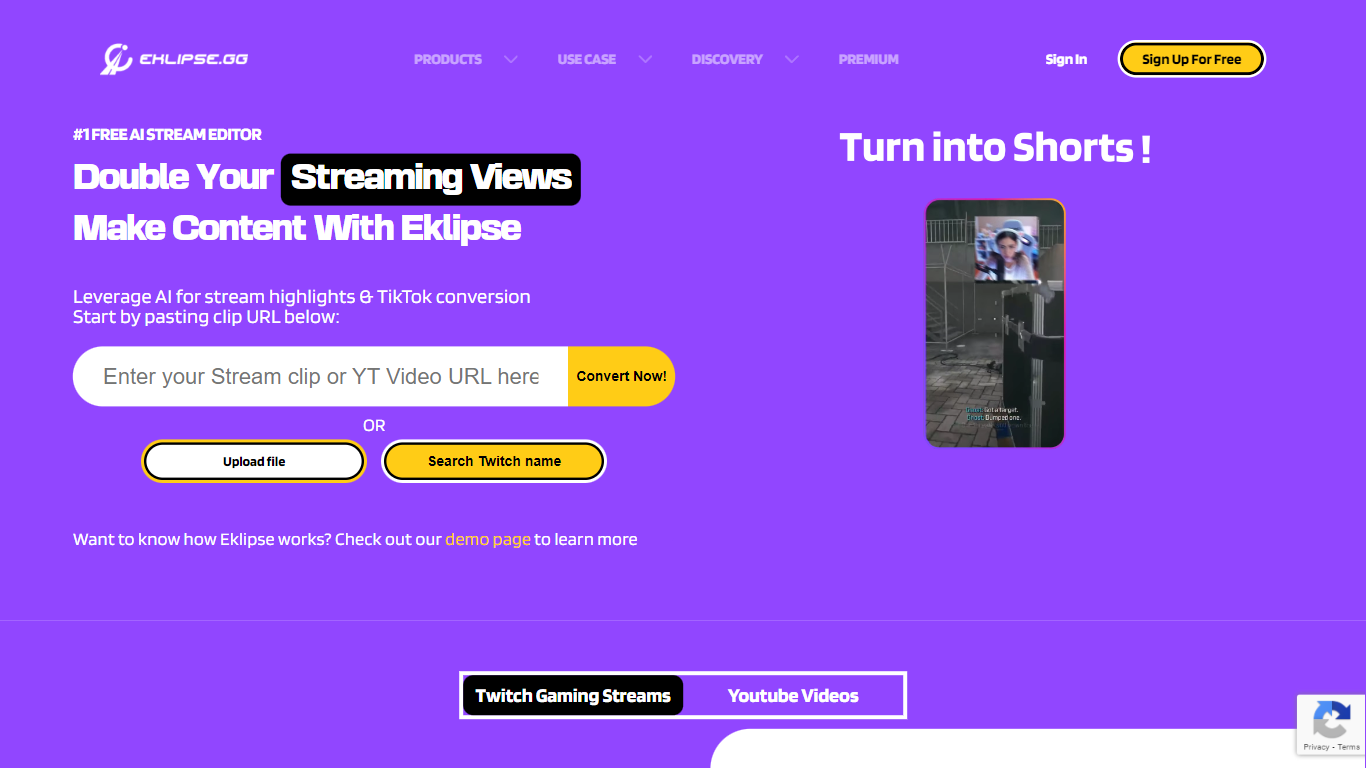
Eklipse turns Twitch, Kick, and YouTube streams into short-form clips without you scrubbing hour-long VODs by hand. You connect a streaming account, and Eklipse pulls whole broadcasts from the cloud, scores standout gameplay and reaction moments, then hands back vertical clips sized for TikTok, YouTube Shorts, and Instagram Reels. Detection, reframing, captioning, and rendering all run on Eklipse servers, so you do not need capture software running during the stream.
Speech-first clippers lean on microphone spikes, which means a quiet headshot or clutch play can slip through unnoticed. Eklipse Gameplay Intelligence reads on-screen game state across 3,000-plus titles, scoring kills, round wins, chat spikes, and audio peaks together. That game-aware approach also covers Just Chatting, IRL, and podcast segments since the June 2026 engine update, without you marking timestamps by hand.
The workflow suits competitive gamers who stream nightly but post inconsistently, variety creators juggling multiple platforms, and editors who want Eklipse Studio for manual 9:16 reframing when AI picks need a trim. Voice Command lets you say "clip it" mid-match, Content Planner queues posts to four social destinations, and the mobile app covers review on the go.
Eklipse also ships AI Edit for one-pass meme and caption styling, Ultra Highlights exports up to 1440p, and console streamer support for PlayStation and Xbox feeds without a desktop capture workflow. The company reports more than 10 million clips generated and 822,000 streamers on the platform as of July 2026.
Scores highlights from 3,000+ games using on-screen game events, not just mic audio
Connects to Twitch, Kick, and YouTube VODs with no local upload or capture card required
Exports vertical 9:16 clips with auto-captions for TikTok, Shorts, and Reels
Eklipse Studio reframes horizontal gameplay with stacked facecam layouts and trims in the browser
Content Planner schedules posts to TikTok, Shorts, Reels, and Facebook from one calendar
Voice Command marks moments mid-stream when you say "clip it" without alt-tabbing
Ultra Highlights exports gameplay clips at up to 1440p resolution
Makereels.ai
Why choose Makereels.ai? and how does it work?
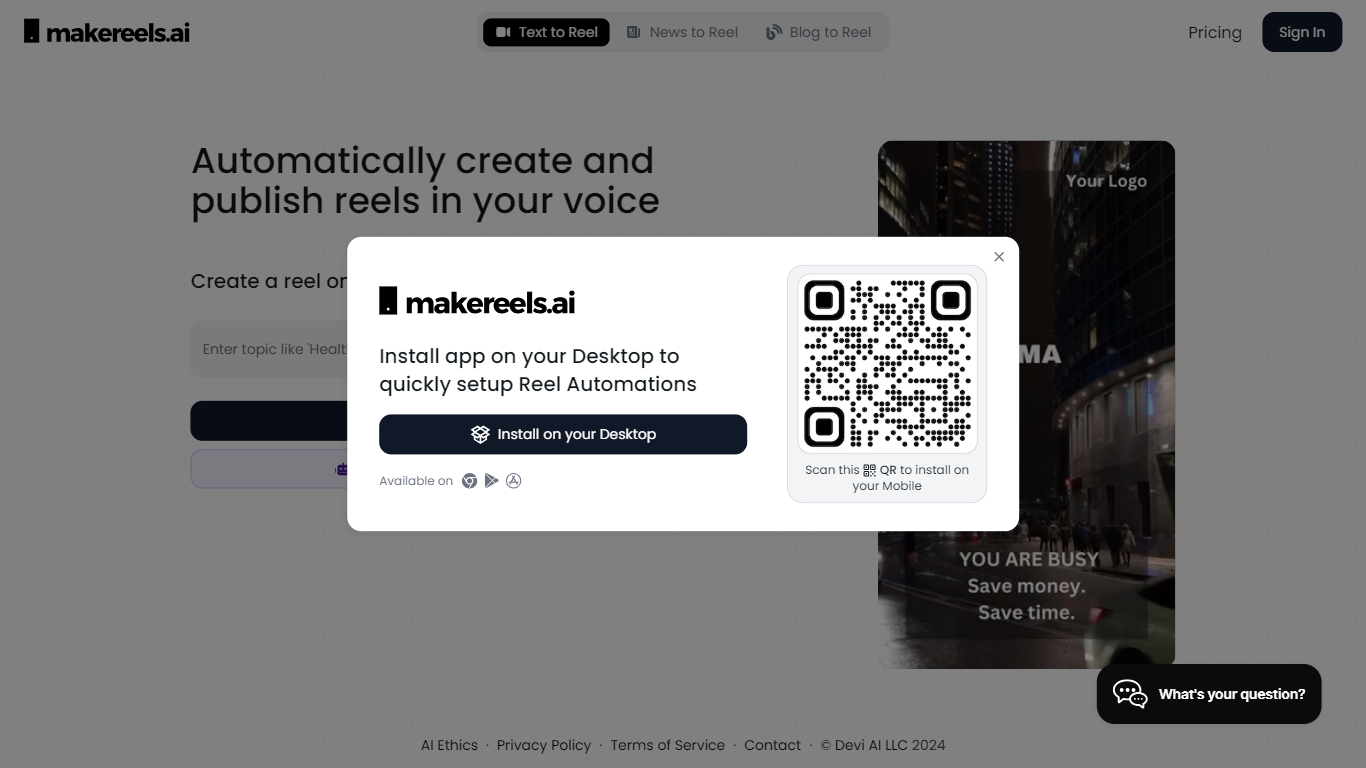
Makereels.ai turns topics, news feeds, and list prompts into short-form video reels you can publish to social platforms. You pick a subject like travel destinations or healthy snacks, choose a face avatar or text-only format, and the tool generates a finished reel with narration. It sits in the video editing category but behaves more like an autopilot for Instagram Reels, TikTok, and YouTube Shorts than a timeline editor.
Most video editors expect you to cut footage by hand. Makereels.ai instead automates script, visuals, and scheduling from a text prompt or RSS feed, including a dedicated News Reels flow that builds videos from keyword searches or RSS in seconds. That narrow focus on list-style and news reels trades fine-grained editing control for volume, which suits creators who need daily posts more than frame-perfect cuts.
Social media marketers, small businesses, and solo creators who want consistent reel output without filming every clip are the natural fit. Paid tiers add voice cloning, face cloning, multi-platform publishing, and Auto-Pilot workflows that scale from 1 on Creator up to 20 on Automated Reels Pro.
Free plan includes 5 automated reels and 50 AI image generations per month
Creator plan ($24/mo billed yearly) adds 100 text and news reels plus 10 face reels
News Reels converts RSS feeds or keyword searches into videos in about 5 seconds
200+ AI face avatars and 50+ HQ AI voices on paid Creator and higher tiers
Auto-Pilot workflows scale from 1 on Creator to 20 on Automated Reels Pro
Voice cloning and up to 10 face clones unlock on Automated Reels Pro at $79/mo yearly
Munch Studio (formerly Munch)
What is Munch Studio (formerly Munch)? and how does it work?
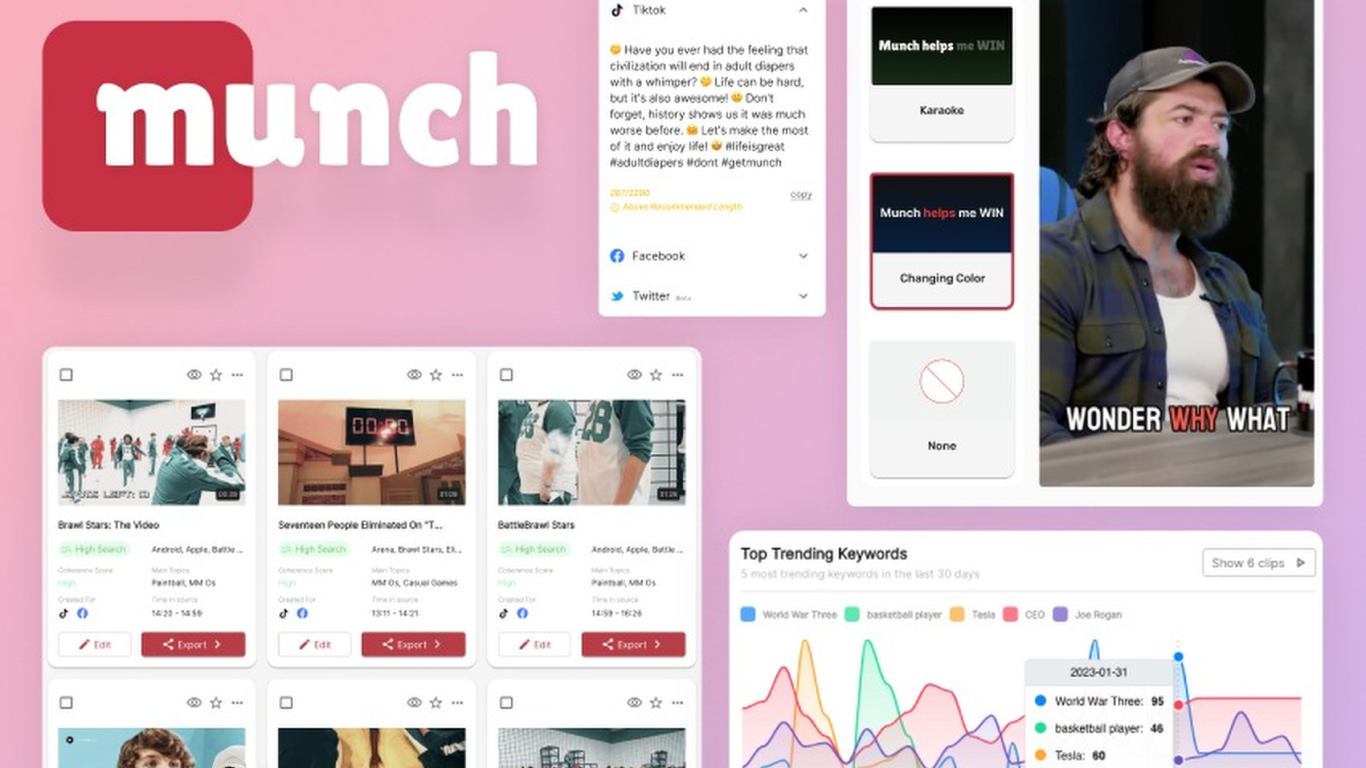
Munch Studio turns your website, videos, photos, and even Zoom recordings into a steady stream of on-brand social posts you can approve and publish in minutes. You drop in your business URL, the system learns your voice, and it drafts posters, carousels, video scripts, and a posting calendar you can approve in minutes. It still leans hard on video repurposing, with monthly minute caps and generated video counts on each paid tier.
Where most social schedulers expect you to write every caption and design every asset, Munch Studio starts from what you already have. It builds a tailored content strategy, generates unlimited posters and carousels on every plan, and publishes straight to Instagram, Facebook, LinkedIn, YouTube, and TikTok. Agencies can run separate workspaces per client without mixing brand voices.
The product fits small business owners who want a visible social presence without hiring a team, solo creators repurposing long-form video, and marketing agencies juggling multiple brands. Munch Studio claims over 20,000 businesses use it and markets a workflow you can run in about 10 minutes per week once onboarding is done.
Publishes to Instagram, Facebook, LinkedIn, YouTube, and TikTok from one dashboard
Essential plan includes 500 minutes of video repurposing and 10 generated videos per month
Premium plan raises limits to 1,000 repurposing minutes and 30 generated videos monthly
Unlimited posters and carousels on every plan, plus a smart content planner for weekly or quarterly scheduling
Business deep learning ingests your website, past posts, and brand files before drafting anything
Performance dashboard tracks reach, engagement, and follower trends across connected platforms
Multi-brand agency plans give each client an isolated workspace with its own strategy and queue
Fliki
Why choose Fliki?
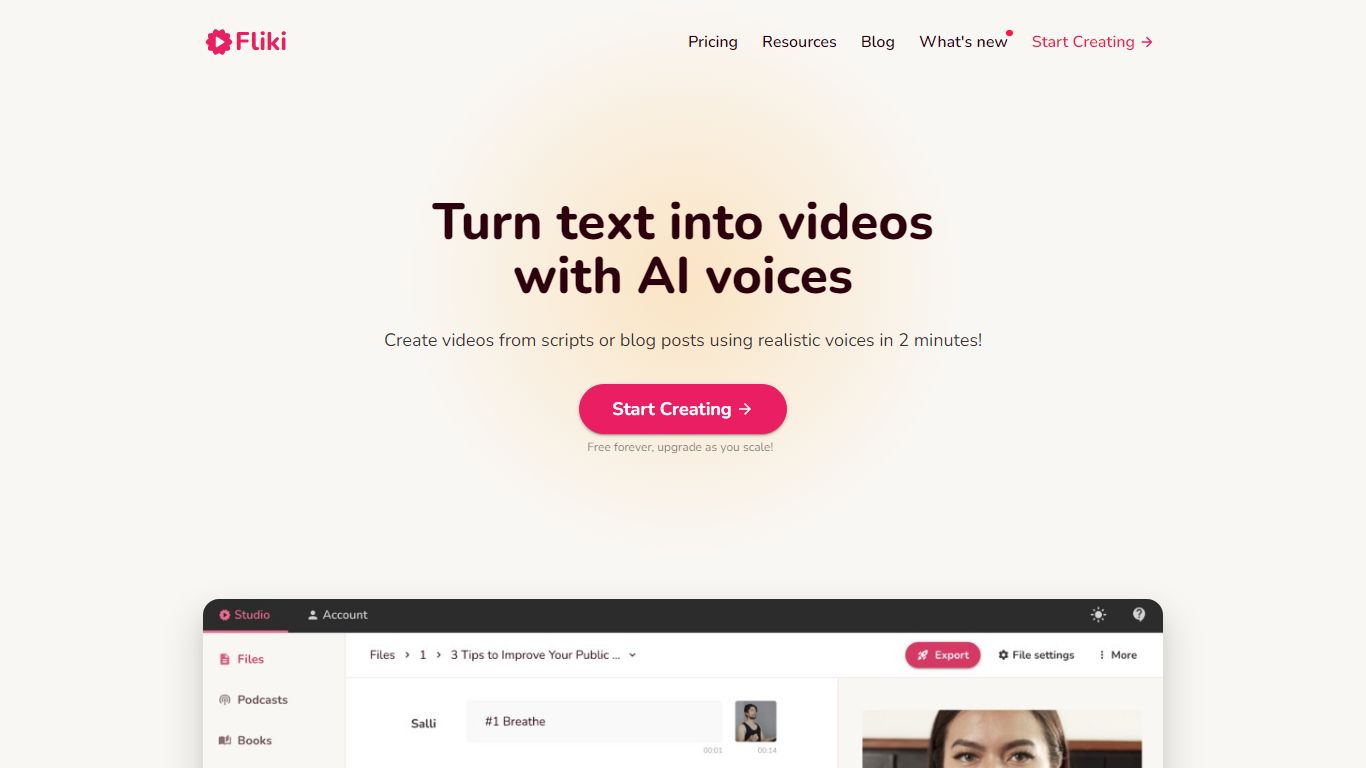
Fliki turns text into publish-ready videos with AI voiceovers, stock or generated visuals, music, and subtitles. You paste a script, blog post, or one-line prompt, and the editor drafts narration, picks media, and exports a finished clip with consistent characters in minutes.
Compared with separate voice and video tools, Fliki bundles text-to-video, text-to-speech, series planning, and a digital twin that clones your face and voice for presenter-style clips. The platform lists 2,000+ voices across 80+ languages, plus workflows for idea-to-video, PPT-to-video, and translation.
Fliki reports 100 million videos created and 12 million users. The free plan includes 3 monthly credits and 720p exports with a watermark, while Standard and Premium add 1080p output, longer runtimes up to 40 minutes, voice cloning, and API access on the top tier.
Text-to-video workflow writes scripts, picks visuals, and adds voiceover plus subtitles from pasted text
2,000+ AI voices across 80+ languages with ultra-realistic tiers on paid plans
Series mode plans topics, writes scripts, and queues episodes for TikTok, YouTube, and Shorts
Digital Twin clones your face and voice for presenter videos in 80+ languages after one recording
Free plan includes 3 credits per month and 720p exports with a Fliki watermark
Premium plan supports videos up to 40 minutes, API access, and 7,200 annual credits
Klap
What does Klap do?
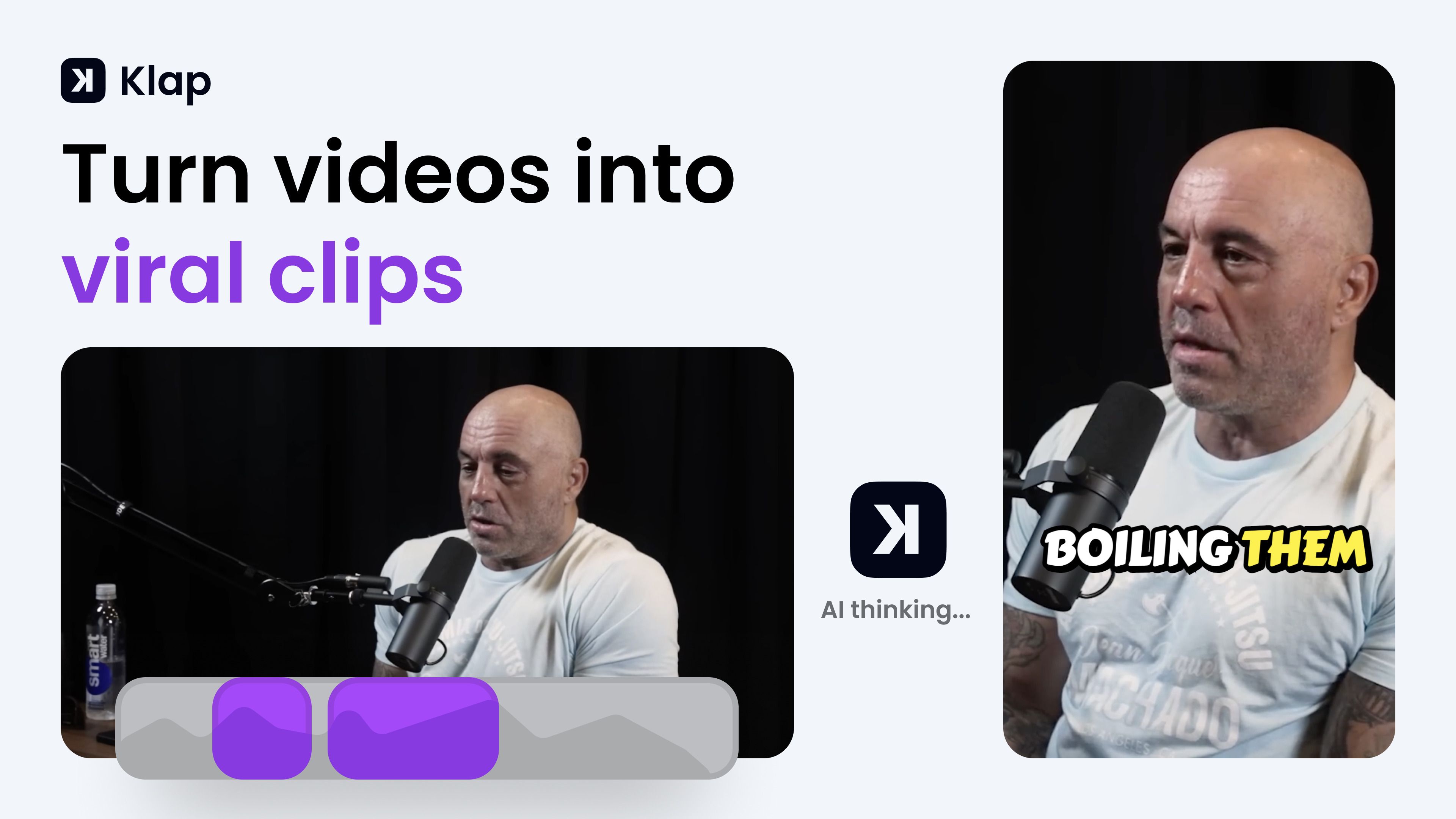
Klap turns long-form videos into short vertical clips for TikTok, Instagram Reels, and YouTube Shorts. You paste a YouTube link or upload a file, and its AI finds the strongest spoken segments, reframes them to 9:16, adds captions, and exports clips ready to post. The tool fits creators, podcasters, and marketing teams who want to repurpose one long recording into several social posts without manual editing.
Most clip generators just chop timestamps. Klap scores each clip for viral potential, applies AI Reframe 2 layouts for gaming or screencast footage, and lets you publish or schedule directly to TikTok, YouTube, Instagram, and LinkedIn from one dashboard. That end-to-end posting workflow is what separates it from simple trim-and-export tools.
YouTubers, podcast editors, and social media managers use Klap when they need daily short-form output from interviews, tutorials, or webinars. It works best on speech-heavy content and supports transcription in 52 languages.
Paste a YouTube link or upload a file to generate multiple vertical clips in minutes
AI Reframe 2 resizes footage with split screen, gaming, and screencast layouts
Scores each clip for viral potential before you export
Adds styled subtitles and recommended post captions automatically
Publish and schedule clips to TikTok, YouTube, Instagram, and LinkedIn
Transcribes and edits videos in 52 languages
Basic plan includes 100 clips per month at $14 per month billed yearly
Pictory AI
Why choose Pictory AI?
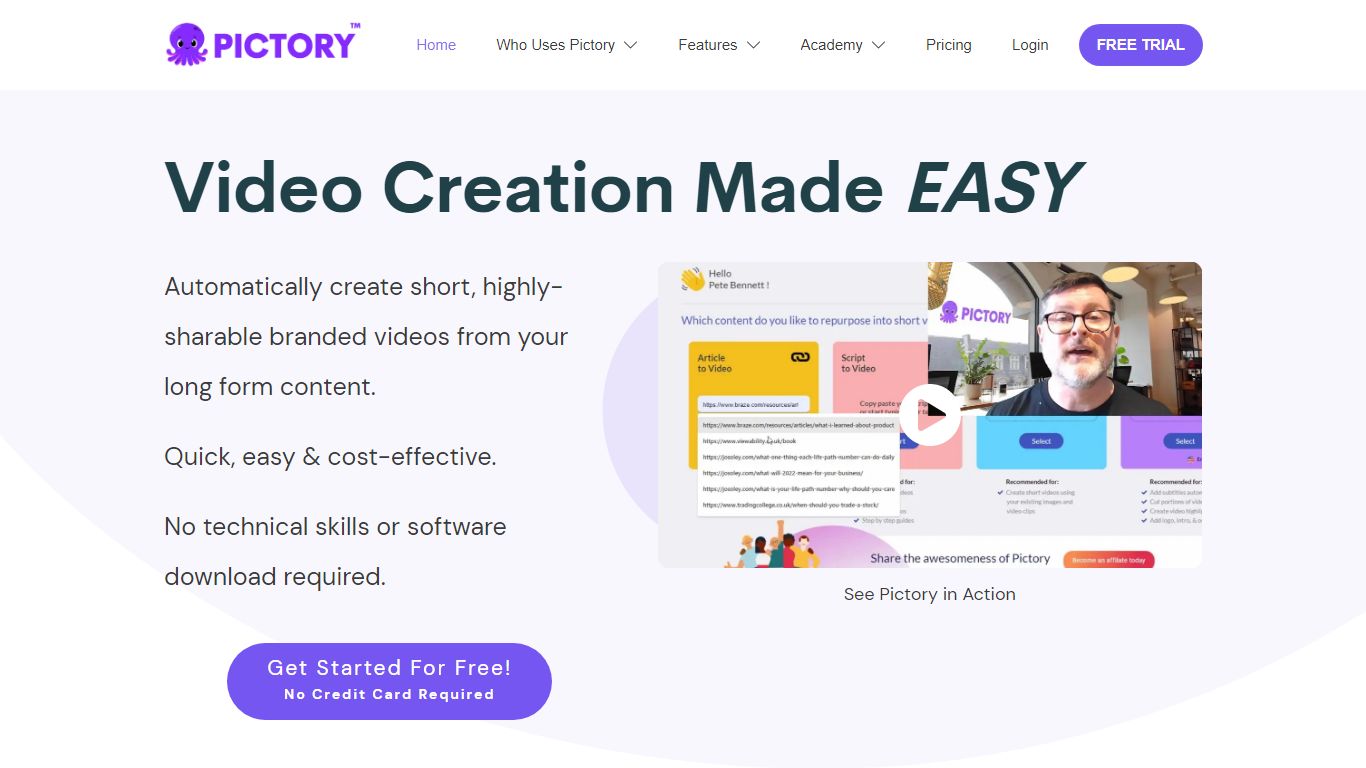
Pictory AI turns scripts, blog posts, PowerPoint decks, URLs, audio files, and screen recordings into finished marketing videos without a traditional timeline editor. You feed text or existing media into Pictory, and it builds scenes with stock footage, Gen AI visuals, automatic captions, realistic voices, and optional AI avatars ready for social or training channels.
Desktop editors expect you to hunt B-roll and manually chop long webinars into clips. Pictory automates structure, highlights key moments from long recordings, and resizes exports for multiple platforms, which is why teams use it to repurpose Zoom calls and articles instead of rebuilding each cut by hand.
Marketers, course creators, and enterprise video teams adopt Pictory to ship more video from content they already own. The homepage advertises a 14-day free trial with no credit card required and plans that start at $25 per month on annual billing.
14-day free trial includes 3 video project exports on pictory.ai
Starter plan is $25 per month billed annually with 2,400 video minutes per year
Professional plan adds custom avatars and voice cloning at $35 per month annually
Library includes 5 million Getty Images and Storyblocks clips on Starter
Rated 4.7 out of 5 on G2 according to the Pictory homepage
Vidiofy
What is Vidiofy? and how does it work?
Vidiofy transforms text prompts, scripts, and article excerpts into high-quality videos within seconds using advanced AI technology. It generates videos in various styles, from photorealistic scenes to stylized animations, enabling users to create cinematic storytelling, marketing content, educational videos, and social media clips without filming or editing skills.
What sets Vidiofy apart is its professional camera controls, realistic physics, and synchronized audio that deliver broadcast-quality results directly in the browser. The platform maintains character consistency across scenes and supports diverse visual styles, making it versatile for filmmakers, marketers, educators, and content creators.
Vidiofy operates entirely in the cloud with a browser-based interface, requiring no installation or special hardware. Users can repurpose articles into short vertical reels optimized for social media by converting key points into mini-scripts. This tool democratizes video production by providing unlimited creative control through natural language prompts, enabling rapid iteration and experimentation with lighting, camera angles, and visual effects.
🎥 Text to Video: Turn simple text prompts into professional videos instantly.
🎬 Cinematic Camera Control: Specify camera moves like tracking or dolly shots for dynamic scenes.
🔄 Character Consistency: Maintain the same character appearance across multiple scenes.
🔊 Synchronized Audio: Add ambient sounds and voiceovers automatically with video generation.
🌐 Browser-Based: Create videos from any device without downloads or special hardware.
Rizzle
Why use Rizzle?
Rizzle turns articles, blogs, and editorial text into ready-to-publish videos built for digital publishers and media companies. The workflow starts with AI that drafts storyboards from your written content, pairing text with licensed visuals, music, transitions, and voiceovers. Human video experts then review pacing, visuals, and tone before anything goes live.
Unlike generic text-to-video tools that stop at export, Rizzle also syndicates finished videos and written stories across partner networks including Yahoo, MSN, SmartNews, and NewsBreak. Rizzle is a designated third-party agency for Yahoo content distribution, so publishers can add video inventory and cross-platform reach from the same pipeline that creates the clips. Traditional syndication platforms distribute text you already have; Rizzle creates new monetizable video assets first, then routes both formats through one infrastructure layer.
News organizations, digital publishers, and enterprise content teams use Rizzle to give existing written stories a second life as video, reach video-first audiences, and open monetization streams from syndication partnerships. The managed service model handles storyboarding, editing, review, and distribution so teams can scale video output without building an in-house production department.
Converts articles, blogs, listicles, and editorial text into publish-ready videos
Human video experts review every frame after AI assembly, with dedicated account specialists
Access to 625M+ Getty editorial and creative media assets pre-cleared for commercial use
Built-in syndication to Yahoo, MSN, SmartNews, NewsBreak, social platforms, and OVPs reaching 1B+ viewers
Also syndicates written content alongside video through the same distribution infrastructure
Customizable templates for news, lifestyle, tech, sports, politics, and other editorial categories
90-day trial with dedicated support and a 12-hour response commitment on publisher accounts
Cliplama
Why use Cliplama?
Cliplama is a text-to-video platform for building faceless social channels. You describe a video in plain text, pick a voice style, and the tool generates a short-form clip with narration, captions, background music, and visuals pulled together automatically.
The workflow is built around recurring content: create videos in seconds, then schedule them to TikTok (with YouTube support noted as coming soon). Auto Shorts and Auto Series features help run a channel without manual editing for every post.
It targets creators who want faceless videos for TikTok and YouTube without learning video editing software. The app lives at app.cliplama.com, with a free tier that includes one video and paid plans sold through monthly credits.
Turn a text description into a faceless short video with voiceover, captions, music, and visuals in seconds
Schedule generated videos to TikTok and grow a channel on autopilot
Choose from ElevenLabs voice styles on paid plans for more natural narration
Auto Shorts and Auto Series help batch recurring content without manual editing each time
Download finished videos with no watermark on every plan, including the free tier