
Last updated 07-30-2026
Category:
Reviews:
Join thousands of AI enthusiasts in the World of AI!
Klap
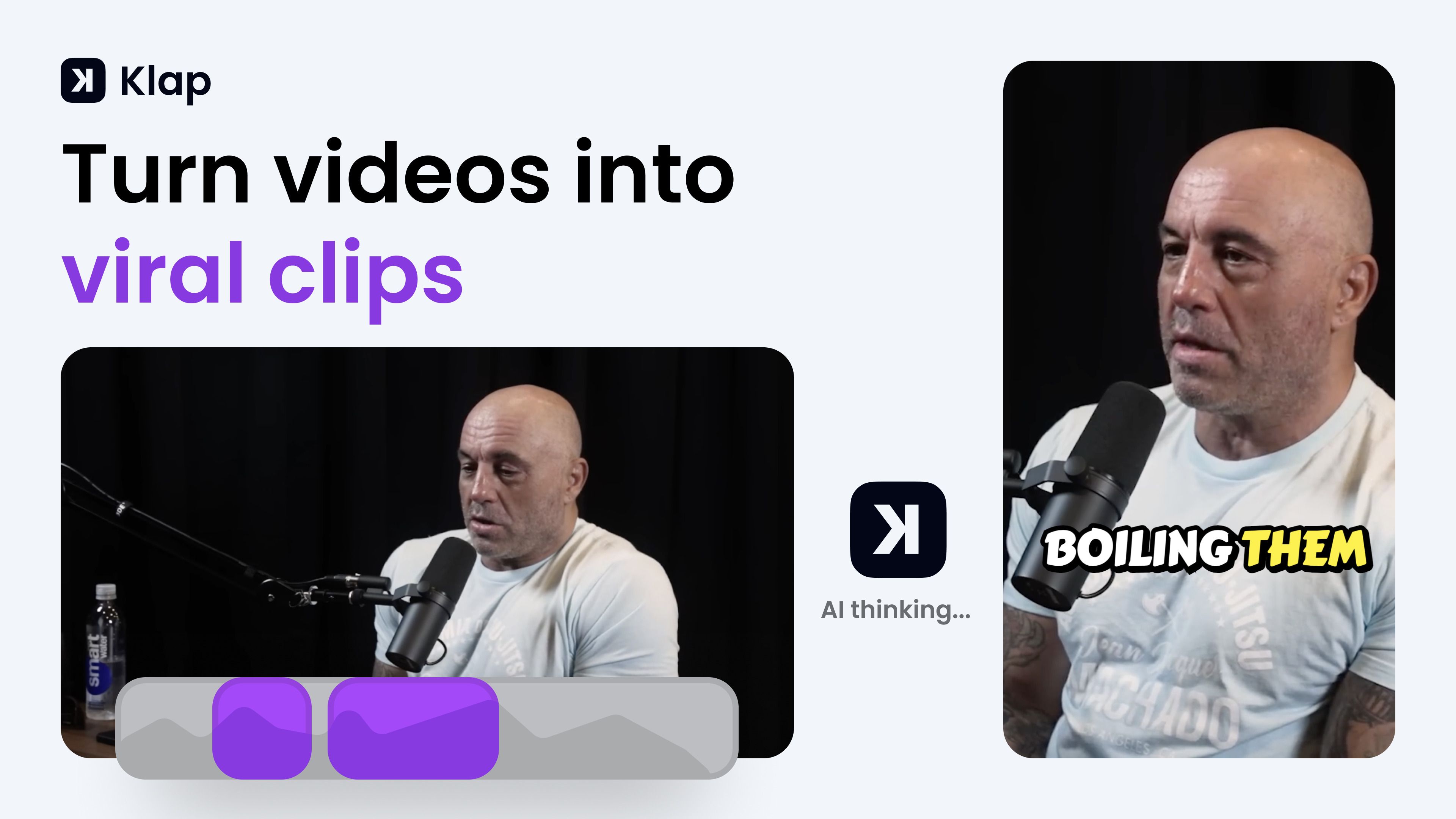
Klap turns long-form videos into short vertical clips for TikTok, Instagram Reels, and YouTube Shorts. You paste a YouTube link or upload a file, and its AI finds the strongest spoken segments, reframes them to 9:16, adds captions, and exports clips ready to post. The tool fits creators, podcasters, and marketing teams who want to repurpose one long recording into several social posts without manual editing.
Most clip generators just chop timestamps. Klap scores each clip for viral potential, applies AI Reframe 2 layouts for gaming or screencast footage, and lets you publish or schedule directly to TikTok, YouTube, Instagram, and LinkedIn from one dashboard. That end-to-end posting workflow is what separates it from simple trim-and-export tools.
YouTubers, podcast editors, and social media managers use Klap when they need daily short-form output from interviews, tutorials, or webinars. It works best on speech-heavy content and supports transcription in 52 languages.
Paste a YouTube link or upload a file to generate multiple vertical clips in minutes
AI Reframe 2 resizes footage with split screen, gaming, and screencast layouts
Scores each clip for viral potential before you export
Adds styled subtitles and recommended post captions automatically
Publish and schedule clips to TikTok, YouTube, Instagram, and LinkedIn
Transcribes and edits videos in 52 languages
Basic plan includes 100 clips per month at $14 per month billed yearly
Generates multiple vertical clips from a single long video in minutes.
Publishes and schedules directly to TikTok, YouTube, Instagram, and LinkedIn.
AI Reframe 2 handles gaming, screencast, and split-screen layouts automatically.
Supports transcription and editing in 52 languages.
Trusted by 3.5 million creators with 8.5 million clips generated.
Works best on speech-heavy videos; music-only or silent footage clips poorly.
Free tier limited to one video before requiring a paid plan.
Paid plans bill yearly by default with monthly equivalents starting at $14.
No dedicated desktop app; runs in the browser only.
How does Klap turn long videos into shorts?
Klap uses AI to find the most engaging spoken segments in your video, reframes them vertically, and adds captions. A three-minute YouTube video typically yields about five ready-to-post clips for TikTok or Instagram.
What does Klap's free tier include?
Klap lets you create one video clip for free with signup. The Basic paid plan costs $14 per month billed yearly and includes 100 clips per month plus unlimited social accounts.
Which social platforms can Klap publish to?
Klap publishes and schedules clips directly to TikTok, YouTube, Instagram, and LinkedIn. All paid plans include unlimited connected social accounts and analytics.
What video types work best with Klap?
Klap works on any video but performs best on speech-heavy content like podcasts, interviews, educational videos, product reviews, and training sessions because its AI relies on speech detection.
How many languages does Klap support?
Klap transcribes and edits videos in 52 languages including English, Spanish, French, German, Portuguese, Japanese, Korean, Hindi, Arabic, and Chinese.
How much does Klap Pro cost?
Klap Pro costs $39 per month billed yearly and includes 300 clips per month. The Pro+ plan at $94 per month billed yearly includes 1,000 clips per month for teams.