Typeframes vs Klap
In the clash of Typeframes vs Klap, which AI Video Editing tool emerges victorious? We assess reviews, pricing, alternatives, features, upvotes, and more.
If you had to choose between Typeframes and Klap, which one would you go for?
Let's take a closer look at Typeframes and Klap, both of which are AI-driven video editing tools, and see what sets them apart. The upvote count shows a clear preference for Klap. Klap has 8 upvotes, and Typeframes has 7 upvotes.
Disagree with the result? Upvote your favorite tool and help it win!
Typeframes


What is Typeframes?
Typeframes converts simple text prompts into engaging product videos optimized for social media platforms like YouTube, Instagram, and TikTok. It enables users to produce high-quality videos quickly without advanced video editing skills.
What sets Typeframes apart is its AI-driven approach that simplifies video production by offering customizable templates and automated suggestions to boost engagement. Unlike traditional video editors, it focuses on speed and ease of use, allowing creators to generate videos in minutes rather than hours.
The platform supports exporting videos in multiple resolutions tailored for different social media formats, including vertical videos. This makes Typeframes especially useful for content creators and marketers aiming to produce consistent, platform-optimized video content efficiently.
By streamlining the video creation process, Typeframes helps users save time and resources while enhancing their social media presence with visually appealing videos.
Klap
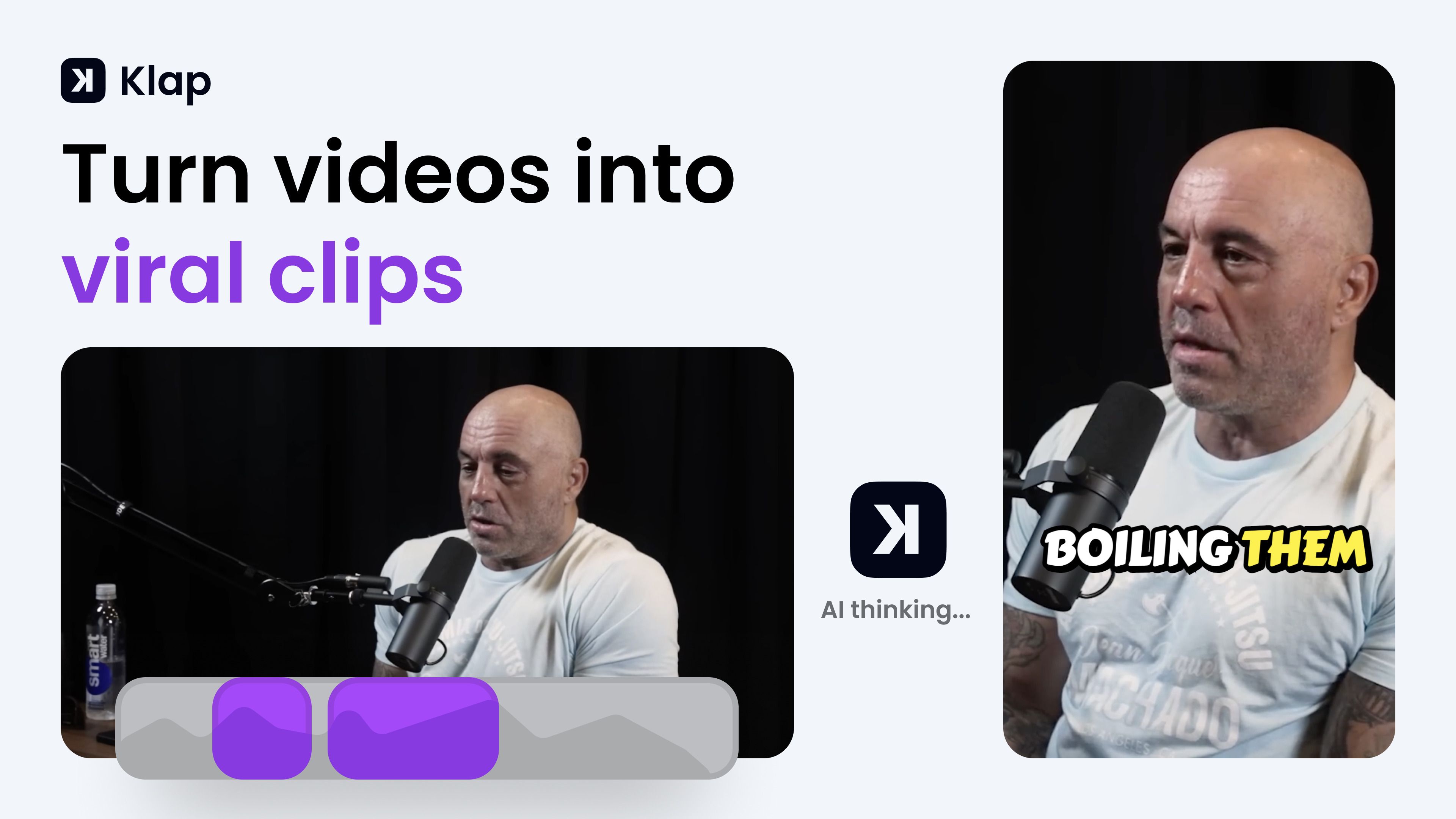
What is Klap?
Klap turns long-form videos into short vertical clips for TikTok, Instagram Reels, and YouTube Shorts. You paste a YouTube link or upload a file, and its AI finds the strongest spoken segments, reframes them to 9:16, adds captions, and exports clips ready to post. The tool fits creators, podcasters, and marketing teams who want to repurpose one long recording into several social posts without manual editing.
Most clip generators just chop timestamps. Klap scores each clip for viral potential, applies AI Reframe 2 layouts for gaming or screencast footage, and lets you publish or schedule directly to TikTok, YouTube, Instagram, and LinkedIn from one dashboard. That end-to-end posting workflow is what separates it from simple trim-and-export tools.
YouTubers, podcast editors, and social media managers use Klap when they need daily short-form output from interviews, tutorials, or webinars. It works best on speech-heavy content and supports transcription in 52 languages.
Typeframes Upvotes
Klap Upvotes
Typeframes Top Features
Transform text prompts into engaging videos quickly
Customize templates to match your brand style easily
Create vertical videos optimized for social platforms
Simple interface requires no video editing skills
Export videos in multiple resolutions including high quality
AI-driven suggestions to boost video engagement
Klap Top Features
Paste a YouTube link or upload a file to generate multiple vertical clips in minutes
AI Reframe 2 resizes footage with split screen, gaming, and screencast layouts
Scores each clip for viral potential before you export
Adds styled subtitles and recommended post captions automatically
Publish and schedule clips to TikTok, YouTube, Instagram, and LinkedIn
Transcribes and edits videos in 52 languages
Basic plan includes 100 clips per month at $14 per month billed yearly
Typeframes Category
- Video Editing
Klap Category
- Video Editing
Typeframes Pricing Type
- Freemium
Klap Pricing Type
- Freemium