Top 8 TikTok Automation AI tools in 2026
Are you tired of the time-consuming process of making TikTok videos from scratch? You're not alone! Fortunately, the rise of AI tools for TikTok automation is changing the game, making video creation not just faster, but also more fun. These powerful tools are designed to help you produce engaging TikTok shorts effortlessly and can even handle longer formats for YouTube, Instagram Reels, and Snapchat.
Let's dive into the world of TikTok AI tools! In this article, we'll uncover the features of the top AI solutions that can transform your content creation process. Whether you're looking to save time or enhance your creative output, we've got all the information you need to choose the perfect tool for your needs. Get ready to take your video content to the next level!
Fliki
Why choose Fliki?
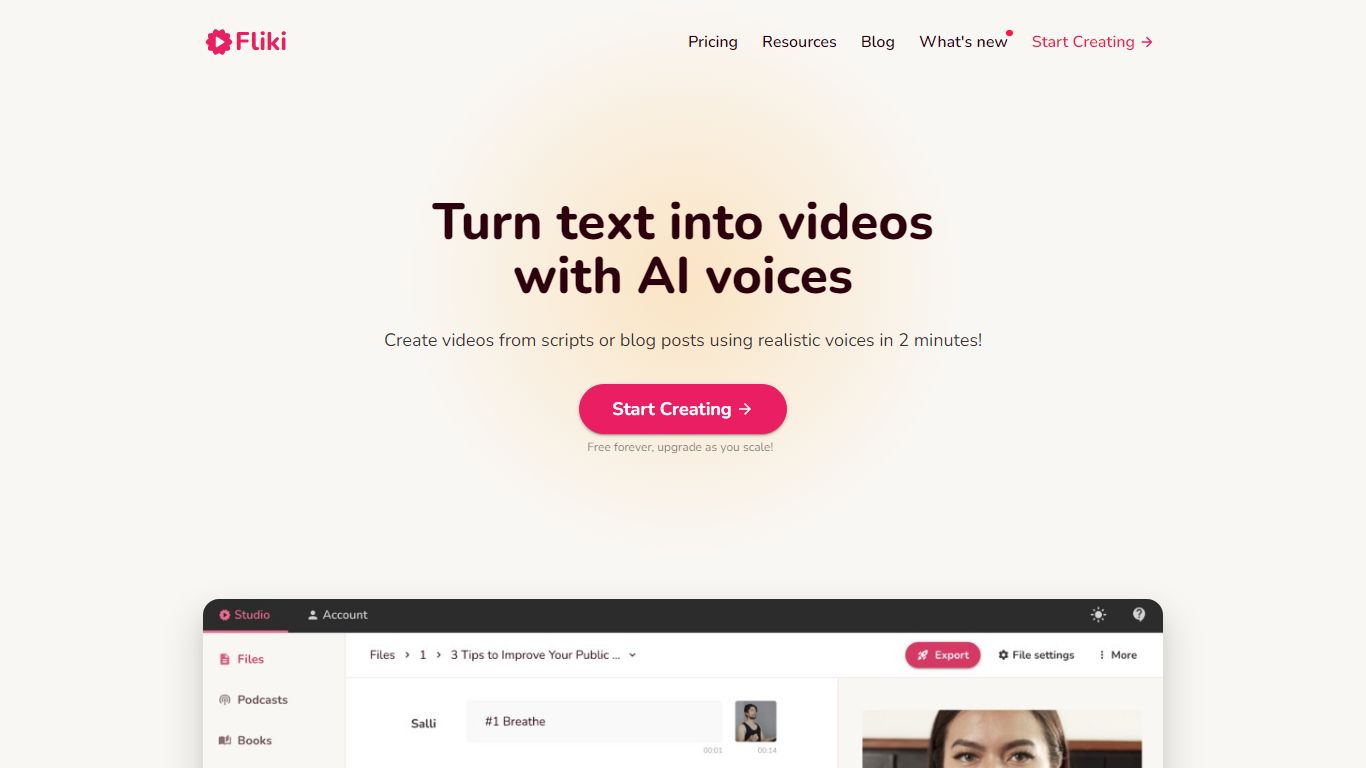
Fliki turns text into publish-ready videos with AI voiceovers, stock or generated visuals, music, and subtitles. You paste a script, blog post, or one-line prompt, and the editor drafts narration, picks media, and exports a finished clip with consistent characters in minutes.
Compared with separate voice and video tools, Fliki bundles text-to-video, text-to-speech, series planning, and a digital twin that clones your face and voice for presenter-style clips. The platform lists 2,000+ voices across 80+ languages, plus workflows for idea-to-video, PPT-to-video, and translation.
Fliki reports 100 million videos created and 12 million users. The free plan includes 3 monthly credits and 720p exports with a watermark, while Standard and Premium add 1080p output, longer runtimes up to 40 minutes, voice cloning, and API access on the top tier.
Text-to-video workflow writes scripts, picks visuals, and adds voiceover plus subtitles from pasted text
2,000+ AI voices across 80+ languages with ultra-realistic tiers on paid plans
Series mode plans topics, writes scripts, and queues episodes for TikTok, YouTube, and Shorts
Digital Twin clones your face and voice for presenter videos in 80+ languages after one recording
Free plan includes 3 credits per month and 720p exports with a Fliki watermark
Premium plan supports videos up to 40 minutes, API access, and 7,200 annual credits
Cliplama
Why use Cliplama?
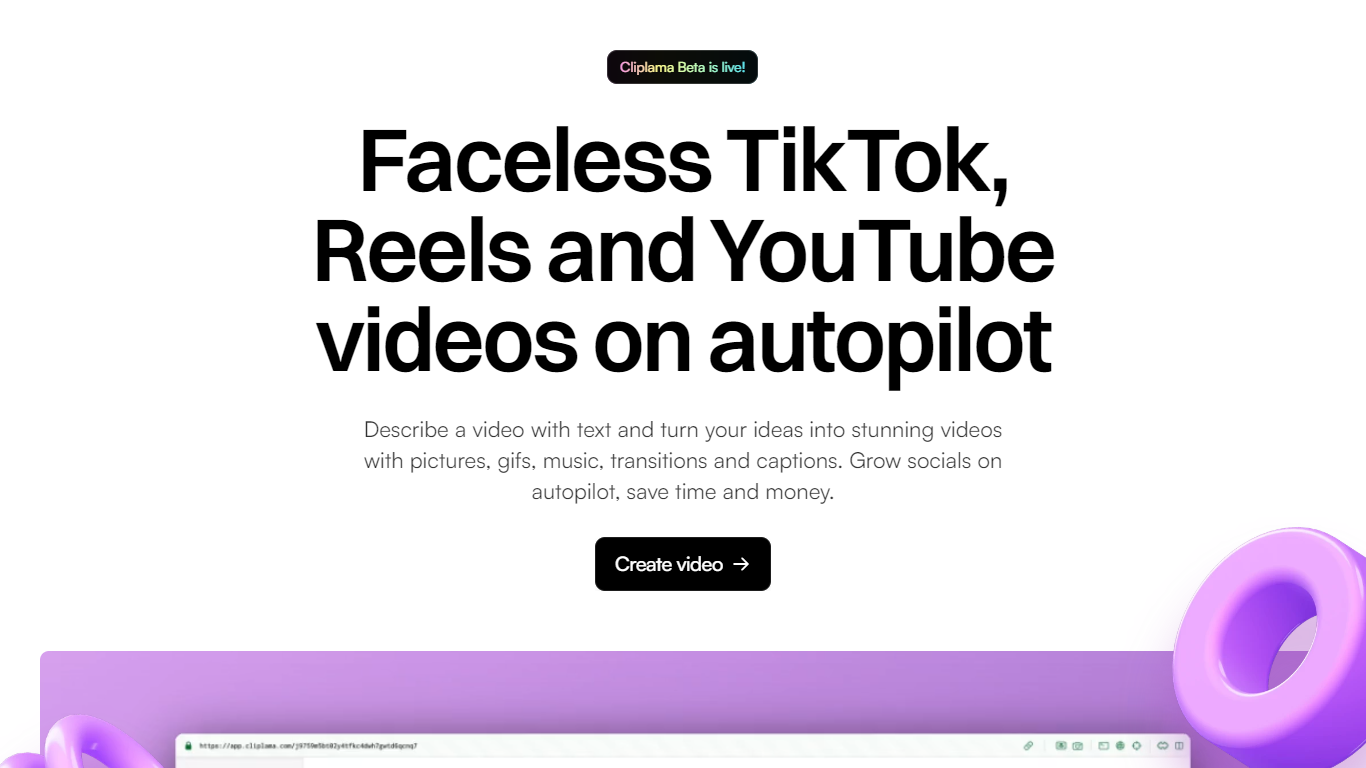
Cliplama is a text-to-video platform for building faceless social channels. You describe a video in plain text, pick a voice style, and the tool generates a short-form clip with narration, captions, background music, and visuals pulled together automatically.
The workflow is built around recurring content: create videos in seconds, then schedule them to TikTok (with YouTube support noted as coming soon). Auto Shorts and Auto Series features help run a channel without manual editing for every post.
It targets creators who want faceless videos for TikTok and YouTube without learning video editing software. The app lives at app.cliplama.com, with a free tier that includes one video and paid plans sold through monthly credits.
Turn a text description into a faceless short video with voiceover, captions, music, and visuals in seconds
Schedule generated videos to TikTok and grow a channel on autopilot
Choose from ElevenLabs voice styles on paid plans for more natural narration
Auto Shorts and Auto Series help batch recurring content without manual editing each time
Download finished videos with no watermark on every plan, including the free tier
Supercreator AI

What is Supercreator AI?
Supercreator AI lets you plan a short video scene by scene, record it with a scrolling teleprompter, then trim and caption the footage in the same browser workspace. Storyboarding, recording, timeline editing, and mini apps for AI media, talking avatars, and multi-shot sequences all sit on one home screen. You sign in to save creations, but every tool is listed before you start.
Where many video editors assume you already have footage, Supercreator AI front-loads scripting and recording. The storyboard maps scenes before capture, the recorder scrolls your script while you film, and one-click templates plus AI captions sit beside standalone tools like a Reel transcriber and clip editor. That workflow keeps scripting, capture, and polish in one tab instead of three separate apps.
It fits creators who publish to TikTok, Reels, and Shorts and want scripting, capture, and caption polish without switching tools. Founders, educators, and on-camera marketers get teleprompter support, visual aids, and reusable identity presets across projects.
Storyboard maps scripts scene by scene before you hit record
Built-in recorder pairs a teleprompter with visual aids and smart overlays
Timeline editor cuts clips and adds AI-generated stylized captions
One-click templates turn raw clips into scroll-stopping social videos
Script Trainer collects high-performing videos, transcribes them, and drafts new scripts
Avatars mini app builds talking-head videos with AI voices
Super Director stitches multi-shot AI video sequences from one workspace
Pictory AI
Why choose Pictory AI?
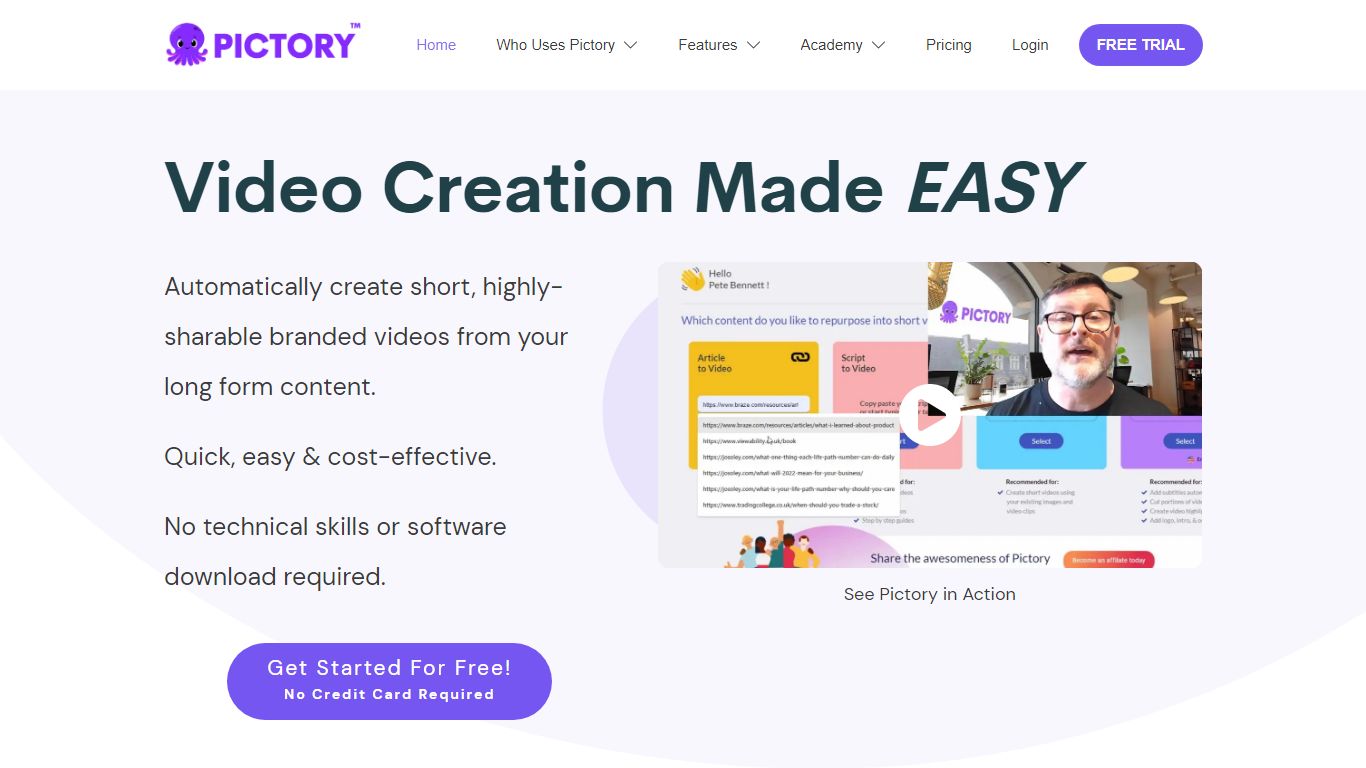
Pictory AI turns scripts, blog posts, PowerPoint decks, URLs, audio files, and screen recordings into finished marketing videos without a traditional timeline editor. You feed text or existing media into Pictory, and it builds scenes with stock footage, Gen AI visuals, automatic captions, realistic voices, and optional AI avatars ready for social or training channels.
Desktop editors expect you to hunt B-roll and manually chop long webinars into clips. Pictory automates structure, highlights key moments from long recordings, and resizes exports for multiple platforms, which is why teams use it to repurpose Zoom calls and articles instead of rebuilding each cut by hand.
Marketers, course creators, and enterprise video teams adopt Pictory to ship more video from content they already own. The homepage advertises a 14-day free trial with no credit card required and plans that start at $25 per month on annual billing.
14-day free trial includes 3 video project exports on pictory.ai
Starter plan is $25 per month billed annually with 2,400 video minutes per year
Professional plan adds custom avatars and voice cloning at $35 per month annually
Library includes 5 million Getty Images and Storyblocks clips on Starter
Rated 4.7 out of 5 on G2 according to the Pictory homepage
Crayo
What is Crayo?
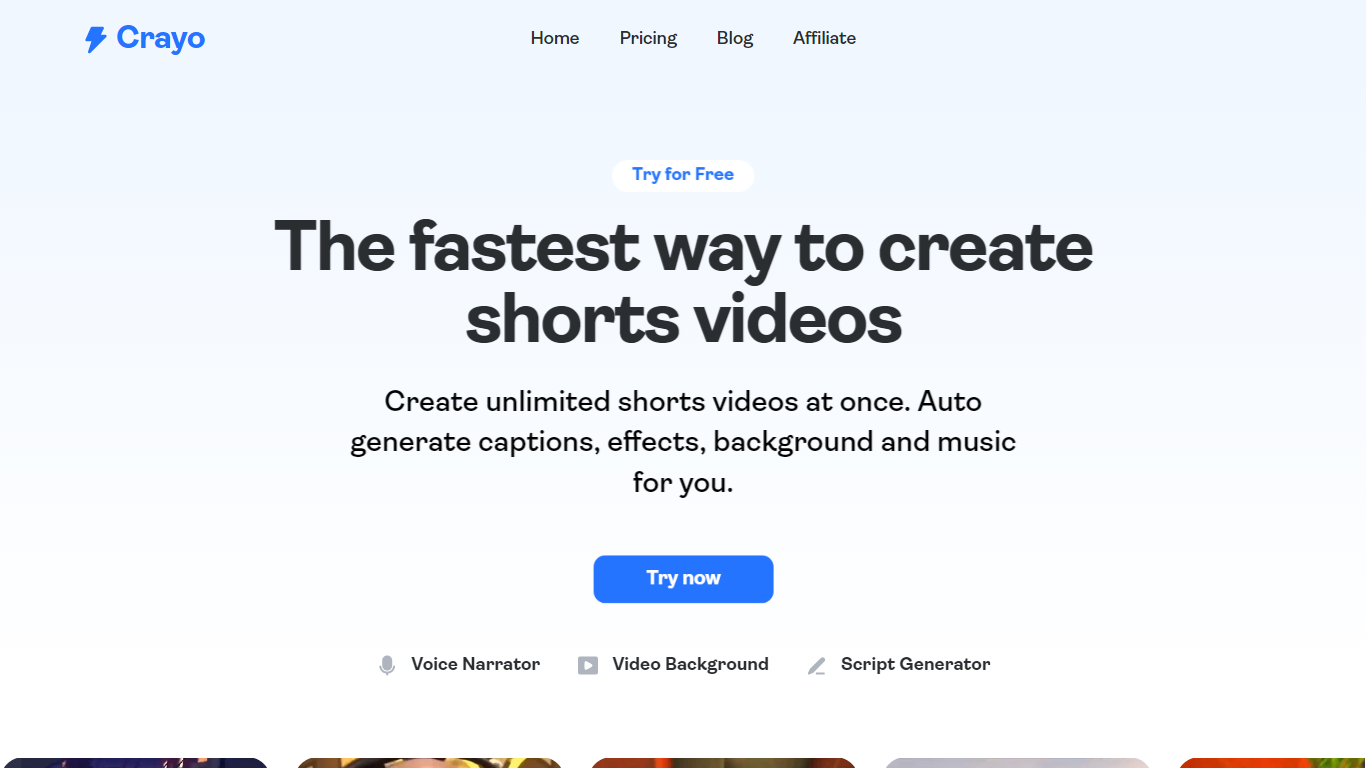
Crayo is an all-in-one AI-powered video editing platform designed to help creators produce viral short videos quickly. It supports uploading any video file or using YouTube and TikTok links, then automates editing tasks like clipping, subtitle styling, and voiceover generation. The platform targets influencers, streamers, podcasters, faceless YouTube channels, and agencies who want to scale content creation without manual editing. Crayo offers a web-based editor that feels intuitive and fast, with tools for split-screen videos, Reddit story clips, fake text stories, and automatic clipping of long videos into viral moments.
It also includes AI features like voiceovers with 100+ voices, image generation, voice changing, face swapping, and background removal. Storage and social account tracking are integrated to manage content efficiently. Crayo's value lies in simplifying complex editing workflows, enabling users to focus on content discovery and trend spotting while the AI handles formatting and enhancements. The platform has generated billions of views for over 3 million users worldwide, reflecting its effectiveness in helping creators grow their channels and engage audiences.
🎬 Auto Clip: AI finds best moments in long videos and creates ready-to-post clips quickly.
🗣️ AI Voiceover: Generate engaging voiceovers with over 100 high-quality AI voices.
🖼️ AI Image Generator: Create stunning images instantly using prompt enhancement tools.
🔀 Split Screen Videos: Easily produce viral split screen clips with a few clicks.
🛠️ Background Remover: Remove video and image backgrounds for professional-looking content.
Shortdeo
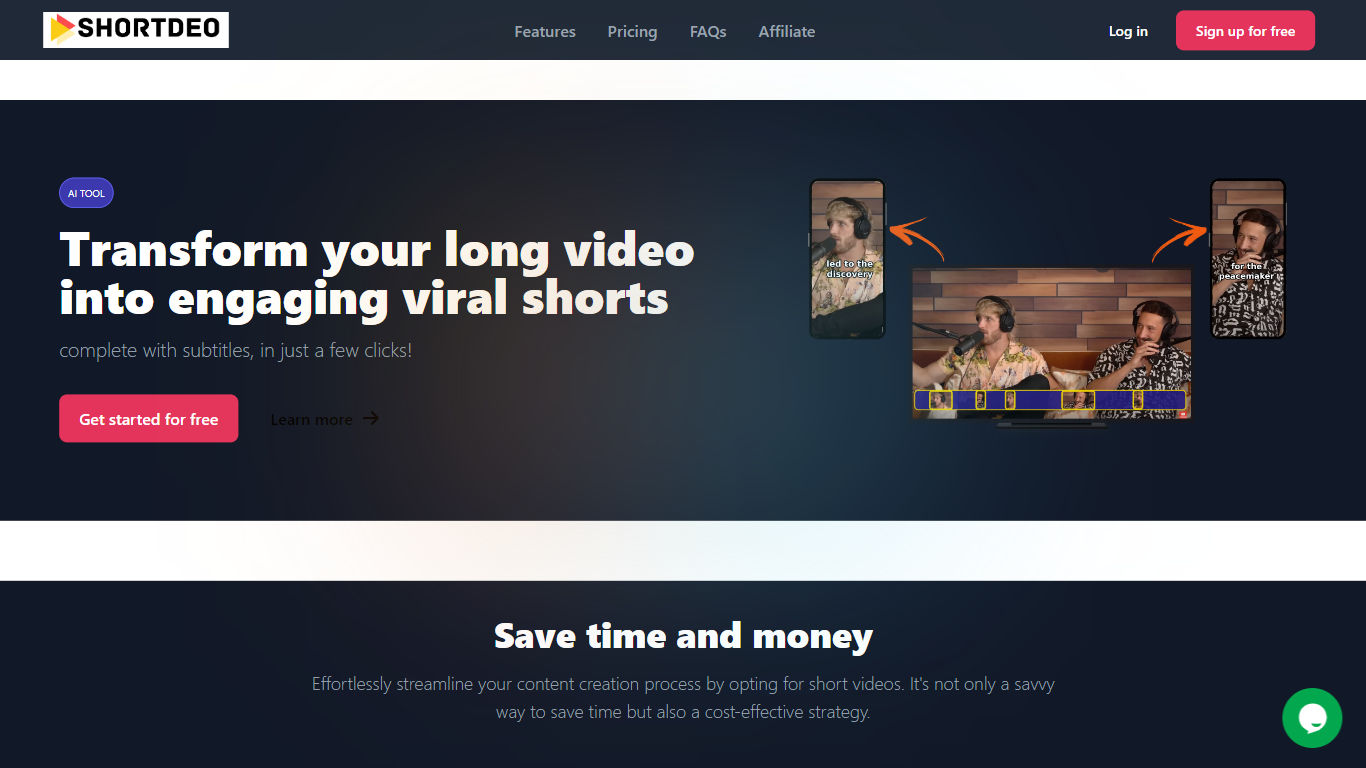
Why choose Shortdeo?
Shortdeo turns long uploads or YouTube links into short vertical clips with auto captions. Paste a URL or MP4, and its scene detection splits the footage into shareable segments sized for TikTok, Instagram Reels, and similar feeds. The tool targets Video Editing workflows where you already have a long recording and need many social clips fast.
Manual clipping means scrubbing timelines and typing subtitles by hand. Shortdeo chains scene detection, auto-cropping around active speakers, multi-face split screens, and transcription into one workflow, then exports up to 4K at 2160x3840. That combination suits creators who have a long podcast or webinar recording and want dozens of social clips without hiring an editor.
Podcasters, course creators, and social media managers use it to repurpose interviews, reviews, and commentary videos across platforms. Paid plans start at $19.99 per month with clip export limits, and the company currently disables free trials while offering purchase refunds for unsatisfied customers.
Starter plan exports 50 clips per month at up to 1080x1920 Full HD
Professional plan exports 400 clips monthly with 4K output at 2160x3840
Magic Scene Detection splits long videos into short segments automatically
Auto-captions transcribe speech and add subtitles without manual typing
Multi-face detection builds split-screen layouts when several speakers are active
Supports 11 languages including English, French, German, Spanish, and Japanese
AudioLabs - Turn your podcast to TikToks
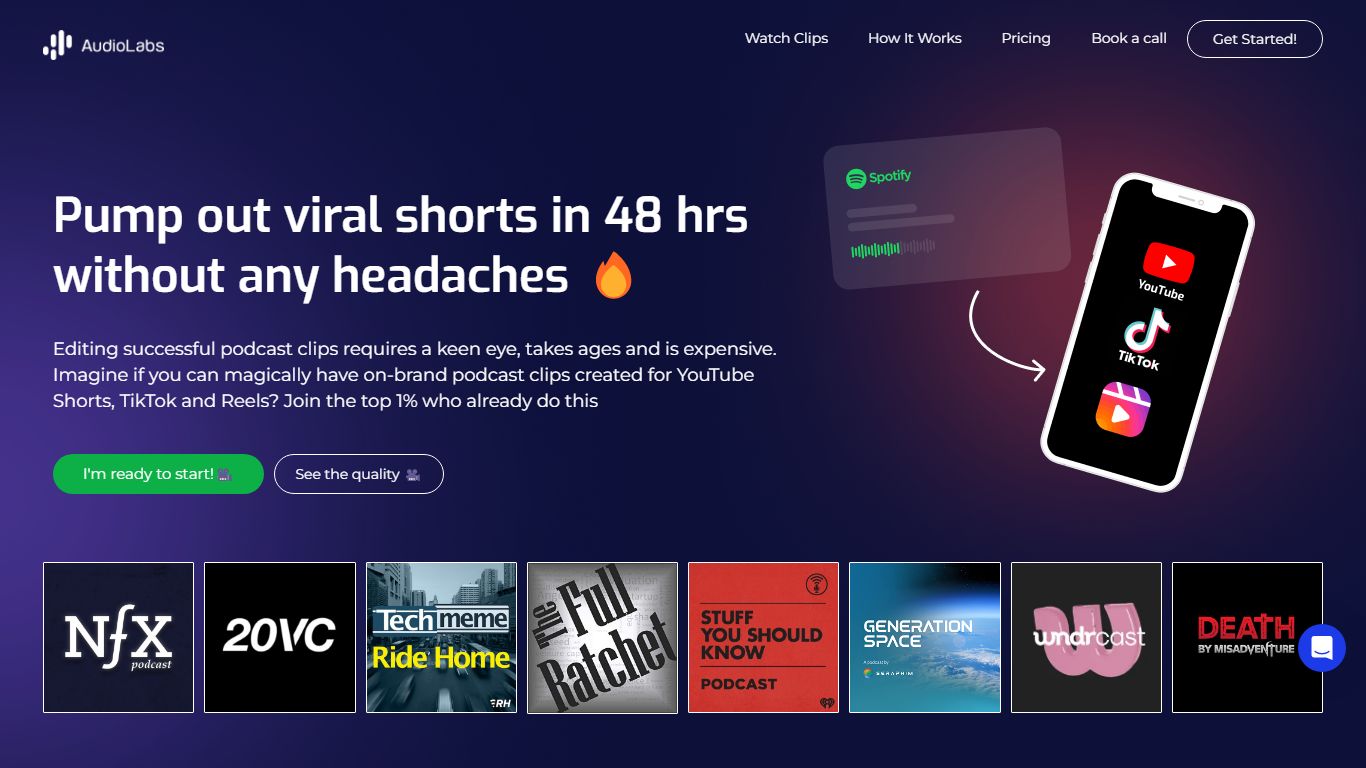
What does AudioLabs - Turn your podcast to TikToks do?
AudioLabs - Turn your podcast to TikToks converts full podcast episodes into engaging short-form videos tailored for platforms like TikTok, YouTube Shorts, and Instagram Reels. It helps podcasters create captivating clips that attract new listeners and boost social media engagement.
This service combines AI technology with human editing to deliver high-quality video clips within 72 hours. Unlike purely AI-based tools that may compromise quality or costly agencies, AudioLabs offers an affordable hybrid approach that balances professional editing with efficiency.
Subscription plans vary by clip volume and episode frequency, including a starter package that lets users try two clips in different styles without a subscription. AudioLabs also plans to introduce fully managed video editing and distribution services for podcasters seeking to outsource social media posting.
By focusing on audience growth and marketing goals, AudioLabs crafts short video content that aligns with brand guidelines and platform best practices, helping podcasters expand their reach effectively.
🎙️ Converts full podcast episodes into short, engaging video clips.
⏱️ 72-hour turnaround time for professionally edited clips.
📅 Subscription plans: Business ($700 for 15 clips/month), Professional ($1,000 for 25 clips/month), Ultimate ($2,350 for 60 clips/month).
🆕 Starter package offers 2 clips in various styles from one episode without subscription.
🎥 Video formats available: 9:16 vertical and 1:1 square for social platforms.
🔄 Unlimited revision requests until satisfaction.
💬 Support varies by plan: email/chat for Business, priority support for Professional and Ultimate.
Munch Studio (formerly Munch)
What is Munch Studio (formerly Munch)? and how does it work?
Munch Studio turns your website, videos, photos, and even Zoom recordings into a steady stream of on-brand social posts you can approve and publish in minutes. You drop in your business URL, the system learns your voice, and it drafts posters, carousels, video scripts, and a posting calendar you can approve in minutes. It still leans hard on video repurposing, with monthly minute caps and generated video counts on each paid tier.
Where most social schedulers expect you to write every caption and design every asset, Munch Studio starts from what you already have. It builds a tailored content strategy, generates unlimited posters and carousels on every plan, and publishes straight to Instagram, Facebook, LinkedIn, YouTube, and TikTok. Agencies can run separate workspaces per client without mixing brand voices.
The product fits small business owners who want a visible social presence without hiring a team, solo creators repurposing long-form video, and marketing agencies juggling multiple brands. Munch Studio claims over 20,000 businesses use it and markets a workflow you can run in about 10 minutes per week once onboarding is done.
Publishes to Instagram, Facebook, LinkedIn, YouTube, and TikTok from one dashboard
Essential plan includes 500 minutes of video repurposing and 10 generated videos per month
Premium plan raises limits to 1,000 repurposing minutes and 30 generated videos monthly
Unlimited posters and carousels on every plan, plus a smart content planner for weekly or quarterly scheduling
Business deep learning ingests your website, past posts, and brand files before drafting anything
Performance dashboard tracks reach, engagement, and follower trends across connected platforms
Multi-brand agency plans give each client an isolated workspace with its own strategy and queue