
Last updated 08-10-2026
Category:
Reviews:
Join thousands of AI enthusiasts in the World of AI!
Shortdeo
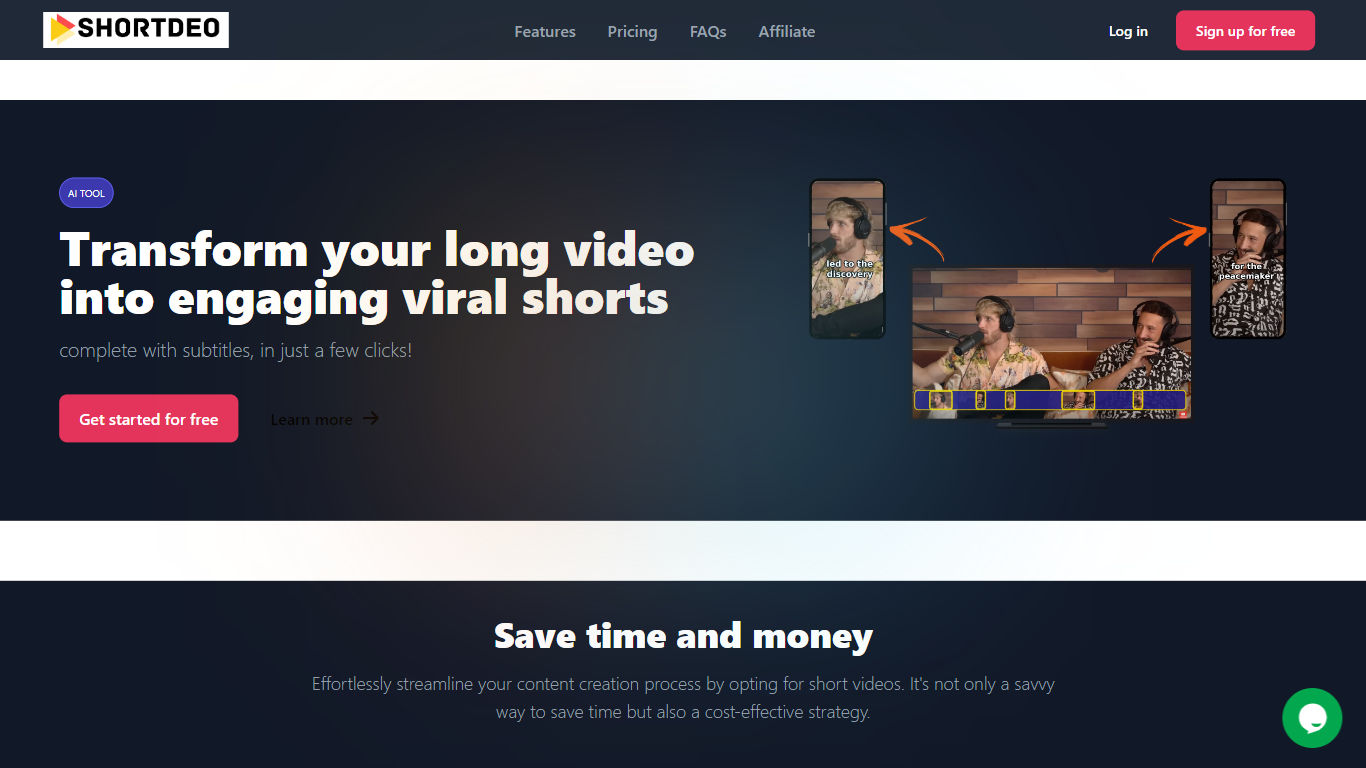
Shortdeo turns long uploads or YouTube links into short vertical clips with auto captions. Paste a URL or MP4, and its scene detection splits the footage into shareable segments sized for TikTok, Instagram Reels, and similar feeds. The tool targets Video Editing workflows where you already have a long recording and need many social clips fast.
Manual clipping means scrubbing timelines and typing subtitles by hand. Shortdeo chains scene detection, auto-cropping around active speakers, multi-face split screens, and transcription into one workflow, then exports up to 4K at 2160x3840. That combination suits creators who have a long podcast or webinar recording and want dozens of social clips without hiring an editor.
Podcasters, course creators, and social media managers use it to repurpose interviews, reviews, and commentary videos across platforms. Paid plans start at $19.99 per month with clip export limits, and the company currently disables free trials while offering purchase refunds for unsatisfied customers.
Starter plan exports 50 clips per month at up to 1080x1920 Full HD
Professional plan exports 400 clips monthly with 4K output at 2160x3840
Magic Scene Detection splits long videos into short segments automatically
Auto-captions transcribe speech and add subtitles without manual typing
Multi-face detection builds split-screen layouts when several speakers are active
Supports 11 languages including English, French, German, Spanish, and Japanese
Turns one long video into multiple social-ready clips in minutes.
Auto-captions and scene detection remove most manual editing work.
Exports vertical Full HD or 4K without watermarks on paid plans.
Accepts both YouTube URLs and direct MP4 uploads.
Supports 11 transcription languages for global creators.
No active free trial; you must purchase before testing the platform.
Starter plan caps short clips at 3 minutes and uploads at 50 minutes.
Works best on speech-heavy videos, not silent or purely visual footage.
How do you start using Shortdeo?
Shortdeo accepts a YouTube link pasted into the app or an MP4 upload. Its AI then detects scenes and generates short clips you can edit before downloading for social posts.
What video types work best on Shortdeo?
Shortdeo performs best on speech-heavy content such as podcasts, educational videos, commentary, product reviews, and motivational talks where the AI can find engaging spoken segments.
Which languages does Shortdeo support?
Shortdeo supports Dutch, English, French, German, Indonesian, Italian, Portuguese, Spanish, Japanese, Turkish, and Russian for transcription and captions.
Does Shortdeo offer a free trial?
Shortdeo has disabled its free trial because of spam abuse. New customers pay for a plan upfront but can request a refund if they are not satisfied after purchase.
How much does Shortdeo cost?
Shortdeo Starter and Standard plans cost $19.99 per month, while the Professional plan is $49.99 per month. Annual billing saves 20% compared with monthly pricing.
What export limits apply on Shortdeo plans?
Shortdeo Starter allows 50 exported clips and 50-minute uploads per month. Standard raises that to 150 clips with one-hour uploads, and Professional allows 400 clips with two-hour uploads and 4K downloads.