
Last updated 08-20-2026
Category:
Reviews:
Join thousands of AI enthusiasts in the World of AI!
HitPaw Video Enhancer
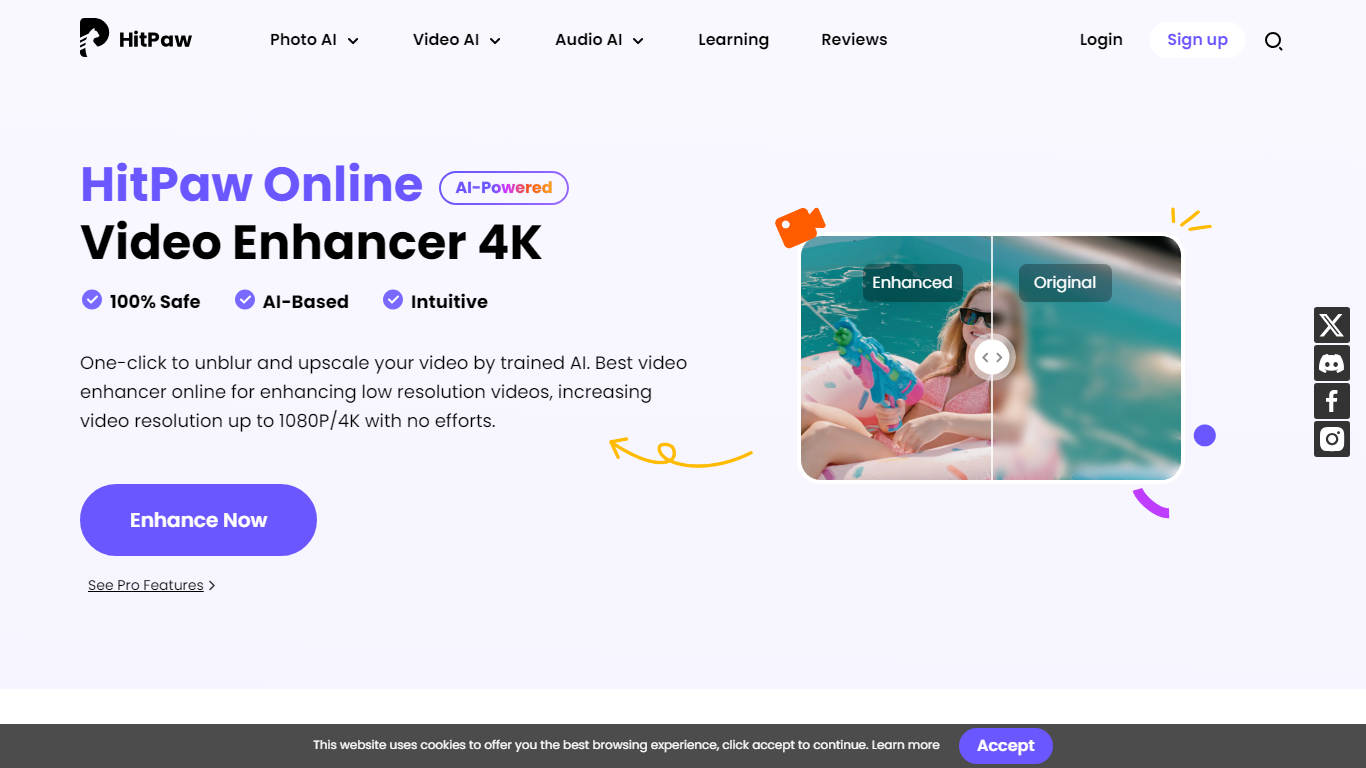
HitPaw Video Enhancer upscales blurry clips to 4K directly in the browser, with dedicated models for faces, anime, general denoise, and black-and-white colorization. Upload MP4, WebM, MOV, or GIF files up to 2GB, pick an enhancement mode, preview side-by-side results, and export without installing desktop software.
Desktop upscalers like Topaz require heavy local GPU work and large installs. HitPaw runs processing on cloud servers, which keeps your laptop free during renders and suits quick fixes to phone footage, old DV tapes, or compressed social clips. The trade-off is credit-based limits on export length rather than unlimited local batch jobs.
YouTubers, family archivists, e-commerce sellers, and anime editors use HitPaw when a single clip needs sharpening before posting. Free accounts get preview-only access; paid HitPaw Ultra plans start at $9.99 per week with up to 600 seconds of video enhancement credits.
Upscale 1080p footage to 4K online with separate Face, Anime, and General Denoise enhancement models
Accepts MP4, WebM, MOV, and GIF uploads up to 2GB with maximum input resolution of 4K
AI noise reduction removes grain, motion blur, and low-light artifacts frame by frame
Face model tracks subjects to sharpen contours and reduce skin blemishes in portrait clips
Colorize mode adds realistic tones to black-and-white family archives and historical footage
Cloud rendering processes clips on remote servers so local CPU and GPU stay free during exports
Dedicated Face, Anime, and General Denoise models target different clip types instead of one generic upscale filter
Browser workflow avoids heavy local GPU installs, with cloud servers handling the render load
Supports up to 2GB uploads in MP4, WebM, MOV, and GIF with side-by-side preview before export
Colorize mode restores black-and-white archives, a feature most basic upscalers skip entirely
Free tier limits you to previews with restricted export quality and file size caps
Credit-based weekly and monthly caps on enhancement seconds may run out on long footage batches
Advanced batch processing and larger files still require the separate desktop VikPea app
Pricing page bundles many unrelated AI tools, which makes video-only cost harder to parse
Is HitPaw Video Enhancer free?
HitPaw offers a free tier at $0 with preview-only access to the AI Video Enhancer and limited exports. Full-quality 4K exports without watermarks require a paid HitPaw Ultra plan, with weekly billing from $9.99 and monthly from $24.99.
What video formats does HitPaw support?
HitPaw Online Video Enhancer accepts MP4, WebM, MOV, and GIF uploads up to 2GB per file. The FAQ also lists MKV, AVI, and FLV compatibility, with output upscaling up to 8K resolution through AI super-resolution.
How does HitPaw enhance portrait videos?
HitPaw includes a dedicated Face model that tracks human subjects in vlogs and interviews. It sharpens facial contours, reduces skin blemishes, and restores blurry expressions separately from the General Denoise and Anime models.
What are HitPaw Ultra plan limits?
The weekly HitPaw Ultra plan at $9.99 includes 300 AI credits with up to 600 seconds of video enhancement. The monthly plan at $24.99 provides 1,200 credits and up to 2,400 enhancement seconds, while the yearly plan at $79.99 includes 3,000 credits.
Can HitPaw export 4K without a watermark?
HitPaw lets you preview enhancement results for free in the browser. Upgrading to a paid plan unlocks full-quality 4K exports without watermarks, as stated on the product FAQ section.
How is HitPaw Online different from the desktop app?
HitPaw Online runs in the browser for quick enhancements on smaller files without downloads. The desktop VikPea Video Enhancer adds batch processing, larger file support, and advanced upscaling for professional workflows.