HitPaw Video Enhancer vs Peech AI
Compare HitPaw Video Enhancer vs Peech AI and see which AI Video Editing tool is better when we compare features, reviews, pricing, alternatives, upvotes, etc.
Which one is better? HitPaw Video Enhancer or Peech AI?
When we compare HitPaw Video Enhancer with Peech AI, which are both AI-powered video editing tools, HitPaw Video Enhancer is the clear winner in terms of upvotes. HitPaw Video Enhancer has 7 upvotes, and Peech AI has 5 upvotes.
Think we got it wrong? Cast your vote and show us who's boss!
HitPaw Video Enhancer
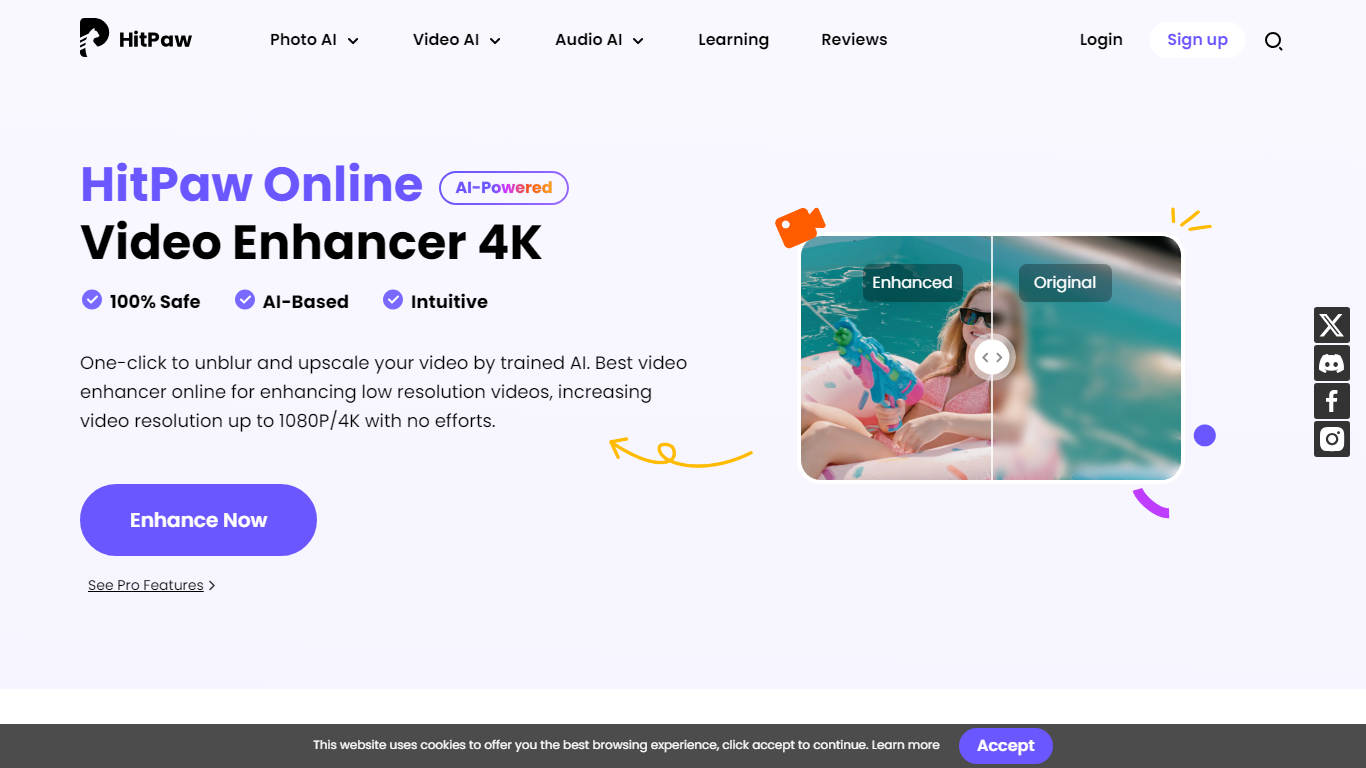

What is HitPaw Video Enhancer?
HitPaw Video Enhancer upscales blurry clips to 4K directly in the browser, with dedicated models for faces, anime, general denoise, and black-and-white colorization. Upload MP4, WebM, MOV, or GIF files up to 2GB, pick an enhancement mode, preview side-by-side results, and export without installing desktop software.
Desktop upscalers like Topaz require heavy local GPU work and large installs. HitPaw runs processing on cloud servers, which keeps your laptop free during renders and suits quick fixes to phone footage, old DV tapes, or compressed social clips. The trade-off is credit-based limits on export length rather than unlimited local batch jobs.
YouTubers, family archivists, e-commerce sellers, and anime editors use HitPaw when a single clip needs sharpening before posting. Free accounts get preview-only access; paid HitPaw Ultra plans start at $9.99 per week with up to 600 seconds of video enhancement credits.
Peech AI

What is Peech AI?
Peech turns raw video footage into branded, platform-ready clips through automated post-production. Upload your content and the platform tags scenes, transcribes speech, applies your brand elements, and outputs resized versions for social, web, and ads. A text-to-video editor lets you trim clips and remove filler words as easily as editing a document.
Agency-style post-production usually means days of editor time for every batch of marketing videos. Peech automates transcription in 20+ languages, facial-recognition framing, aspect-ratio cropping, and highlight clip generation in one workflow. Media teams report cutting post-production time by up to 95% and design costs by over 80% compared to hiring external editors.
Marketing teams at B2B companies like Peerspot and Datarails use Peech to repurpose webinars and interviews into daily social clips. Media companies organize large footage libraries with automatic tagging and topic-based highlight recommendations. You can start free without a credit card, then scale to dozens of branded videos per month through the app at app.peech-ai.com.
HitPaw Video Enhancer Upvotes
Peech AI Upvotes
HitPaw Video Enhancer Top Features
Upscale 1080p footage to 4K online with separate Face, Anime, and General Denoise enhancement models
Accepts MP4, WebM, MOV, and GIF uploads up to 2GB with maximum input resolution of 4K
AI noise reduction removes grain, motion blur, and low-light artifacts frame by frame
Face model tracks subjects to sharpen contours and reduce skin blemishes in portrait clips
Colorize mode adds realistic tones to black-and-white family archives and historical footage
Cloud rendering processes clips on remote servers so local CPU and GPU stay free during exports
Peech AI Top Features
Real-time transcription and translation into 20+ languages with subtitle export
Text-to-video editor cuts clips and removes filler words like editing a doc
Automated brand elements applied across every output with one-click execution
Frame cropper centers speakers via facial recognition across aspect ratios
Clip Generator produces ready-to-publish social videos from long-form footage
HitPaw Video Enhancer Category
- Video Editing
Peech AI Category
- Video Editing
HitPaw Video Enhancer Pricing Type
- Freemium
Peech AI Pricing Type
- Freemium