
Last updated 07-29-2026
Category:
Reviews:
Join thousands of AI enthusiasts in the World of AI!
AI Video Editing | Clipchamp
Clipchamp is a browser-based video editor from Microsoft that bundles AI helpers for voiceovers, captions, background removal, and short-form assembly inside one timeline. You record, import clips, and polish exports without installing desktop software, and the AI tools sit next to standard trim, resize, and overlay controls.
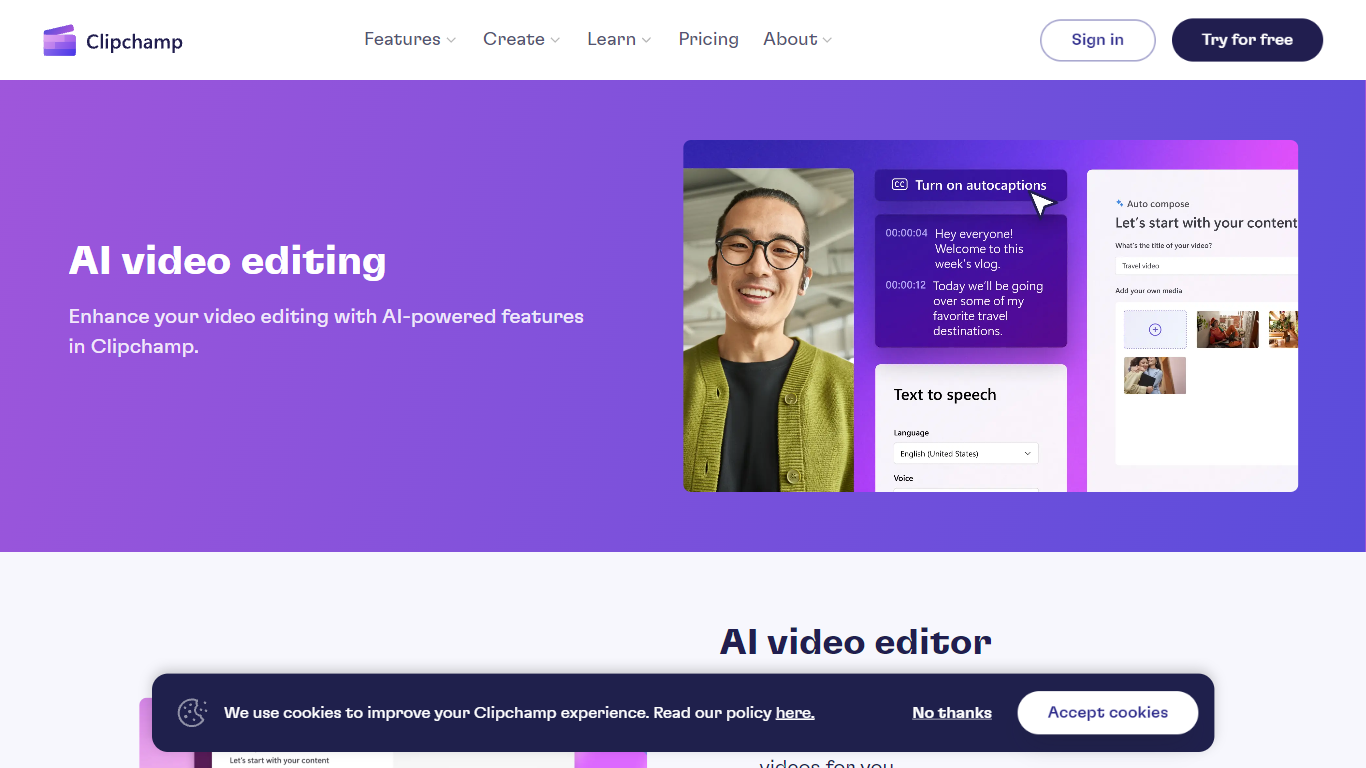
Where many AI video apps push a single gimmick, Clipchamp spreads automation across the whole edit: text-to-speech with hundreds of voices, autocaptions in 140 languages, Speaker Coach feedback on webcam takes, and one-click background removal for still images. That breadth makes it a practical pick when you need several AI steps in one project rather than a dedicated voice or caption app.
Creators publishing to TikTok, YouTube Shorts, and Instagram Reels use Clipchamp for quick social cuts, while teachers and internal comms teams lean on screen recording, autocaptions, and brand kits for repeatable templates. Marketing teams also use the stock library and template gallery when they need polished promos without opening a full NLE.
400+ text-to-speech voices across multiple languages and speaking styles
Autocaptions in 140 languages with customizable font, color, and size
Speaker Coach gives real-time pace and pitch feedback on webcam recordings
AI background remover for PNG and JPEG images inside the editor
Runs in Chrome and Edge with a Windows 11 and Windows 10 desktop app
Screen, webcam, and voice recorders export directly into the timeline
AI voiceover, captions, and background removal live in one browser editor
No install required in Chrome or Edge for core AI video tools
Autocaptions cover 140 languages for accessibility workflows
Screen, webcam, and mic recorders feed directly into the same timeline
Full feature set depends on Microsoft Edge or Chrome browsers
Premium stock, brand kit, and export limits sit behind paid plans
Advanced color grading and multi-track workflows are thinner than pro NLEs
Is Clipchamp AI video editing free?
AI Video Editing | Clipchamp includes its AI tools at no extra cost in the browser editor. Autocaptions, text-to-speech, and other AI helpers on the AI video editing page are available to all signed-in users on the free tier.
How many languages do Clipchamp autocaptions support?
AI Video Editing | Clipchamp autocaptions support 140 languages. The subtitle generator detects speech in your recording and lets you adjust caption font, color, and size before export.
How does Clipchamp text to speech work?
AI Video Editing | Clipchamp text to speech lets you pick from more than 400 AI voices, then generate narration that drops straight into your timeline. You can match tone to social clips, tutorials, or promo videos without recording a live voiceover.
Does Clipchamp require downloaded software?
AI Video Editing | Clipchamp runs in Microsoft Edge and Google Chrome without a separate AI install. You can also use the Clipchamp Windows app on Windows 11 and Windows 10 for the same AI editing features.
What is Clipchamp Speaker Coach?
AI Video Editing | Clipchamp Speaker Coach analyzes webcam recordings and gives real-time feedback on speaking pace and pitch. It helps presenters rehearse before publishing training, sales, or social videos.
Can Clipchamp remove image backgrounds?
AI Video Editing | Clipchamp includes an AI background remover for PNG and JPEG images. You can isolate a subject, resize placement, and use transparent logos or colored backdrops in social edits.