RivetAI vs AI Video Editing | Clipchamp
In the face-off between RivetAI vs AI Video Editing | Clipchamp, which AI Video Editing tool takes the crown? We scrutinize features, alternatives, upvotes, reviews, pricing, and more.
In a face-off between RivetAI and AI Video Editing | Clipchamp, which one takes the crown?
If we were to analyze RivetAI and AI Video Editing | Clipchamp, both of which are AI-powered video editing tools, what would we find? With more upvotes, RivetAI is the preferred choice. RivetAI has attracted 7 upvotes from aitools.fyi users, and AI Video Editing | Clipchamp has attracted 6 upvotes.
You don't agree with the result? Cast your vote to help us decide!
RivetAI

What is RivetAI?
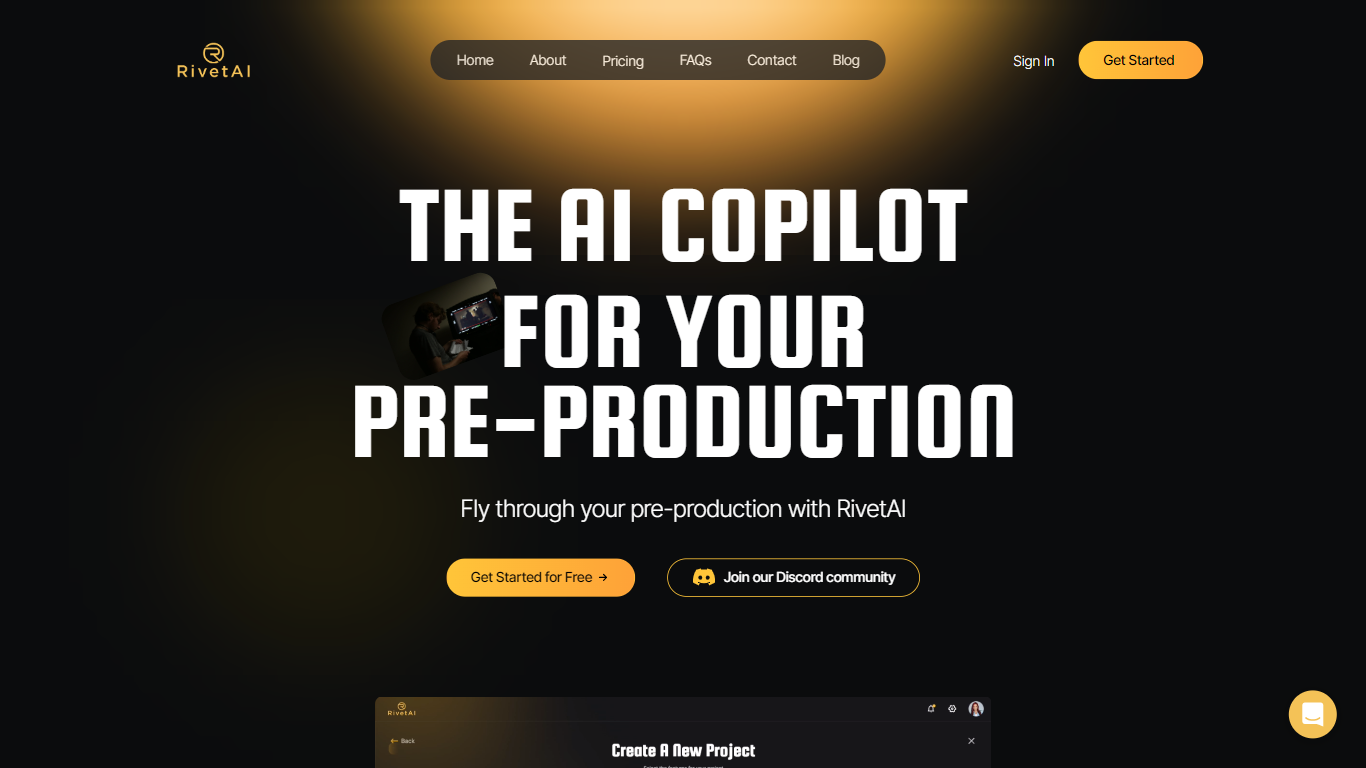
RivetAI is a film and television pre-production platform that keeps scriptwriting, breakdown, scheduling, and budgeting on one shared screenplay. You draft and tag scenes in an industry-standard editor, then downstream modules read the same draft without export handoffs. Writers and production crews buy a per-project license with no subscription, and your script is never used to train AI models.
Most pre-production stacks split script, breakdown, schedule, and budget across separate apps that need constant file exports. RivetAI runs all four on one connected draft, so a scene edit ripples into stripboards and top sheets automatically. Pay-once Writer and Studio licenses also skip recurring SaaS fees that tools like StudioBinder or Movie Magic charge for comparable workflows.
Screenwriters use Writer for tagging, AI breakdown, and coverage while sharing password-gated links with partners. Production teams upgrade to Studio for stripboards, DOOD calendars, budget topsheets, REST API keys, and MCP client integration. Enterprise customers get SAML/OIDC SSO, pooled AI credits, and procurement support for multi-show studios.
AI Video Editing | Clipchamp
What is AI Video Editing | Clipchamp?
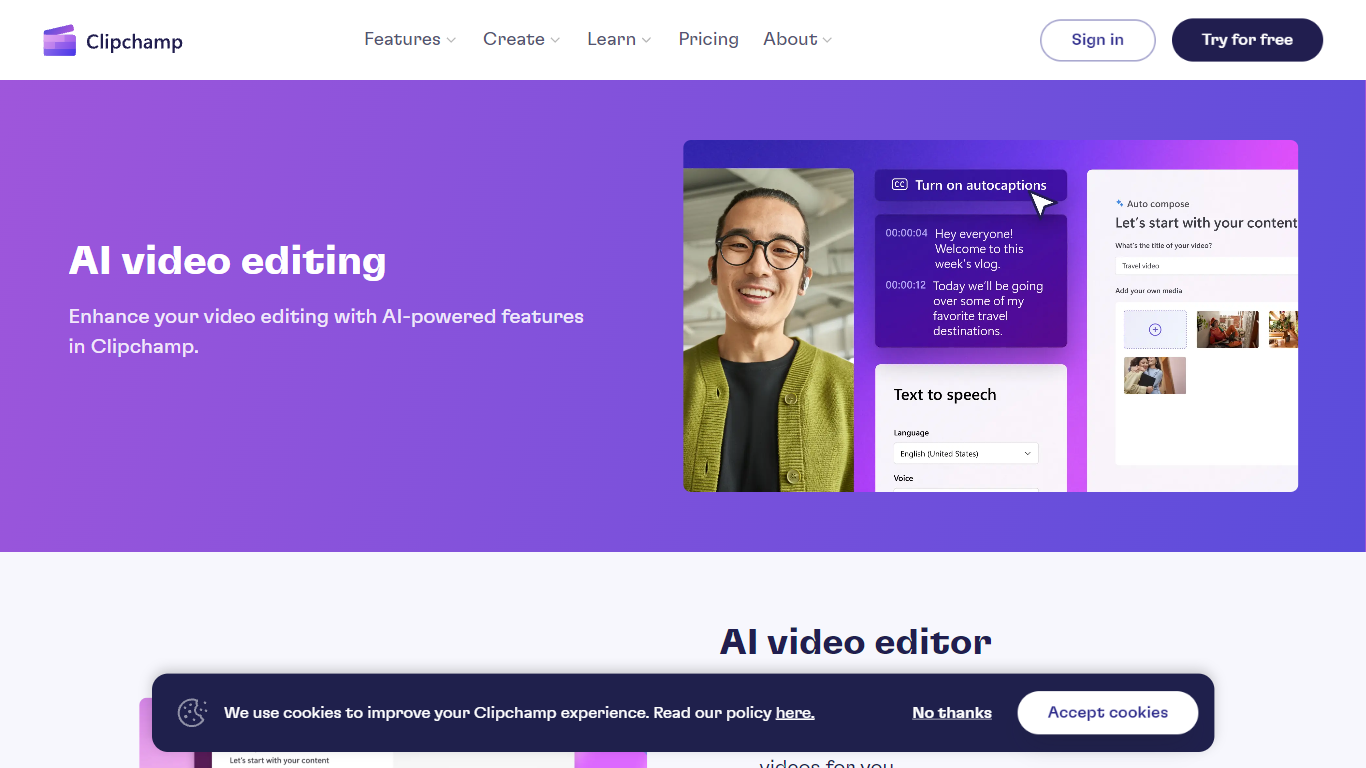
Clipchamp is a browser-based video editor from Microsoft that bundles AI helpers for voiceovers, captions, background removal, and short-form assembly inside one timeline. You record, import clips, and polish exports without installing desktop software, and the AI tools sit next to standard trim, resize, and overlay controls.
Where many AI video apps push a single gimmick, Clipchamp spreads automation across the whole edit: text-to-speech with hundreds of voices, autocaptions in 140 languages, Speaker Coach feedback on webcam takes, and one-click background removal for still images. That breadth makes it a practical pick when you need several AI steps in one project rather than a dedicated voice or caption app.
Creators publishing to TikTok, YouTube Shorts, and Instagram Reels use Clipchamp for quick social cuts, while teachers and internal comms teams lean on screen recording, autocaptions, and brand kits for repeatable templates. Marketing teams also use the stock library and template gallery when they need polished promos without opening a full NLE.
RivetAI Upvotes
AI Video Editing | Clipchamp Upvotes
RivetAI Top Features
Writer license costs $49.99 per project with 30 AI credits and 2 collaborator seats
Studio license costs $150 per project with 100 AI credits and 9 collaborator seats
Import scripts from Final Draft (.fdx), PDF, Celtx, and Fountain formats
Export to PDF, Final Draft, Fountain, Markdown, and Word (.docx)
Six connected modules sync breakdown, schedule, and budget from one screenplay
REST API and MCP client integration included on the Studio tier
Free tier drafts up to 5 scenes with the same AES-256 encryption as paid licenses
AI Video Editing | Clipchamp Top Features
400+ text-to-speech voices across multiple languages and speaking styles
Autocaptions in 140 languages with customizable font, color, and size
Speaker Coach gives real-time pace and pitch feedback on webcam recordings
AI background remover for PNG and JPEG images inside the editor
Runs in Chrome and Edge with a Windows 11 and Windows 10 desktop app
Screen, webcam, and voice recorders export directly into the timeline
RivetAI Category
- Video Editing
AI Video Editing | Clipchamp Category
- Video Editing
RivetAI Pricing Type
- Freemium
AI Video Editing | Clipchamp Pricing Type
- Freemium