Fliki vs Supercreator AI
In the battle of Fliki vs Supercreator AI, which AI Video Generation tool comes out on top? We compare reviews, pricing, alternatives, upvotes, features, and more.
Which one is better? Fliki or Supercreator AI?
Upon comparing Fliki with Supercreator AI, which are both AI-powered video generation tools, Supercreator AI is the clear winner in terms of upvotes. Supercreator AI has received 52 upvotes from aitools.fyi users, while Fliki has received 34 upvotes.
Disagree with the result? Upvote your favorite tool and help it win!
Fliki

What is Fliki?
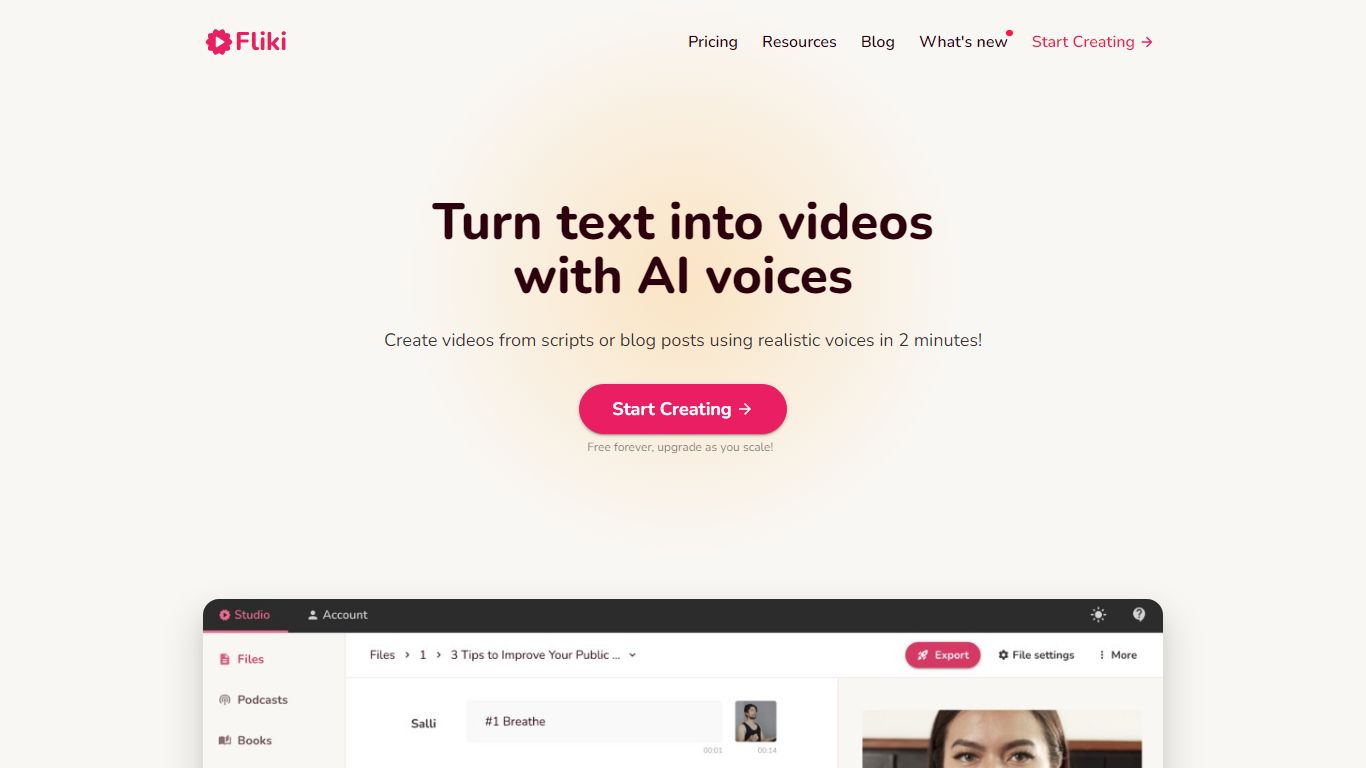
Fliki turns text into publish-ready videos with AI voiceovers, stock or generated visuals, music, and subtitles. You paste a script, blog post, or one-line prompt, and the editor drafts narration, picks media, and exports a finished clip with consistent characters in minutes.
Compared with separate voice and video tools, Fliki bundles text-to-video, text-to-speech, series planning, and a digital twin that clones your face and voice for presenter-style clips. The platform lists 2,000+ voices across 80+ languages, plus workflows for idea-to-video, PPT-to-video, and translation.
Fliki reports 100 million videos created and 12 million users. The free plan includes 3 monthly credits and 720p exports with a watermark, while Standard and Premium add 1080p output, longer runtimes up to 40 minutes, voice cloning, and API access on the top tier.
Supercreator AI

What is Supercreator AI?
Supercreator AI lets you plan a short video scene by scene, record it with a scrolling teleprompter, then trim and caption the footage in the same browser workspace. Storyboarding, recording, timeline editing, and mini apps for AI media, talking avatars, and multi-shot sequences all sit on one home screen. You sign in to save creations, but every tool is listed before you start.
Where many video editors assume you already have footage, Supercreator AI front-loads scripting and recording. The storyboard maps scenes before capture, the recorder scrolls your script while you film, and one-click templates plus AI captions sit beside standalone tools like a Reel transcriber and clip editor. That workflow keeps scripting, capture, and polish in one tab instead of three separate apps.
It fits creators who publish to TikTok, Reels, and Shorts and want scripting, capture, and caption polish without switching tools. Founders, educators, and on-camera marketers get teleprompter support, visual aids, and reusable identity presets across projects.
Fliki Upvotes
Supercreator AI Upvotes
Fliki Top Features
Text-to-video workflow writes scripts, picks visuals, and adds voiceover plus subtitles from pasted text
2,000+ AI voices across 80+ languages with ultra-realistic tiers on paid plans
Series mode plans topics, writes scripts, and queues episodes for TikTok, YouTube, and Shorts
Digital Twin clones your face and voice for presenter videos in 80+ languages after one recording
Free plan includes 3 credits per month and 720p exports with a Fliki watermark
Premium plan supports videos up to 40 minutes, API access, and 7,200 annual credits
Supercreator AI Top Features
Storyboard maps scripts scene by scene before you hit record
Built-in recorder pairs a teleprompter with visual aids and smart overlays
Timeline editor cuts clips and adds AI-generated stylized captions
One-click templates turn raw clips into scroll-stopping social videos
Script Trainer collects high-performing videos, transcribes them, and drafts new scripts
Avatars mini app builds talking-head videos with AI voices
Super Director stitches multi-shot AI video sequences from one workspace
Fliki Category
- Video Generation
Supercreator AI Category
- Video Generation
Fliki Pricing Type
- Freemium
Supercreator AI Pricing Type
- Freemium