AI Text-To-Video - Filmora vs OnTheFly
In the battle of AI Text-To-Video - Filmora vs OnTheFly, which AI Video Generation tool comes out on top? We compare reviews, pricing, alternatives, upvotes, features, and more.
Between AI Text-To-Video - Filmora and OnTheFly, which one is superior?
Upon comparing AI Text-To-Video - Filmora with OnTheFly, which are both AI-powered video generation tools, Neither tool takes the lead, as they both have the same upvote count. The power is in your hands! Cast your vote and have a say in deciding the winner.
You don't agree with the result? Cast your vote to help us decide!
AI Text-To-Video - Filmora

What is AI Text-To-Video - Filmora?
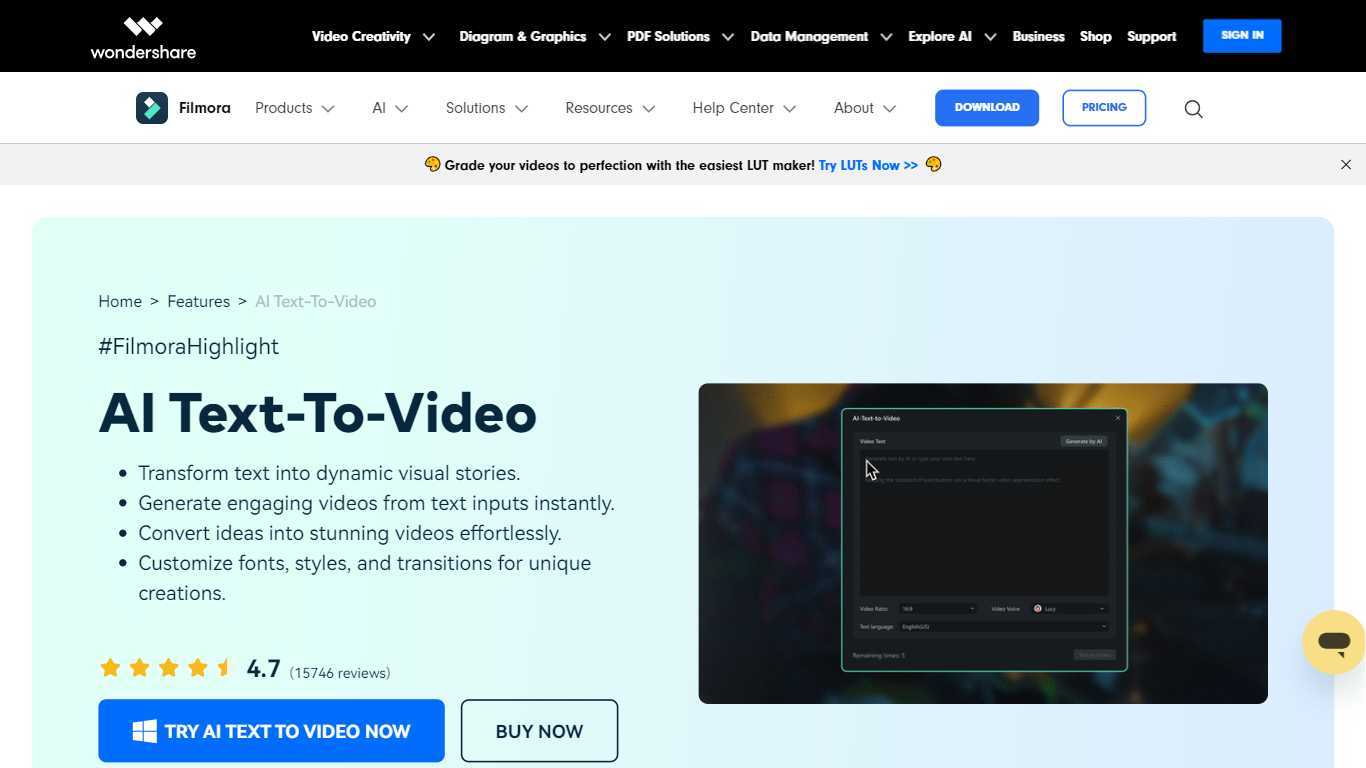
Filmora's AI Text to Video turns written input into finished video clips inside the broader Filmora editor. You can start with a single prompt, a short idea, or a full script, then generate scenes with matching visuals, voiceover, music, and subtitles. The feature lives inside Wondershare's Filmora desktop and mobile apps, aimed at creators who want video output without filming from scratch.
What sets it apart is three separate generation workflows. Text to Video by AI Models routes prompts through Seedance 2.0, Sora 2, or Google Veo 3.1 for short cinematic clips (8 to 15 seconds). AI Script to Video expands keywords into a script, matches stock visuals, and assembles a timeline-ready edit up to about one minute. AI Idea to Video builds storyboard scenes with custom characters and reference images, then drops them into Filmora's timeline for further editing.
The tool fits content creators, marketers, educators, and scriptwriters who need social clips, explainers, or narrative shorts fast. Generated videos open directly in Filmora's editor, so you can trim clips, swap audio, add effects, and export for YouTube, TikTok, Instagram, or LinkedIn.
OnTheFly
What is OnTheFly?
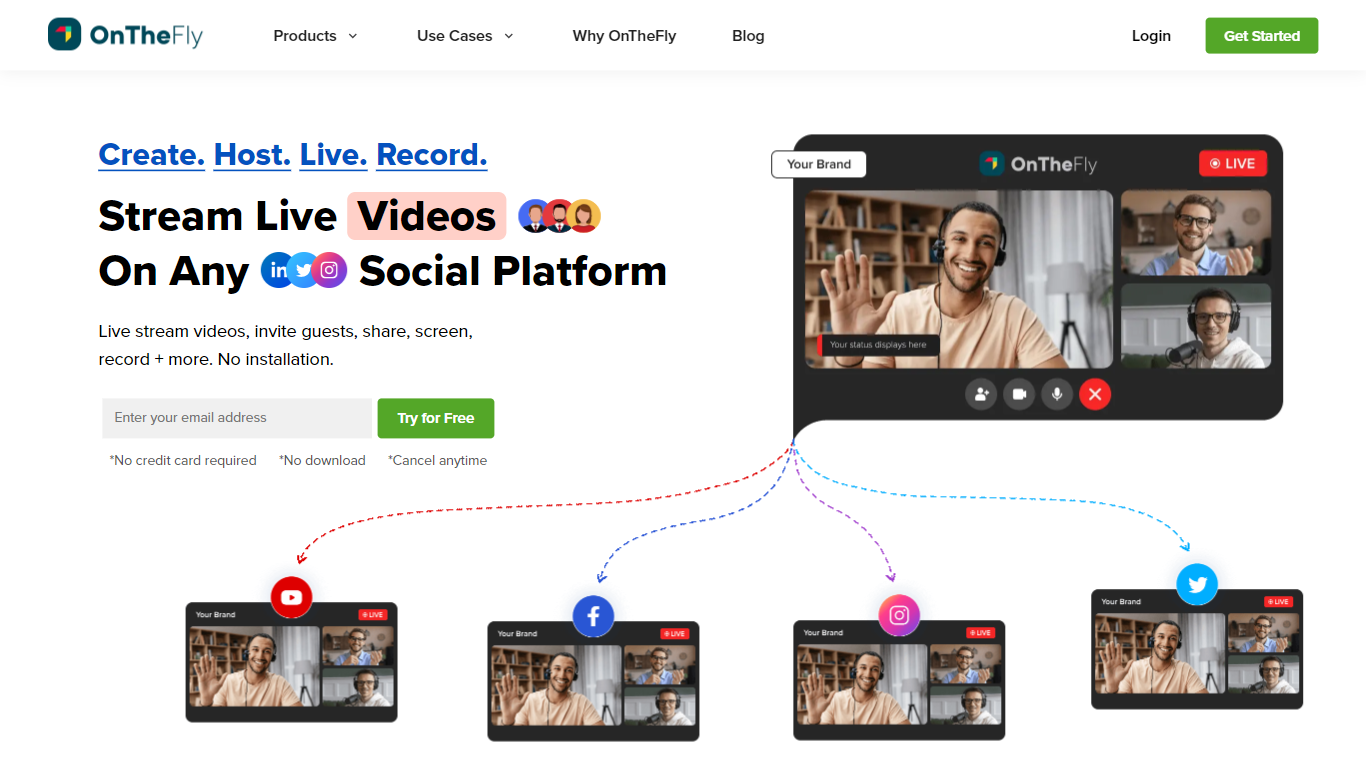
OnTheFly, is an ideal streaming platform to live stream, record, edit, and share pre-recorded video content from one site to multiple social media networks with low latency. Content creators, businesses can highly benefit from its features.
AI Text-To-Video - Filmora Upvotes
OnTheFly Upvotes
AI Text-To-Video - Filmora Top Features
Pick Seedance 2.0, Sora 2, or Veo 3.1 and get clips from a single text prompt with audio baked in
Paste a script or keywords and Filmora builds a full video with subtitles and stock footage in about a minute
Turn loose ideas into storyboard scenes with custom characters and reference image inputs
ChatGPT-backed prompt enhancer helps refine vague descriptions into stronger generation prompts
Edit every generated clip on Filmora's timeline with transitions, effects, and voiceover changes
OnTheFly Top Features
Livestreaming
Multistreaming
Studio
Own branding
AI Text-To-Video - Filmora Category
- Video Generation
OnTheFly Category
- Video Generation
AI Text-To-Video - Filmora Pricing Type
- Freemium
OnTheFly Pricing Type
- Freemium