OnTheFly vs Supercreator AI
Dive into the comparison of OnTheFly vs Supercreator AI and discover which AI Video Generation tool stands out. We examine alternatives, upvotes, features, reviews, pricing, and beyond.
When comparing OnTheFly and Supercreator AI, which one rises above the other?
When we compare OnTheFly and Supercreator AI, two exceptional video generation tools powered by artificial intelligence, and place them side by side, several key similarities and differences come to light. The community has spoken, Supercreator AI leads with more upvotes. The number of upvotes for Supercreator AI stands at 52, and for OnTheFly it's 6.
Don't agree with the result? Cast your vote and be a part of the decision-making process!
OnTheFly

What is OnTheFly?
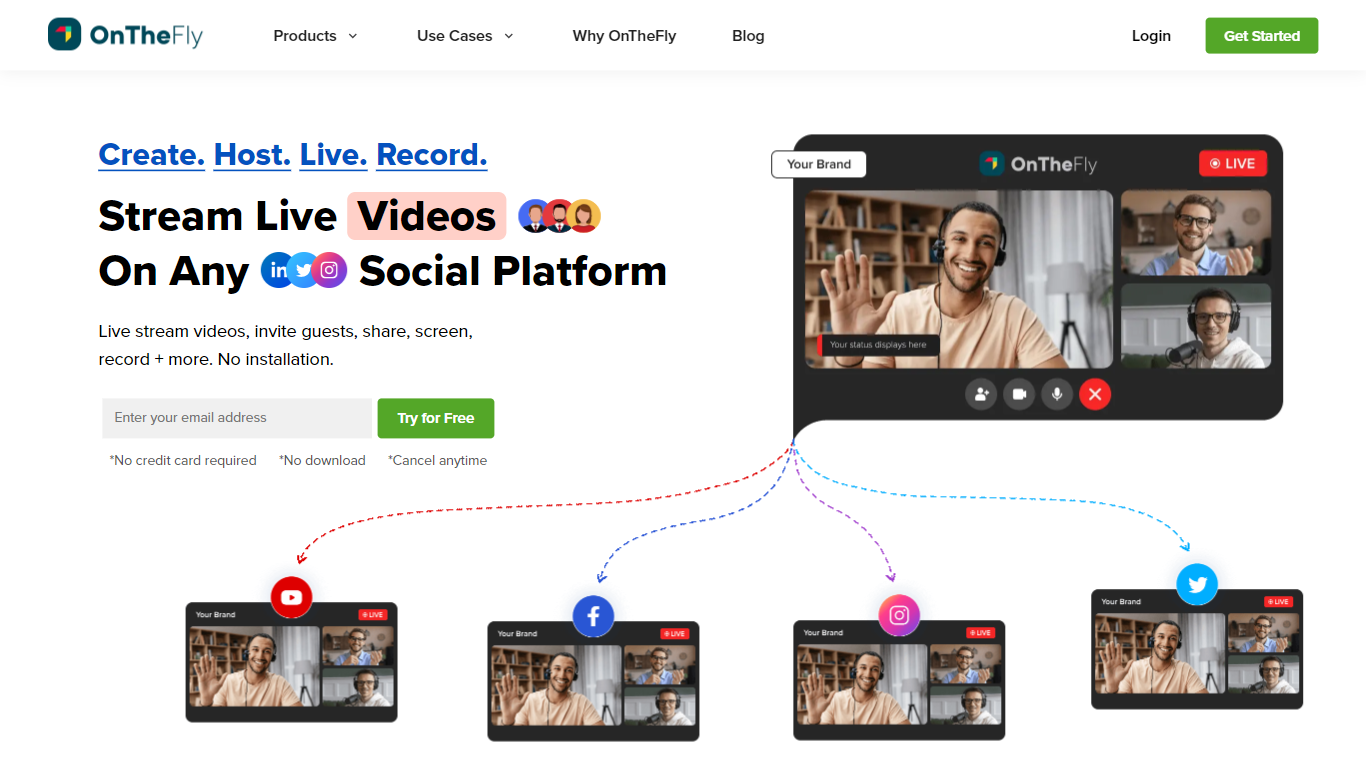
OnTheFly lets you multistream live video to 50-plus social platforms from one browser-based studio, record sessions automatically, and host webinars with guest invites, screen sharing, and Q&A chat. Full HD 1080p streams run over a global CDN with low-latency RTMP ingestion, real-time analytics, and optional custom RTMP destinations for your own player or website embed.
Compared with single-destination tools like native YouTube or Twitch streaming, OnTheFly is built around simultaneous distribution and post-stream repurposing. You can brand overlays, schedule streams in advance, download recordings for clips, and run pre-recorded live sessions without OBS. Plans scale from a free sampler tier through corporate plans supporting 10,000 webinar viewers.
Gamers, educators, marketers, and corporate teams use OnTheFly for product demos, podcasts, town halls, and fitness classes. The product is developed by CONTUS TECH and offers a 7-day trial on paid tiers with multistreaming included at no extra fee.
Supercreator AI

What is Supercreator AI?
Supercreator AI lets you plan a short video scene by scene, record it with a scrolling teleprompter, then trim and caption the footage in the same browser workspace. Storyboarding, recording, timeline editing, and mini apps for AI media, talking avatars, and multi-shot sequences all sit on one home screen. You sign in to save creations, but every tool is listed before you start.
Where many video editors assume you already have footage, Supercreator AI front-loads scripting and recording. The storyboard maps scenes before capture, the recorder scrolls your script while you film, and one-click templates plus AI captions sit beside standalone tools like a Reel transcriber and clip editor. That workflow keeps scripting, capture, and polish in one tab instead of three separate apps.
It fits creators who publish to TikTok, Reels, and Shorts and want scripting, capture, and caption polish without switching tools. Founders, educators, and on-camera marketers get teleprompter support, visual aids, and reusable identity presets across projects.
OnTheFly Upvotes
Supercreator AI Upvotes
OnTheFly Top Features
Multistream to 50-plus platforms including YouTube, Facebook, Twitch, and Instagram
Free Stream Sampler plan includes 2 multistream destinations and 2 hours of storage
Broadcast Pro at ₹2,143 per month supports 8 destinations and 500 webinar viewers
Full HD 1080p streaming with global CDN delivery and low-latency RTMP ingestion
Automatic cloud recording with download, trim, and embed options after each session
Corporate Cast plan supports 25 destinations, 10,000 webinar viewers, and 120 hours storage
Supercreator AI Top Features
Storyboard maps scripts scene by scene before you hit record
Built-in recorder pairs a teleprompter with visual aids and smart overlays
Timeline editor cuts clips and adds AI-generated stylized captions
One-click templates turn raw clips into scroll-stopping social videos
Script Trainer collects high-performing videos, transcribes them, and drafts new scripts
Avatars mini app builds talking-head videos with AI voices
Super Director stitches multi-shot AI video sequences from one workspace
OnTheFly Category
- Video Generation
Supercreator AI Category
- Video Generation
OnTheFly Pricing Type
- Freemium
Supercreator AI Pricing Type
- Freemium