AI TranslateDocs vs Dubbah
In the clash of AI TranslateDocs vs Dubbah, which AI Translation tool emerges victorious? We assess reviews, pricing, alternatives, features, upvotes, and more.
If you had to choose between AI TranslateDocs and Dubbah, which one would you go for?
Let's take a closer look at AI TranslateDocs and Dubbah, both of which are AI-driven translation tools, and see what sets them apart. The upvote count shows a clear preference for Dubbah. Dubbah has been upvoted 7 times by aitools.fyi users, and AI TranslateDocs has been upvoted 6 times.
Don't agree with the result? Cast your vote and be a part of the decision-making process!
AI TranslateDocs

What is AI TranslateDocs?
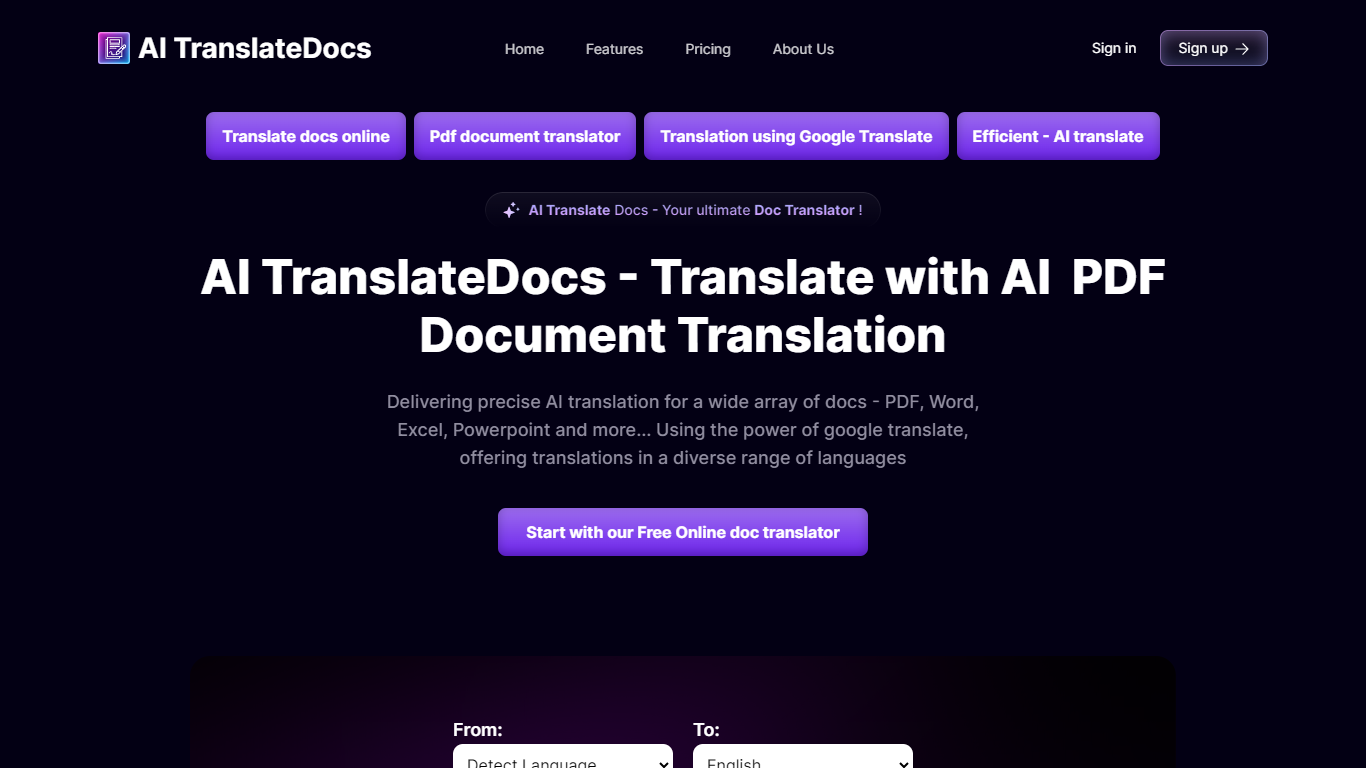
AI TranslateDocs is an online document translator built for people who need full files converted, not just pasted paragraphs. Upload a PDF, Word doc, Excel sheet, PowerPoint deck, CSV, SRT, VTT, or plain text file, pick your source and target language, and get a translated version that keeps the original layout intact.
The platform supports 130+ languages, from widely spoken ones like Spanish and Mandarin to regional dialects. It uses OCR for scanned PDFs and handles format preservation so tables, charts, and page structure survive the translation. Powered by Azure, it targets legal contracts, medical records, academic papers, business reports, and immigration documents where formatting matters as much as the words.
AscentApp Software LLP runs the service from Mumbai. You can try the first 10,000 characters free before buying a character pack or subscription.
Dubbah
What is Dubbah?
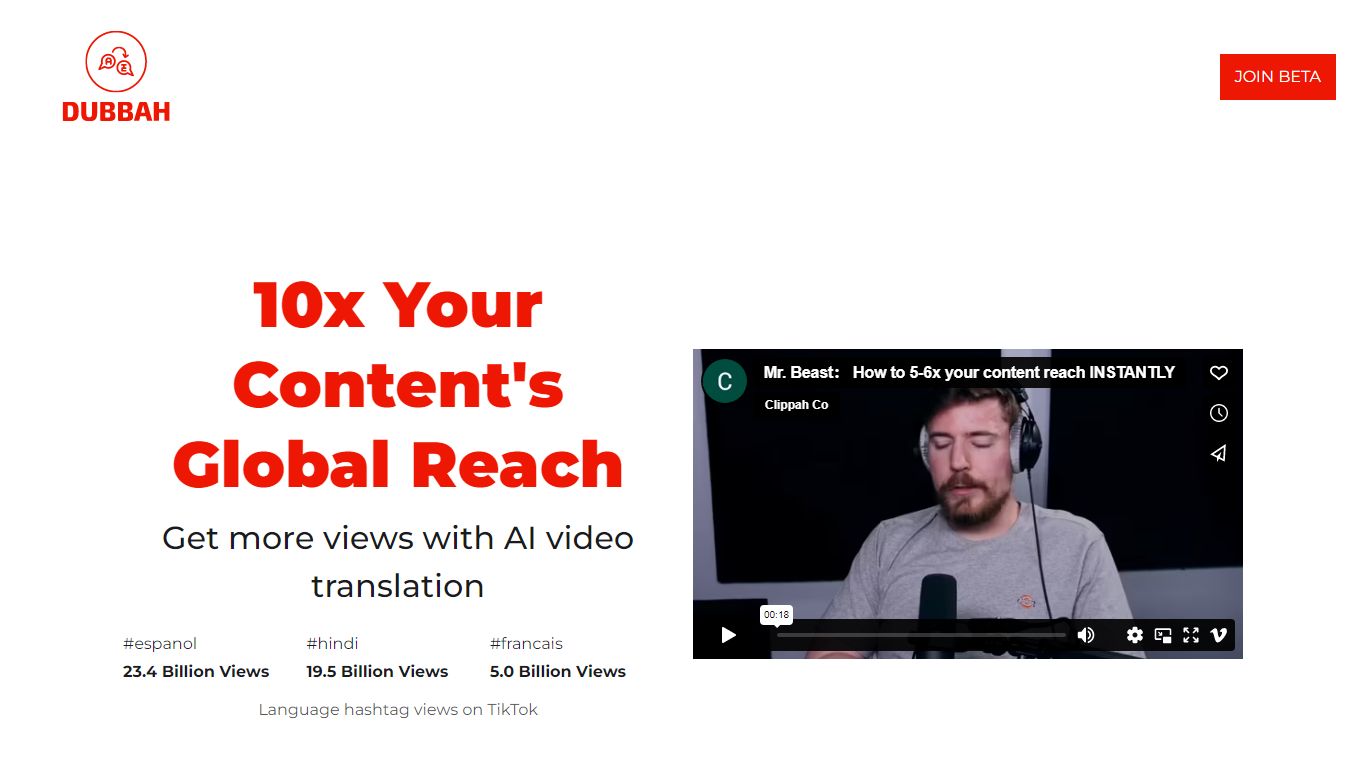
Dubbah dubs videos into 14 languages locally on your Mac without shipping files to the cloud. Drop an MP4 or MOV, pick target languages, and the app translates dialogue, clones the speaker's voice tone, and lets you edit every line before export.
Cloud dubbing services charge per minute and keep copies on remote servers. Dubbah runs on macOS 13+ for Apple Silicon and Intel, works offline after setup, and stays free with no subscriptions or per-minute metering according to the product site.
Creators, educators, and indie filmmakers use Dubbah when they need multilingual cuts for social clips, training videos, or client deliverables while keeping sensitive footage on the machine. There is no account signup; download the app and start dubbing immediately.
AI TranslateDocs Upvotes
Dubbah Upvotes
AI TranslateDocs Top Features
Drop a PDF, Word, Excel, PowerPoint, CSV, SRT, VTT, or TXT file and get a translated copy with the layout still intact
130+ languages on tap, including regional dialects you won't find on basic translators
OCR handles scanned PDFs so you are not stuck retyping pages before translating
Auto-detect source language or pick from a long dropdown that even includes Klingon
First 10,000 characters free, enough to test a short doc before you commit to a plan
Dubbah Top Features
Dubs video into 14 languages including Spanish, Mandarin, Hindi, Arabic, and Japanese
Runs locally on macOS 13+ for Apple Silicon and Intel Macs
Voice cloning matches original speaker tone in the target language
Edit translated lines, timing, and re-generate individual segments before export
Works offline after initial setup with no internet required for dubbing
Completely free with no subscriptions or per-minute fees listed on site
AI TranslateDocs Category
- Translation
Dubbah Category
- Translation
AI TranslateDocs Pricing Type
- Freemium
Dubbah Pricing Type
- Free