AI TranslateDocs vs OpenL Translate
In the battle of AI TranslateDocs vs OpenL Translate, which AI Translation tool comes out on top? We compare reviews, pricing, alternatives, upvotes, features, and more.
Between AI TranslateDocs and OpenL Translate, which one is superior?
Upon comparing AI TranslateDocs with OpenL Translate, which are both AI-powered translation tools, The users have made their preference clear, OpenL Translate leads in upvotes. The number of upvotes for OpenL Translate stands at 7, and for AI TranslateDocs it's 6.
You don't agree with the result? Cast your vote to help us decide!
AI TranslateDocs

What is AI TranslateDocs?
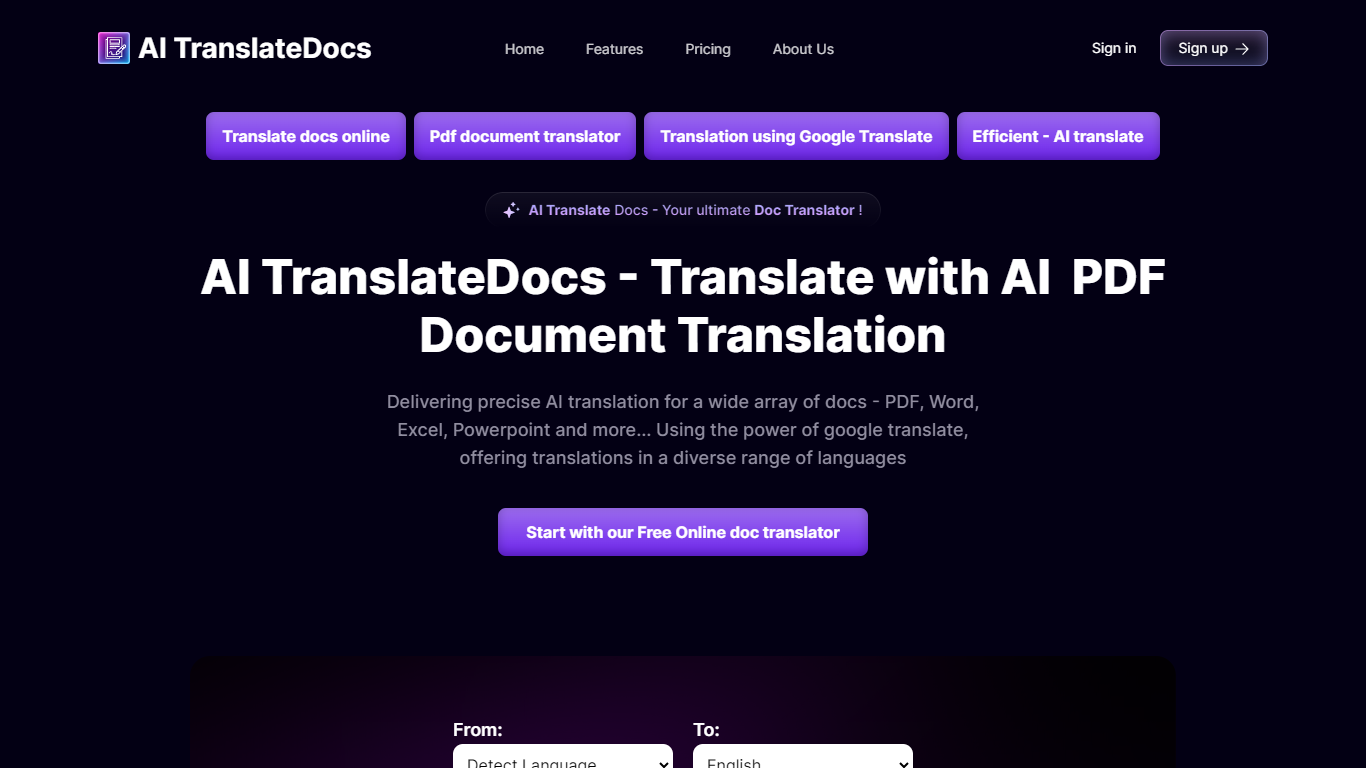
AI TranslateDocs is an online document translator built for people who need full files converted, not just pasted paragraphs. Upload a PDF, Word doc, Excel sheet, PowerPoint deck, CSV, SRT, VTT, or plain text file, pick your source and target language, and get a translated version that keeps the original layout intact.
The platform supports 130+ languages, from widely spoken ones like Spanish and Mandarin to regional dialects. It uses OCR for scanned PDFs and handles format preservation so tables, charts, and page structure survive the translation. Powered by Azure, it targets legal contracts, medical records, academic papers, business reports, and immigration documents where formatting matters as much as the words.
AscentApp Software LLP runs the service from Mumbai. You can try the first 10,000 characters free before buying a character pack or subscription.
OpenL Translate
What is OpenL Translate?
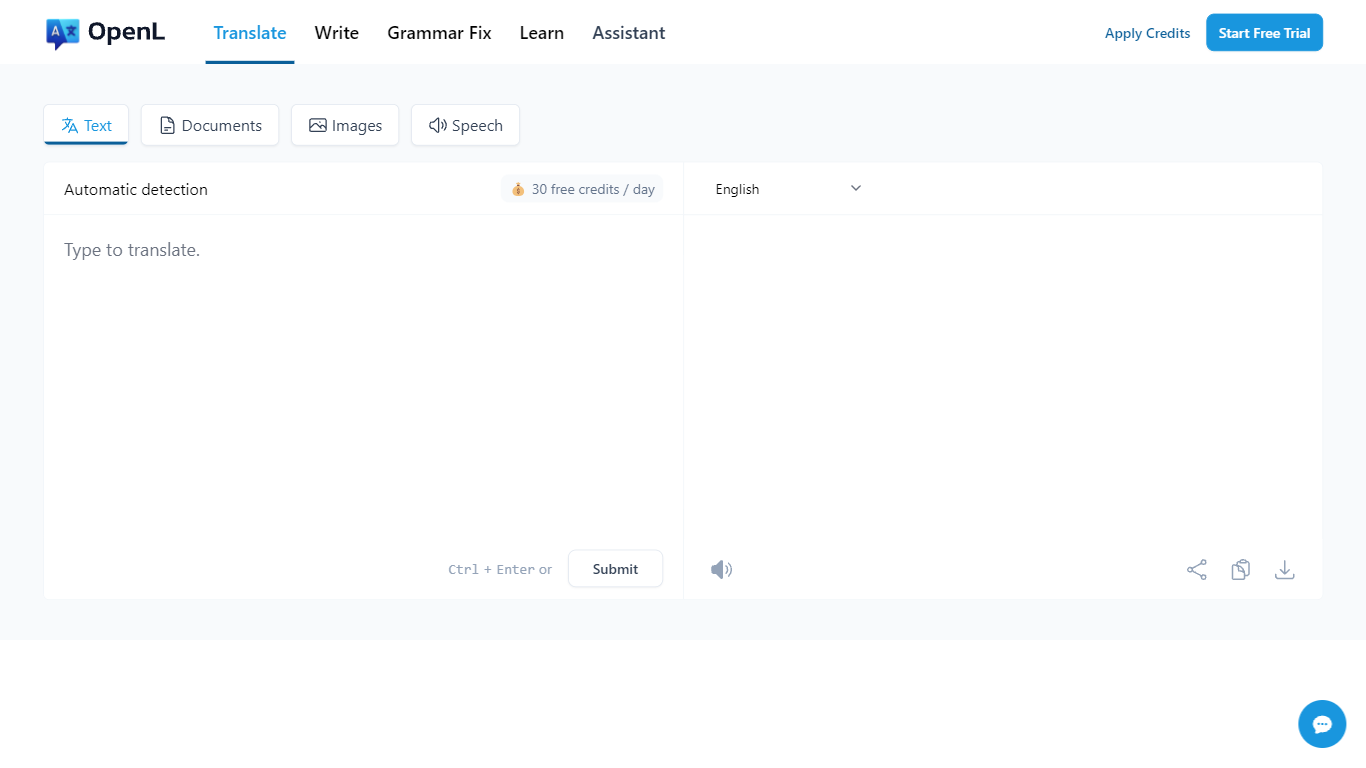
OpenL Translate turns pasted text, uploaded files, screenshots, and audio into fluent output across 100+ languages. Separate tabs handle documents, images, speech, and live websites, so you can move from a PDF contract to a menu photo without switching tools.
Where Google Translate often stays literal on idioms and long files, OpenL pushes natural phrasing and bundles document OCR, scanned PDF handling, and writing helpers in one account. Paid tiers add Advanced Credits, Translate Agent for complex passages, and much higher per-request character limits up to 150,000.
Freelancers, educators, and global teams use it for quick message checks, contract drafts, and localized marketing copy. Browser extensions for Chrome and Edge, plus iOS and web apps, let you translate selected text without leaving the page.
AI TranslateDocs Upvotes
OpenL Translate Upvotes
AI TranslateDocs Top Features
Drop a PDF, Word, Excel, PowerPoint, CSV, SRT, VTT, or TXT file and get a translated copy with the layout still intact
130+ languages on tap, including regional dialects you won't find on basic translators
OCR handles scanned PDFs so you are not stuck retyping pages before translating
Auto-detect source language or pick from a long dropdown that even includes Klingon
First 10,000 characters free, enough to test a short doc before you commit to a plan
OpenL Translate Top Features
100+ languages including niche options like Ancient Greek and Toki Pona
Document translation for PDF, DOCX, TXT, Markdown, and SRT up to 100 MB on Pro
Image and scanned PDF translation with Pro OCR on paid plans
Free plan includes 40 Fast Credits per day and 1,500 characters per request
Chrome and Microsoft Edge extensions for in-page text translation
Translate Agent and DeepThink modes on Pro and Ultimate for complex content
Grammar checker, rewriter, and summarizer tools beyond raw translation
AI TranslateDocs Category
- Translation
OpenL Translate Category
- Translation
AI TranslateDocs Pricing Type
- Freemium
OpenL Translate Pricing Type
- Freemium