AI TranslateDocs vs Translate.video
In the battle of AI TranslateDocs vs Translate.video, which AI Translation tool comes out on top? We compare reviews, pricing, alternatives, upvotes, features, and more.
Between AI TranslateDocs and Translate.video, which one is superior?
Upon comparing AI TranslateDocs with Translate.video, which are both AI-powered translation tools, The upvote count shows a clear preference for Translate.video. Translate.video has 8 upvotes, and AI TranslateDocs has 6 upvotes.
Want to flip the script? Upvote your favorite tool and change the game!
AI TranslateDocs
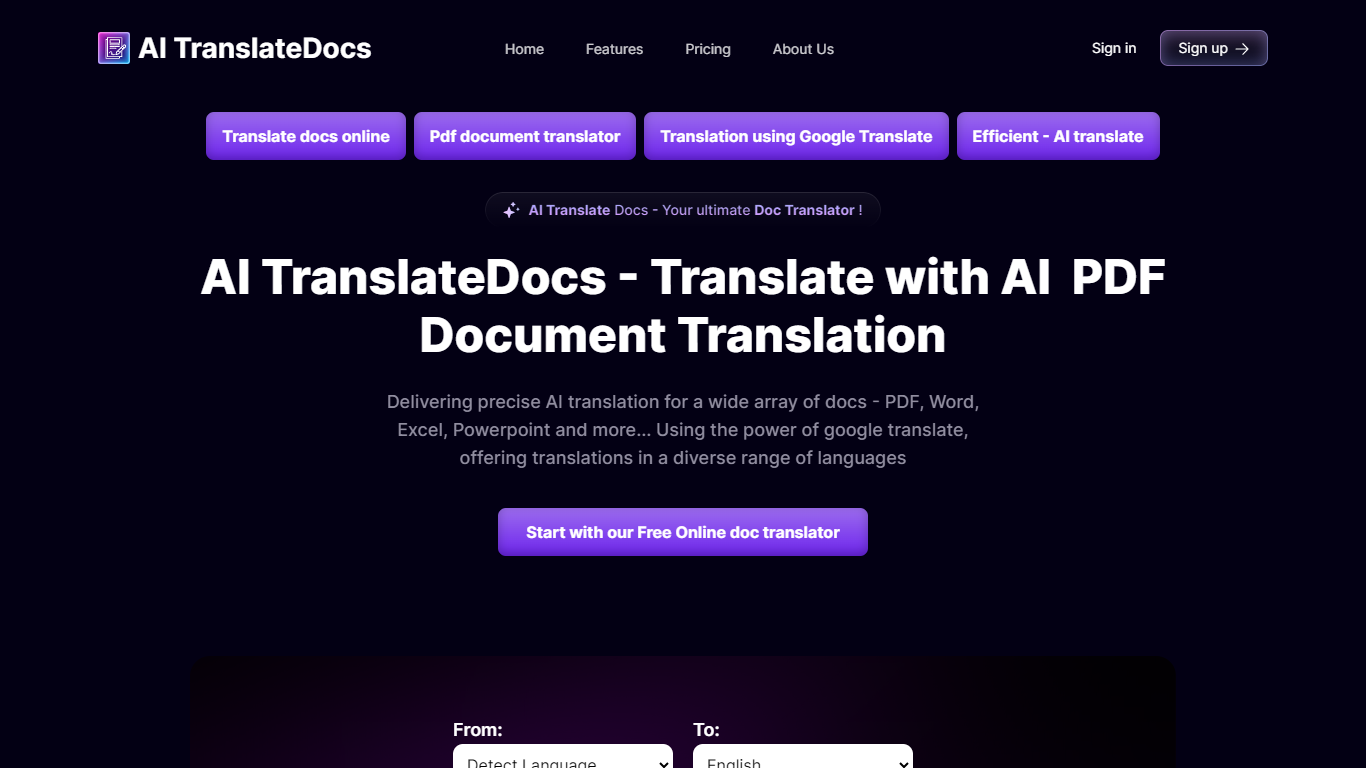

What is AI TranslateDocs?
AI TranslateDocs is an online document translator built for people who need full files converted, not just pasted paragraphs. Upload a PDF, Word doc, Excel sheet, PowerPoint deck, CSV, SRT, VTT, or plain text file, pick your source and target language, and get a translated version that keeps the original layout intact.
The platform supports 130+ languages, from widely spoken ones like Spanish and Mandarin to regional dialects. It uses OCR for scanned PDFs and handles format preservation so tables, charts, and page structure survive the translation. Powered by Azure, it targets legal contracts, medical records, academic papers, business reports, and immigration documents where formatting matters as much as the words.
AscentApp Software LLP runs the service from Mumbai. You can try the first 10,000 characters free before buying a character pack or subscription.
Translate.video
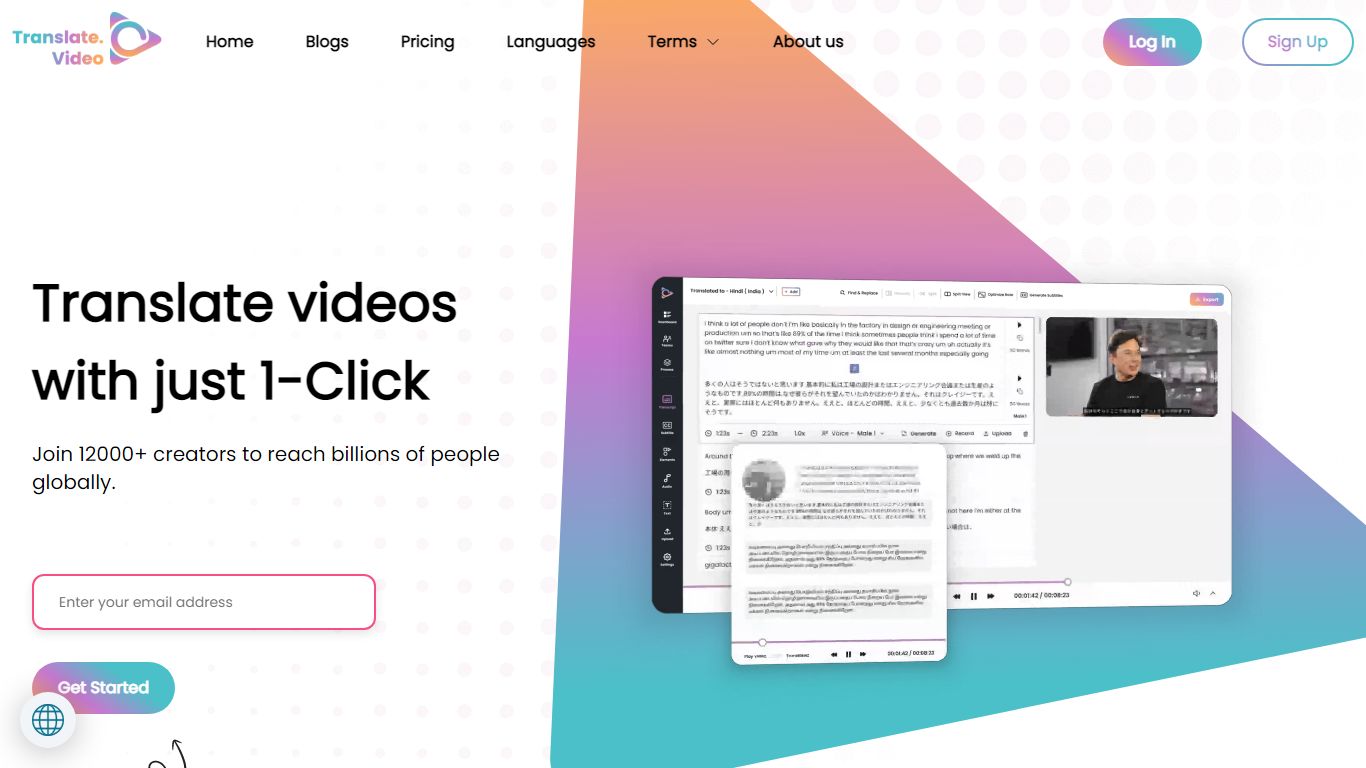
What is Translate.video?
Publishing the same training clip in twelve languages usually means hiring voice actors or reshooting every scene. Translate.video is a video translation platform that dubs, captions, and lip-syncs footage into 75+ languages from one upload. Creators upload MP4, MOV, or WEBM files, pick target languages, and download localized versions with synced audio and optional mouth alignment.
Dedicated dubbing studios charge per minute and queue projects for days. Translate.video bundles dubbing minutes, text-to-speech, voice cloning, speaker diarization, and lip sync in browser workflows priced by monthly minute allowances. That trades studio polish for speed, though lip sync and multi-speaker diarization still cap out on English-only detection on lower tiers.
YouTube creators, course builders, and marketing teams use it to reach global audiences without rebuilding every edit. Pro and Premium plans add 81 languages per process, 1080p exports, animated subtitle styles, and direct publishing hooks for YouTube and Instagram.
AI TranslateDocs Upvotes
Translate.video Upvotes
AI TranslateDocs Top Features
Drop a PDF, Word, Excel, PowerPoint, CSV, SRT, VTT, or TXT file and get a translated copy with the layout still intact
130+ languages on tap, including regional dialects you won't find on basic translators
OCR handles scanned PDFs so you are not stuck retyping pages before translating
Auto-detect source language or pick from a long dropdown that even includes Klingon
First 10,000 characters free, enough to test a short doc before you commit to a plan
Translate.video Top Features
Translate and dub videos into 81 languages on paid plans
Lip sync aligns translated voiceover to speaker mouth movements
Pro includes 100 dubbing minutes and 10 lip sync minutes per month
Voice cloning and text-to-speech with instant clone voices
Exports 1080p video with 24 animated subtitle styles on Basic and above
Upload files up to 60 minutes long on Pro with 1 GB max file size
AI TranslateDocs Category
- Translation
Translate.video Category
- Translation
AI TranslateDocs Pricing Type
- Freemium
Translate.video Pricing Type
- Freemium