AI UX writer vs Figflow
In the contest of AI UX writer vs Figflow , which AI Design tool is the champion? We evaluate pricing, alternatives, upvotes, features, reviews, and more.
If you had to choose between AI UX writer and Figflow , which one would you go for?
When we examine AI UX writer and Figflow , both of which are AI-enabled design tools, what unique characteristics do we discover? Neither tool takes the lead, as they both have the same upvote count. Since other aitools.fyi users could decide the winner, the ball is in your court now to cast your vote and help us determine the winner.
Does the result make you go "hmm"? Cast your vote and turn that frown upside down!
AI UX writer
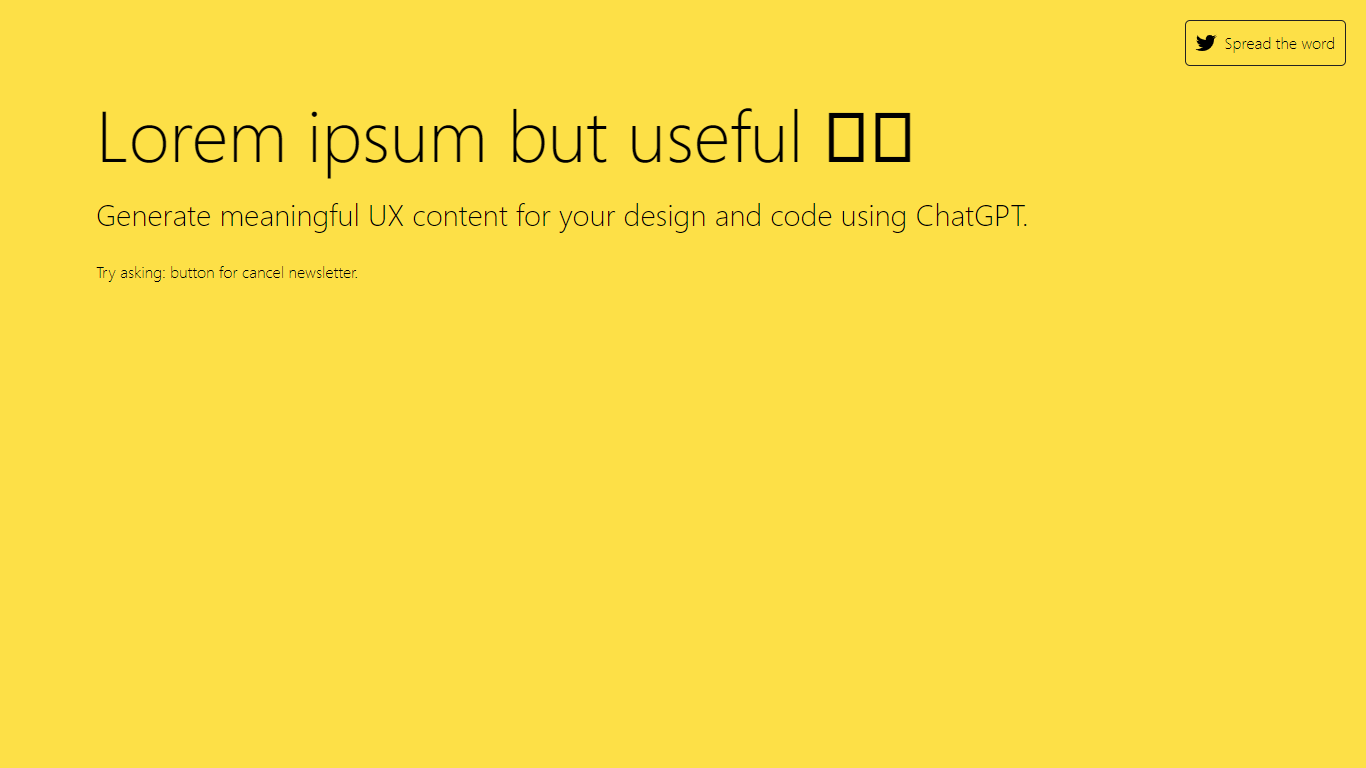

What is AI UX writer ?
The 'AI UX Writer for Designers and Developers' is a specialized tool designed to enhance the user experience of digital products by generating meaningful and engaging content. This powerful instrument leverages the capabilities of AI and ChatGPT to assist design and development teams in creating user interfaces that are not only functional but also communicate effectively with the users.
With a focus on improving the user's interaction with the product, the AI UX Writer ensures that all text elements, from error messages to call-to-action buttons, are written with clarity, consistency, and a user-centric approach. This tool plays a critical role in bridging the gap between human-like communication and digital interfaces, making the user experience smooth and intuitive. Moreover, an SEO-optimized content generation allows for better visibility and accessibility, enriching the overall design and development process.
Figflow
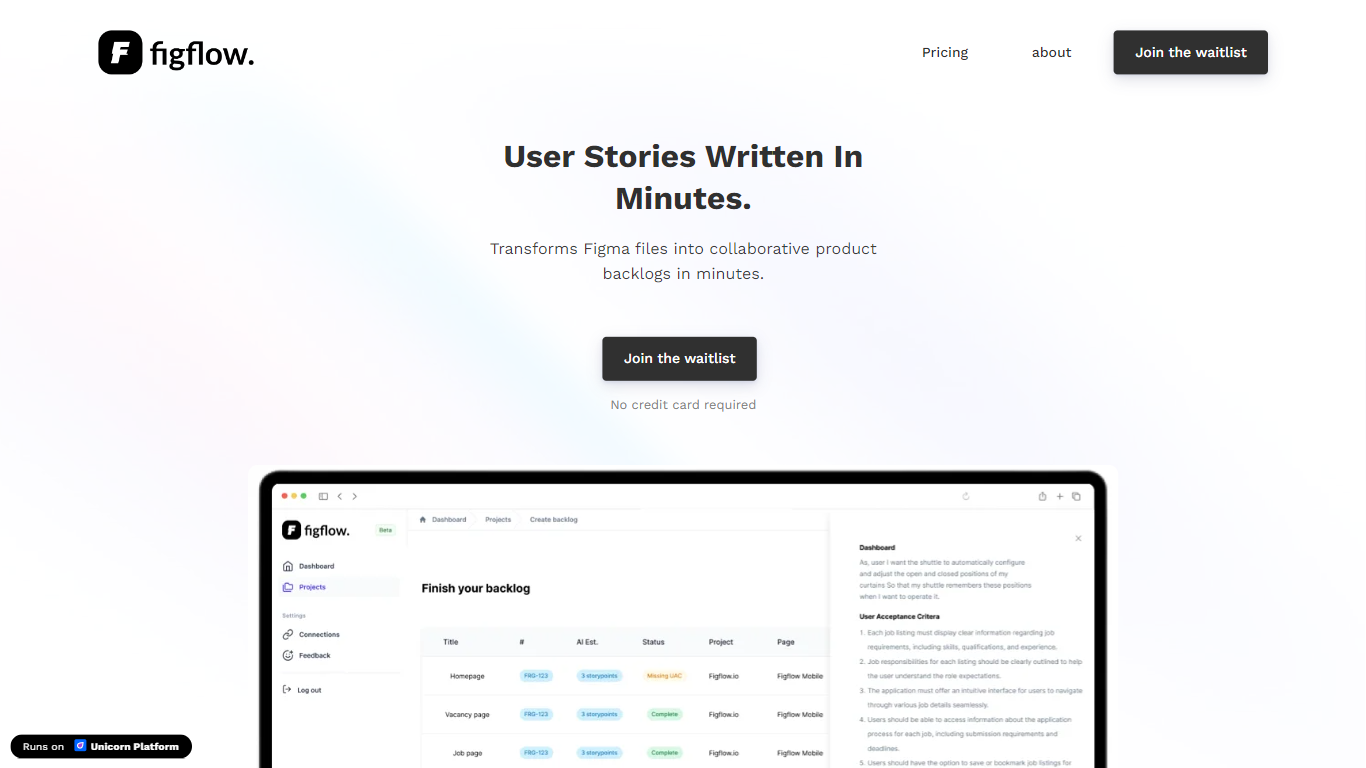
What is Figflow ?
Figflow is an innovative tool designed to simplify the process of creating user stories from design files. It's perfect for product owners, product managers, and product designers who want to save time and enhance collaboration in product development. With Figflow, you can convert your Figma design files into comprehensive product backlogs within minutes, streamlining your sprint planning and execution. This no-hassle solution empowers teams to focus on building, minimizing the tedious task of writing user stories and preparing for development sprints. Whether you're refining user stories for clarity, gathering product requirements, or ensuring that your design smoothly transitions into development, Figflow assists every step of the way. Get ready to enhance your workflow and join the waitlist today—no credit card required!
AI UX writer Upvotes
Figflow Upvotes
AI UX writer Top Features
AI-Powered Content Creation: Leverage the power of AI to craft engaging UX copy that resonates with users.
Design-Development Collaboration: Facilitates a seamless integration between design and development teams through unified content strategies.
SEO Optimization: Generates content that is not just user-friendly but also optimized for search engines.
User-Centric Approach: Ensures all UX copy is created with a focus on user needs and usability.
Improved User Engagement: Provides UX writing that enhances user interaction and satisfaction with digital products.
Figflow Top Features
User Stories Creation: Transforms Figma files into collaborative product backlogs in minutes.
Manual Work Reduction: Refines user stories to streamline sprint planning and execution.
Insights Gathering: Helps product managers easily collect product requirements and communicate with stakeholders.
Design to Development Transition: Seamlessly generates user stories from Figma files for a smooth process.
No Credit Card Required: Join the waitlist without any upfront payment requirement.
AI UX writer Category
- Design
Figflow Category
- Design
AI UX writer Pricing Type
- Freemium
Figflow Pricing Type
- Freemium