AI Video Generator By Wondershare vs Pictory AI
In the clash of AI Video Generator By Wondershare vs Pictory AI, which AI Video Generation tool emerges victorious? We assess reviews, pricing, alternatives, features, upvotes, and more.
If you had to choose between AI Video Generator By Wondershare and Pictory AI, which one would you go for?
Let's take a closer look at AI Video Generator By Wondershare and Pictory AI, both of which are AI-driven video generation tools, and see what sets them apart. The upvote count shows a clear preference for Pictory AI. The upvote count for Pictory AI is 41, and for AI Video Generator By Wondershare it's 6.
Not your cup of tea? Upvote your preferred tool and stir things up!
AI Video Generator By Wondershare
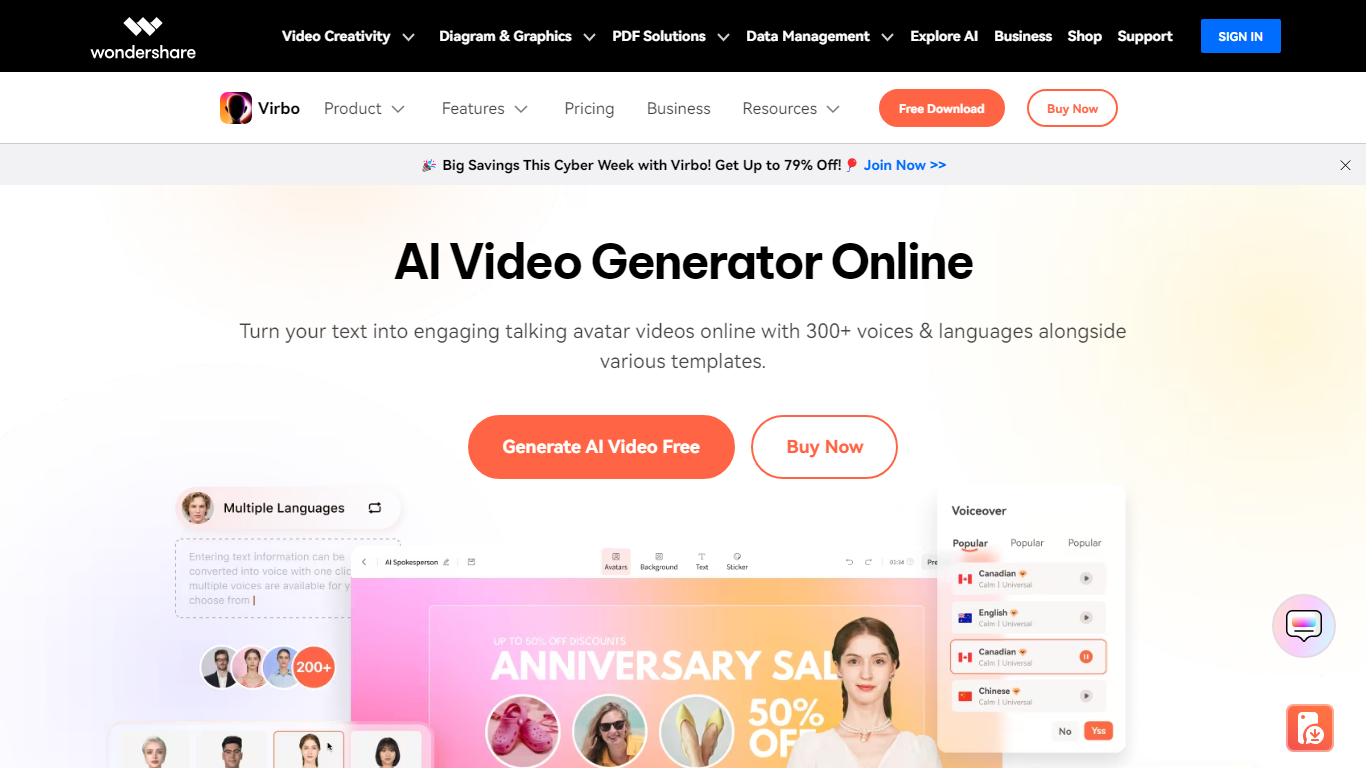

What is AI Video Generator By Wondershare?
Wondershare Virbo turns text prompts, scripts, images, and URLs into finished videos with avatars, voiceovers, subtitles, music, and stock media. You can start from scratch, pick one of 400+ templates, or route projects through avatar-led, image-to-video, or URL-to-video workflows.
Compared with single-purpose avatar apps or desktop editors, Virbo bundles script writing, 350+ talking avatars, text-to-speech in 40+ languages, and an editor with auto-captions in one browser workflow. That makes it a fit when you need presenter-style clips without booking actors or opening a full NLE.
Marketers, educators, and e-commerce teams use Virbo for product demos, social shorts, training modules, and internal updates. The web app links out to Media.io for online generation, and mobile apps are available on iOS and Android for on-the-go creation.
Pictory AI
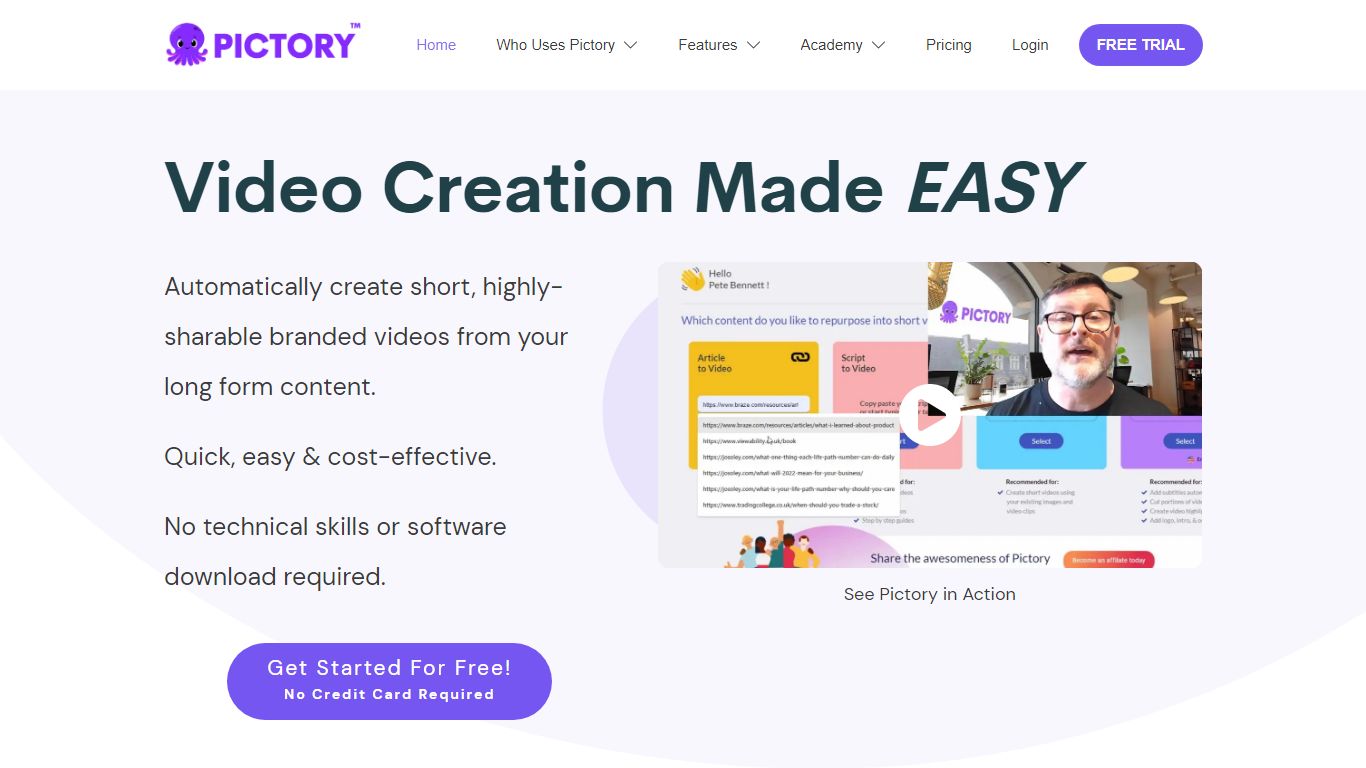
What is Pictory AI?
Pictory AI turns scripts, blog posts, PowerPoint decks, URLs, audio files, and screen recordings into finished marketing videos without a traditional timeline editor. You feed text or existing media into Pictory, and it builds scenes with stock footage, Gen AI visuals, automatic captions, realistic voices, and optional AI avatars ready for social or training channels.
Desktop editors expect you to hunt B-roll and manually chop long webinars into clips. Pictory automates structure, highlights key moments from long recordings, and resizes exports for multiple platforms, which is why teams use it to repurpose Zoom calls and articles instead of rebuilding each cut by hand.
Marketers, course creators, and enterprise video teams adopt Pictory to ship more video from content they already own. The homepage advertises a 14-day free trial with no credit card required and plans that start at $25 per month on annual billing.
AI Video Generator By Wondershare Upvotes
Pictory AI Upvotes
AI Video Generator By Wondershare Top Features
350+ realistic AI avatars plus custom digital twin creation from your own likeness
400+ editable video templates for social, marketing, real estate, and education use cases
Text-to-speech voiceovers in 40+ languages with optional voice cloning
Workflows for text-to-video, image-to-video, URL-to-video, and PPT-to-video creation
Built-in editor adds auto-captions, transitions, stock media, music, and sound effects
Exports HD videos for YouTube, TikTok, Instagram, and other social platforms
Pictory AI Top Features
14-day free trial includes 3 video project exports on pictory.ai
Starter plan is $25 per month billed annually with 2,400 video minutes per year
Professional plan adds custom avatars and voice cloning at $35 per month annually
Library includes 5 million Getty Images and Storyblocks clips on Starter
Rated 4.7 out of 5 on G2 according to the Pictory homepage
AI Video Generator By Wondershare Category
- Video Generation
Pictory AI Category
- Video Generation
AI Video Generator By Wondershare Pricing Type
- Freemium
Pictory AI Pricing Type
- Freemium