Pictory AI vs Supercreator AI
In the contest of Pictory AI vs Supercreator AI, which AI Video Generation tool is the champion? We evaluate pricing, alternatives, upvotes, features, reviews, and more.
If you had to choose between Pictory AI and Supercreator AI, which one would you go for?
When we examine Pictory AI and Supercreator AI, both of which are AI-enabled video generation tools, what unique characteristics do we discover? The upvote count shows a clear preference for Supercreator AI. Supercreator AI has attracted 52 upvotes from aitools.fyi users, and Pictory AI has attracted 41 upvotes.
You don't agree with the result? Cast your vote to help us decide!
Pictory AI

What is Pictory AI?
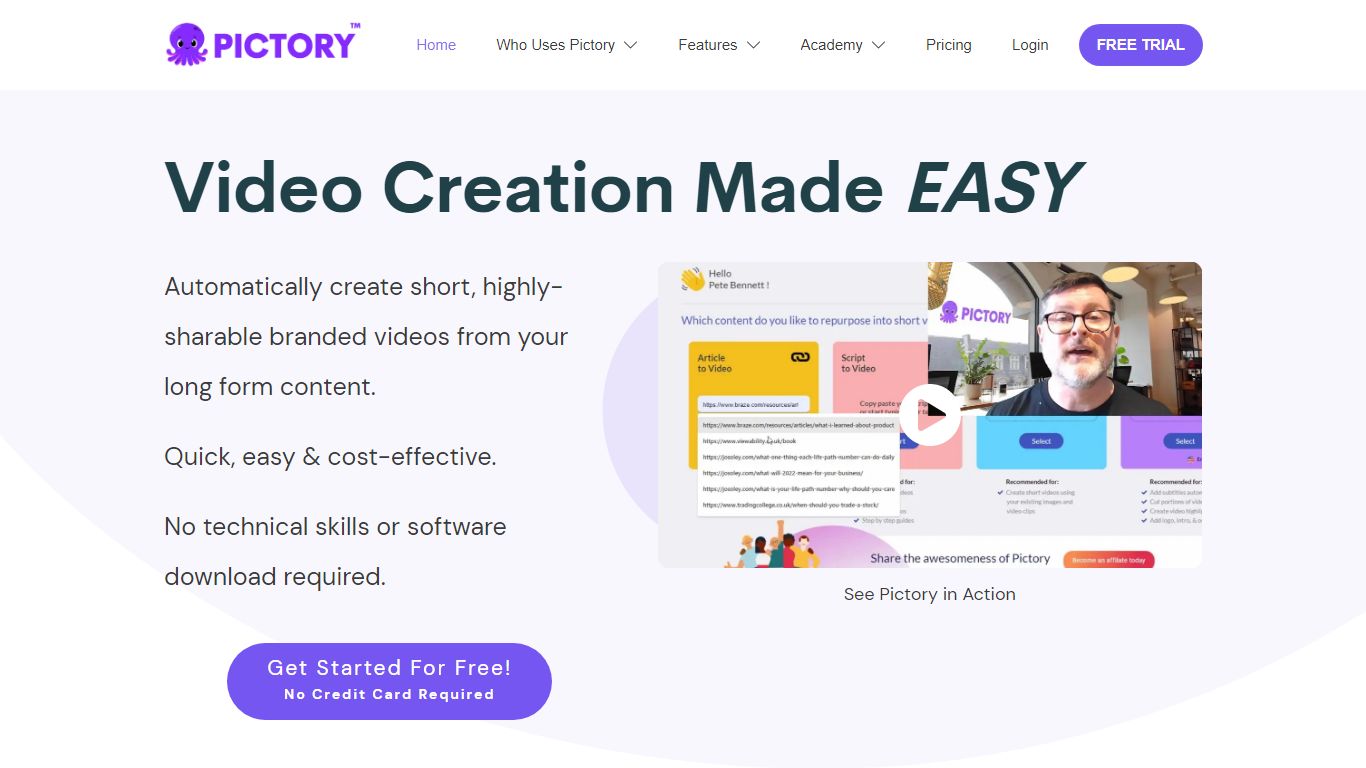
Pictory AI turns scripts, blog posts, PowerPoint decks, URLs, audio files, and screen recordings into finished marketing videos without a traditional timeline editor. You feed text or existing media into Pictory, and it builds scenes with stock footage, Gen AI visuals, automatic captions, realistic voices, and optional AI avatars ready for social or training channels.
Desktop editors expect you to hunt B-roll and manually chop long webinars into clips. Pictory automates structure, highlights key moments from long recordings, and resizes exports for multiple platforms, which is why teams use it to repurpose Zoom calls and articles instead of rebuilding each cut by hand.
Marketers, course creators, and enterprise video teams adopt Pictory to ship more video from content they already own. The homepage advertises a 14-day free trial with no credit card required and plans that start at $25 per month on annual billing.
Supercreator AI

What is Supercreator AI?
Supercreator AI lets you plan a short video scene by scene, record it with a scrolling teleprompter, then trim and caption the footage in the same browser workspace. Storyboarding, recording, timeline editing, and mini apps for AI media, talking avatars, and multi-shot sequences all sit on one home screen. You sign in to save creations, but every tool is listed before you start.
Where many video editors assume you already have footage, Supercreator AI front-loads scripting and recording. The storyboard maps scenes before capture, the recorder scrolls your script while you film, and one-click templates plus AI captions sit beside standalone tools like a Reel transcriber and clip editor. That workflow keeps scripting, capture, and polish in one tab instead of three separate apps.
It fits creators who publish to TikTok, Reels, and Shorts and want scripting, capture, and caption polish without switching tools. Founders, educators, and on-camera marketers get teleprompter support, visual aids, and reusable identity presets across projects.
Pictory AI Upvotes
Supercreator AI Upvotes
Pictory AI Top Features
14-day free trial includes 3 video project exports on pictory.ai
Starter plan is $25 per month billed annually with 2,400 video minutes per year
Professional plan adds custom avatars and voice cloning at $35 per month annually
Library includes 5 million Getty Images and Storyblocks clips on Starter
Rated 4.7 out of 5 on G2 according to the Pictory homepage
Supercreator AI Top Features
Storyboard maps scripts scene by scene before you hit record
Built-in recorder pairs a teleprompter with visual aids and smart overlays
Timeline editor cuts clips and adds AI-generated stylized captions
One-click templates turn raw clips into scroll-stopping social videos
Script Trainer collects high-performing videos, transcribes them, and drafts new scripts
Avatars mini app builds talking-head videos with AI voices
Super Director stitches multi-shot AI video sequences from one workspace
Pictory AI Category
- Video Generation
Supercreator AI Category
- Video Generation
Pictory AI Pricing Type
- Freemium
Supercreator AI Pricing Type
- Freemium