AI Video Generator | Collov.ai vs Pictory AI
When comparing AI Video Generator | Collov.ai vs Pictory AI, which AI Video Generation tool shines brighter? We look at pricing, alternatives, upvotes, features, reviews, and more.
In a comparison between AI Video Generator | Collov.ai and Pictory AI, which one comes out on top?
When we put AI Video Generator | Collov.ai and Pictory AI side by side, both being AI-powered video generation tools, The upvote count shows a clear preference for Pictory AI. The upvote count for Pictory AI is 41, and for AI Video Generator | Collov.ai it's 8.
Disagree with the result? Upvote your favorite tool and help it win!
AI Video Generator | Collov.ai
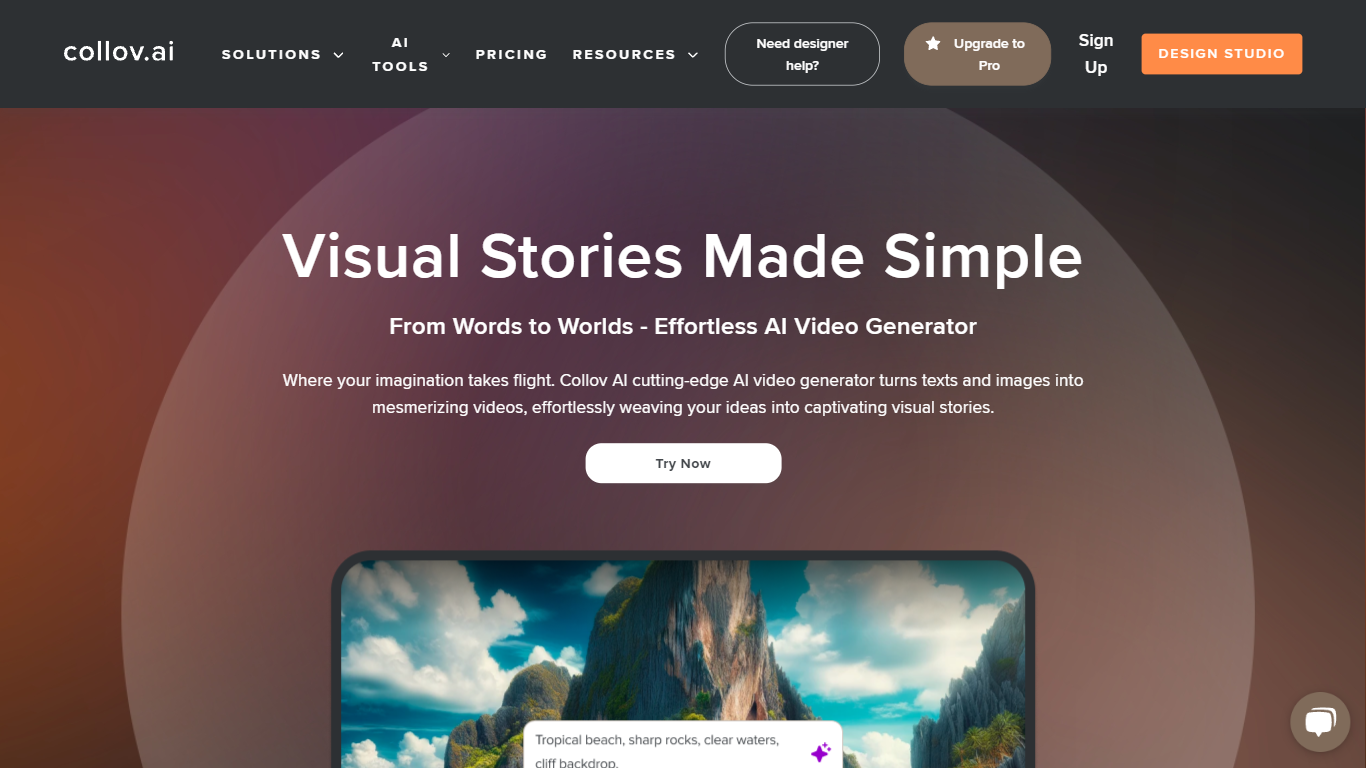

What is AI Video Generator | Collov.ai?
Collov's AI Video Generator turns still property photos into polished listing videos you can post on MLS feeds and social channels. Upload shots from your computer or pull them straight from realtor.com, then let the system stitch them into a cinematic walkthrough-style clip. The tool lives inside Collov AI's broader real estate design platform, which also handles virtual staging and photo retouching. You add captions, branding, and music before exporting a shareable file.
Most AI video apps start from a text prompt or a single image. Collov starts from a full listing photo set and optimizes the output for property marketing, not creative storytelling. That means the workflow assumes multiple room shots, realtor branding, and fast turnaround for agents who need a video the same day a shoot lands. The trade-off is narrow focus: it is built for real estate listings, not general social clips or character animation.
Real estate agents use it when vacant homes need more than a static gallery. Property photographers and media companies batch videos for brokerage clients without opening a timeline editor. Brokerage marketing teams pair it with Collov's staging credits so photos and motion assets come from one subscription instead of three separate vendors.
Pictory AI
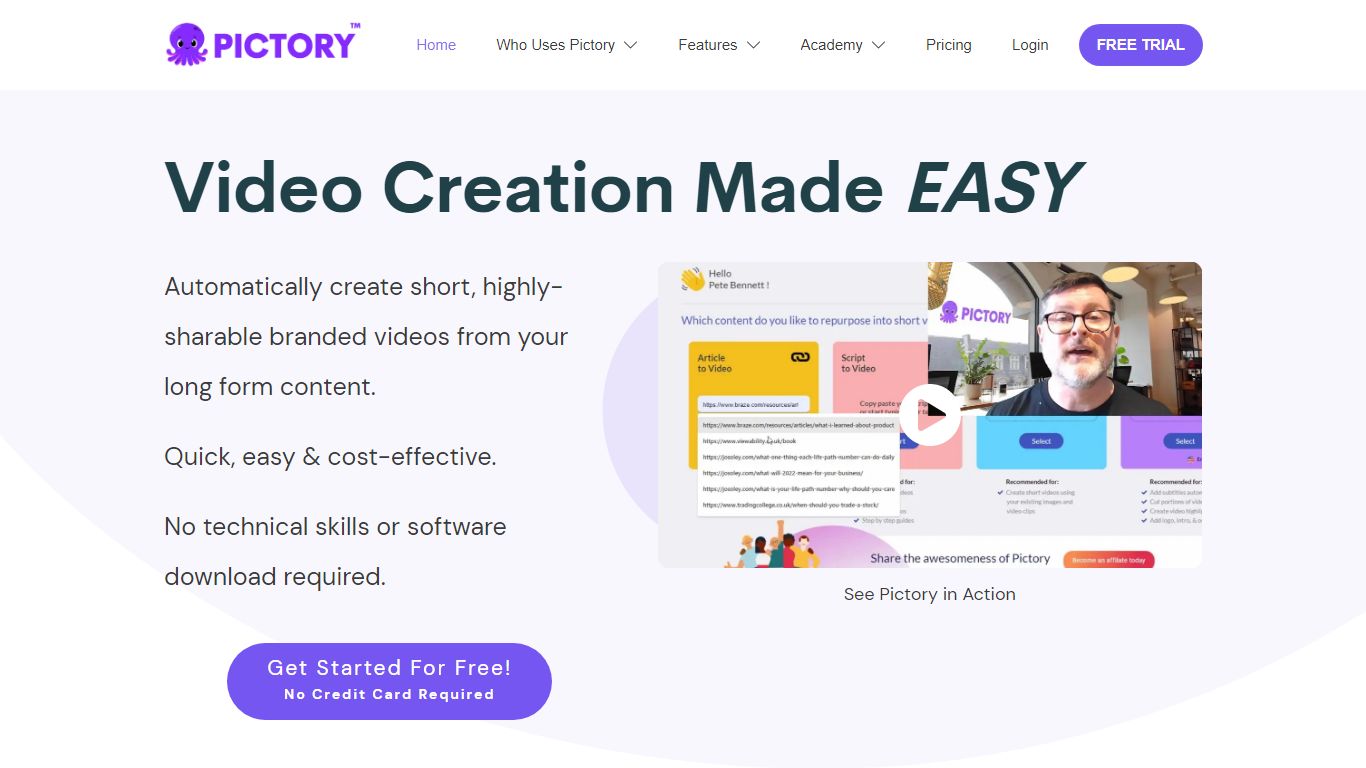
What is Pictory AI?
Pictory AI turns scripts, blog posts, PowerPoint decks, URLs, audio files, and screen recordings into finished marketing videos without a traditional timeline editor. You feed text or existing media into Pictory, and it builds scenes with stock footage, Gen AI visuals, automatic captions, realistic voices, and optional AI avatars ready for social or training channels.
Desktop editors expect you to hunt B-roll and manually chop long webinars into clips. Pictory automates structure, highlights key moments from long recordings, and resizes exports for multiple platforms, which is why teams use it to repurpose Zoom calls and articles instead of rebuilding each cut by hand.
Marketers, course creators, and enterprise video teams adopt Pictory to ship more video from content they already own. The homepage advertises a 14-day free trial with no credit card required and plans that start at $25 per month on annual billing.
AI Video Generator | Collov.ai Upvotes
Pictory AI Upvotes
AI Video Generator | Collov.ai Top Features
Supports up to 20 listing photos per video on Premium and Enterprise plans
Video processing finishes in 2 to 5 minutes after you upload photos
Imports photos from your computer or realtor.com in one workflow
Each video image uses 5 photo credits from your monthly plan balance
Add agent branding, captions, and music before you export the clip
Premium plan at $79 per month unlocks AI Virtual Tour generation
Pictory AI Top Features
14-day free trial includes 3 video project exports on pictory.ai
Starter plan is $25 per month billed annually with 2,400 video minutes per year
Professional plan adds custom avatars and voice cloning at $35 per month annually
Library includes 5 million Getty Images and Storyblocks clips on Starter
Rated 4.7 out of 5 on G2 according to the Pictory homepage
AI Video Generator | Collov.ai Category
- Video Generation
Pictory AI Category
- Video Generation
AI Video Generator | Collov.ai Pricing Type
- Freemium
Pictory AI Pricing Type
- Freemium