aiComment vs Textomap
Dive into the comparison of aiComment vs Textomap and discover which AI Social Media Assistant tool stands out. We examine alternatives, upvotes, features, reviews, pricing, and beyond.
When comparing aiComment and Textomap, which one rises above the other?
When we compare aiComment and Textomap, two exceptional social media assistant tools powered by artificial intelligence, and place them side by side, several key similarities and differences come to light. The users have made their preference clear, aiComment leads in upvotes. aiComment has been upvoted 6 times by aitools.fyi users, and Textomap has been upvoted 3 times.
Want to flip the script? Upvote your favorite tool and change the game!
aiComment


What is aiComment?
aiComment.pro is a social media-style discovery directory where founders list SaaS and AI tools with tags, pricing badges, and community vote counts. Visitors browse categories like AI, SaaS, Tools, and Construction, search listings, and open detail pages for products such as PushSaaS, iLoveImge, and AgentMMA. The homepage also promotes submitting your own SaaS to 150 or more high-authority directories through PushSaaS.
Compared with general software review sites, aiComment.pro keeps listings lightweight with short descriptions, pricing labels like Free or Freemium, and simple upvote scores beside each entry. That format suits early-stage products chasing backlinks and visibility rather than long-form editorial reviews. The trade-off is thinner detail per listing, so buyers still need to visit each product site for full specs.
Indie hackers, SaaS founders, and marketers use aiComment.pro to surface new tools and compare traction via vote counts on the homepage grid. Listings span image utilities, AI agents, Android beta testing services, and e-signature platforms. Directory submission to external sites is handled through the linked PushSaaS service rather than inside aiComment.pro itself.
Textomap
What is Textomap?
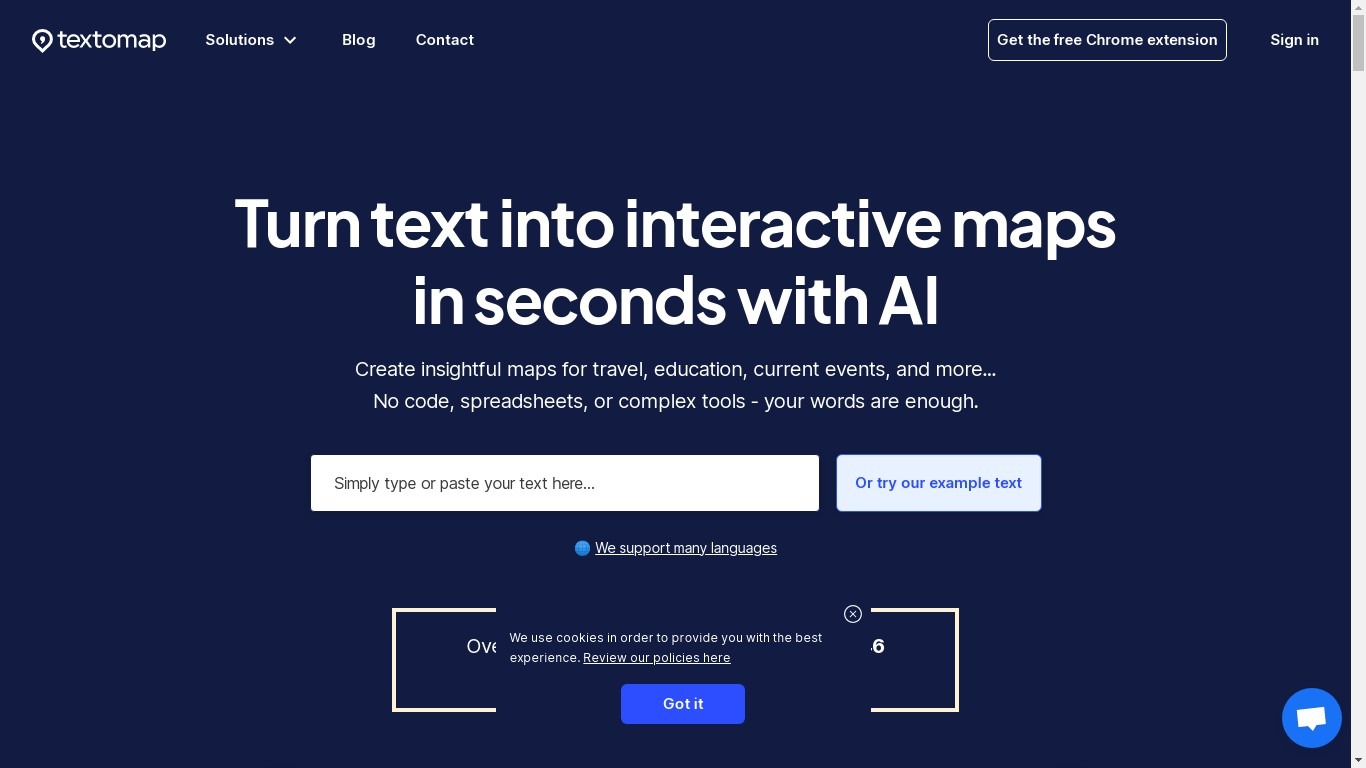
Textomap plots place names from articles, itineraries, class notes, and other written content onto interactive maps you can embed on a blog or share by link. Paste plain text, upload an image, drop in a URL, import a CSV, or ask a ChatGPT-style prompt, and the tool detects locations without opening a spreadsheet or GIS program.
Most mapping tools expect you to pin coordinates manually or clean address columns first. Textomap reads location names from your source material and builds the map automatically, then links Wikipedia entries and photos to each pin. It also ships a Chrome extension and WordPress plugin so you can generate maps from the page you are already reading.
Teachers use it to turn dense textbook passages into visual geography lessons, travel bloggers embed route maps in posts, and news writers add location context without sending readers to Google. The platform supports 28+ languages and works in mobile browsers with no app install.
aiComment Upvotes
Textomap Upvotes
aiComment Top Features
Browse AI, SaaS, Tools, and Construction categories from one homepage grid
Each listing shows pricing type badges such as Free or Freemium plus vote counts
Homepage search filters products across the directory
Promotes SaaS submission to 150+ high-authority directories through PushSaaS
Lists tools like PushSaaS, iLoveImge, and 12 Testers with short tag lines
No account required to browse public listing pages
Textomap Top Features
Creates maps from five input types: pasted text, images, website URLs, CSV files, and ChatGPT-style prompts
Free plan includes 10 locations per map and 3,000 characters of source text per map
Supports 28+ languages with automatic language detection on input
Chrome extension and WordPress plugin let you map content from pages you are already viewing
Exports maps to Google Maps or CSV, and embeds update when you edit the underlying text
Pro plan raises limits to 30,000 characters per map and 3,000 monthly map views
aiComment Category
- Social Media Assistant
Textomap Category
- Social Media Assistant
aiComment Pricing Type
- Freemium
Textomap Pricing Type
- Freemium