
Last updated 08-12-2026
Category:
Reviews:
Join thousands of AI enthusiasts in the World of AI!
Textomap
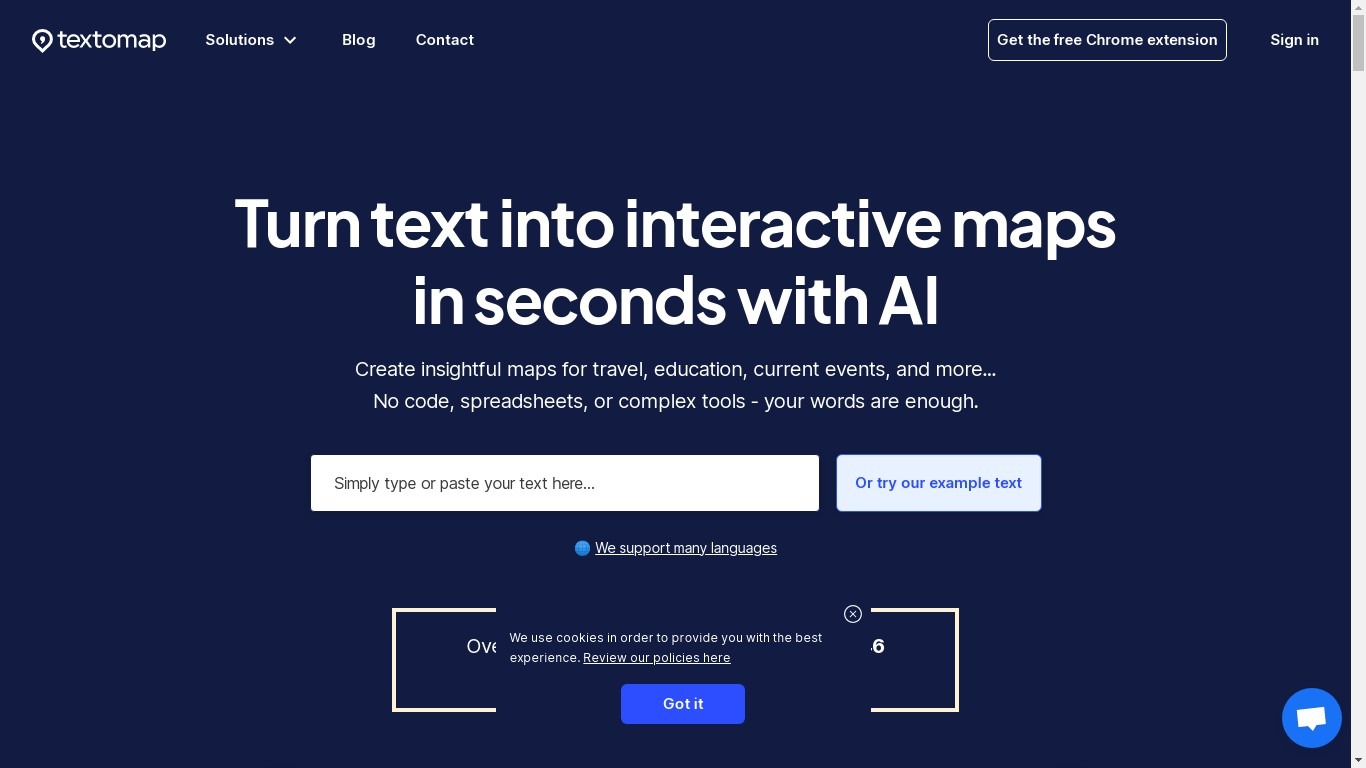
Textomap plots place names from articles, itineraries, class notes, and other written content onto interactive maps you can embed on a blog or share by link. Paste plain text, upload an image, drop in a URL, import a CSV, or ask a ChatGPT-style prompt, and the tool detects locations without opening a spreadsheet or GIS program.
Most mapping tools expect you to pin coordinates manually or clean address columns first. Textomap reads location names from your source material and builds the map automatically, then links Wikipedia entries and photos to each pin. It also ships a Chrome extension and WordPress plugin so you can generate maps from the page you are already reading.
Teachers use it to turn dense textbook passages into visual geography lessons, travel bloggers embed route maps in posts, and news writers add location context without sending readers to Google. The platform supports 28+ languages and works in mobile browsers with no app install.
Creates maps from five input types: pasted text, images, website URLs, CSV files, and ChatGPT-style prompts
Free plan includes 10 locations per map and 3,000 characters of source text per map
Supports 28+ languages with automatic language detection on input
Chrome extension and WordPress plugin let you map content from pages you are already viewing
Exports maps to Google Maps or CSV, and embeds update when you edit the underlying text
Pro plan raises limits to 30,000 characters per map and 3,000 monthly map views
Detects locations from plain text without manual coordinate entry or spreadsheet prep
Five input methods cover text, images, URLs, CSV files, and AI prompts in one tool
Free Chrome extension and WordPress plugin extend mapping into existing reading workflows
Maps auto-link Wikipedia pages and photos to each location pin
28+ language support with automatic detection on pasted content
Free plan caps URL and image maps at 3 each and allows only 10 shared views per month
ChatGPT prompt answers are limited to 10 locations per query
Ads appear on the free tier to cover server costs
Educator plan at $99 per month is priced for classroom deployments, not solo users
Is Textomap free to use?
Textomap includes a free tier at $0 per month. Credit card is optional at signup. Free users get unlimited text-based maps but are limited to 3 image maps, 3 URL maps, 10 saved maps, and 10 shared map views each month.
How much does Textomap Pro cost?
Textomap Pro costs $19 per month when billed monthly or $70 per year, which works out to $5.80 per month on the yearly plan. Pro includes 3,000 map views per month, 30,000 characters per map, and unlimited embeds.
What can I use Textomap for?
Textomap creates interactive maps from text, images, URLs, CSV spreadsheets, or AI prompts. You can visualize itineraries, news stories, class material, or travel routes and share or embed the resulting map on any website.
Can Textomap create maps from website URLs?
Yes. Textomap extracts location names mentioned on a pasted URL and generates an interactive map from the page content. The free plan allows 3 URL-based maps, while Basic and Pro plans include unlimited URL maps.
Does Textomap work with WordPress?
Textomap offers a free WordPress plugin listed on wordpress.org/plugins/textomap that embeds interactive maps directly into blog posts. Maps update automatically when you edit the source text in Textomap.
How do I contact Textomap support?
Textomap support is available through the chat bubble on the website or by email at [email protected]. Paid plans include priority chat and email support, while the free plan includes standard email support.