Tweet Writer (AI) (formerly Twitter AI) vs Textomap
In the contest of Tweet Writer (AI) (formerly Twitter AI) vs Textomap, which AI Social Media Assistant tool is the champion? We evaluate pricing, alternatives, upvotes, features, reviews, and more.
If you had to choose between Tweet Writer (AI) (formerly Twitter AI) and Textomap, which one would you go for?
When we examine Tweet Writer (AI) (formerly Twitter AI) and Textomap, both of which are AI-enabled social media assistant tools, what unique characteristics do we discover? Tweet Writer (AI) (formerly Twitter AI) stands out as the clear frontrunner in terms of upvotes. Tweet Writer (AI) (formerly Twitter AI) has 6 upvotes, and Textomap has 3 upvotes.
Think we got it wrong? Cast your vote and show us who's boss!
Tweet Writer (AI) (formerly Twitter AI)

What is Tweet Writer (AI) (formerly Twitter AI)?
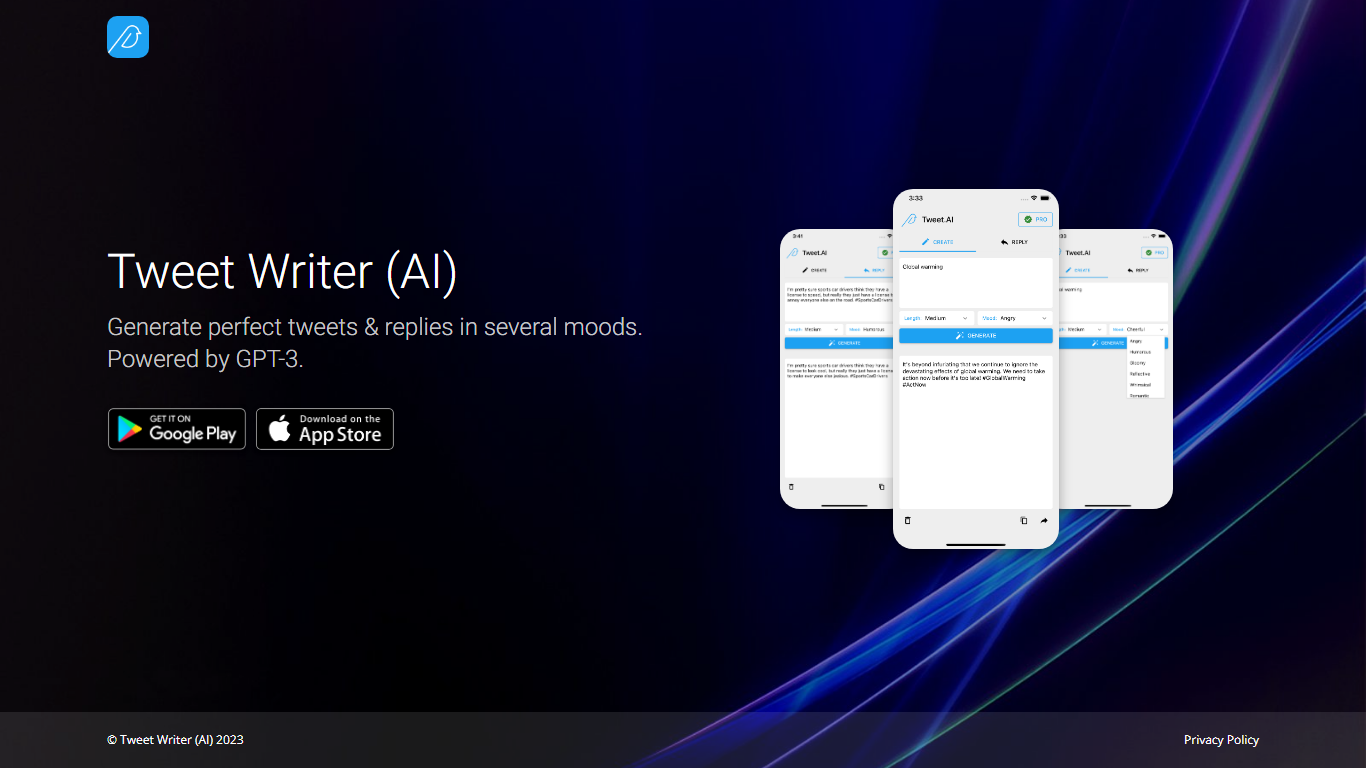
Tweet Writer (AI) is a social media assistant built around one job: drafting tweets and replies on X (formerly Twitter) when you already know the gist but not the wording. The landing page pitches mood-based generation powered by GPT-3, so you pick a tone and get short post text back instead of staring at a blank compose box.
Most X writing tools chase scheduling, analytics, or thread builders. This one stays narrow. It focuses on single tweets and replies with explicit mood selection, and it pushes you to the iOS and Android apps rather than offering a full web editor on the site itself.
It fits people who post from their phone and want quick phrasing help for personal accounts, small brands, or side projects. If you need campaign calendars, team approval flows, or deep engagement stats, you will want a broader social suite instead.
Textomap

What is Textomap?
Textomap plots place names from articles, itineraries, class notes, and other written content onto interactive maps you can embed on a blog or share by link. Paste plain text, upload an image, drop in a URL, import a CSV, or ask a ChatGPT-style prompt, and the tool detects locations without opening a spreadsheet or GIS program.
Most mapping tools expect you to pin coordinates manually or clean address columns first. Textomap reads location names from your source material and builds the map automatically, then links Wikipedia entries and photos to each pin. It also ships a Chrome extension and WordPress plugin so you can generate maps from the page you are already reading.
Teachers use it to turn dense textbook passages into visual geography lessons, travel bloggers embed route maps in posts, and news writers add location context without sending readers to Google. The platform supports 28+ languages and works in mobile browsers with no app install.
Tweet Writer (AI) (formerly Twitter AI) Upvotes
Textomap Upvotes
Tweet Writer (AI) (formerly Twitter AI) Top Features
Generates tweets and replies in several selectable moods from the app
Powered by GPT-3 according to the product homepage tagline
iOS app listed at Apple App Store id1667161514
Android app listed on Google Play as com.twitteraiapp
Landing page highlights screenshot previews of the mobile compose flow
Textomap Top Features
Creates maps from five input types: pasted text, images, website URLs, CSV files, and ChatGPT-style prompts
Free plan includes 10 locations per map and 3,000 characters of source text per map
Supports 28+ languages with automatic language detection on input
Chrome extension and WordPress plugin let you map content from pages you are already viewing
Exports maps to Google Maps or CSV, and embeds update when you edit the underlying text
Pro plan raises limits to 30,000 characters per map and 3,000 monthly map views
Tweet Writer (AI) (formerly Twitter AI) Category
- Social Media Assistant
Textomap Category
- Social Media Assistant
Tweet Writer (AI) (formerly Twitter AI) Pricing Type
- Freemium
Textomap Pricing Type
- Freemium