Bubble vs Textomap
In the battle of Bubble vs Textomap, which AI Social Media Assistant tool comes out on top? We compare reviews, pricing, alternatives, upvotes, features, and more.
Between Bubble and Textomap, which one is superior?
Upon comparing Bubble with Textomap, which are both AI-powered social media assistant tools, Bubble stands out as the clear frontrunner in terms of upvotes. Bubble has garnered 7 upvotes, and Textomap has garnered 3 upvotes.
You don't agree with the result? Cast your vote to help us decide!
Bubble
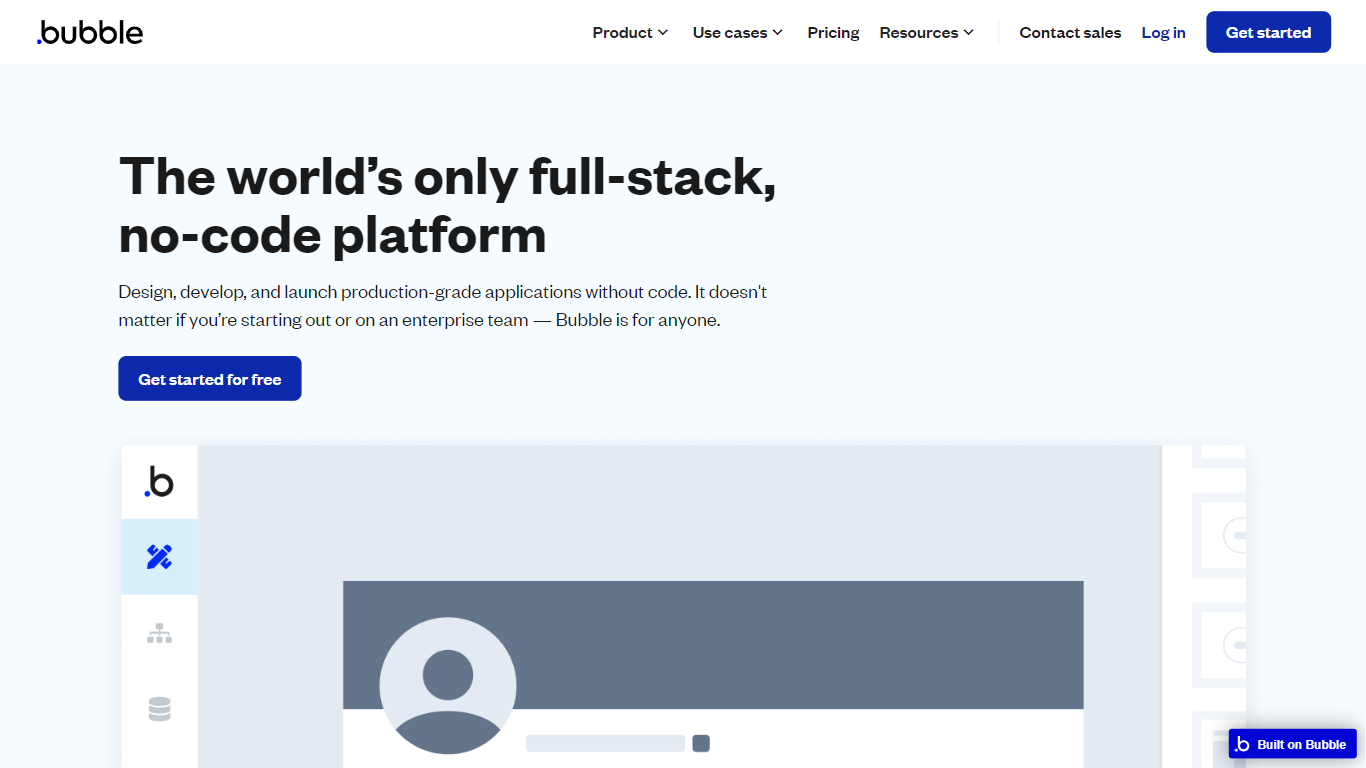

What is Bubble?
Bubble lets you build full-stack web and mobile applications without writing traditional code. Start from an AI prompt or a blank canvas, then switch to a visual editor to shape design, database structure, workflows, and privacy rules on one hosted platform.
Where AI coding tools hand you source files and leave deployment to you, Bubble keeps the entire stack in one place: UI, backend, hosting, and App Store publishing for native iOS and Android builds. That trade-off favors founders and teams who want production apps without stitching together a separate database, auth layer, and hosting provider.
Bubble fits startup founders validating an MVP, agencies building client apps, and enterprise teams spinning up internal tools or customer portals. The platform reports 6 million builders and 8 million apps created, with customers including Amazon, Unity, and Seagate using it for production workloads.
Textomap
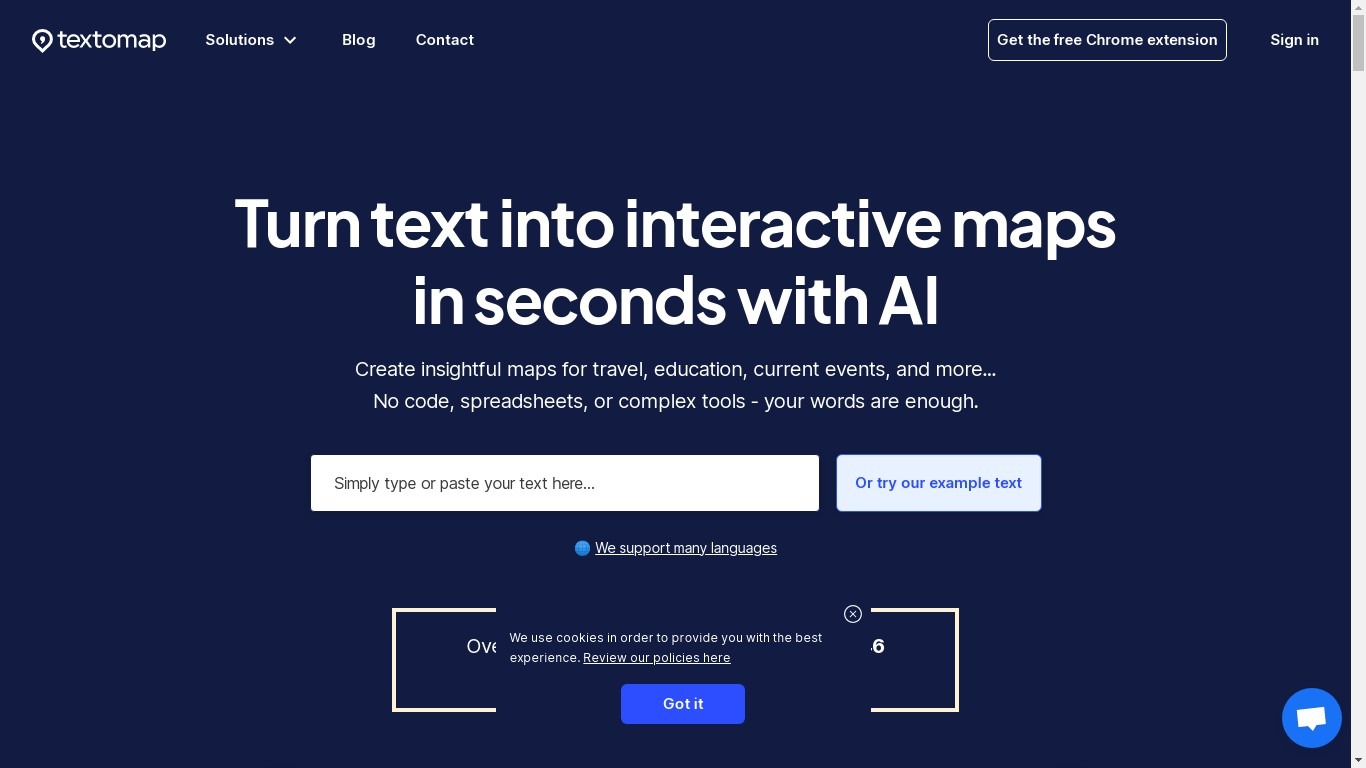
What is Textomap?
Textomap plots place names from articles, itineraries, class notes, and other written content onto interactive maps you can embed on a blog or share by link. Paste plain text, upload an image, drop in a URL, import a CSV, or ask a ChatGPT-style prompt, and the tool detects locations without opening a spreadsheet or GIS program.
Most mapping tools expect you to pin coordinates manually or clean address columns first. Textomap reads location names from your source material and builds the map automatically, then links Wikipedia entries and photos to each pin. It also ships a Chrome extension and WordPress plugin so you can generate maps from the page you are already reading.
Teachers use it to turn dense textbook passages into visual geography lessons, travel bloggers embed route maps in posts, and news writers add location context without sending readers to Google. The platform supports 28+ languages and works in mobile browsers with no app install.
Bubble Upvotes
Textomap Upvotes
Bubble Top Features
Switch between AI app generation and a drag-and-drop visual editor on the same project
Publish native iOS and Android apps from one platform alongside responsive web apps
Built-in database, workflow logic, API connector, and Stripe integrations without external backend setup
Free plan includes 50K workload units per month and one app editor for development
Growth plan adds premium version control with 10 custom branches and two-factor authentication
Marketplace with 8,000+ plugins plus templates for SaaS, marketplaces, and internal tools
Enterprise tier offers SOC 2 compliance, SSO, and custom hosting locations
Textomap Top Features
Creates maps from five input types: pasted text, images, website URLs, CSV files, and ChatGPT-style prompts
Free plan includes 10 locations per map and 3,000 characters of source text per map
Supports 28+ languages with automatic language detection on input
Chrome extension and WordPress plugin let you map content from pages you are already viewing
Exports maps to Google Maps or CSV, and embeds update when you edit the underlying text
Pro plan raises limits to 30,000 characters per map and 3,000 monthly map views
Bubble Category
- Social Media Assistant
Textomap Category
- Social Media Assistant
Bubble Pricing Type
- Freemium
Textomap Pricing Type
- Freemium