Textomap vs Engage AI
Explore the showdown between Textomap vs Engage AI and find out which AI Social Media Assistant tool wins. We analyze upvotes, features, reviews, pricing, alternatives, and more.
In a face-off between Textomap and Engage AI, which one takes the crown?
When we contrast Textomap with Engage AI, both of which are exceptional AI-operated social media assistant tools, and place them side by side, we can spot several crucial similarities and divergences. In the race for upvotes, Engage AI takes the trophy. The upvote count for Engage AI is 5, and for Textomap it's 3.
Want to flip the script? Upvote your favorite tool and change the game!
Textomap

What is Textomap?
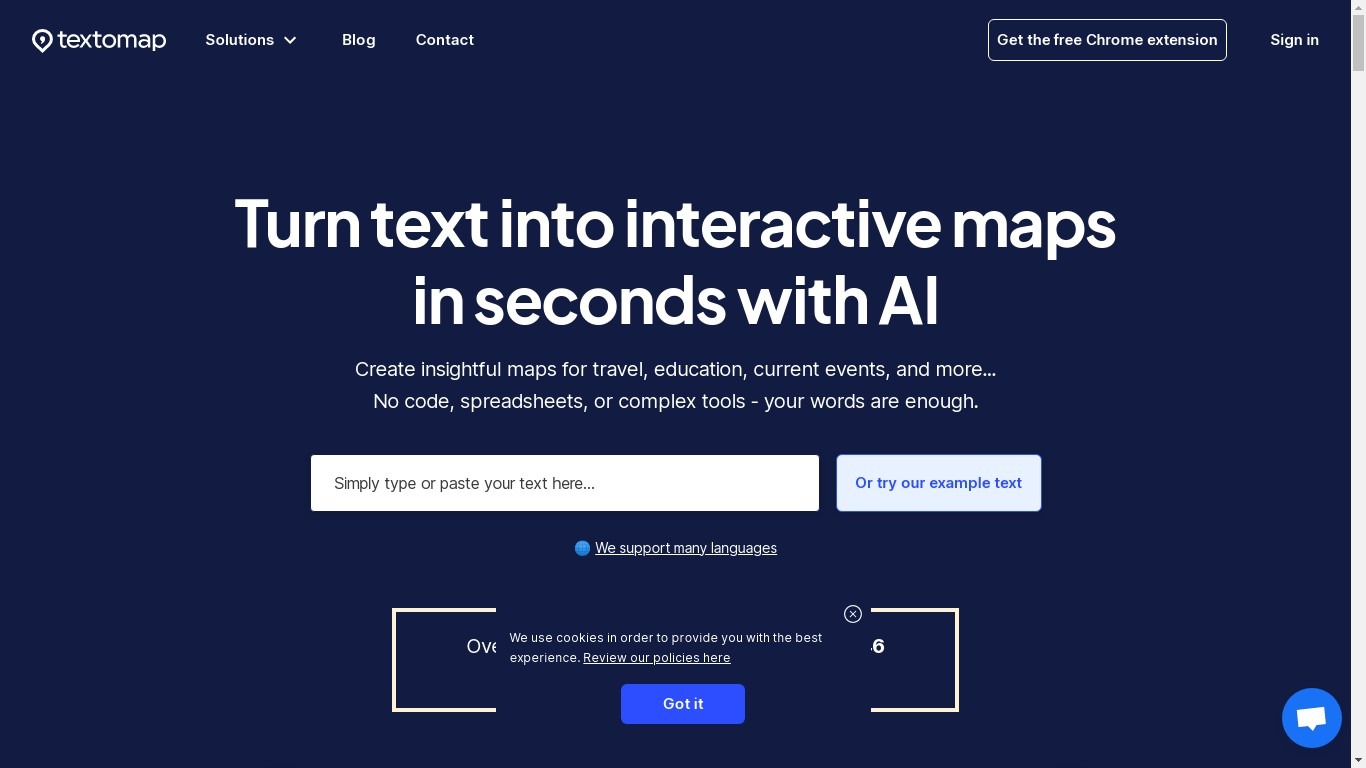
Textomap plots place names from articles, itineraries, class notes, and other written content onto interactive maps you can embed on a blog or share by link. Paste plain text, upload an image, drop in a URL, import a CSV, or ask a ChatGPT-style prompt, and the tool detects locations without opening a spreadsheet or GIS program.
Most mapping tools expect you to pin coordinates manually or clean address columns first. Textomap reads location names from your source material and builds the map automatically, then links Wikipedia entries and photos to each pin. It also ships a Chrome extension and WordPress plugin so you can generate maps from the page you are already reading.
Teachers use it to turn dense textbook passages into visual geography lessons, travel bloggers embed route maps in posts, and news writers add location context without sending readers to Google. The platform supports 28+ languages and works in mobile browsers with no app install.
Engage AI

What is Engage AI?
Engage AI is a social media assistant built around a LinkedIn Engagement Community and a Chrome extension for drafting comments. The community assigns 15 real comments from business owners and professionals to each post you submit, spread over five days using a 13-1-1 schedule. A separate browser extension generates AI comments on LinkedIn, Twitter/X, and Instagram when you click its floating button on a post.
Unlike automated engagement pods that recycle the same people, Engage AI randomly assigns your posts to 15 members from a larger pool so interactions look organic. You reciprocate by commenting on posts assigned to you during scheduled sessions on Monday, Wednesday, and Friday across APAC, Europe/UK, and US East Coast time zones.
Individual plans target solo professionals building personal brands on LinkedIn. Group plans at $250 per month let agencies, co-working spaces, and networking groups give unlimited clients their own community accounts. The Chrome extension offers a free tier with 10 generated comments and paid Pro plans for prospect monitoring and CRM integrations.
Textomap Upvotes
Engage AI Upvotes
Textomap Top Features
Creates maps from five input types: pasted text, images, website URLs, CSV files, and ChatGPT-style prompts
Free plan includes 10 locations per map and 3,000 characters of source text per map
Supports 28+ languages with automatic language detection on input
Chrome extension and WordPress plugin let you map content from pages you are already viewing
Exports maps to Google Maps or CSV, and embeds update when you edit the underlying text
Pro plan raises limits to 30,000 characters per map and 3,000 monthly map views
Engage AI Top Features
15 genuine comments per submitted post, staggered 13 on day 1, then 1 on day 3 and day 5
Individual plan includes up to 9 engagement sessions per week
Group plan at $250 per month covers unlimited client sub-accounts
Chrome extension generates comments on LinkedIn, Twitter/X, and Instagram
Random member allocation from a community pool to avoid repetitive pod patterns
Scheduled sessions run Monday, Wednesday, and Friday in three global time zones
Textomap Category
- Social Media Assistant
Engage AI Category
- Social Media Assistant
Textomap Pricing Type
- Freemium
Engage AI Pricing Type
- Paid