AID-Photo vs AI Image Upscaler on AI Image Enlarger
Explore the showdown between AID-Photo vs AI Image Upscaler on AI Image Enlarger and find out which AI Photo Editing tool wins. We analyze upvotes, features, reviews, pricing, alternatives, and more.
When comparing AID-Photo and AI Image Upscaler on AI Image Enlarger, which one rises above the other?
When we contrast AID-Photo with AI Image Upscaler on AI Image Enlarger, both of which are exceptional AI-operated photo editing tools, and place them side by side, we can spot several crucial similarities and divergences. Both tools are equally favored, as indicated by the identical upvote count. Be a part of the decision-making process. Your vote could determine the winner.
You don't agree with the result? Cast your vote to help us decide!
AID-Photo
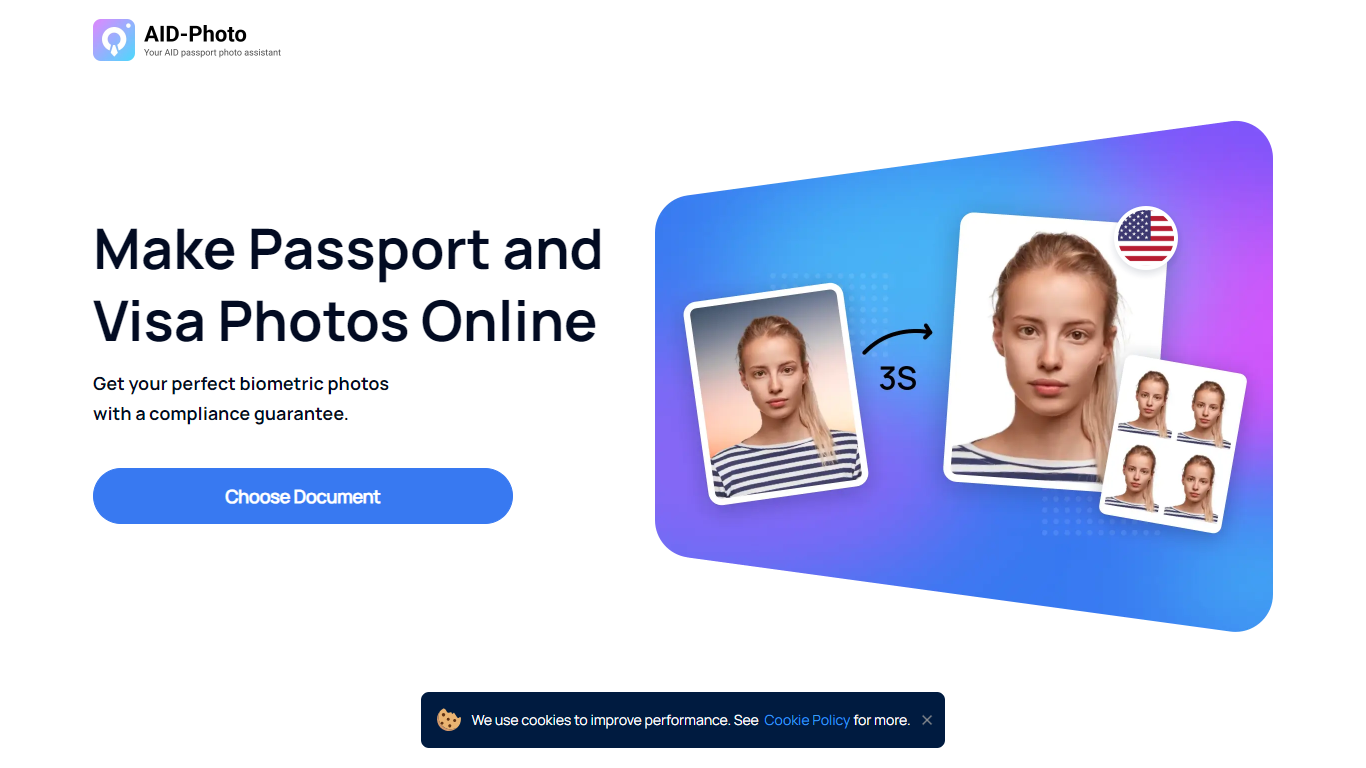

What is AID-Photo?
AID-Photo, also branded as AiPassportPhotos, is an online passport and visa photo maker from Alright Soft Inc. Upload a photo from your phone or camera, and the service crops it to official dimensions, checks compliance, and outputs a printable template you can use for government applications.
The site covers a long list of document types, including U.S. passport photos, USCIS photos, green card photos, baby passport photos, Canadian visa photos, and many other ID and visa formats. Each document page lists size specs, background rules, and common rejection reasons so you know what to fix before submitting.
The workflow is straightforward: upload an image, let the tool auto-crop to the right size, save a printable template, then print at a local store or submit digitally where allowed. The homepage FAQ notes the service can verify whether your photo meets requirements and suggest retakes when something is off.
It suits travelers, families, and anyone applying for passports, visas, or immigration documents who wants to skip the photo booth and handle the process at home.
AI Image Upscaler on AI Image Enlarger

What is AI Image Upscaler on AI Image Enlarger?
This Imglarger photo editing tool enlarges JPG, PNG, or WebP images to 2x or 4x resolution in your browser. You upload a file up to 10 MB and 1024 px wide, pick a scale factor, and the model sharpens edges and textures for 4K screens, product catalogs, or social posts. It handles portraits, AI art, anime frames, and product shots without installing desktop software.
Standard resize tools stretch pixels and leave blurry blocks. Imglarger's upscaler rebuilds detail with a focused workflow: upload, choose 200% or 400%, preview side by side, then download. You give up local batch power on the free tier and must trust cloud processing, though files auto-delete within six hours.
E-commerce teams batch-prepare catalog assets on paid plans. Digital artists upscale Midjourney or Stable Diffusion outputs, and photographers rescue compressed client files before print runs.
AID-Photo Upvotes
AI Image Upscaler on AI Image Enlarger Upvotes
AID-Photo Top Features
Upload a photo and get a cropped 2x2 inch passport image in seconds
Automatic compliance checks flag size, background, and pose issues before you submit
Background removal replaces busy scenes with plain white or off-white backdrops
Printable 4x6 templates you can take to Walmart, CVS, Walgreens, or Costco
Dozens of document presets from U.S. passports to USCIS, green card, and visa photos
AI Image Upscaler on AI Image Enlarger Top Features
Upscale images to 200% or 400% with a single upload step
Accepts JPG, PNG, and WebP files up to 10 MB and 1024 px input width
Preview upscaled output beside the original before downloading
Batch upscale multiple images on paid plans starting at $4.99 per month
Processed files are automatically deleted within six hours
Dedicated anime upscaler and enlarger tools live on the same Imglarger site
AID-Photo Category
- Photo Editing
AI Image Upscaler on AI Image Enlarger Category
- Photo Editing
AID-Photo Pricing Type
- Freemium
AI Image Upscaler on AI Image Enlarger Pricing Type
- Freemium