AID-Photo vs Profile Picture Maker By Picsart
When comparing AID-Photo vs Profile Picture Maker By Picsart, which AI Photo Editing tool shines brighter? We look at pricing, alternatives, upvotes, features, reviews, and more.
In a comparison between AID-Photo and Profile Picture Maker By Picsart, which one comes out on top?
When we put AID-Photo and Profile Picture Maker By Picsart side by side, both being AI-powered photo editing tools, The users have made their preference clear, Profile Picture Maker By Picsart leads in upvotes. Profile Picture Maker By Picsart has garnered 9 upvotes, and AID-Photo has garnered 6 upvotes.
You don't agree with the result? Cast your vote to help us decide!
AID-Photo

What is AID-Photo?
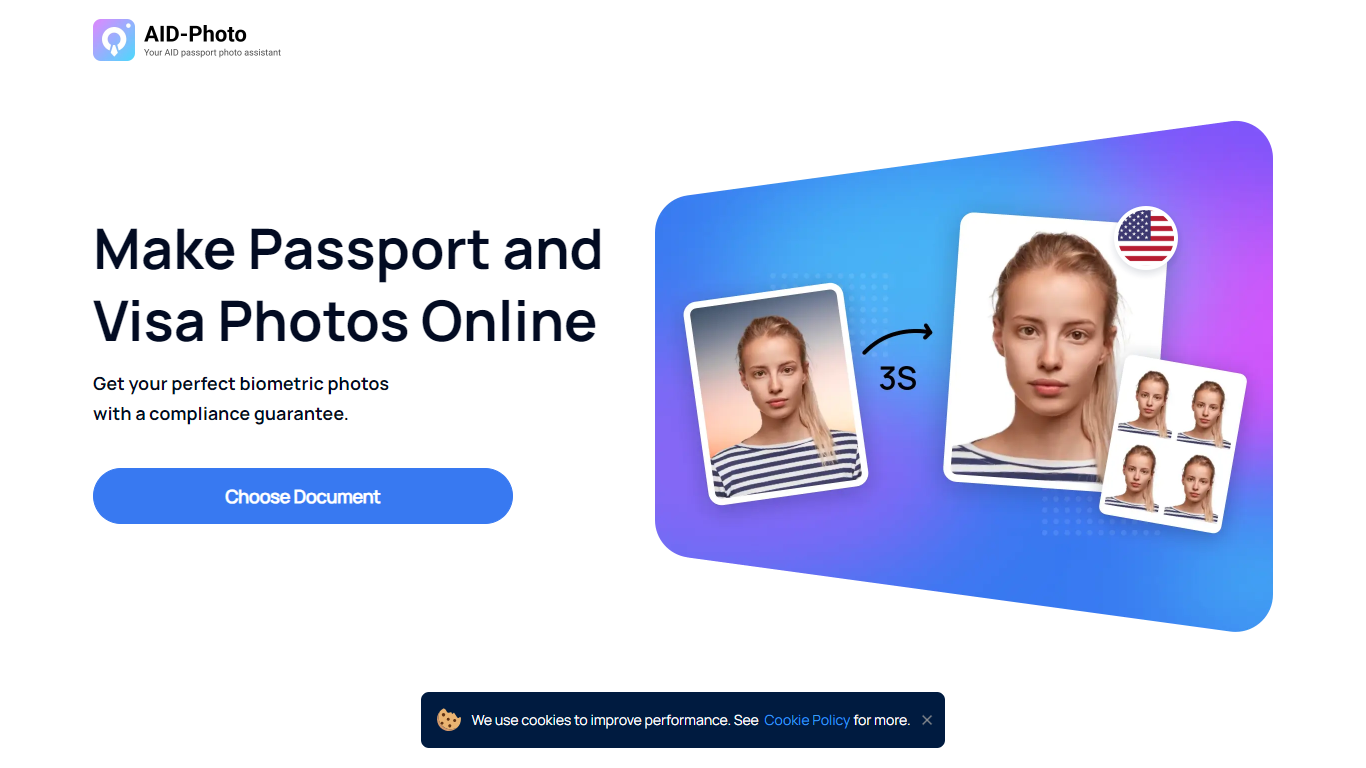
AID-Photo, also branded as AiPassportPhotos, is an online passport and visa photo maker from Alright Soft Inc. Upload a photo from your phone or camera, and the service crops it to official dimensions, checks compliance, and outputs a printable template you can use for government applications.
The site covers a long list of document types, including U.S. passport photos, USCIS photos, green card photos, baby passport photos, Canadian visa photos, and many other ID and visa formats. Each document page lists size specs, background rules, and common rejection reasons so you know what to fix before submitting.
The workflow is straightforward: upload an image, let the tool auto-crop to the right size, save a printable template, then print at a local store or submit digitally where allowed. The homepage FAQ notes the service can verify whether your photo meets requirements and suggest retakes when something is off.
It suits travelers, families, and anyone applying for passports, visas, or immigration documents who wants to skip the photo booth and handle the process at home.
Profile Picture Maker By Picsart

What is Profile Picture Maker By Picsart?
Profile Picture Maker By Picsart crops, reframes, and styles square avatars for social platforms inside the free Quicktools browser editor. You upload a photo, optionally swap the background, add borders or colors, then export preset sizes for Instagram, LinkedIn, Discord, and other networks.
Most avatar editors auto-remove backgrounds whether you want that or not. Picsart's version lets you keep or replace the backdrop, then rotate, scale, and position the subject before picking platform-specific dimensions like 400x400 for LinkedIn or 128x128 for Discord.
Creators refreshing Instagram, Zoom, or Slack avatars use it because it needs no account, stores no images, and advertises 1 to 2 minute results. The page rates 4.8 out of 5 from 51 reviews and sits inside Picsart's broader Quicktools suite launched in 2021.
AID-Photo Upvotes
Profile Picture Maker By Picsart Upvotes
AID-Photo Top Features
Upload a photo and get a cropped 2x2 inch passport image in seconds
Automatic compliance checks flag size, background, and pose issues before you submit
Background removal replaces busy scenes with plain white or off-white backdrops
Printable 4x6 templates you can take to Walmart, CVS, Walgreens, or Costco
Dozens of document presets from U.S. passports to USCIS, green card, and visa photos
Profile Picture Maker By Picsart Top Features
100% free profile picture editor with no sign-up required
Optional background removal or custom colored and patterned backdrops
Border and fine-tune controls for rotate, scale, and positioning
Preset export sizes for Instagram (320x320), LinkedIn (400x400), Discord (128x128), and more
Drag-and-drop upload with advertised 1 to 2 minute processing
No image storage policy stated on the tool page
4.8 star Quicktools rating from 51 reviews
AID-Photo Category
- Photo Editing
Profile Picture Maker By Picsart Category
- Photo Editing
AID-Photo Pricing Type
- Freemium
Profile Picture Maker By Picsart Pricing Type
- Free