Aikiu Studio vs Befront
Compare Aikiu Studio vs Befront and see which AI Design tool is better when we compare features, reviews, pricing, alternatives, upvotes, etc.
Which one is better? Aikiu Studio or Befront?
When we compare Aikiu Studio with Befront, which are both AI-powered design tools, Both tools have received the same number of upvotes from aitools.fyi users. Join the aitools.fyi users in deciding the winner by casting your vote.
Does the result make you go "hmm"? Cast your vote and turn that frown upside down!
Aikiu Studio
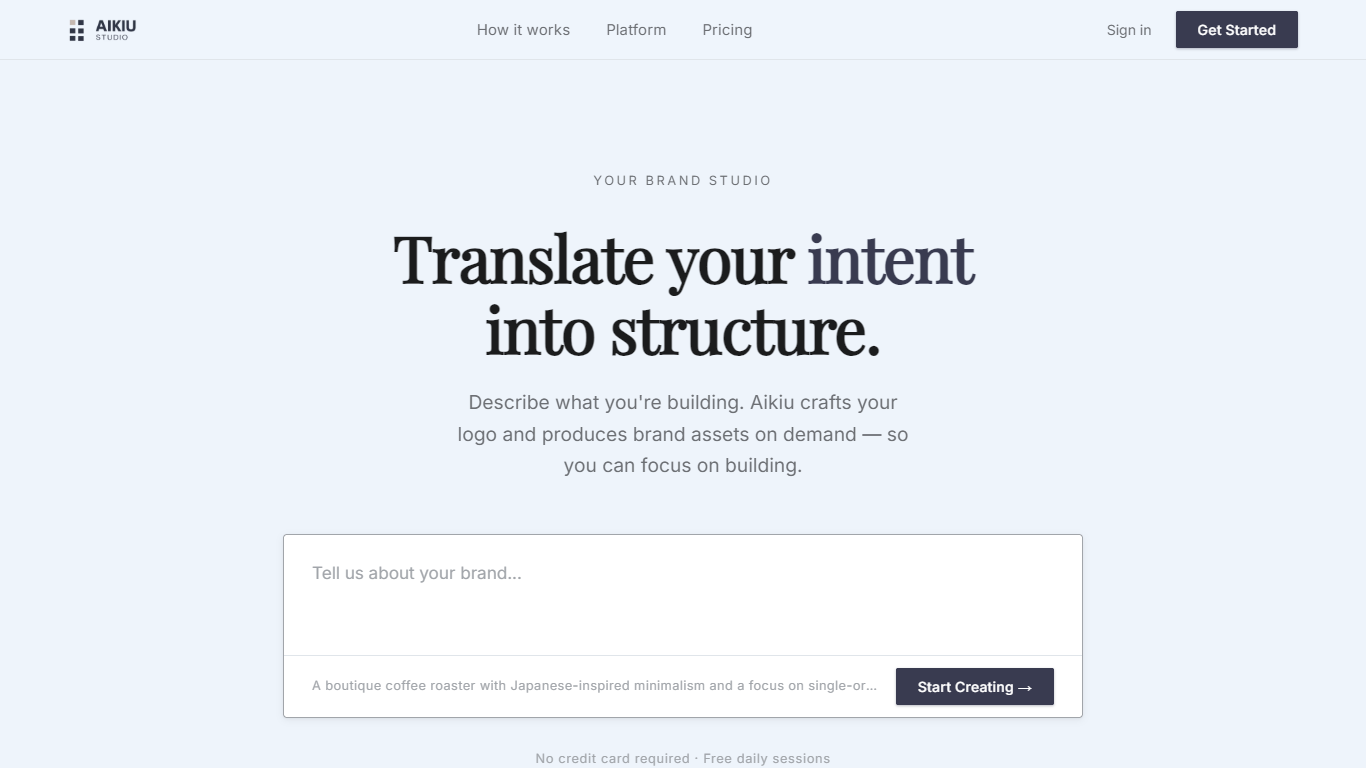

What is Aikiu Studio?
Aikiu Studio is a brand identity platform for founders who need a professional logo without hiring a designer. You describe your brand in plain language, and the tool generates a custom mark built from your brief rather than recycled templates.
The workflow moves from a short brand description to logo concepts you can refine in chat or in a visual editor. When you are ready, you can export production-ready files in SVG, PNG, and WEBP with transparent backgrounds, and commercial usage rights are included with a paid unlock.
Aikiu Studio is built by Gradient Insight and positions itself as the start of a broader identity system. A living brand profile and on-demand brand assets are listed as upcoming features beyond the logo generator.
Befront
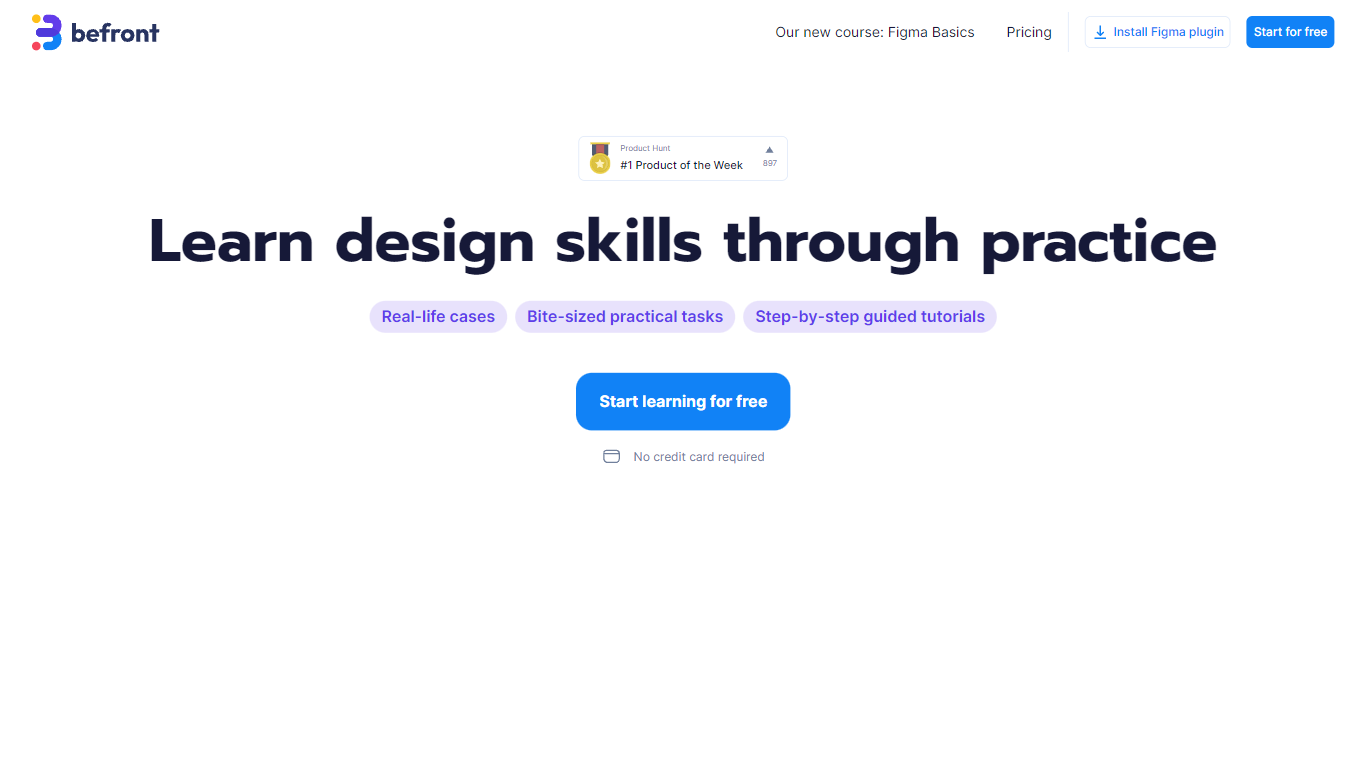
What is Befront?
Befront is a Figma Community plugin that works as a hands-on design trainer. You install it in Figma, pick a skill to train, and complete short UI tasks on real interfaces with instant feedback as you work. It focuses on practical layout and component work rather than passive theory.
Most design courses lean on video lectures that are easy to watch and hard to retain. Befront runs short drills you can finish in about five minutes, with topic picks like Auto Layout and components instead of a fixed syllabus. That makes it closer to a daily gym routine than a semester-long course.
The homepage positions Befront for designers who feel stuck in Figma, working designers who want more speed, and career switchers learning UX/UI from scratch. Developers, product managers, founders, and marketers who need to work confidently in Figma are also called out in the FAQ.
You track progress over time, compete with other designers, and can try design mini-games for quick interactive practice. A free trial offers access to trial lessons, while paid plans start at $11 per week or $30 per month for full access.
Aikiu Studio Upvotes
Befront Upvotes
Aikiu Studio Top Features
Describe your brand in a few sentences and get logo concepts tailored to that brief
Refine typography, icons, colors, and layout through chat or a direct editor
Start free with 10 daily credits and preview work before you pay to unlock
Unlock one finished logo for with SVG, PNG, JPG, and WEBP exports
Buy credit packs when you need more generations or refinements beyond the daily free allowance
Befront Top Features
Daily drills you can finish in about five minutes with instant feedback inside Figma
Monthly plan at $30 per month or Weekly plan at $11 per week for full access to all content
Topic-specific training for Auto Layout, components, and other job-ready Figma skills
Design mini-games for quick interactive practice on real interfaces
Free Trial at $0 with access to trial lessons inside the Figma plugin
Aikiu Studio Category
- Design
Befront Category
- Design
Aikiu Studio Pricing Type
- Freemium
Befront Pricing Type
- Freemium