
Last updated 08-30-2026
Category:
Reviews:
Join thousands of AI enthusiasts in the World of AI!
Befront
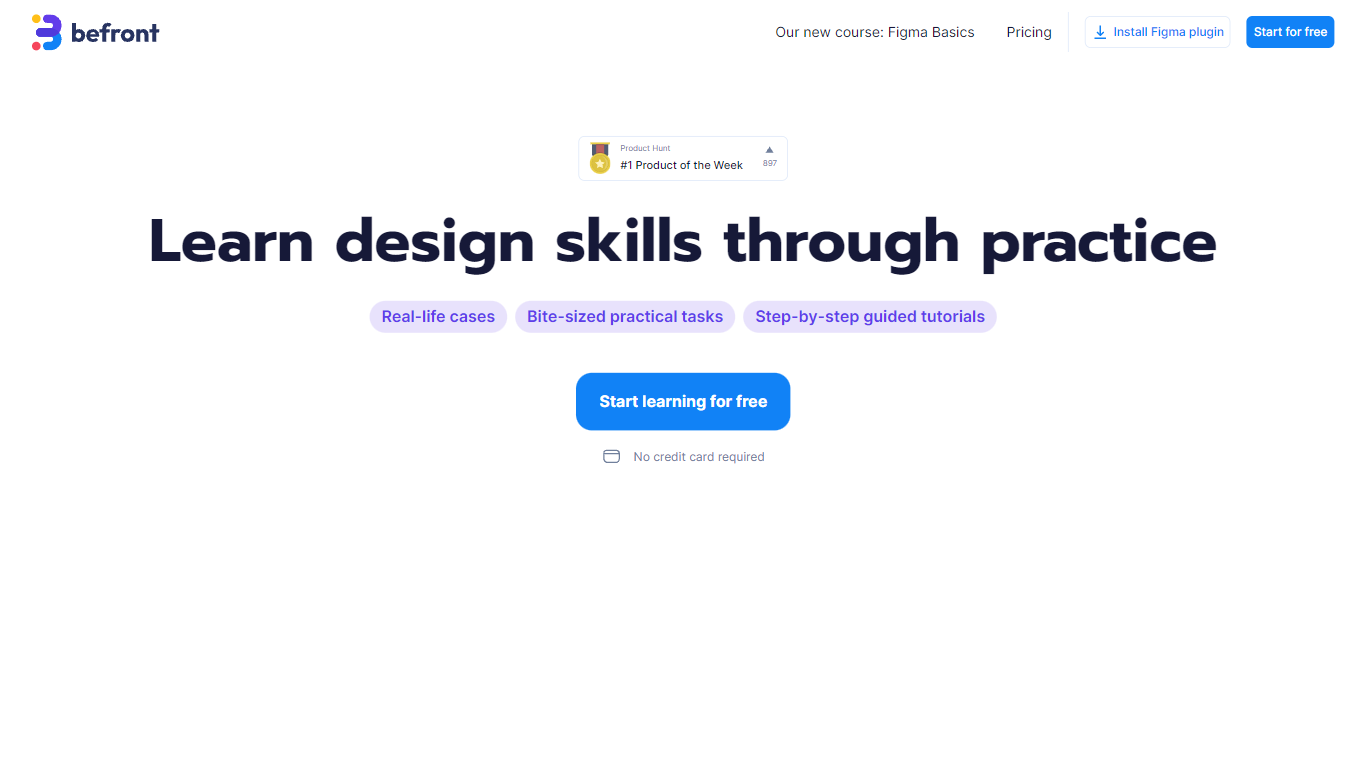
Befront is a Figma Community plugin that works as a hands-on design trainer. You install it in Figma, pick a skill to train, and complete short UI tasks on real interfaces with instant feedback as you work. It focuses on practical layout and component work rather than passive theory.
Most design courses lean on video lectures that are easy to watch and hard to retain. Befront runs short drills you can finish in about five minutes, with topic picks like Auto Layout and components instead of a fixed syllabus. That makes it closer to a daily gym routine than a semester-long course.
The homepage positions Befront for designers who feel stuck in Figma, working designers who want more speed, and career switchers learning UX/UI from scratch. Developers, product managers, founders, and marketers who need to work confidently in Figma are also called out in the FAQ.
You track progress over time, compete with other designers, and can try design mini-games for quick interactive practice. A free trial offers access to trial lessons, while paid plans start at $11 per week or $30 per month for full access.
Daily drills you can finish in about five minutes with instant feedback inside Figma
Monthly plan at $30 per month or Weekly plan at $11 per week for full access to all content
Topic-specific training for Auto Layout, components, and other job-ready Figma skills
Design mini-games for quick interactive practice on real interfaces
Free Trial at $0 with access to trial lessons inside the Figma plugin
Practice happens inside Figma with instant feedback, so you build muscle memory instead of watching videos.
Sessions can be as short as five minutes, which makes daily practice easier to stick with.
You can focus on specific topics like Auto Layout or components instead of a fixed course path.
A free trial lets you explore the format before paying for full access.
Requires Figma; there is no standalone web app for the training itself.
Paid plans are subscription-only at $11 per week or $30 per month with no one-time purchase listed.
Content is centered on Figma UI practice, not broader UX research or strategy workflows.
Do I need Figma experience to use Befront?
No. Befront adapts to your level, including complete beginners. You learn step by step by doing tasks inside Figma rather than watching long lessons.
Is Befront only for professional designers?
No. Befront targets developers, product managers, founders, marketers, and career switchers who want to work more confidently in Figma, not just professional designers.
Is Befront an online video course?
No. Befront is a practice trainer inside Figma with hands-on tasks and instant feedback, not long-form video theory or lectures.
How much does Befront cost?
Befront offers a Free Trial at $0 per month for trial lessons, a Monthly plan at $30 per month, and a Weekly plan at $11 per week. Paid plans include full access and all new content.
How much time does Befront take each day?
Befront drills can take as little as five minutes a day. Each session is short and focused, and you choose the pace from quick warm-ups to deeper practice.
Can I cancel a Befront subscription anytime?
Yes. Befront lets you cancel your subscription anytime with no questions asked, according to the homepage FAQ.
Does Befront work if I only want Auto Layout or Components?
Yes. Befront lets you pick specific topics and train only the skills you need, including Auto Layout and components.