Sizzlepop.ai vs Befront
Compare Sizzlepop.ai vs Befront and see which AI Design tool is better when we compare features, reviews, pricing, alternatives, upvotes, etc.
Which one is better? Sizzlepop.ai or Befront?
When we compare Sizzlepop.ai with Befront, which are both AI-powered design tools, Interestingly, both tools have managed to secure the same number of upvotes. You can help us determine the winner by casting your vote and tipping the scales in favor of one of the tools.
Don't agree with the result? Cast your vote and be a part of the decision-making process!
Sizzlepop.ai
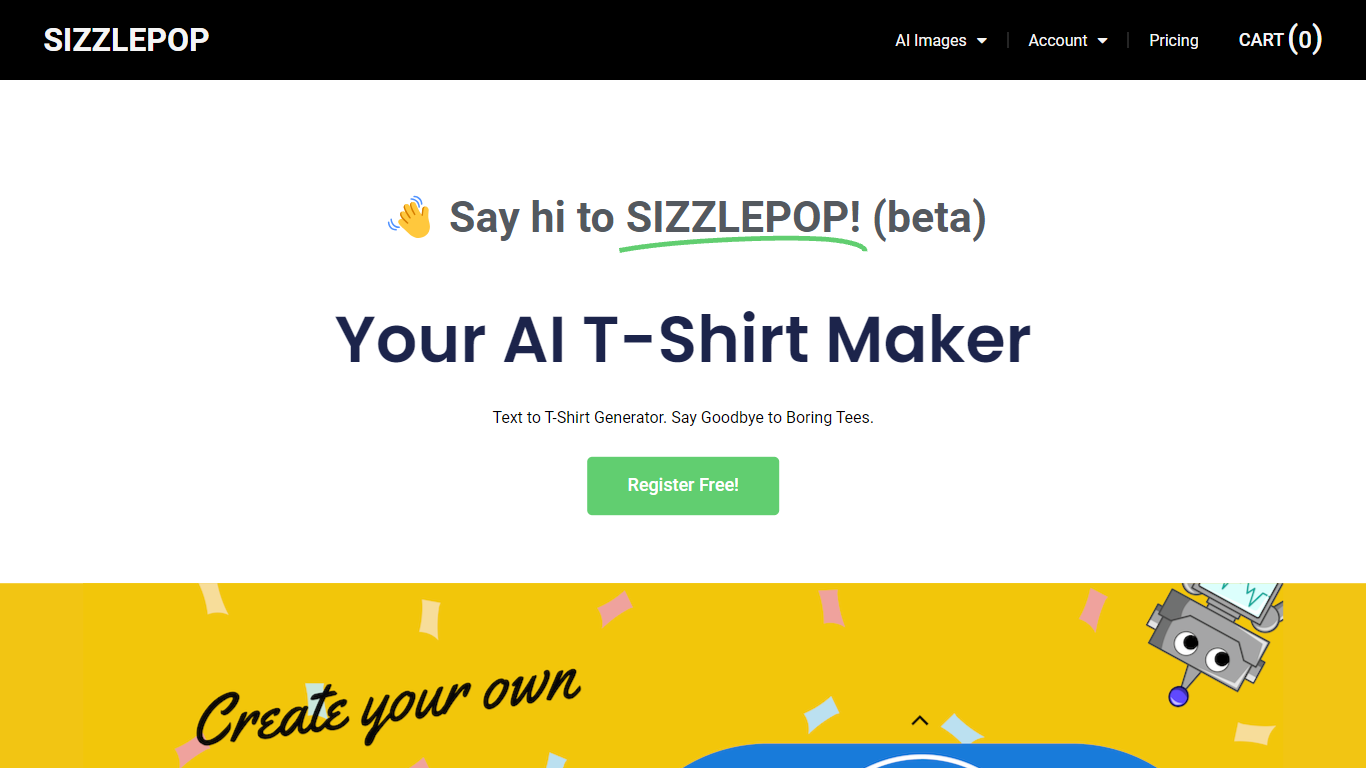

What is Sizzlepop.ai?
Sizzlepop.ai turns a short text prompt into artwork you can preview on t-shirts, mugs, phone cases, posters, and other merch. You type what you want in plain English, pick a style preset like retro screenprint or kawaii sticker, and get a draft in about three seconds. Free drafts need no signup to start, though watermarked 512px previews clear up when you buy the file or a printed product.
Where standalone image generators stop at a download link, Sizzlepop.ai runs the full loop: generate, mock up on real products, checkout, and US printing with free shipping. It also publishes a weekly trending-niche page and side-by-side comparisons of other AI merch tools, which is unusual for a product that sells its own prints. The trade-off is that print-quality modes and vector output sit behind the $12 per month Pro plan, and free tiers cap you at five drafts per day.
Gift shoppers, casual creators, and small merch sellers use it when they want a one-off tee or mug without opening Photoshop or juggling a separate print-on-demand vendor. Popular niches on the site include pickleball humor, retro national parks, and teacher-era designs, with prompts you can remix from a public gallery wall.
Befront
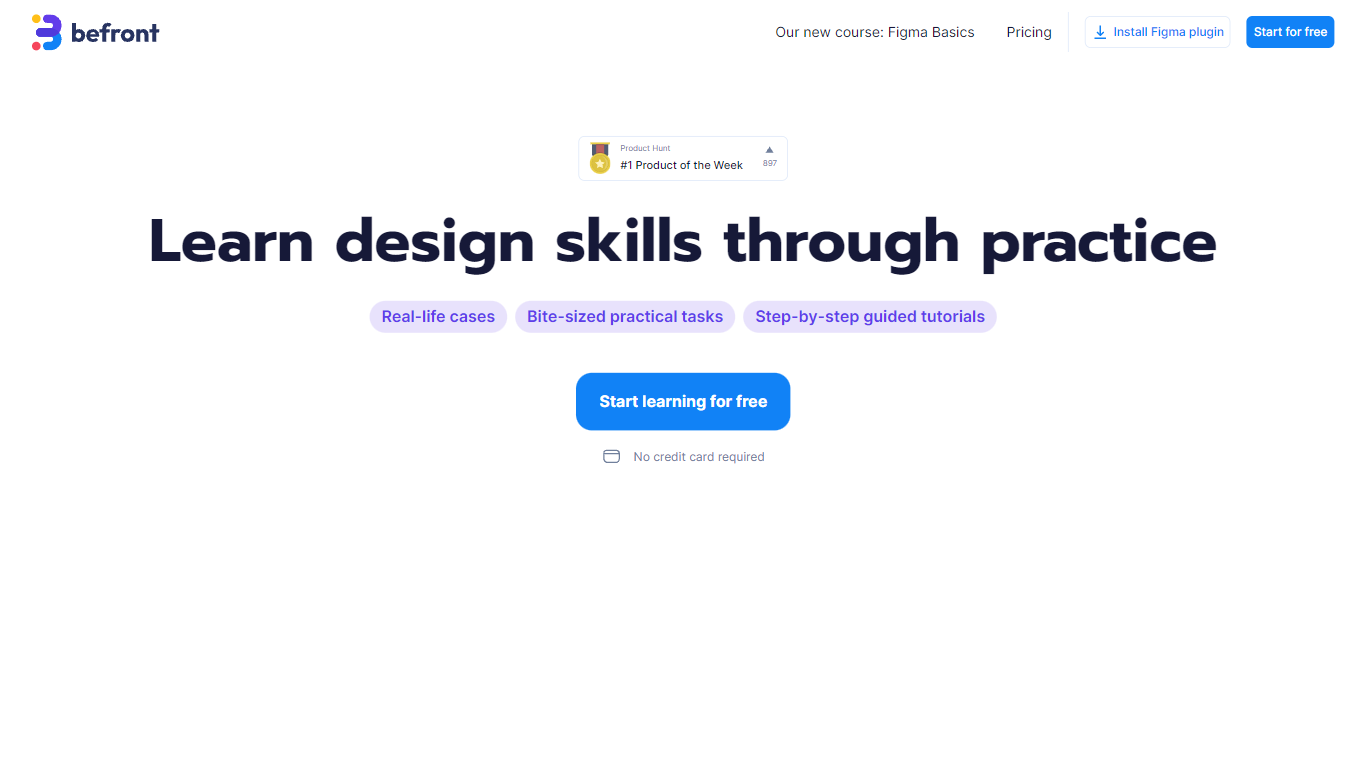
What is Befront?
Befront is a Figma Community plugin that works as a hands-on design trainer. You install it in Figma, pick a skill to train, and complete short UI tasks on real interfaces with instant feedback as you work. It focuses on practical layout and component work rather than passive theory.
Most design courses lean on video lectures that are easy to watch and hard to retain. Befront runs short drills you can finish in about five minutes, with topic picks like Auto Layout and components instead of a fixed syllabus. That makes it closer to a daily gym routine than a semester-long course.
The homepage positions Befront for designers who feel stuck in Figma, working designers who want more speed, and career switchers learning UX/UI from scratch. Developers, product managers, founders, and marketers who need to work confidently in Figma are also called out in the FAQ.
You track progress over time, compete with other designers, and can try design mini-games for quick interactive practice. A free trial offers access to trial lessons, while paid plans start at $11 per week or $30 per month for full access.
Sizzlepop.ai Upvotes
Befront Upvotes
Sizzlepop.ai Top Features
5 free AI drafts per day (30 per day with a free account), delivered as 512px watermarked previews
$9 one-time file unlocks a ~4000px transparent PNG at ~300 DPI with no watermark
Pro plan at $12 per month includes 150 print-quality generations and unlimited 1024px drafts
Style presets include Retro screenprint, Line art, Cute sticker, Watercolor, and Streetwear
Preview designs on tees, mugs, phone cases, posters, stickers, and puzzles before checkout
US printing with free shipping; orders arrive in about 5 to 8 business days
Befront Top Features
Daily drills you can finish in about five minutes with instant feedback inside Figma
Monthly plan at $30 per month or Weekly plan at $11 per week for full access to all content
Topic-specific training for Auto Layout, components, and other job-ready Figma skills
Design mini-games for quick interactive practice on real interfaces
Free Trial at $0 with access to trial lessons inside the Figma plugin
Sizzlepop.ai Category
- Design
Befront Category
- Design
Sizzlepop.ai Pricing Type
- Freemium
Befront Pricing Type
- Freemium